


Video Downloader - Downloader
Play on PC with BlueStacks – the Android Gaming Platform, trusted by 500M+ gamers.

Page Modified on: Jul 25, 2026
Main Video Downloader - Downloader on PC
Features:
* Download Multiple Videos in one platform
* = It Allows you to save all videos
* = Friendly User Interface
* = All download formats supported, MP3, M4A, MP4, M4V, MOV, AVI, WMV, DOC, XLS, PDF, TXT, etc
* = Get Millions of Video in HD quality on Just One Click.
* = Download anything just by URL.
* = Fast Downloading Speed
* = Neat and clean UI.
* = Show Downloading process
* = High-quality videotube downloader
* = Large file supported
* = Download video with no limitation
* = Download video tube file in the background
* = Download Videos without WaterMark
* = Fast download video from Facebook/Instagram/Twitter/Tiktok/TopBuzz/Pinterest/IGTV
To download a video, simply copy the video URL and paste it into the app. The app will guide you through the process step-by-step, so you don't have to worry about getting lost or confused.
Download Video Downloader - Downloader Any Video today and start enjoying your favorite videos offline!
Disclaimer:
Our app does not support or allow the downloading of YouTube videos. This is because it is against YouTube's terms and conditions and is avoided by Google.
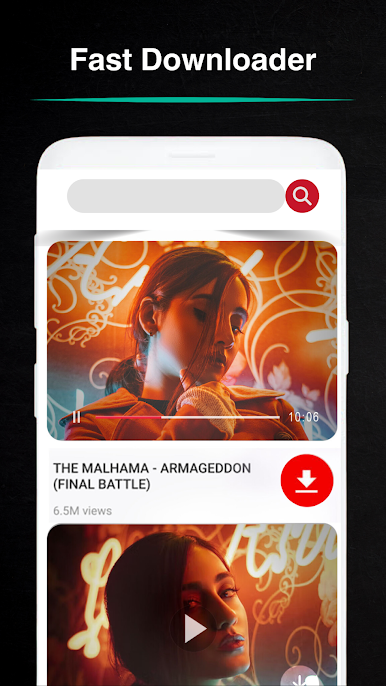
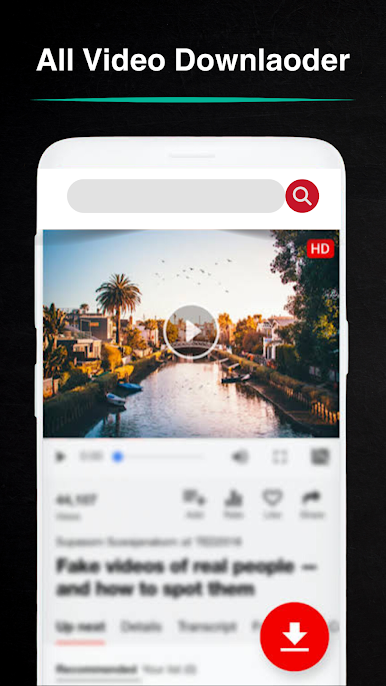
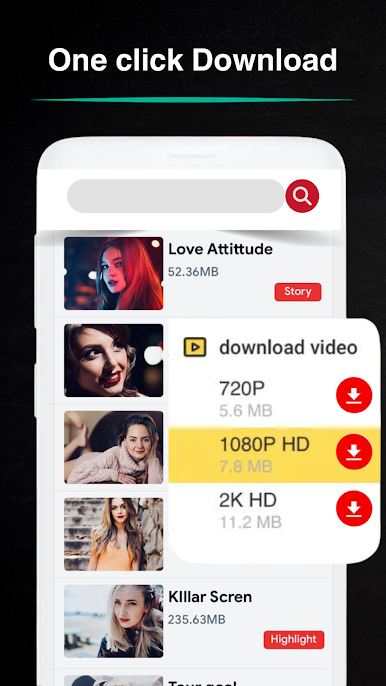
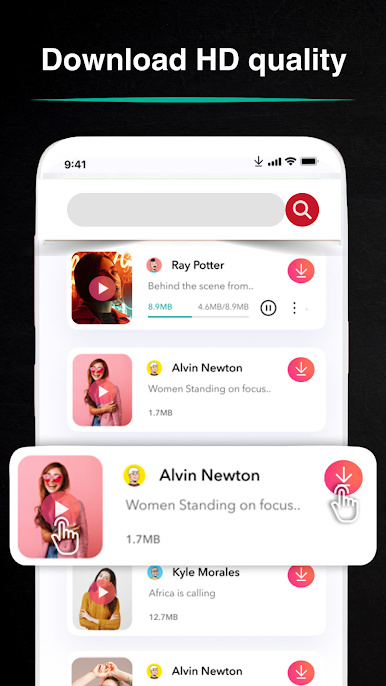
Play Video Downloader - Downloader on PC. It’s easy to get started.
-
Download and install BlueStacks on your PC
-
Complete Google sign-in to access the Play Store, or do it later
-
Look for Video Downloader - Downloader in the search bar at the top right corner
-
Click to install Video Downloader - Downloader from the search results
-
Complete Google sign-in (if you skipped step 2) to install Video Downloader - Downloader
-
Click the Video Downloader - Downloader icon on the home screen to start playing

