


Marblebound
Play on PC with BlueStacks – the Android Gaming Platform, trusted by 500M+ gamers.

Page Modified on: Oct 22, 2026
Play Marblebound on PC or Mac
Bring your A-game to Marblebound, the Arcade game sensation from HoopTech Games. Give your gameplay the much-needed boost with precise game controls, high FPS graphics, and top-tier features on your PC or Mac with BlueStacks.
About the Game
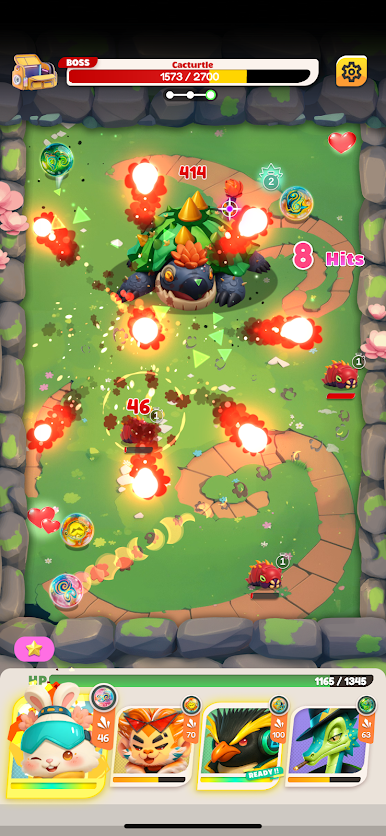
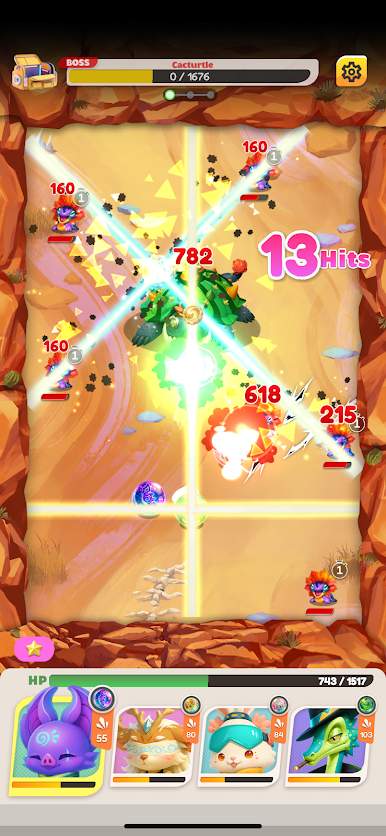
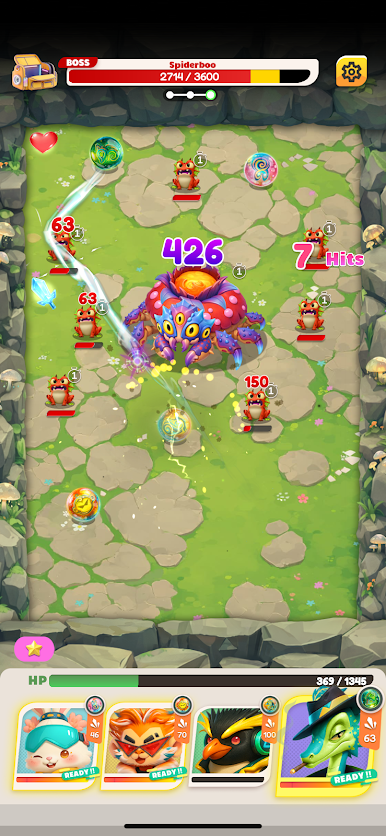
Marblebound is a physics-first Arcade adventure where every shot matters and the ground beneath you never quite sits still. You guide a team of quirky heroes who channel their spirits into powerful Marbles, then fire them into shifting arenas to break through corrupted foes and steady a world that’s coming apart. Prefer a bigger view while you play? It runs smoothly on BlueStacks.
Game Features
- Spirit Marbles: Heroes manifest their will into Marbles—sturdy, hard-hitting projectiles that slice through chaos and keep the battlefield grounded.
- Pick-up-and-aim controls: Drag to line up your shot, read the arc, and launch one Marble per turn for precise, satisfying hits and clever bank shots.
- Bounce and Pierce types: Choose between a ricochet-happy Bounce Marble for trick angles or a straight-shooting Pierce Marble that tunnels through enemies and obstacles.
- Resonance combos: Ram your active Marble into a teammate’s waiting Marble to trigger tag-team skills that burst, burn, or control the board in style.
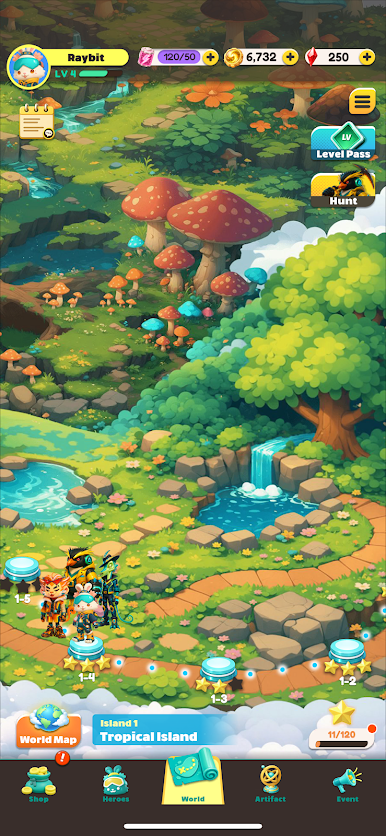
- Shifting islands: Stages play out across drifting fragments of land, so layouts feel alive, unpredictable, and tailor-made for creative angles.
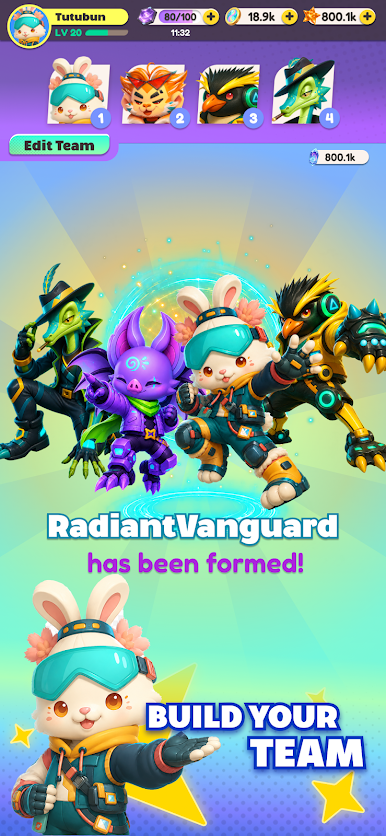
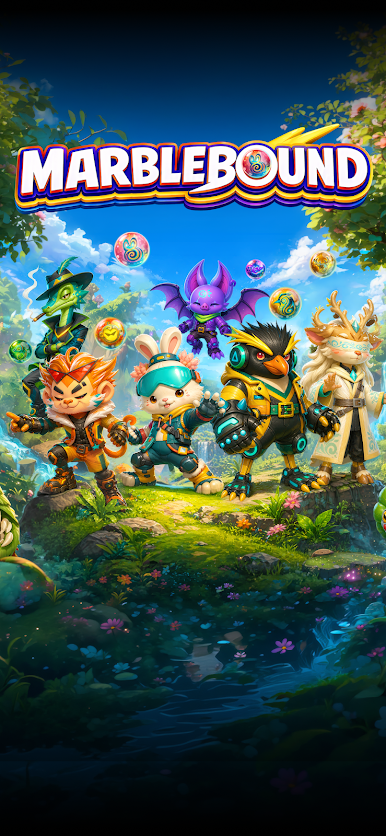
- Heroes you’ll actually use: Build a squad with distinct personalities and play styles—like the upbeat firestarter Raybit or the crafty trickster bat Batrix—and sync their kits for smart setups.
- Artifacts and Fusion: Equip Artifacts to tweak stats and behaviors, then fuse them to push your build further and unlock fresh lines, routes, and reactions.
- Play it your way: Experiment with team comps, timing, and shot types to discover new solutions, beat tougher challenges, and keep runs feeling fresh.
Start playing Marblebound on BlueStacks and get a smoother, more comfortable PC or Mac setup.









Play Marblebound on PC. It’s easy to get started.
-
Download and install BlueStacks on your PC
-
Complete Google sign-in to access the Play Store, or do it later
-
Look for Marblebound in the search bar at the top right corner
-
Click to install Marblebound from the search results
-
Complete Google sign-in (if you skipped step 2) to install Marblebound
-
Click the Marblebound icon on the home screen to start playing

