
Huawei Mobile Services
Play on PC with BlueStacks – the Android Gaming Platform, trusted by 500M+ gamers.

Page Modified on: Nov 15, 2026
Overview
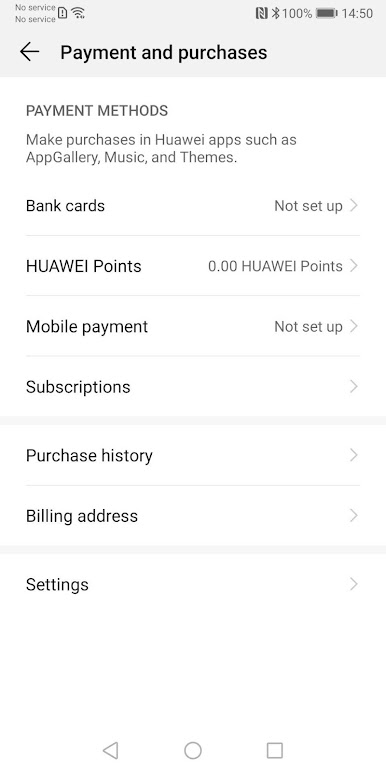
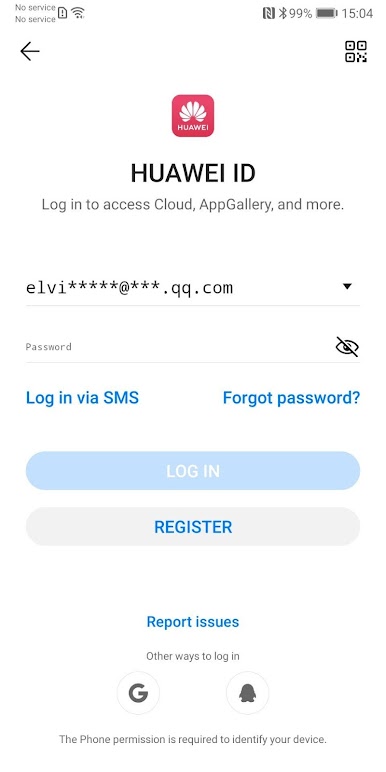
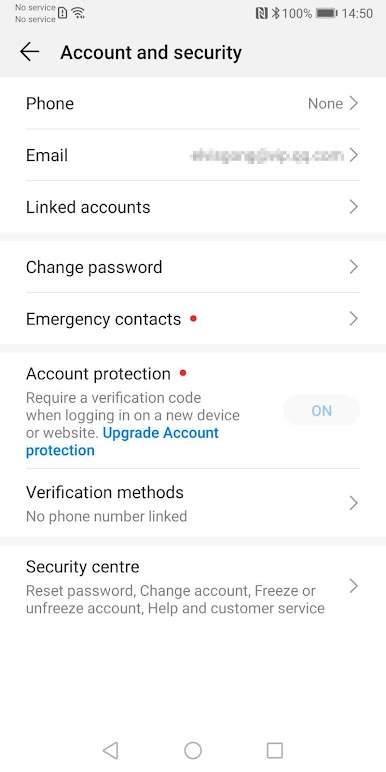
A Huawei ID is required to access all services, including Themes, Mobile Cloud, HiCare, Phone Clone, Huawei Wear, Huawei Health and many more (availability varies by region).
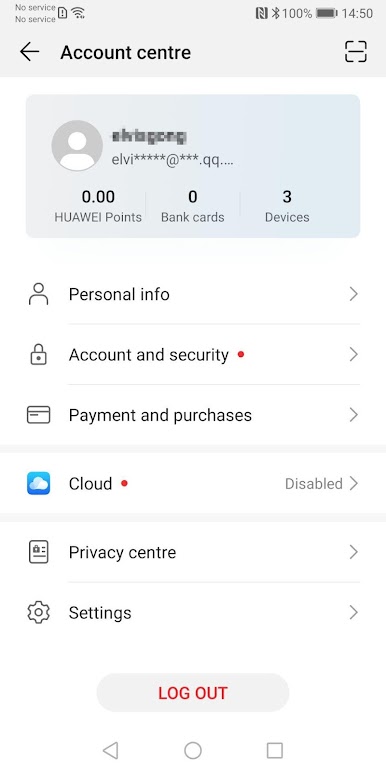
Users can register a Huawei ID during the application’s first use. Go to Settings > Huawei ID to manage your account and update personal information.
Play Huawei Mobile Services on PC. It’s easy to get started.
-
Download and install BlueStacks on your PC
-
Complete Google sign-in to access the Play Store, or do it later
-
Look for Huawei Mobile Services in the search bar at the top right corner
-
Click to install Huawei Mobile Services from the search results
-
Complete Google sign-in (if you skipped step 2) to install Huawei Mobile Services
-
Click the Huawei Mobile Services icon on the home screen to start playing