

Noisy Zoo: My Voice Animals
Play on PC with BlueStacks – the Android Gaming Platform, trusted by 500M+ gamers.

Page Modified on: Mar 26, 2026
Play Noisy Zoo: My Voice Animals on PC or Mac
Noisy Zoo: My Voice Animals brings the Casual genre to life, and throws up exciting challenges for gamers. Developed by Amobear Game Publishing, this Android game is best experienced on BlueStacks, the World’s #1 app player for PC and Mac users.
About the Game
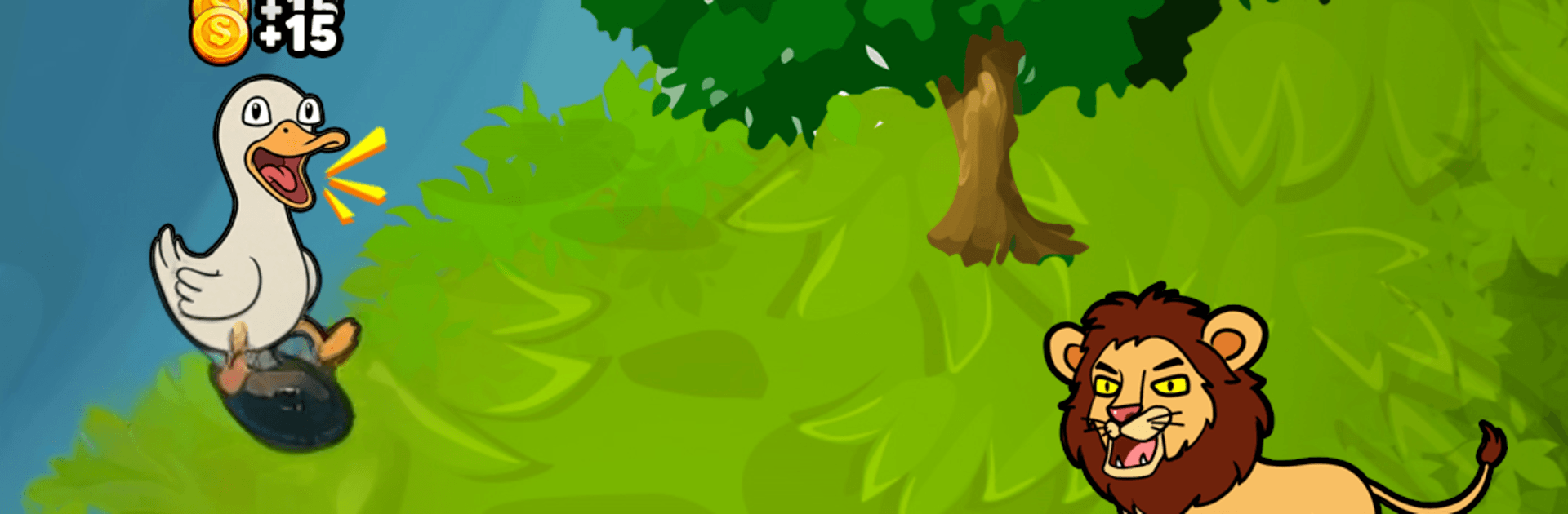
Noisy Zoo: My Voice Animals is a playful sound toy where your voice turns into a chorus of chattering critters. Talk, sing, whisper, or make the weirdest noise you can think of—then watch the animals repeat it with their own silly twist. It’s a light, low-pressure Casual experience from Amobear Game Publishing that’s all about experimenting, collecting cute creatures, and cracking up at the results. Prefer playing on PC? It runs smoothly on BlueStacks, too.
Game Features
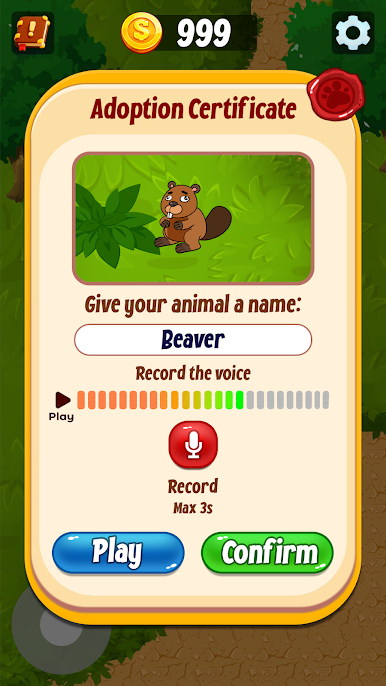
- Your voice, their chatter: Record anything—words, beats, squeaks—and the animals mimic you in funny, unexpected ways.
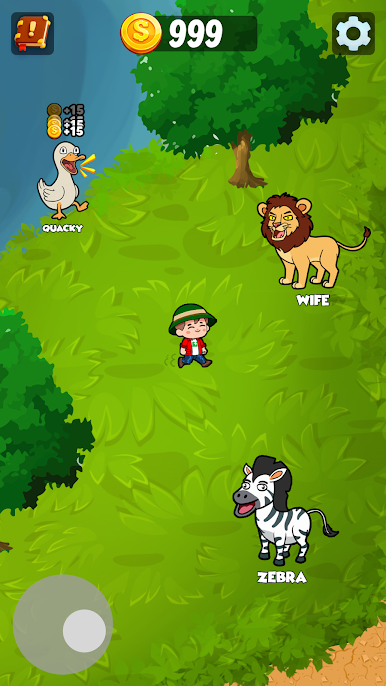
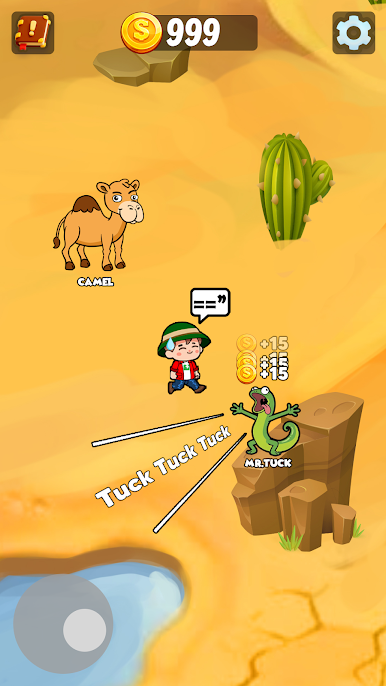
- Explore the zoo: Stroll through enclosures to meet new species, each with its own charming personality and sound style.
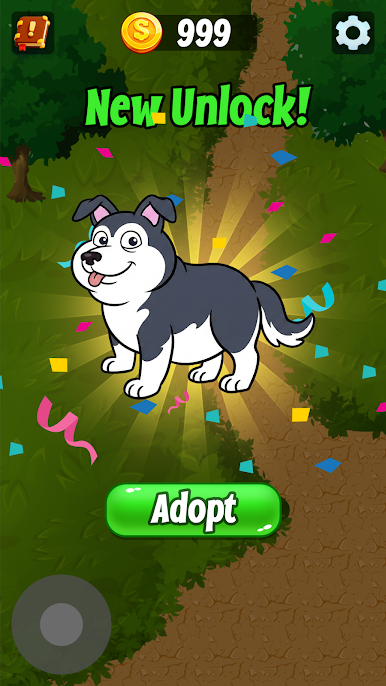
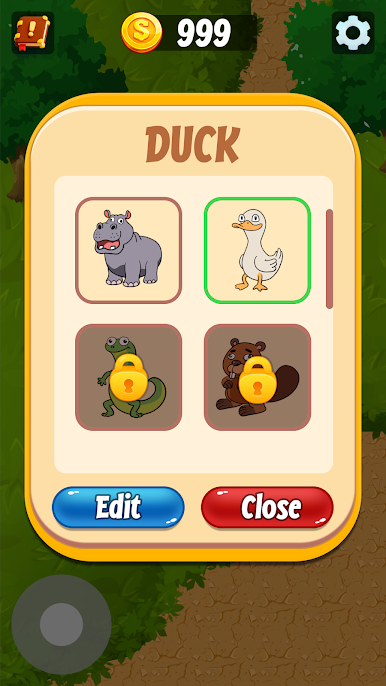
- Earn and unlock: Every time the animals echo you, you earn coins. Use those coins to bring more adorable residents into your zoo.
- Endless sound experiments: Try different tones, rhythms, and goofy noises to discover combinations that make you laugh.
- Relaxing, no pressure: Enjoy a laid-back pace that works for quick breaks or longer chill sessions.
- Fun for all ages: Simple controls and a friendly vibe make it easy for anyone to jump in and play.
- A zoo that sounds like you: Because every voice is different, your collection ends up feeling totally personal.
- Share-worthy moments: Create hilarious audio loops you’ll want to show friends—yes, even that chaotic penguin chorus.
Ready to top the leaderboard? We bet you do. Let precise controls and sharp visuals optimized on BlueStacks lead you to victory.

Play Noisy Zoo: My Voice Animals on PC. It’s easy to get started.
-
Download and install BlueStacks on your PC
-
Complete Google sign-in to access the Play Store, or do it later
-
Look for Noisy Zoo: My Voice Animals in the search bar at the top right corner
-
Click to install Noisy Zoo: My Voice Animals from the search results
-
Complete Google sign-in (if you skipped step 2) to install Noisy Zoo: My Voice Animals
-
Click the Noisy Zoo: My Voice Animals icon on the home screen to start playing

