


Noisy Zoo: My Voice Animals
Play on PC with BlueStacks – the Android Gaming Platform, trusted by 500M+ gamers.

Page Modified on: Mar 26, 2026
Main Noisy Zoo: My Voice Animals on PC
How to Play
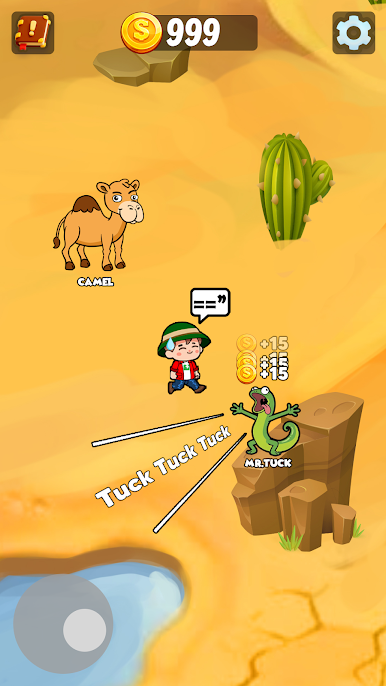
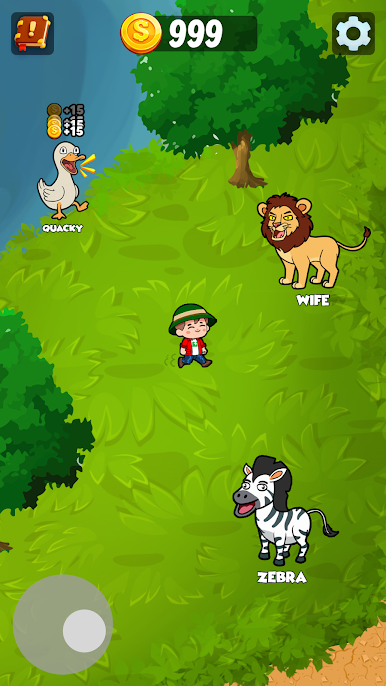
- Explore the zoo and discover different animals
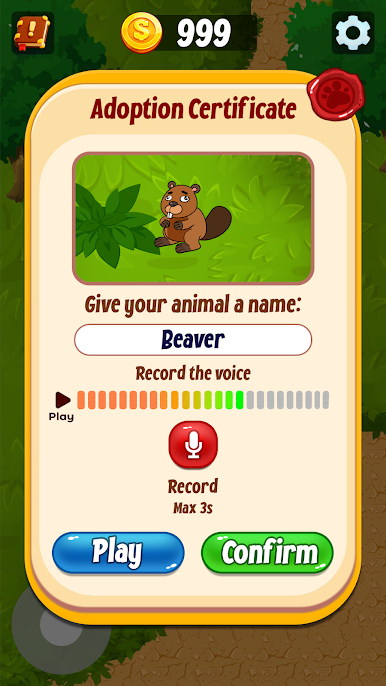
- Record your voice when you get close to them.
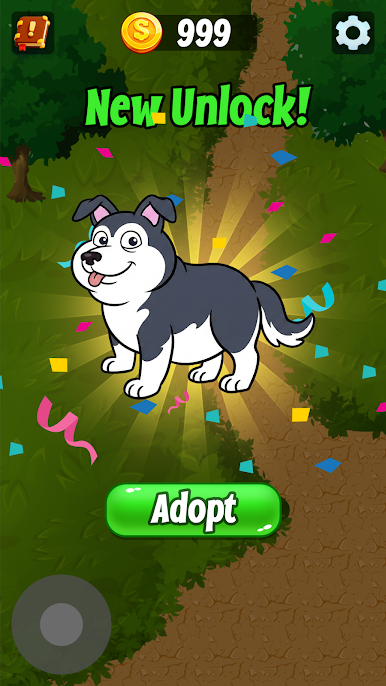
- Earn coins each time animals repeat your sound.
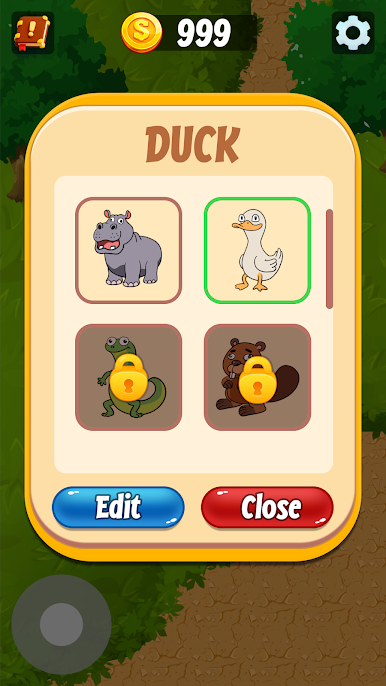
- Use those coins to unlock more animals.
🐾 Why You'll Love Noisy Zoo:
- Turn your voice into surprising talking animals.
- Discover many funny sound combinations.
- Earn coins and unlock tons of adorable creatures.
- Relaxing fun for all ages.
- Perfect for short breaks or long chill sessions.
Each zoo is completely unique because every player sounds different. Only your voice can bring these animals to life. Let's make some noise and see how ridiculous your zoo can become 🐒🎤"

Play Noisy Zoo: My Voice Animals on PC. It’s easy to get started.
-
Download and install BlueStacks on your PC
-
Complete Google sign-in to access the Play Store, or do it later
-
Look for Noisy Zoo: My Voice Animals in the search bar at the top right corner
-
Click to install Noisy Zoo: My Voice Animals from the search results
-
Complete Google sign-in (if you skipped step 2) to install Noisy Zoo: My Voice Animals
-
Click the Noisy Zoo: My Voice Animals icon on the home screen to start playing

