


English Sentence Master
Play on PC with BlueStacks – the Android Gaming Platform, trusted by 500M+ gamers.

Page Modified on: Oct 23, 2025
Run English Sentence Master on PC or Mac
What’s better than using English Sentence Master by Language Learning Studio? Well, try it on a big screen, on your PC or Mac, with BlueStacks to see the difference.
About the App
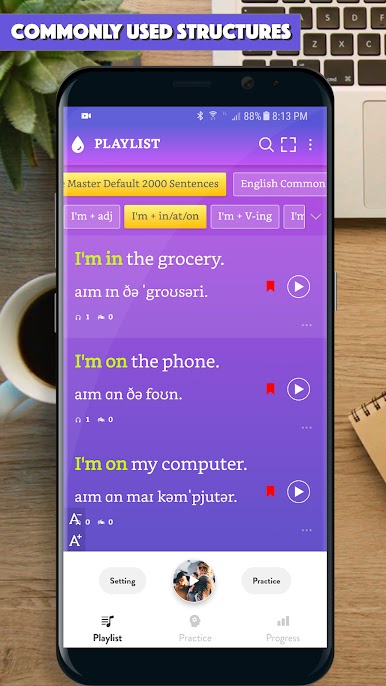
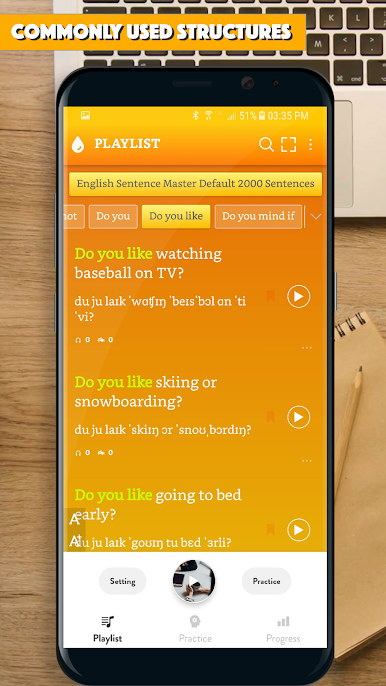
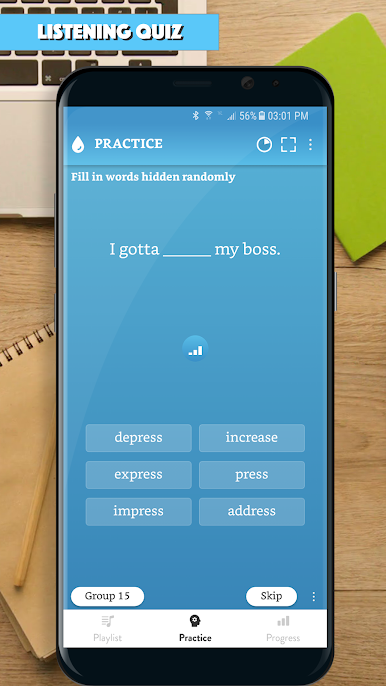
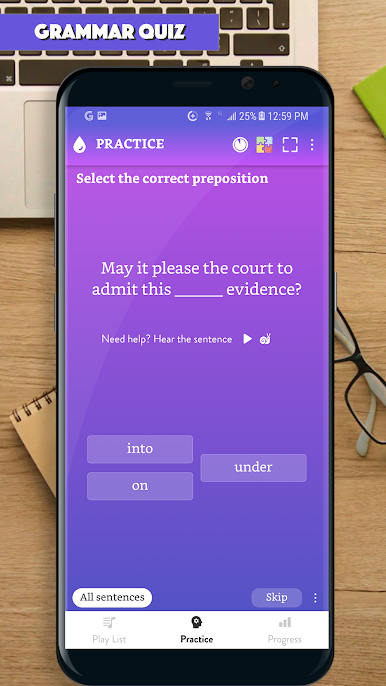
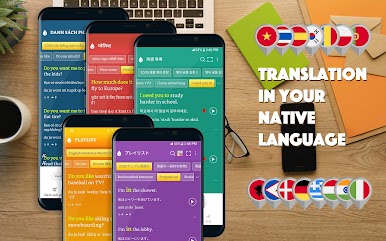
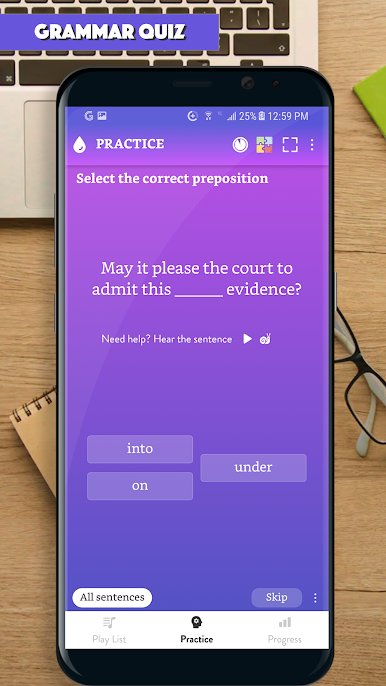
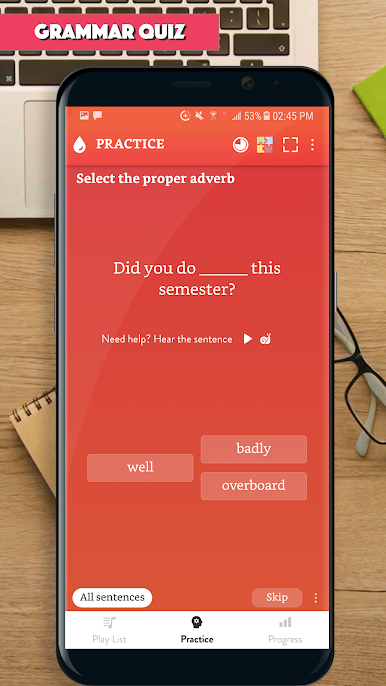
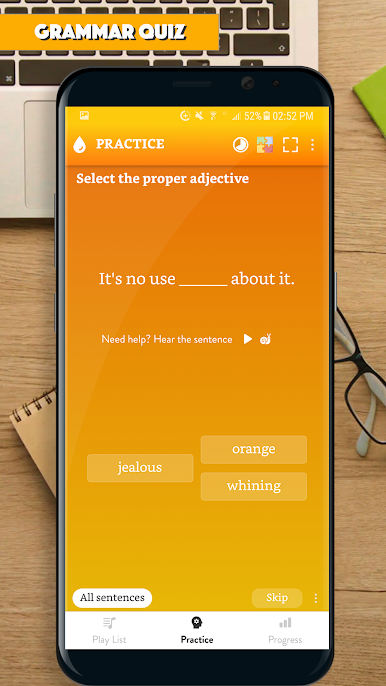
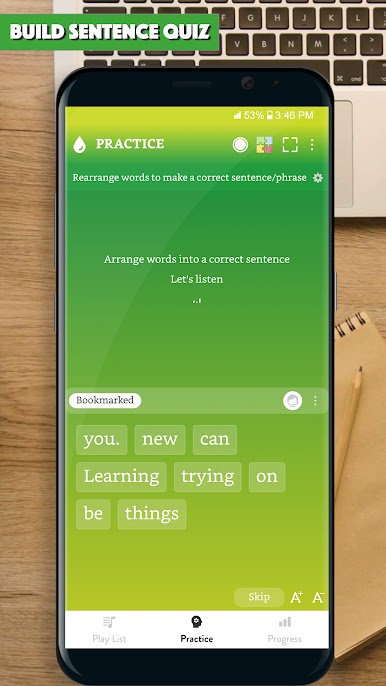
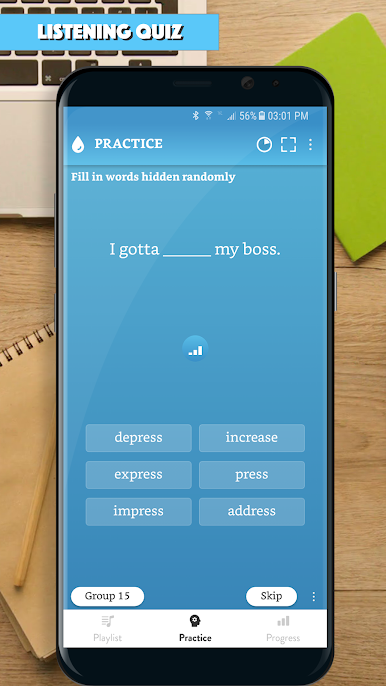
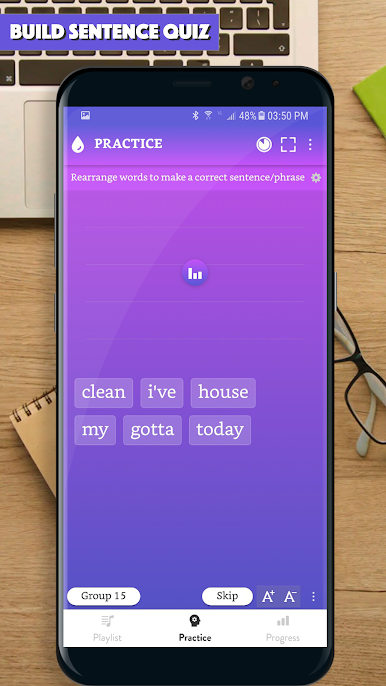
Ever wish making sentences in English felt more natural? English Sentence Master lets you practice and pick up everyday phrases in a way that actually sticks. Whether you’re aiming to boost your English for travel, school, or chatting with friends, you’ll find this app has something for every learner. It’s all about repeating, listening, and getting those “aha!” moments when sentences just start making sense.
App Features
-
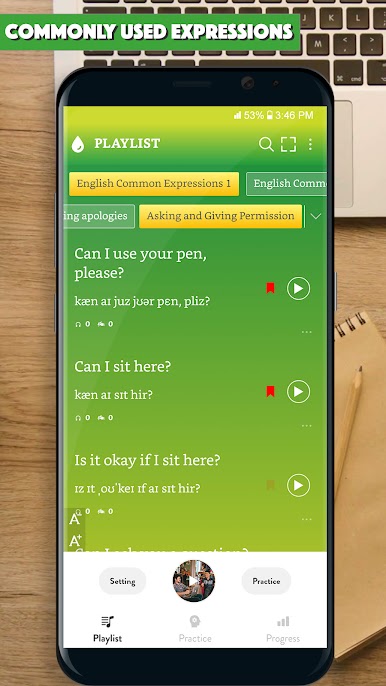
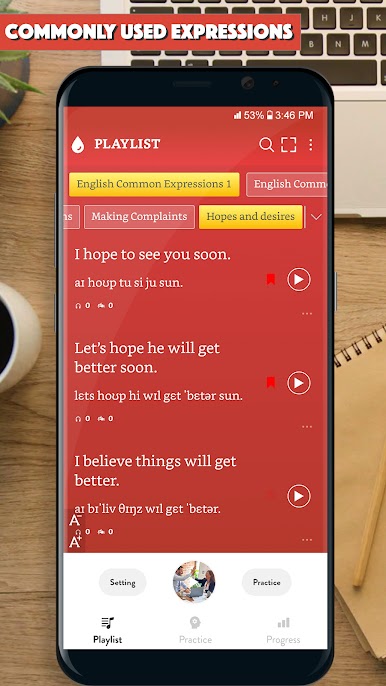
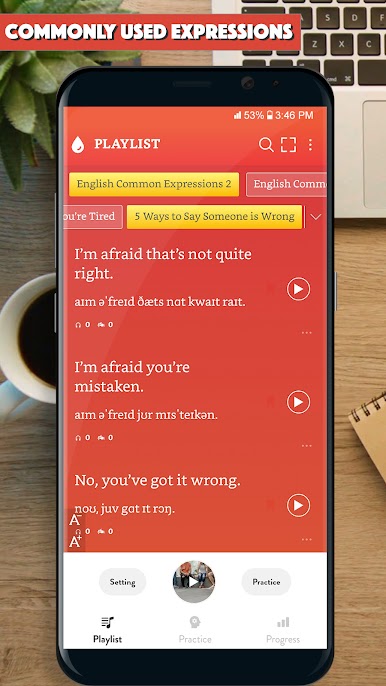
Audio for Every Phrase
Tap on any sentence and hear how it sounds from a native speaker. It’s perfect for practicing pronunciation—or just making sure you don’t say something totally off the mark. -
Search and Bookmark
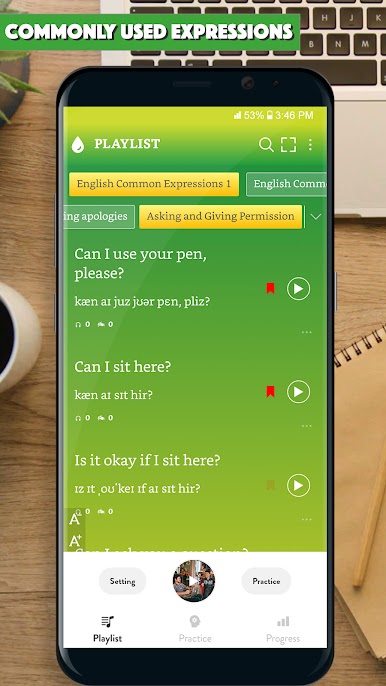
Looking for a certain phrase or need to revisit something tricky? It’s easy to search, save favorites, and return to what matters most. -
Adjustable Difficulty Tags
Mark sentences as easy, medium, or hard. That way, you always know what to review if you want a challenge or just need some quick wins. -
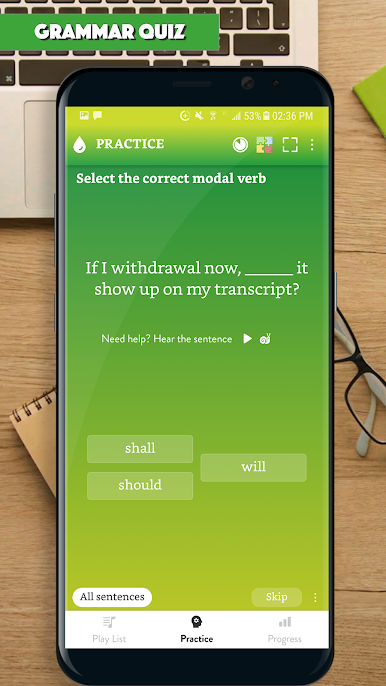
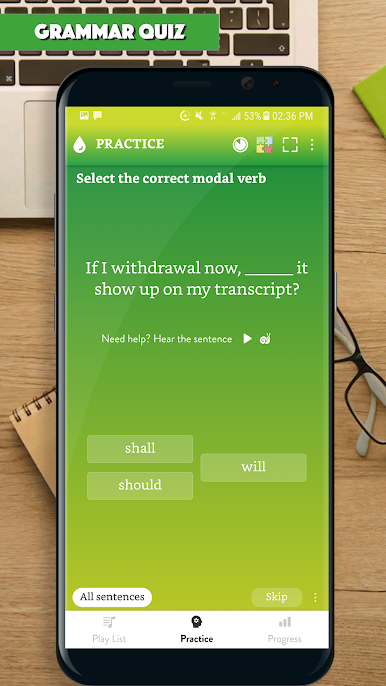
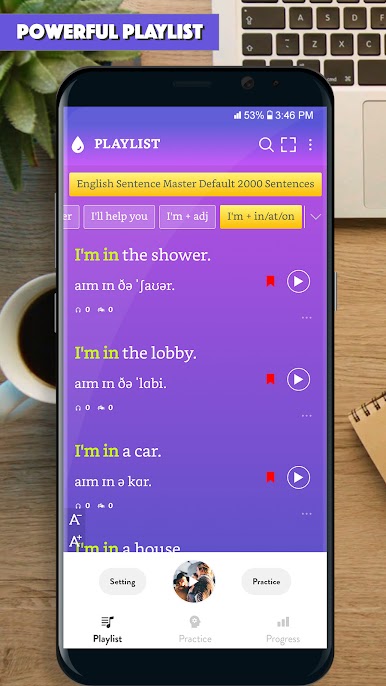
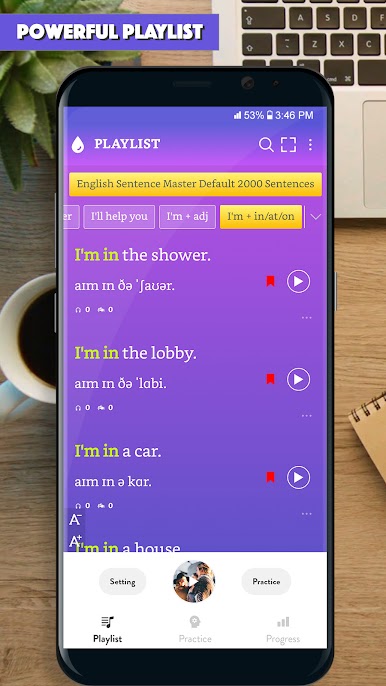
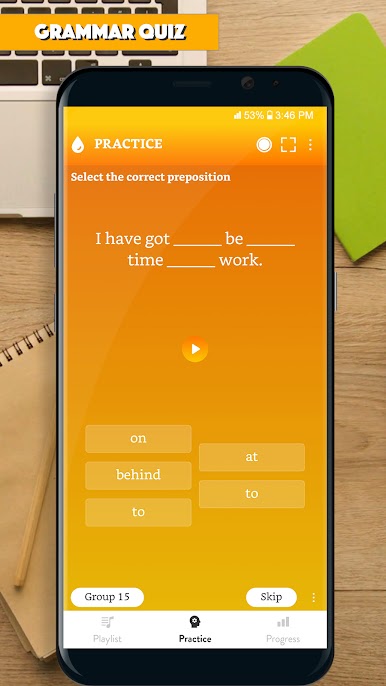
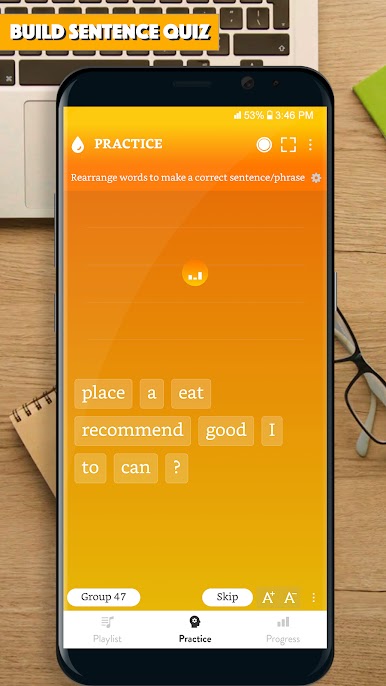
Personalized Practice
Build your own playlists of sentences and go through them at your own pace. Quick practice sessions, instant review—whatever works for your schedule. -
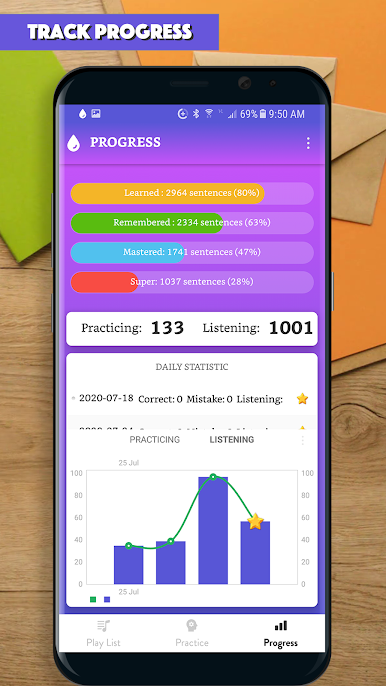
Track Your Progress
See how far you’ve come with handy progress tools. Nothing like a little motivation to keep you going! -
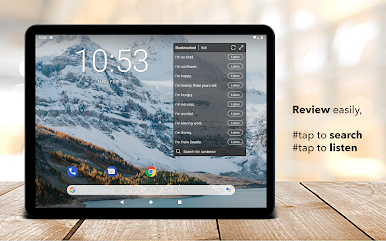
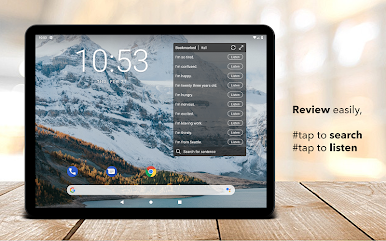
Handy Widgets
Add practice sentences to your home screen, so you can squeeze in learning anytime—even if it’s just for a minute between other tasks. -
Practice On or Offline
No connection? No problem. All your content is available offline, so you can keep learning wherever you are. -
Flexible Themes
Switch up the look and feel of the app with different themes—because everyone’s got their own style.
You can use English Sentence Master by Language Learning Studio with BlueStacks too, if you’re more of a PC person or just want a bigger screen when practicing.
Big screen. Bigger performance. Use BlueStacks on your PC or Mac to run your favorite apps.

Play English Sentence Master on PC. It’s easy to get started.
-
Download and install BlueStacks on your PC
-
Complete Google sign-in to access the Play Store, or do it later
-
Look for English Sentence Master in the search bar at the top right corner
-
Click to install English Sentence Master from the search results
-
Complete Google sign-in (if you skipped step 2) to install English Sentence Master
-
Click the English Sentence Master icon on the home screen to start playing

