


Double Tile!
Play on PC with BlueStacks – the Android Gaming Platform, trusted by 500M+ gamers.

Page Modified on: Apr 29, 2026
Play Double Tile! on PC
🆕 Looking for the best new classic Mahjong Solitaire matching puzzle of 2026?
Welcome to the ultimate tile match journey! Double Tile! perfectly combines the timeless mechanics of classic mahjong tile match with relaxing puzzle games. Dive into one of the most refreshing free mahjong games offline and become a tile match master!
🀄 Welcome to Double Tile!
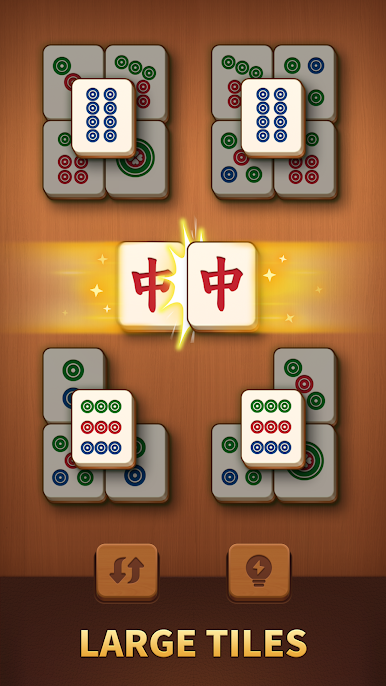
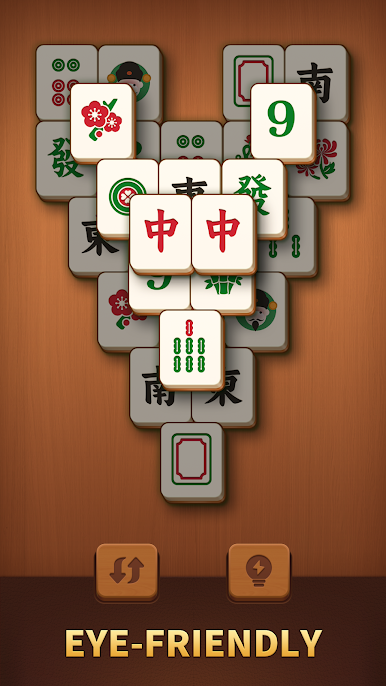
Join our relaxing offline mahjong match solitaire game. Featuring large, eye-friendly mahjong tiles, it’s time to start your brain puzzle journey. Double Tile! is a serene tile match puzzle that blends mindful strategy with a zen mahjong solitaire experience. Unwind, refocus, and find peace in every tile connect puzzle.
🎮 How to Play & Match
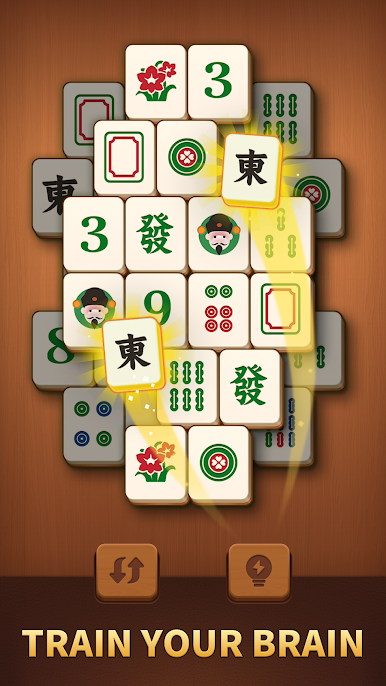
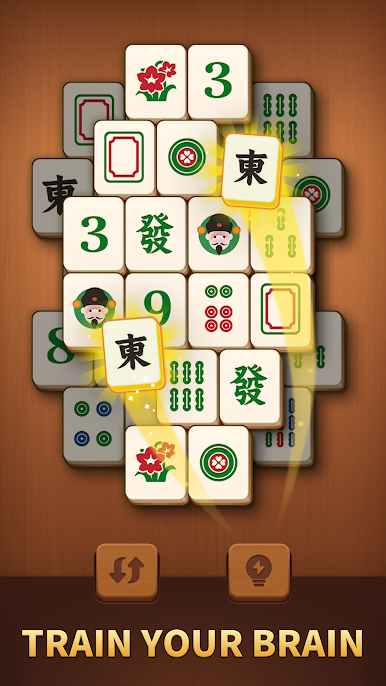
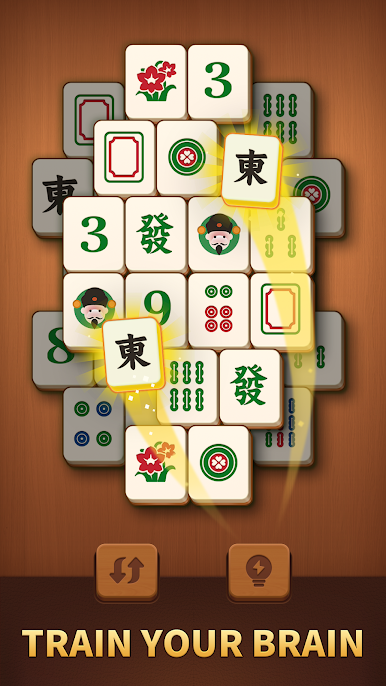
· Tap & Connect: Find and match 2 identical mahjong tiles to clear the puzzle board.
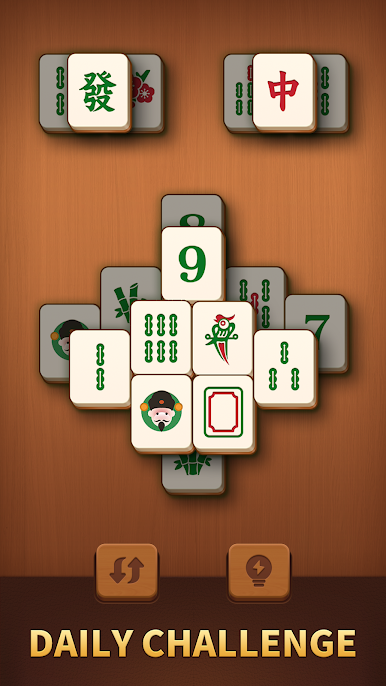
· Mindful Strategy: Plan your tile match moves to avoid dead ends in this classic mahjong challenge.
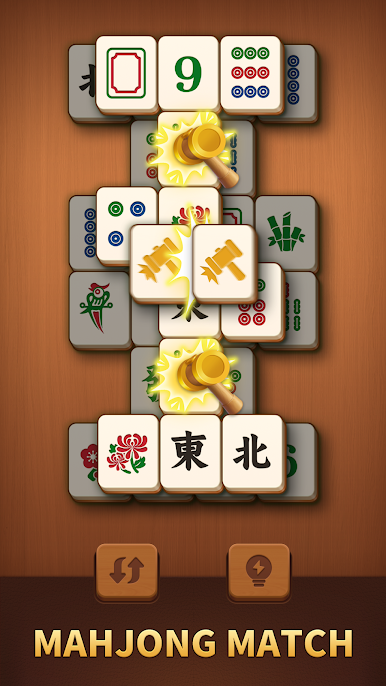
· Helpful Boosters: Use Hints and Shuffles when your brain puzzle gets tricky. Tile match can be both challenging and easy.
✨ Top Features of Double Tile!
· 🎨 Calming Visuals: Enjoy large, beautiful mahjong tiles inspired by nature. A visually soft mahjong solitaire puzzle world!
· 🎵 Zen Audio: Relaxing sounds accompany every mahjong match and tile connect.
· 🧩 Endless Puzzle Fun: The classic soul of mahjong meets modern tile-matching. Hit combos and prove you are a true mahjong match master!
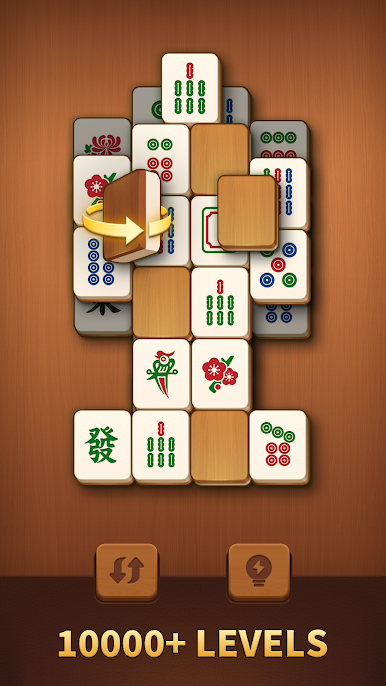
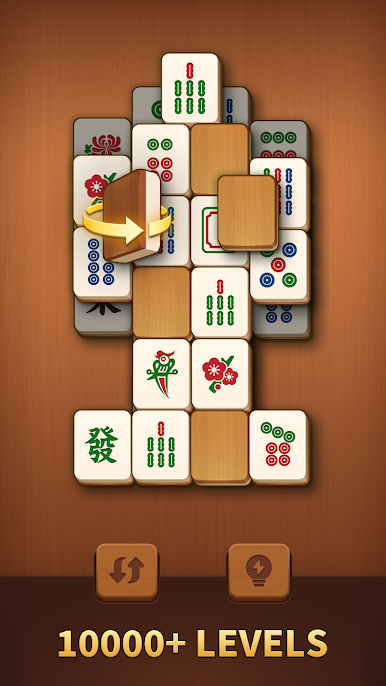
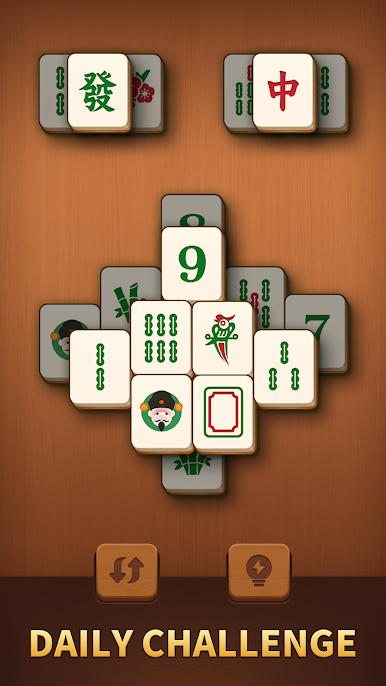
· 🧠 Brain Training: Challenge yourself with carefully designed levels in this free match game. Unlock your tile match potential!
· 📶 Play Offline: Enjoy matching tiles anytime, anywhere. A pure offline mahjong puzzle—no Wi-Fi needed.
🍃 Relax with Every Tile Match
Whether seeking a mindful break or quiet focus, our mahjong solitaire puzzle offers an uplifting way to relax. Download Double Tile! now! Every matching tiles lover will enjoy this free mahjong puzzle game.
💡Note: Double Tile! is a Mahjong Solitaire Game designed with Large Tiles. This zen match puzzle game is for brain-teasing challenges and relaxing entertainment.
📧 If you have any questions during gameplay, please contact us via: support@hungrystudio.com
Play Double Tile! on PC. It’s easy to get started.
-
Download and install BlueStacks on your PC
-
Complete Google sign-in to access the Play Store, or do it later
-
Look for Double Tile! in the search bar at the top right corner
-
Click to install Double Tile! from the search results
-
Complete Google sign-in (if you skipped step 2) to install Double Tile!
-
Click the Double Tile! icon on the home screen to start playing

