


Match Out!
Play on PC with BlueStacks – the Android Gaming Platform, trusted by 500M+ gamers.

Page Modified on: Oct 25, 2025
Main Match Out! on PC
Match Out is perfect for players who love a relaxing yet challenging puzzle game. Whether you’re at home or on the go, Match Out is the ideal companion for a pleasant holiday and doubles as your brain trainer.
How to play:
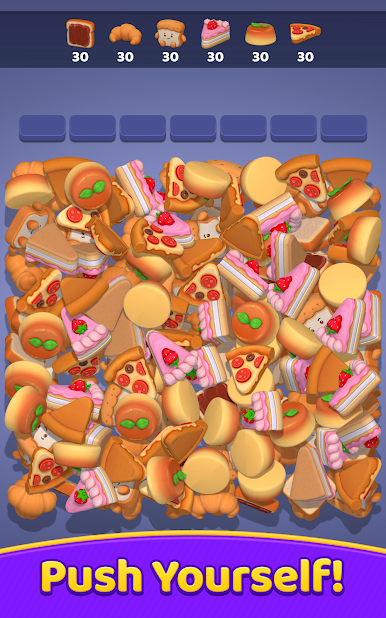
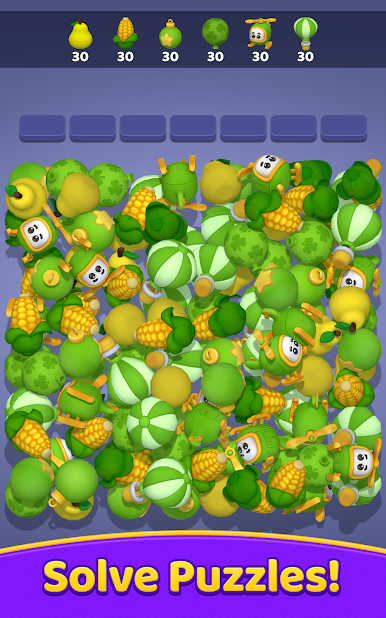
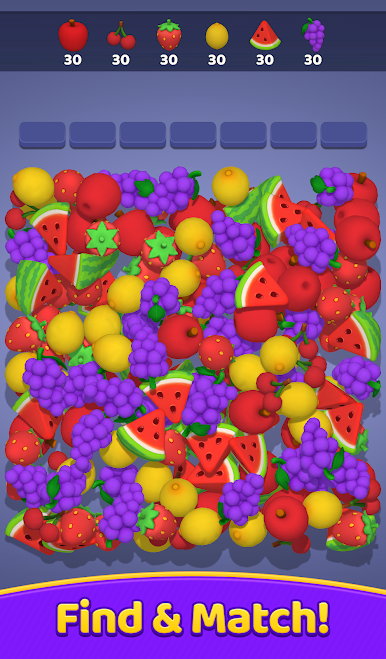
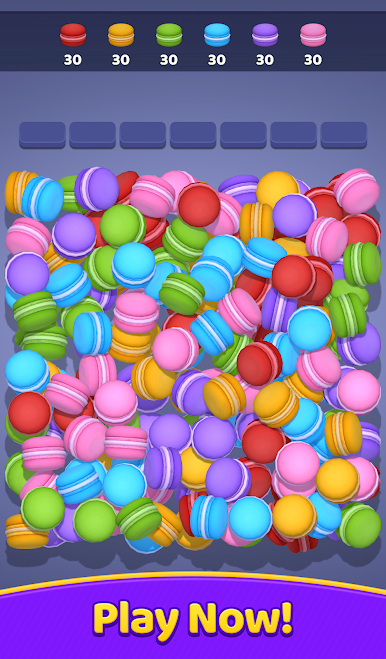
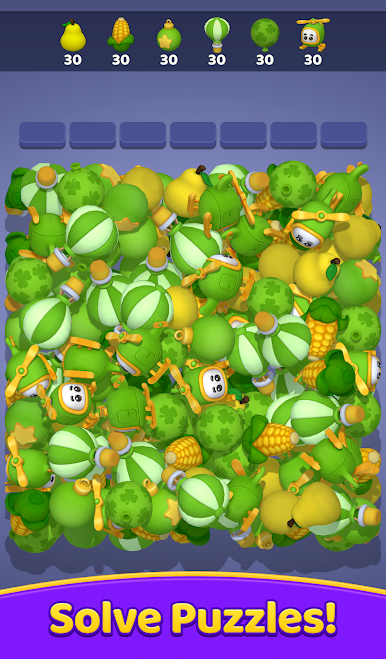
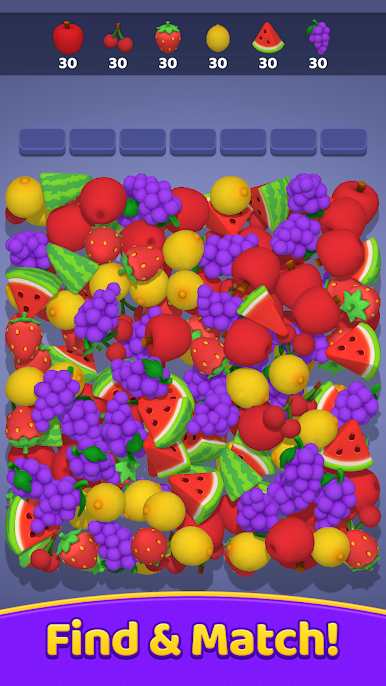
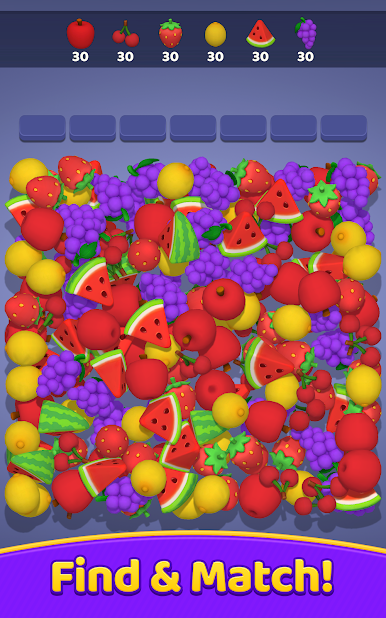
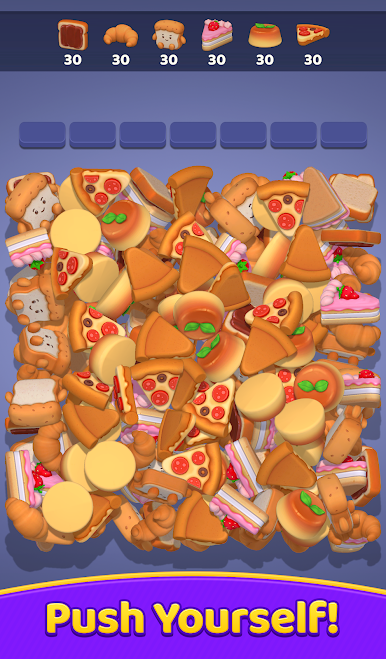
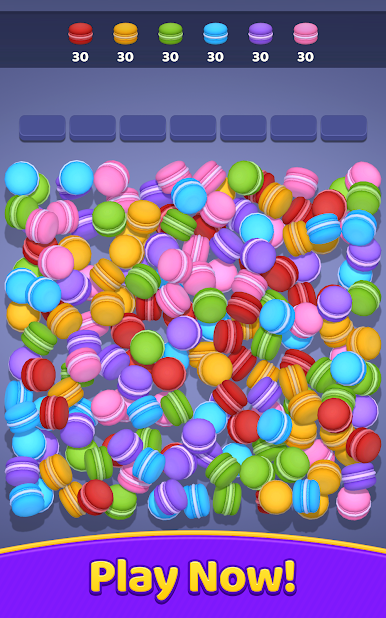
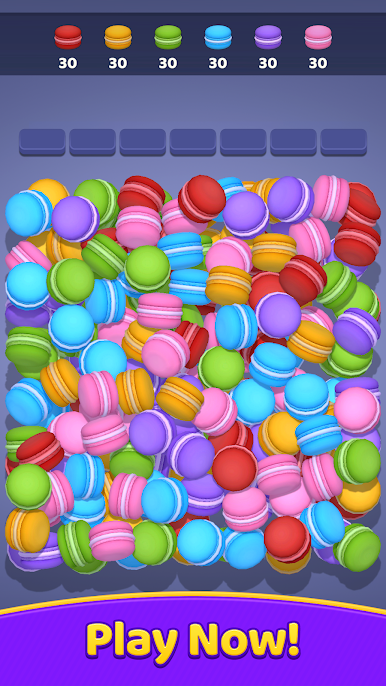
Find three identical 3D objects, match them, and collect.
Continue matching until you clear all the 3D objects from the screen.
Complete each level’s objectives to become a master of 3D matching games.
Use boosters to help clear obstacles and navigate through tough levels.
Features:
A relaxing and fun triple-matching game, suitable for all ages.
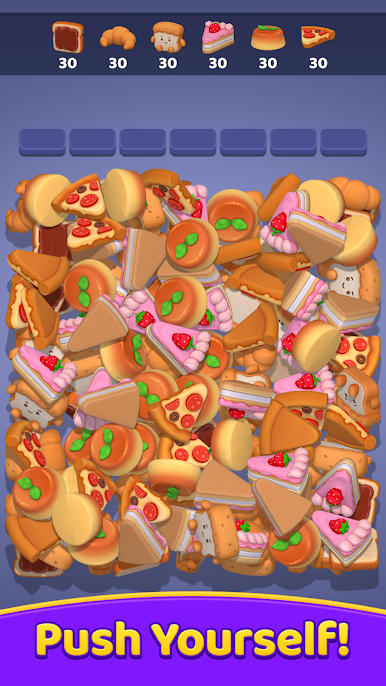
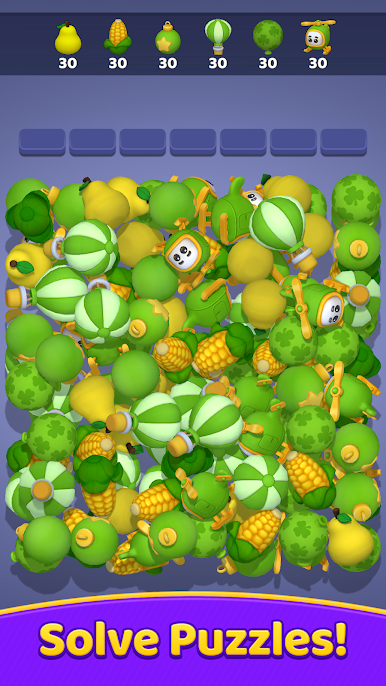
Beautifully designed 3D items that create a satisfying visual experience with every level.
Difficulty increases with each level, testing your matching skills and training your brain.
Unlock levels with unique themes: fruits, toys, cakes... and many more surprises to discover.
If you're a fan of matching games, Match Out is the perfect choice for you. Join the matching party and become a master of 3D matching games!



Play Match Out! on PC. It’s easy to get started.
-
Download and install BlueStacks on your PC
-
Complete Google sign-in to access the Play Store, or do it later
-
Look for Match Out! in the search bar at the top right corner
-
Click to install Match Out! from the search results
-
Complete Google sign-in (if you skipped step 2) to install Match Out!
-
Click the Match Out! icon on the home screen to start playing

