


Amaze Rush 3D
Play on PC with BlueStacks – the Android Gaming Platform, trusted by 500M+ gamers.

Page Modified on: Aug 24, 2026
Main Amaze Rush 3D on PC
🎯 How It Works
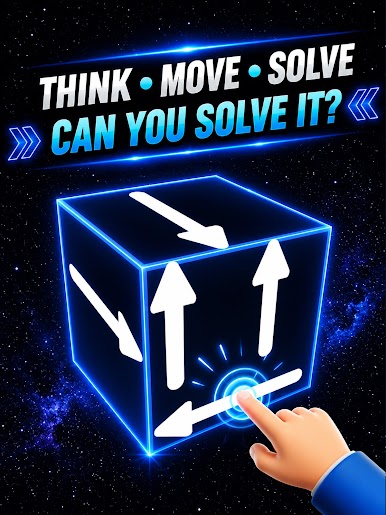
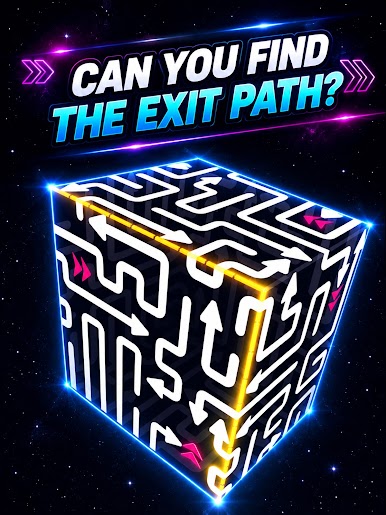
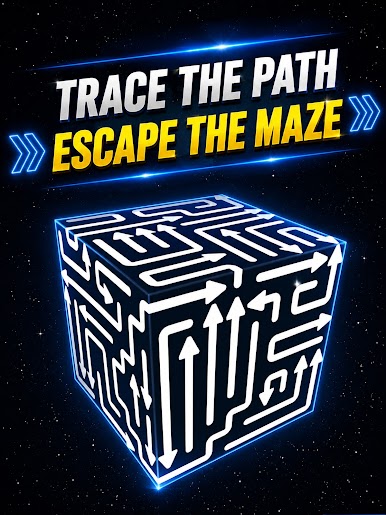
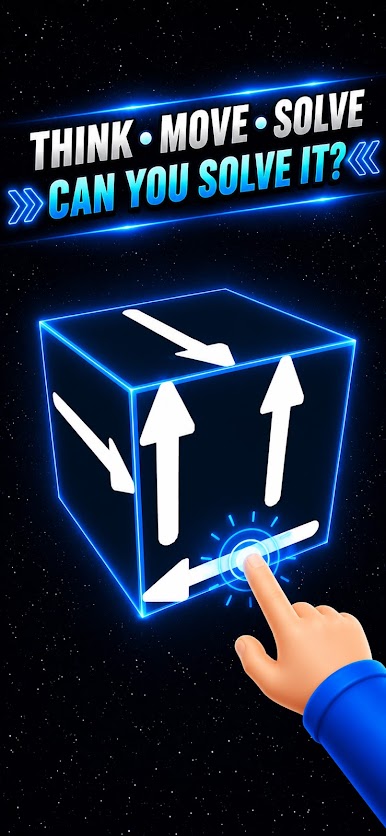
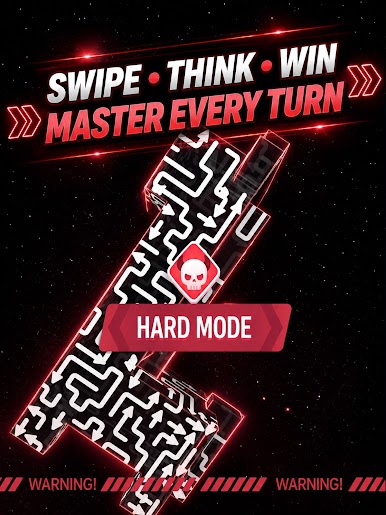
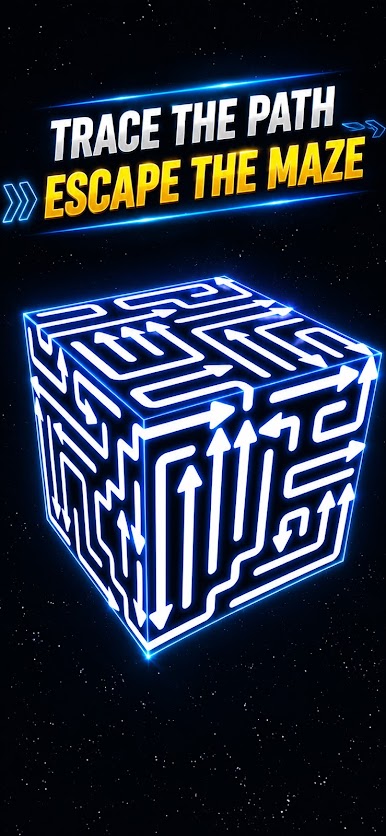
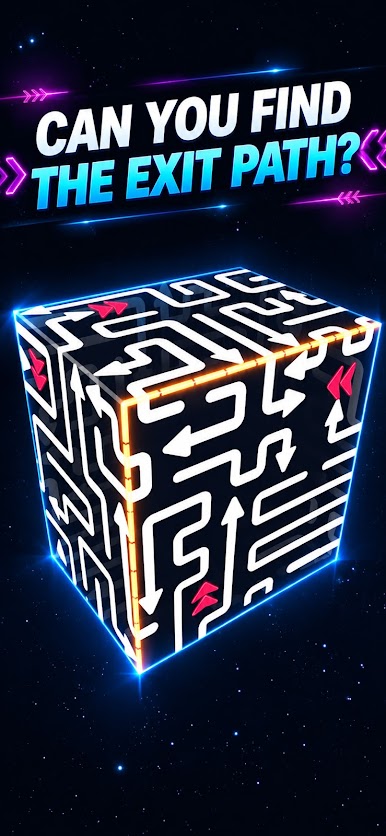
Every arrow has a direction — up, down, left, right, or a bendy path that wraps around the cube. You need to tap an arrow so it follows its direction and leaves the cube cleanly. But here’s the catch: arrows must not crash into each other. A wrong tap could send two arrows straight into a collision!
🔄 Inspect Every Angle
The cube is fully rotatable. Drag to spin it, zoom in to see the tricky corners, and study how arrows connect across faces. Some arrows hide their tails on the other side. Only by looking from every angle can you figure out the right order.
🧠 Plan Your Taps
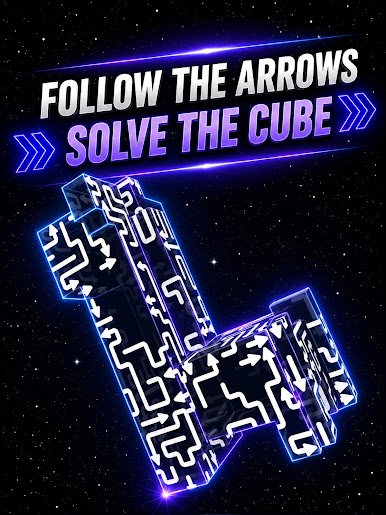
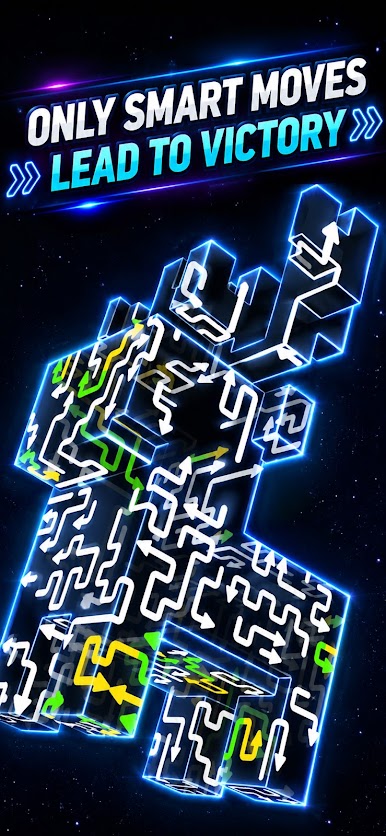
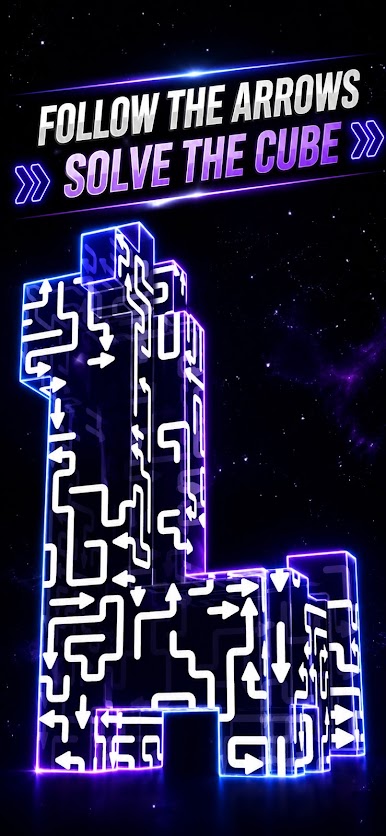
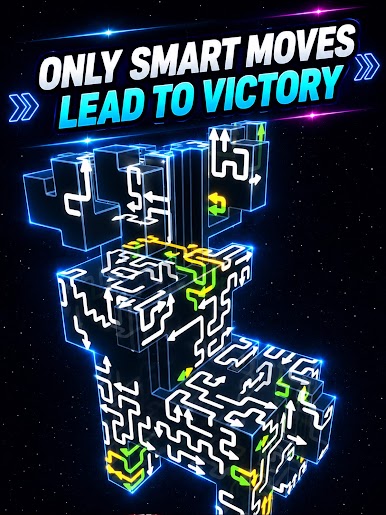
It’s not just about tapping fast. You have to think ahead — which arrow should go first? Which one will block another if you tap too early? The arrows are interlocked like a puzzle knot. Solve the sequence and watch them all fly away.
🧩 More Than Just a Cube
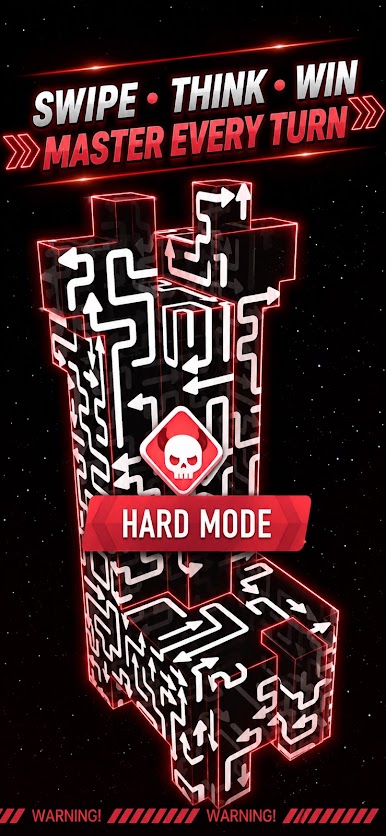
As you progress, the arrows get crazier — longer paths, tighter turns, and more overlapping routes. Each level is a new brain‑teaser that makes you twist your thinking along with the cube.
Ready to twist, tap, and untangle? Grab the cube and let the arrows find their way home! 🔄➡️⬆️⬇️🔲
Play Amaze Rush 3D on PC. It’s easy to get started.
-
Download and install BlueStacks on your PC
-
Complete Google sign-in to access the Play Store, or do it later
-
Look for Amaze Rush 3D in the search bar at the top right corner
-
Click to install Amaze Rush 3D from the search results
-
Complete Google sign-in (if you skipped step 2) to install Amaze Rush 3D
-
Click the Amaze Rush 3D icon on the home screen to start playing

