


Eatventure
Play on PC with BlueStacks – the Android Gaming Platform, trusted by 500M+ gamers.

Page Modified on: Aug 11, 2026
Main Eatventure on PC
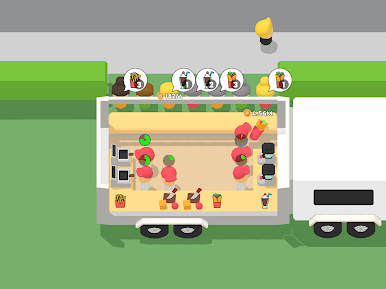
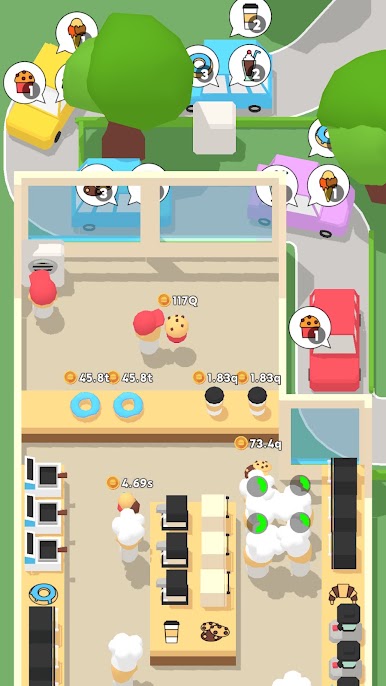
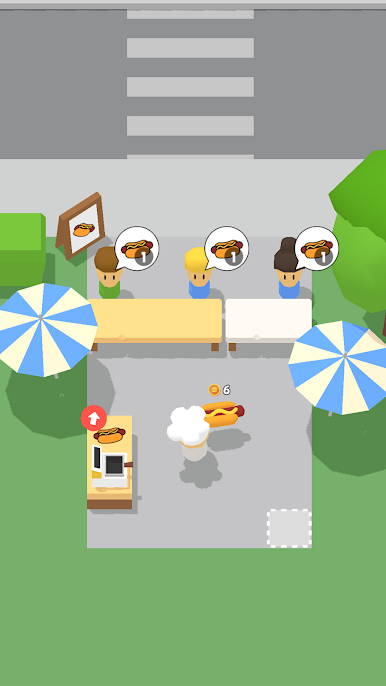
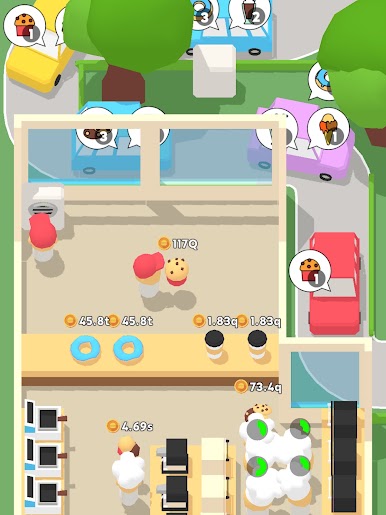
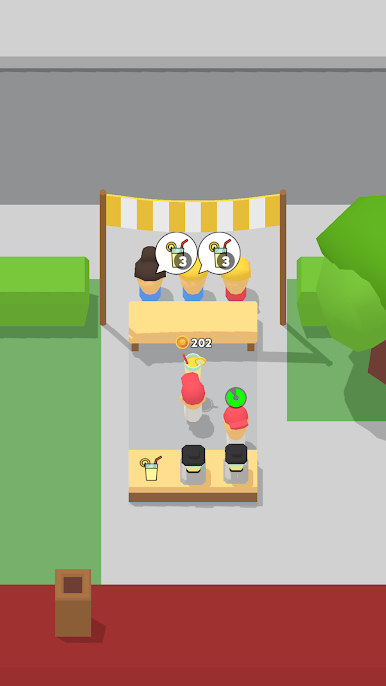
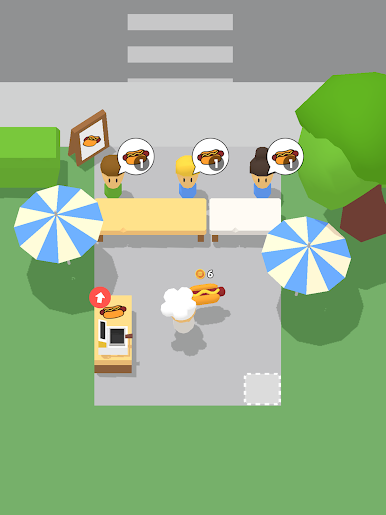
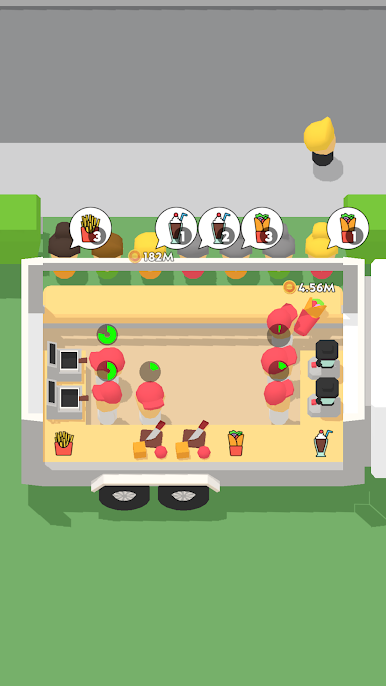
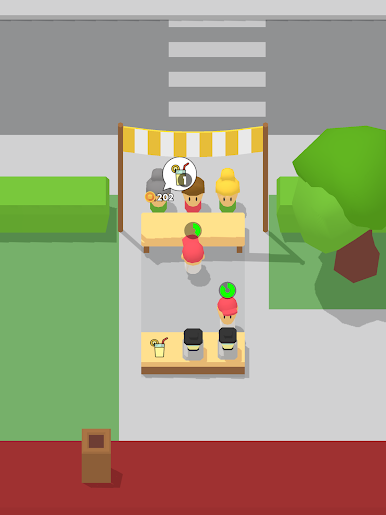
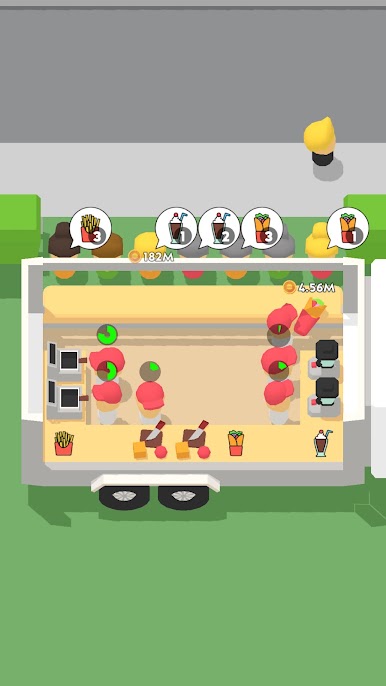
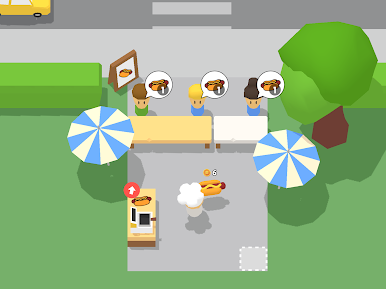
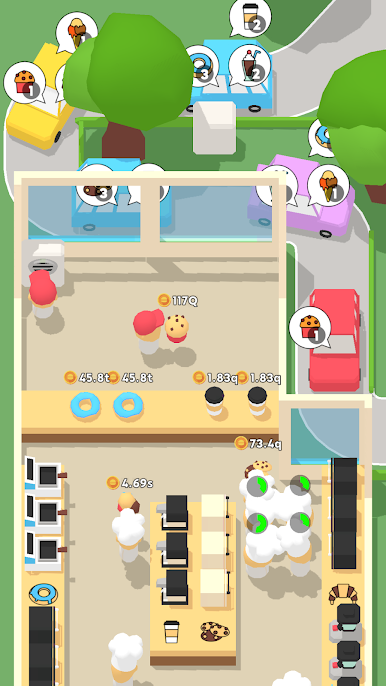
Start with a Lemonade Stand, then progress to a food truck, and then a cafe. In no time you will find yourself owning your own Diner and Drive-thru!
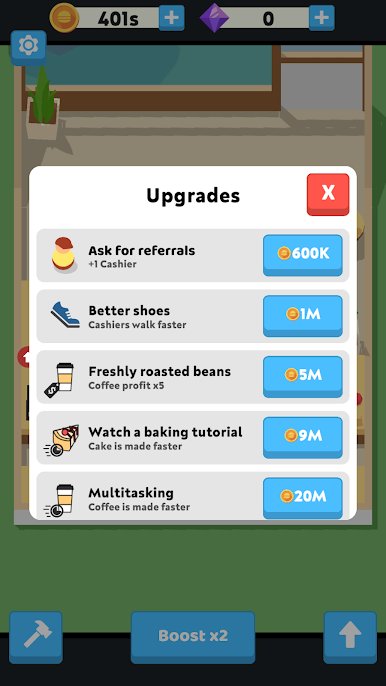
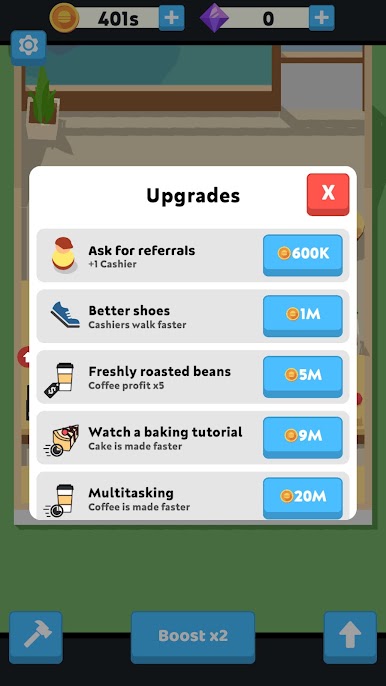
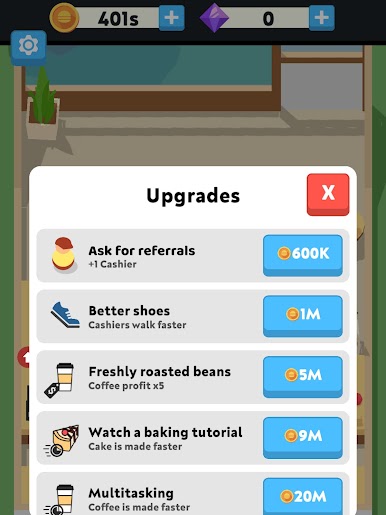
Expand your restaurants, automate your business and find the right strategy in order to maximise your income! Eatventure is a money game where you simulate the management of different kinds of restaurants. Use your income to buy new stations in order to start selling more kinds of foods! Become the biggest Restaurant Millionaire in the world!
By downloading this app, you agree to our Terms of Service: https://lessmore.games/games/terms-of-service/

Play Eatventure on PC. It’s easy to get started.
-
Download and install BlueStacks on your PC
-
Complete Google sign-in to access the Play Store, or do it later
-
Look for Eatventure in the search bar at the top right corner
-
Click to install Eatventure from the search results
-
Complete Google sign-in (if you skipped step 2) to install Eatventure
-
Click the Eatventure icon on the home screen to start playing

