


HUNTER×HUNTER NEN×SURVIVOR
Play on PC with BlueStacks – the Android Gaming Platform, trusted by 500M+ gamers.

Page Modified on: Apr 13, 2026
Play HUNTER×HUNTER NEN×SURVIVOR on PC or Mac
HUNTER×HUNTER NEN×SURVIVOR is a Role Playing game developed by 株式会社ブシロード. BlueStacks app player is the best platform to play this Android game on your PC or Mac for an immersive gaming experience.
About the Game
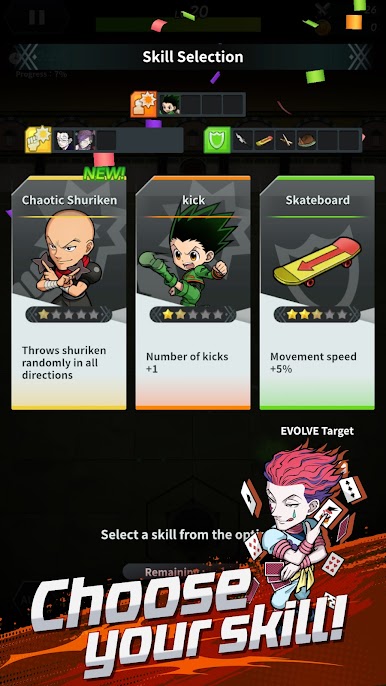
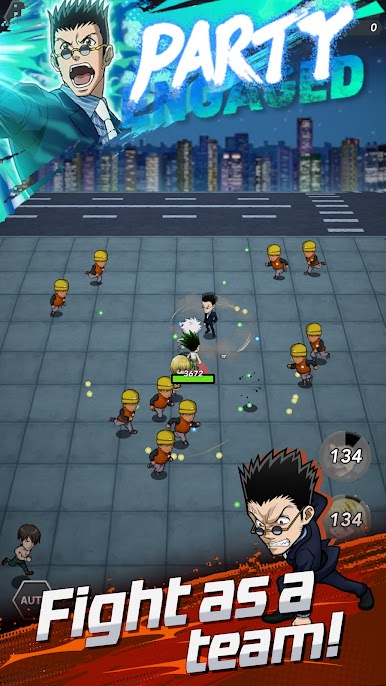
HUNTER×HUNTER NEN×SURVIVOR is designed to recreate the epic anime series, Hunter x Hunter. The gameplay throws you into an exciting adventure where you can fight solo or team up with other players. The goal is to defeat waves of enemies using your Nen ability. You can also random skills and party synergy to create different builds from time to time.
Game Features
- Multiple difficulty levels: The game lets players switch between difficulty levels, depending on how much intensity they can handle. You can go from easy to hard, or vice versa, anytime.
- Auto mode option: When you aren’t actively playing, the auto mode kicks in to keep the action in flow. This ensures steady progress and adds depth to the gameplay.
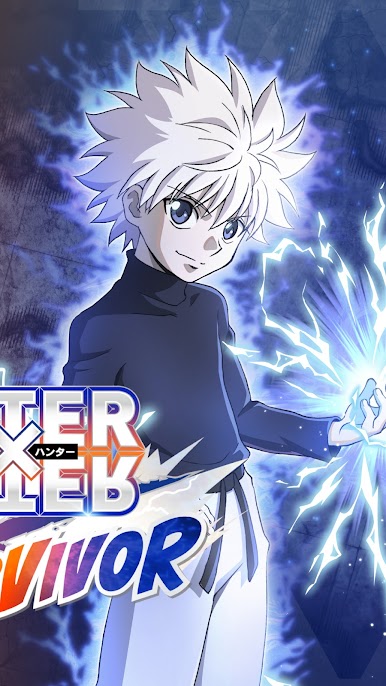
- Legendary characters: The game brings back a few legendary characters from the original anime series. You can play with your favorite characters like Gon, Killua, Hisoka, Kurapika, and several others.
- Smooth game controls: This game offers simple, intuitive controls to ensure that every player can move around, attack enemies, and navigate the gameplay without stress.
How to Play?
Download HUNTER×HUNTER NEN×SURVIVOR for free from the Google Play Store using the BlueStacks app player.
What’s New?
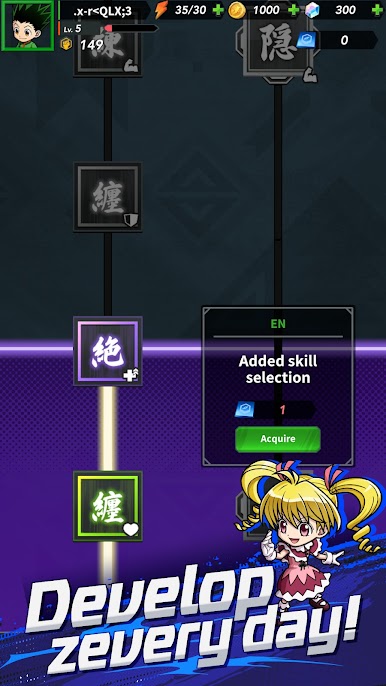
This update introduces exciting new features to enhance the user experience. Enjoy a revamped interface design that provides a more intuitive navigation experience throughout the app. Additionally, new customization options have been added to allow users to personalize their app settings to better suit their preferences and needs. The update also includes improved search functionality, making it easier to find and access the features you love. Experience these updates and more to make the most out of the app.


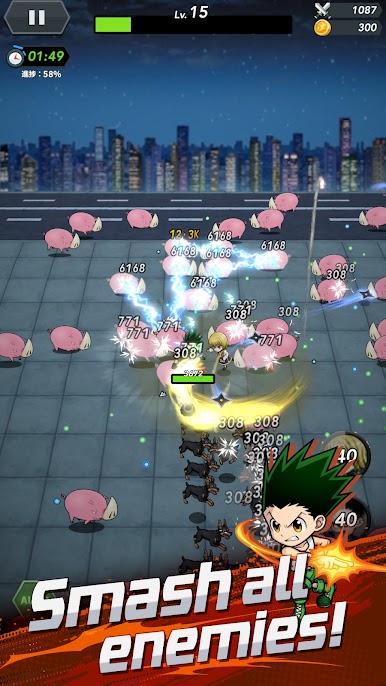

Play HUNTER×HUNTER NEN×SURVIVOR on PC. It’s easy to get started.
-
Download and install BlueStacks on your PC
-
Complete Google sign-in to access the Play Store, or do it later
-
Look for HUNTER×HUNTER NEN×SURVIVOR in the search bar at the top right corner
-
Click to install HUNTER×HUNTER NEN×SURVIVOR from the search results
-
Complete Google sign-in (if you skipped step 2) to install HUNTER×HUNTER NEN×SURVIVOR
-
Click the HUNTER×HUNTER NEN×SURVIVOR icon on the home screen to start playing

