


Drive 2 Climb: Offroad 4x4
Play on PC with BlueStacks – the Android Gaming Platform, trusted by 500M+ gamers.

Page Modified on: Jul 7, 2026
Play Drive 2 Climb: Offroad 4x4 on PC or Mac
Step into the World of Drive 2 Climb: Offroad 4×4, a thrilling Racing game from the house of HyperMonk Games. Play this Android game on BlueStacks App Player and experience immersive gaming on PC or Mac.
About the Game
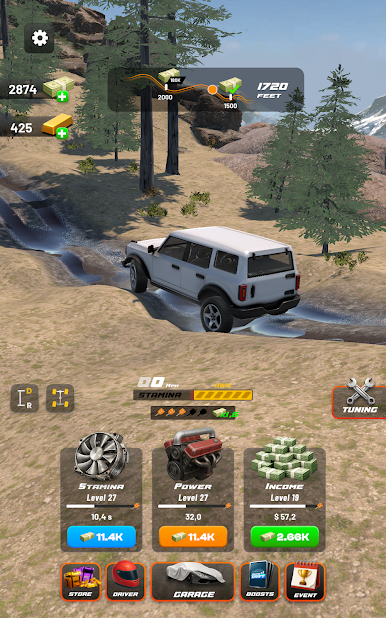
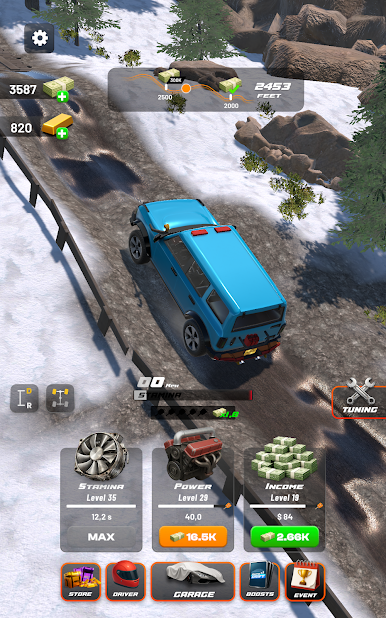
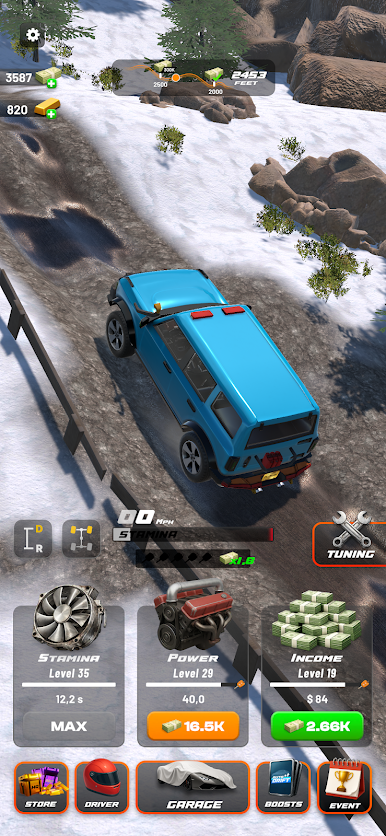
Drive 2 Climb: Offroad 4×4 is a Racing game from HyperMonk Games that’s all about grit, grip, and gutsy hill climbs. You’re taking tough machines over sketchy slopes, rocky paths, and messy ground where momentum and balance matter more than speed. Expect short, intense runs that quickly turn into “one more try” marathons as you unlock new rides and push for trickier routes. Prefer a bigger screen? It plays nicely on PC with BlueStacks, too.
Game Features
- Skill-First Driving: Every climb is a mini puzzle—manage throttle, brake, and weight shift to keep traction and avoid rolling.
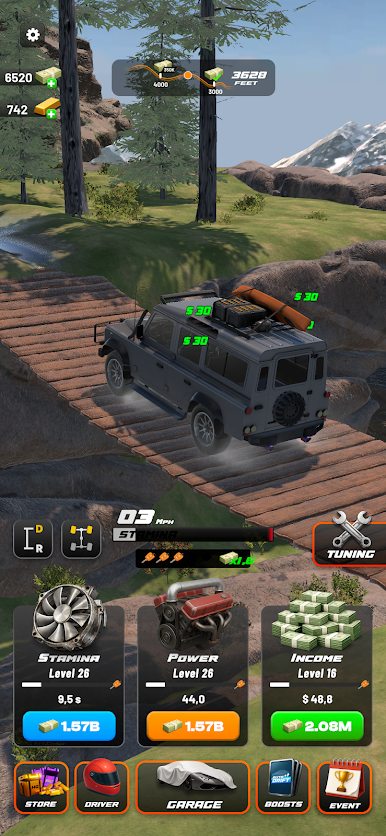
- Tough Terrain Variety: From uneven dirt to jagged rock steps and long, stubborn inclines, each surface feels different and demands a new approach.
- Tracks That Escalate: Early routes teach the basics; later ones throw sharper angles and nasty bumps that test timing and patience.
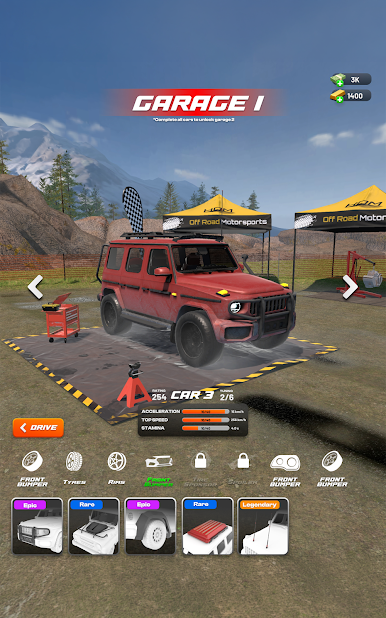
- Vehicles to Unlock: Open up a garage of 4x4s—light, nimble buggies and beefy trucks—with handling that changes how you tackle hills.
- Satisfying Progression: Earn rewards, open new rides, and chase harder climbs as your skills (and confidence) grow.
- Quick Sessions, Big Payoff: Hop in for a few minutes or grind through a brutal ascent—both styles feel rewarding.
- Clean, Responsive Controls: Simple inputs with punchy feedback so you feel every slip, bounce, and hard-earned landing.
- Play Your Way: Tinker with runs to perfect a line or go full send and see how far that momentum takes you.
Ready to top the leaderboard? We bet you do. Let precise controls and sharp visuals optimized on BlueStacks lead you to victory.
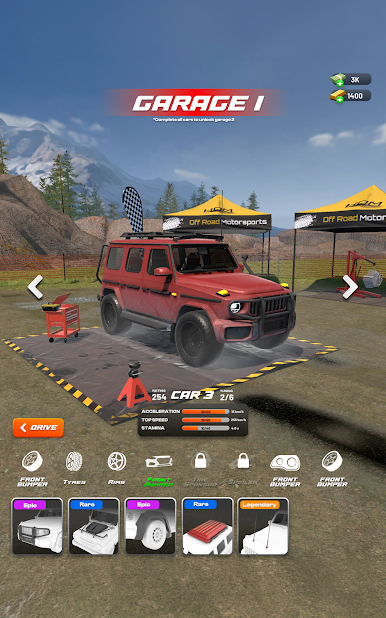
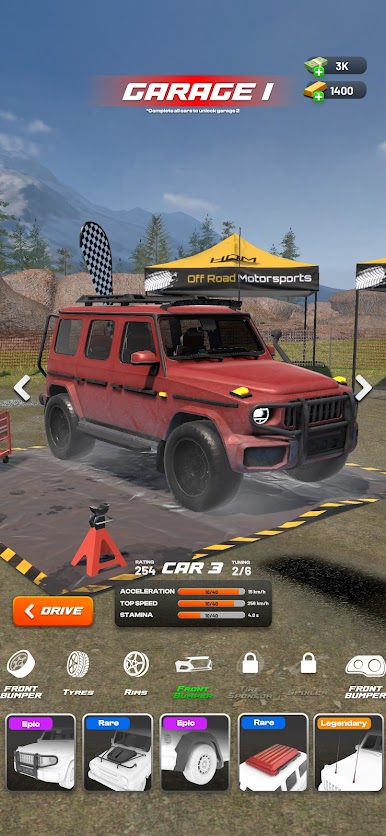
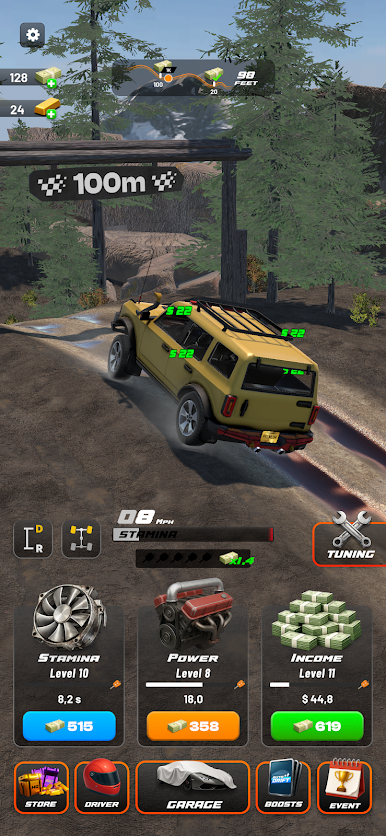
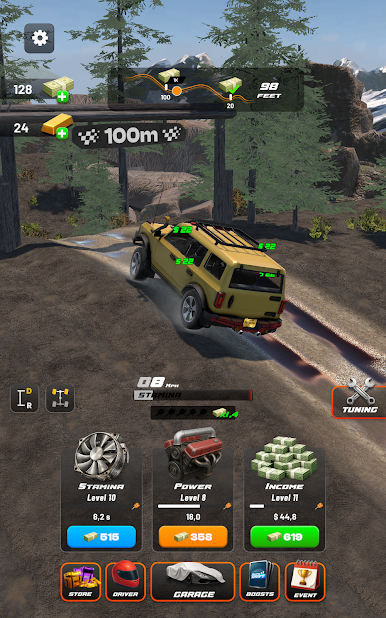
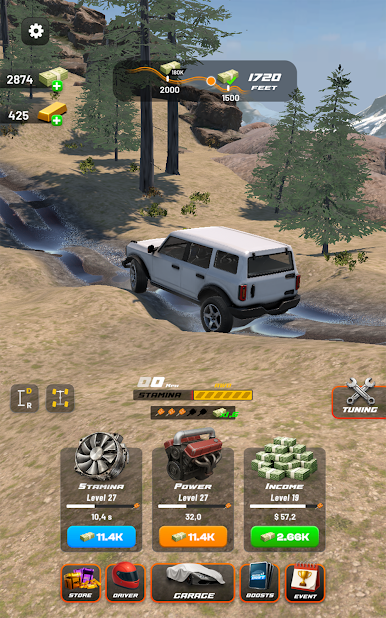
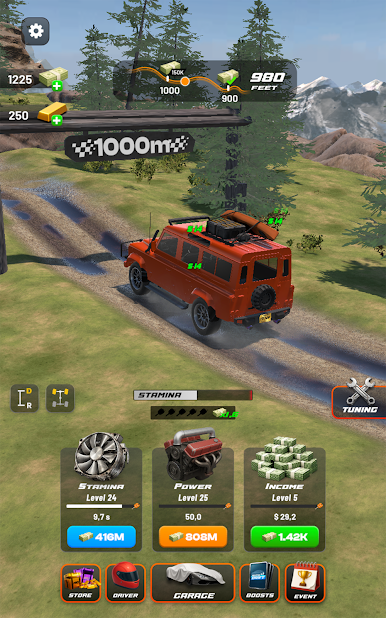
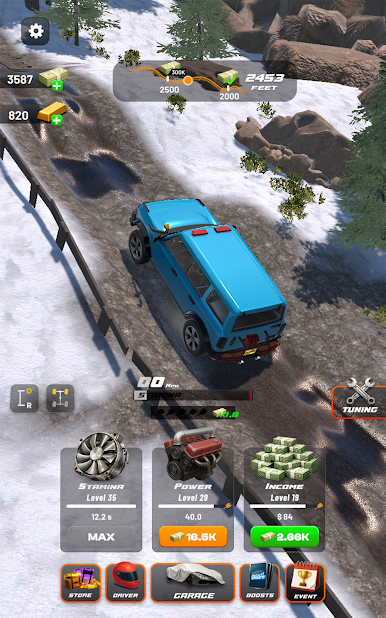
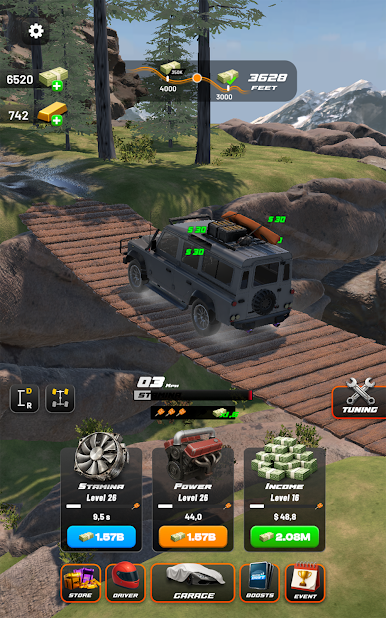
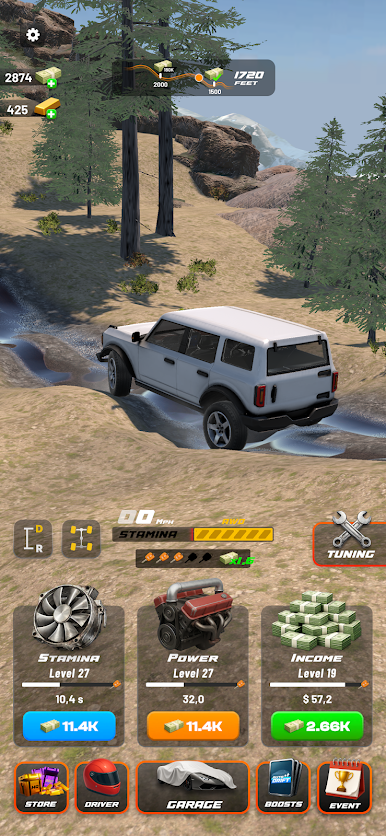
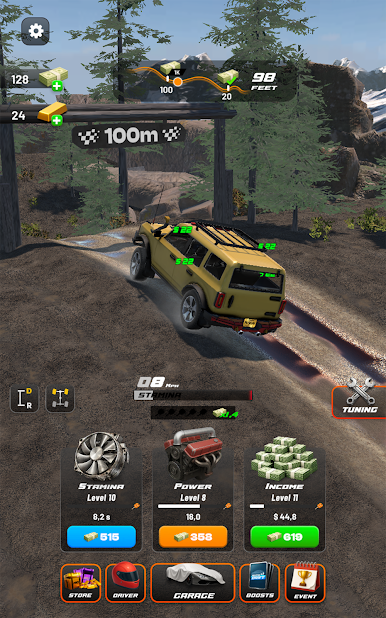
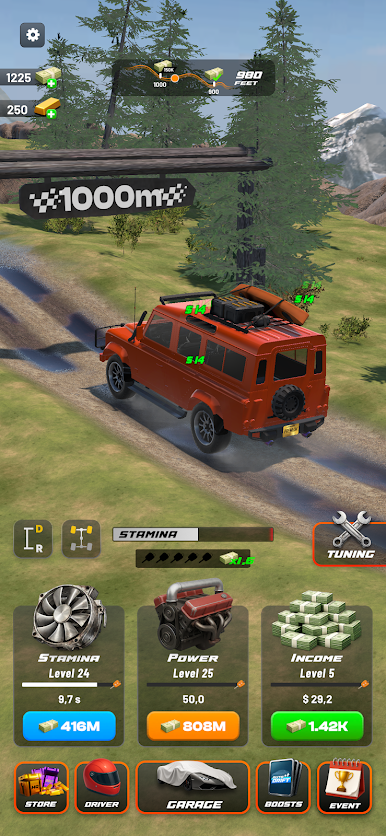
Play Drive 2 Climb: Offroad 4x4 on PC. It’s easy to get started.
-
Download and install BlueStacks on your PC
-
Complete Google sign-in to access the Play Store, or do it later
-
Look for Drive 2 Climb: Offroad 4x4 in the search bar at the top right corner
-
Click to install Drive 2 Climb: Offroad 4x4 from the search results
-
Complete Google sign-in (if you skipped step 2) to install Drive 2 Climb: Offroad 4x4
-
Click the Drive 2 Climb: Offroad 4x4 icon on the home screen to start playing

