


Hy-Vee
Play on PC with BlueStacks – the Android Gaming Platform, trusted by 500M+ gamers.

Page Modified on: Oct 16, 2026
Play Hy-Vee on PC
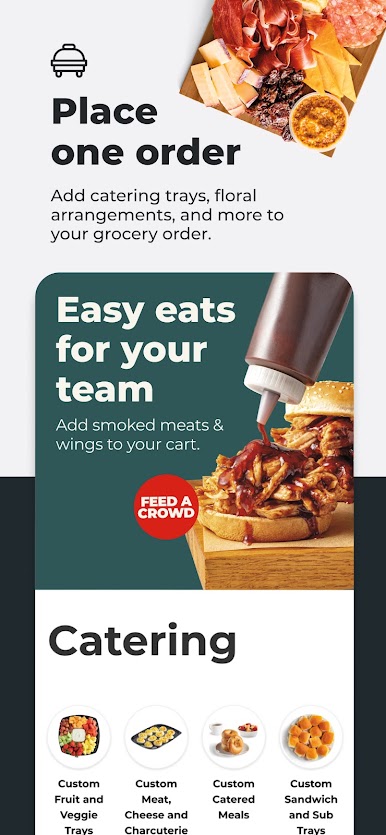
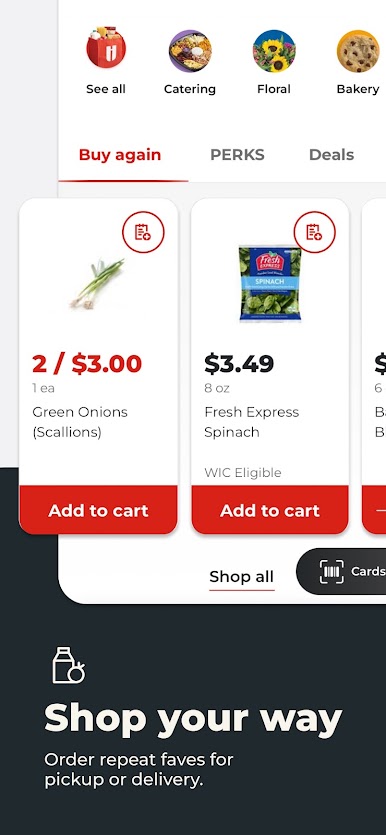
The Hy-Vee app allows you to order groceries in minutes from anywhere. Enjoy the convenience of having a grocery store at your fingertips! Browse by category, explore sale items, check out products with Fuel Saver rewards, or simply type what you need into the search bar. Unlike other supermarket apps, we empower you to take control of your shopping experience. Make grocery shopping a breeze and find deals tailored to you — all while enjoying continuous improvements based on your feedback. Here are some of the features we think you’ll love:
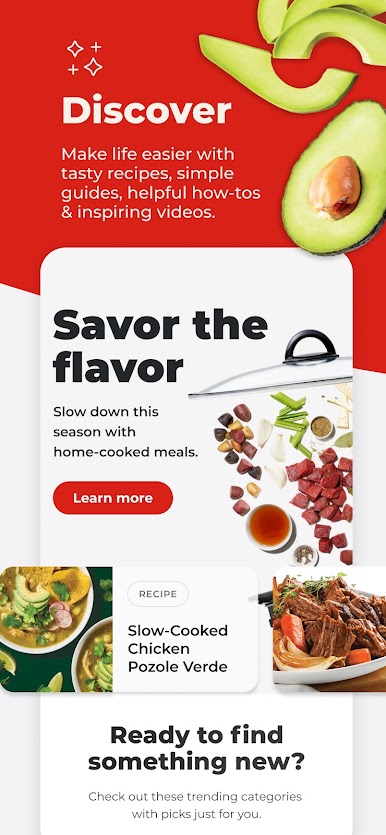
Inspire your meals: Dive into our digital "Discover” experience that provides delicious recipe inspiration for every occasion, from quick weeknight dinners to festive holiday dishes. Plus, discover stylish, shoppable premium cookware and get expert video tips that elevate your cooking.
Shop anytime, anywhere: Whether you’re at work, home, or on the go, order groceries and schedule pickup (in as little as two hours) or delivery. Experience the VIP treatment our employees are known for.
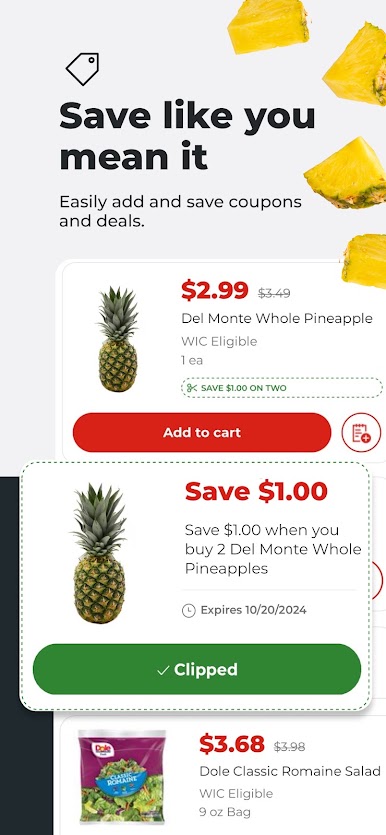
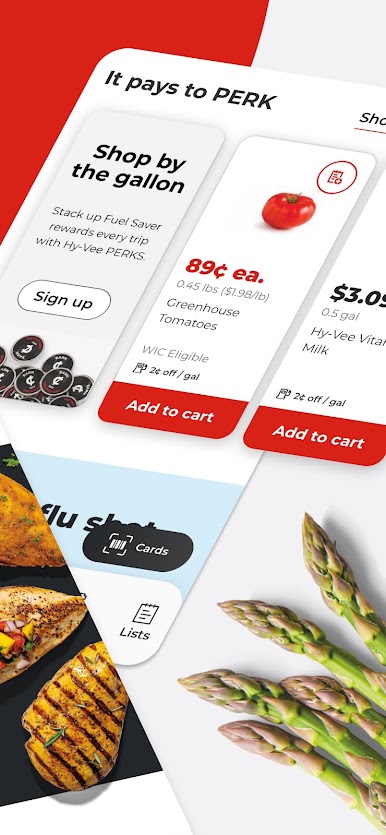
Find great deals: Easily spot sale items with our sale icon or browse all discounts in one convenient place. Add sale items to your cart effortlessly.
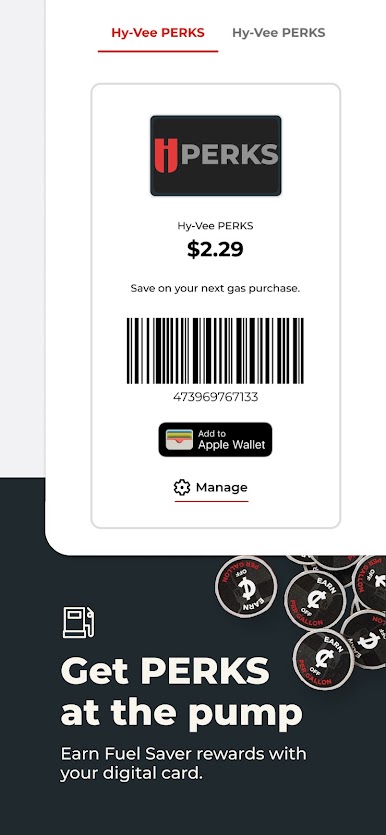
Hy-Vee PERKS rewards: Keep track of your Fuel Saver rewards and expiration dates — no need to carry your card. Just scan your PERKS card in the app!
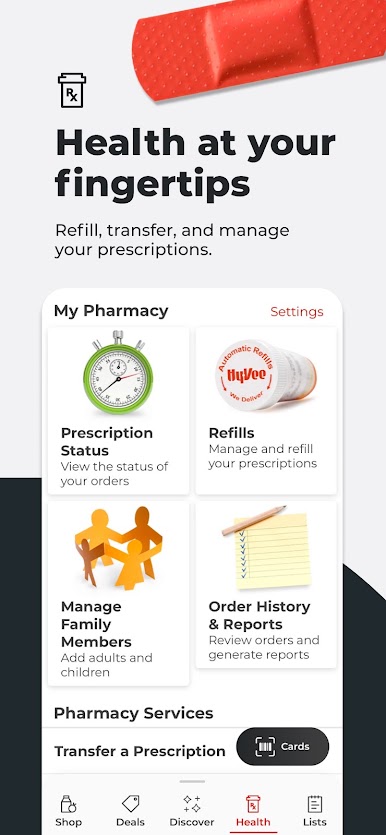
Health made easy: Refill prescriptions, check refill status, manage family members’ prescriptions, and stay informed with the latest health recommendations — all within the app.
At Hy-Vee we believe in providing a helpful smile in every aisle and going the extra mile for you. We’re proud to serve our communities with quality products, variety, convenience, culinary expertise, and superior customer service leading you to a healthy lifestyle. Grab your groceries and let us support you in the kitchen!

Play Hy-Vee on PC. It’s easy to get started.
-
Download and install BlueStacks on your PC
-
Complete Google sign-in to access the Play Store, or do it later
-
Look for Hy-Vee in the search bar at the top right corner
-
Click to install Hy-Vee from the search results
-
Complete Google sign-in (if you skipped step 2) to install Hy-Vee
-
Click the Hy-Vee icon on the home screen to start playing

