


SECUR360
Play on PC with BlueStacks – the Android Gaming Platform, trusted by 500M+ gamers.

Page Modified on: Jun 6, 2025
Run SECUR360 on PC or Mac
Why limit yourself to your small screen on the phone? Run SECUR360, an app by HeathCo LLC, best experienced on your PC or Mac with BlueStacks, the world’s #1 Android emulator.
About the App
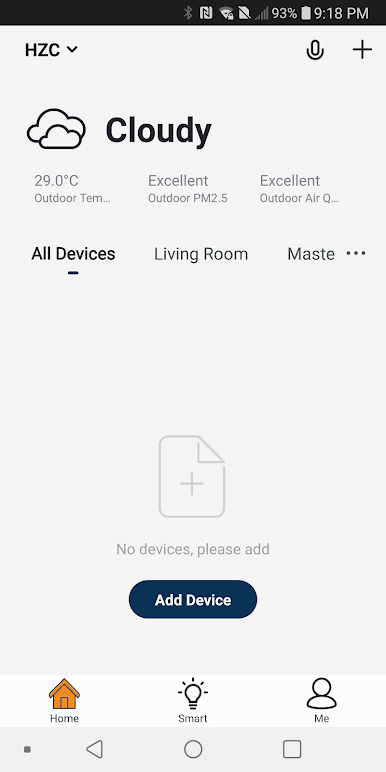
Ever wish you could keep an eye on your home—even when you’re not there? With SECUR360, it’s actually pretty simple. This app brings all your smart SECUR360 gear together—think video doorbells, floodlights, and even stylish lanterns—right into one place. If you like things organized and want some peace of mind about what’s going on at home, you’re in good hands.
App Features
-
Total Home Control
Bring every SECUR360 device you own into one easy app. Whether you’re at work, out for coffee, or just hanging around the house, you’re always in the loop. -
Instant Alerts
Sometimes you just want to know what’s up at your place. Get real-time notifications whenever your SECUR360 cameras or lights spot something. -
Group Devices & Scenes
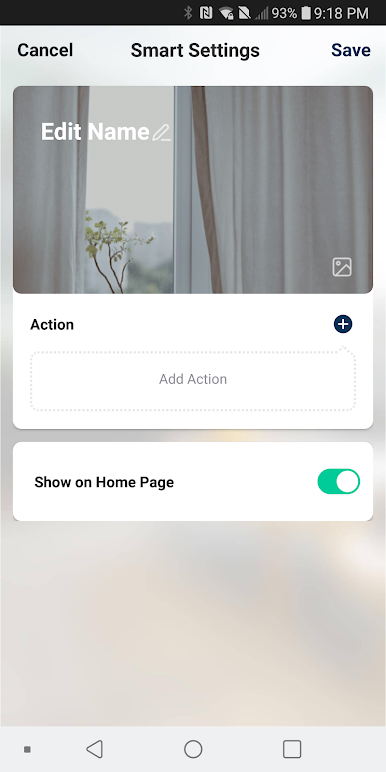
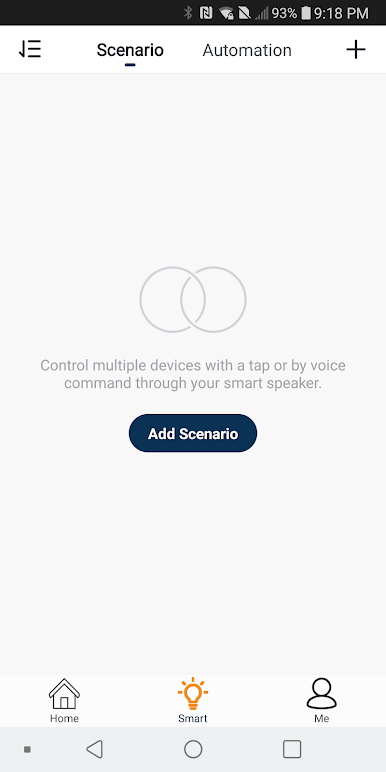
Feeling creative? Set up groups or scenes, so when you want, lights, cameras, and lanterns all work together. You can have the whole crew react at once—pretty nice for those late-night arrivals. -
Hands-Free Smart Home
Don’t want to reach for your phone? Just ask. SECUR360 plays nicely with Google Assistant and Alexa, meaning voice and smart home routines are definitely on the table. -
Live Video Feeds
Peek in anytime with live video. Even if you’re far away, you can check the app and see exactly what’s happening in real time. -
Simple Wi-Fi Connection
No need for extra gadgets or complicated bridges—the app links your devices to your existing Wi-Fi router, no sweat.
By the way, if you’re using BlueStacks, SECUR360 works smoothly there, letting you manage your home setup right from your computer.
Developer: HeathCo LLC
Genre: Tools
Ready to experience SECUR360 on a bigger screen, in all its glory? Download BlueStacks now.
Play SECUR360 on PC. It’s easy to get started.
-
Download and install BlueStacks on your PC
-
Complete Google sign-in to access the Play Store, or do it later
-
Look for SECUR360 in the search bar at the top right corner
-
Click to install SECUR360 from the search results
-
Complete Google sign-in (if you skipped step 2) to install SECUR360
-
Click the SECUR360 icon on the home screen to start playing

