

Toddler puzzle games for kids
Play on PC with BlueStacks – the Android Gaming Platform, trusted by 500M+ gamers.

Page Modified on: Nov 27, 2025
Play Toddler Puzzle and fun games for Kids on PC or Mac
Step into the World of Toddler Puzzle and fun games for Kids, a thrilling Puzzle game from the house of Abuzz. Play this Android game on BlueStacks App Player and experience immersive gaming on PC or Mac.
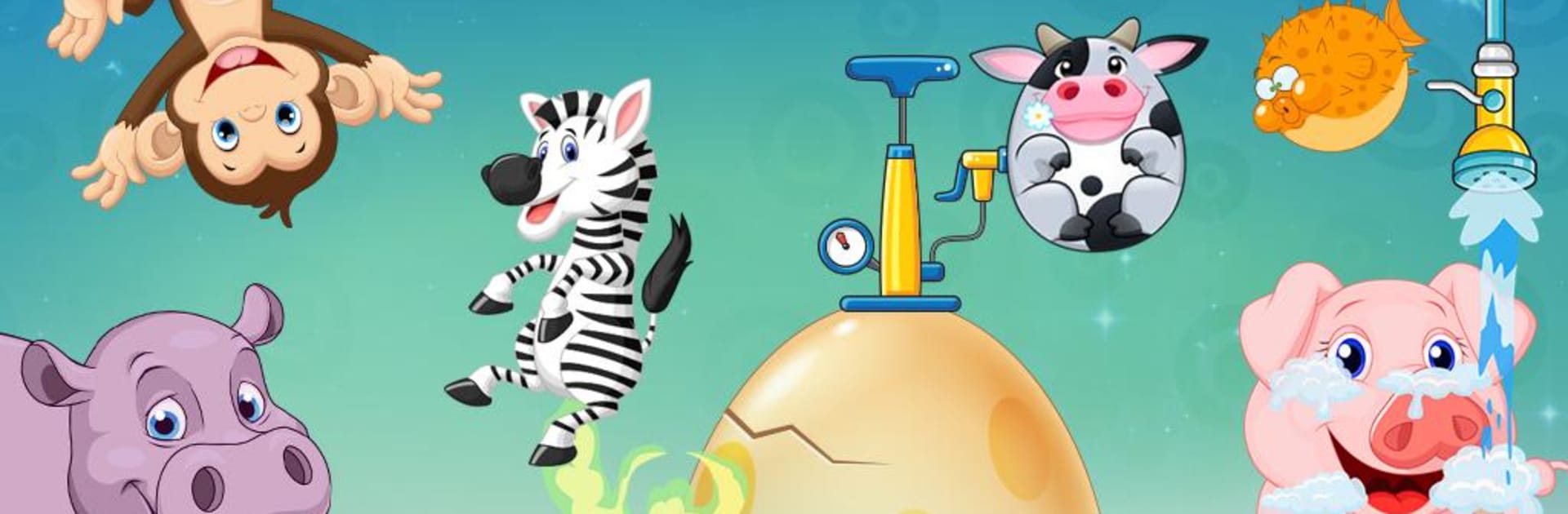
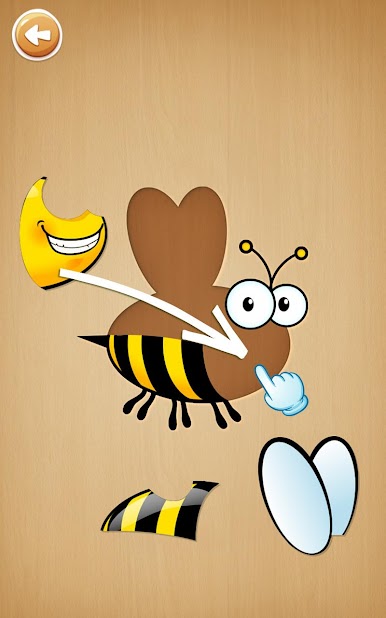
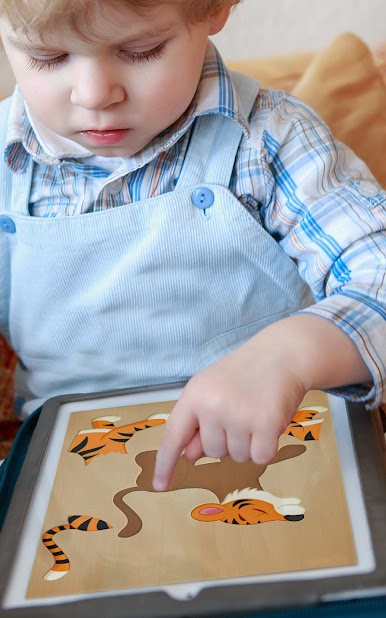
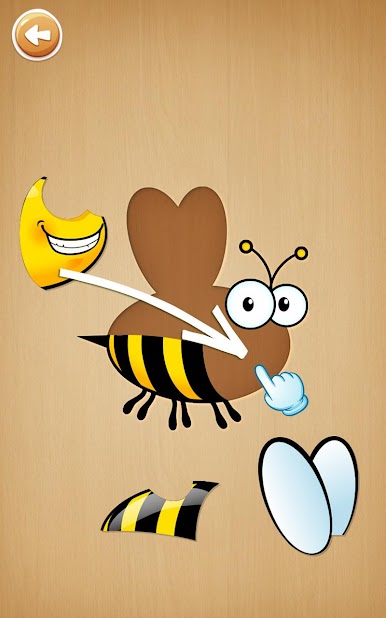
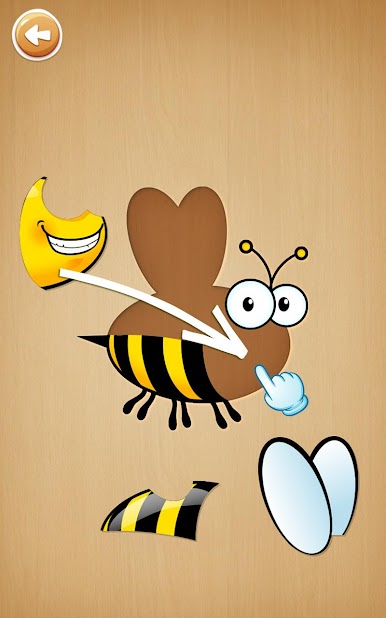
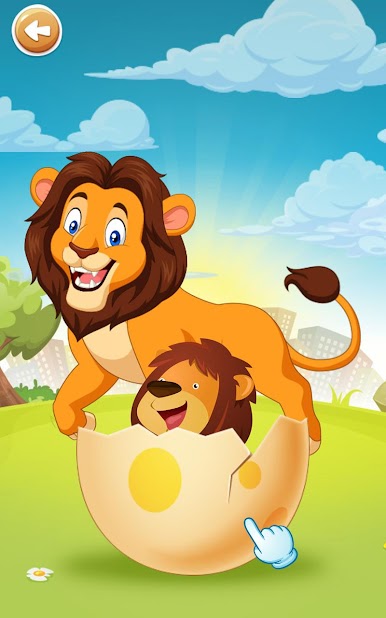
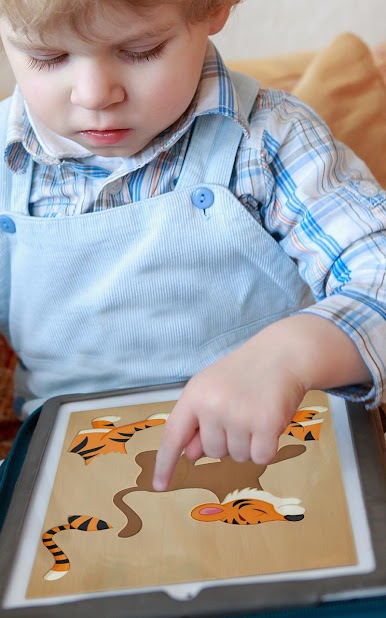
So, this game is all about animals and super simple puzzles – really made for little kids, like kindergarten-age. It’s actually nice how everything is bright and colorful, and the whole thing just feels friendly and inviting. The main part is putting together animal puzzles on the screen, and after finishing, the animals come alive with little movements and funny sounds. For kids, it’s a fun way to pick up animal names and what they sound like.
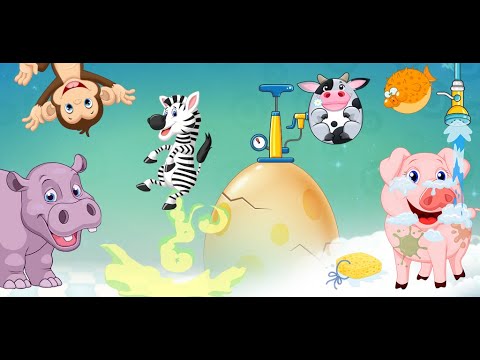
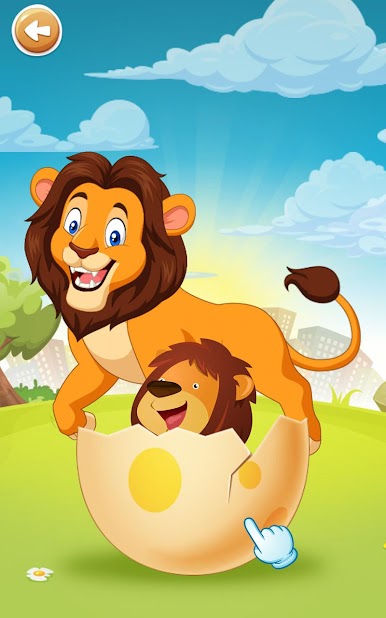
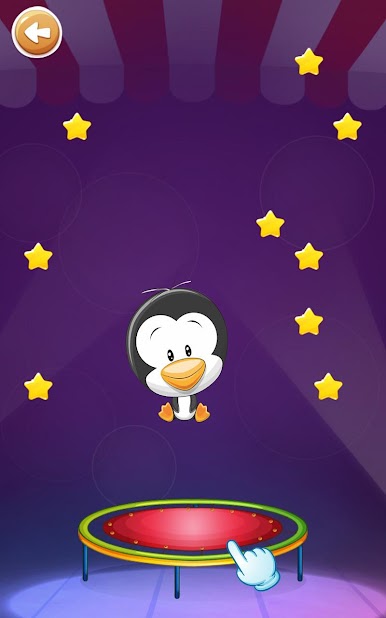
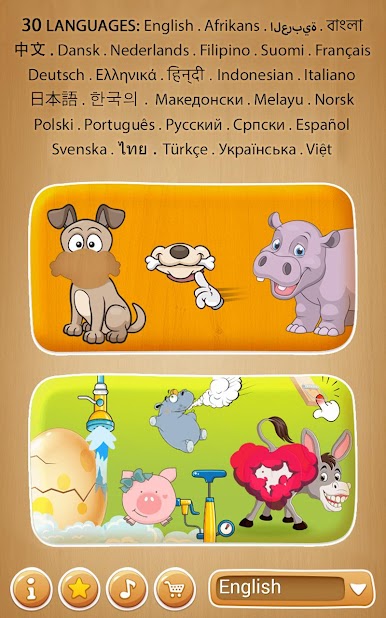
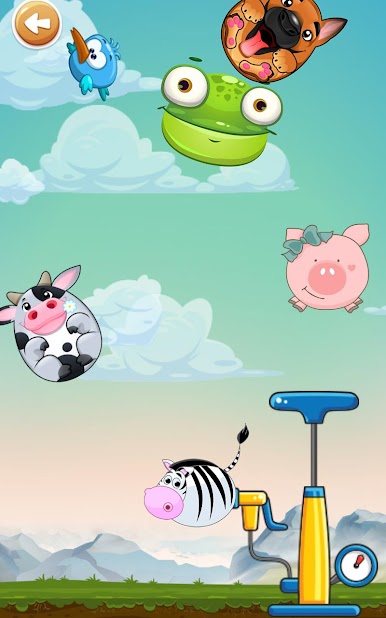
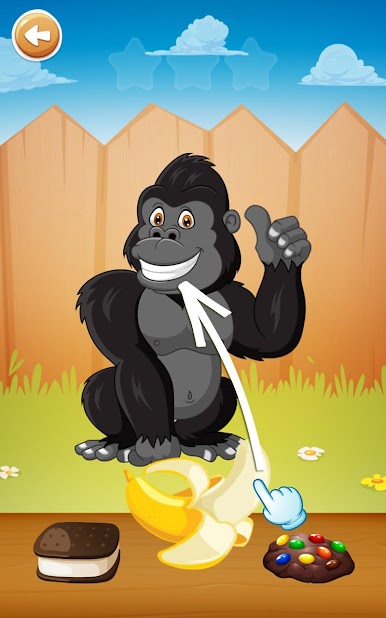
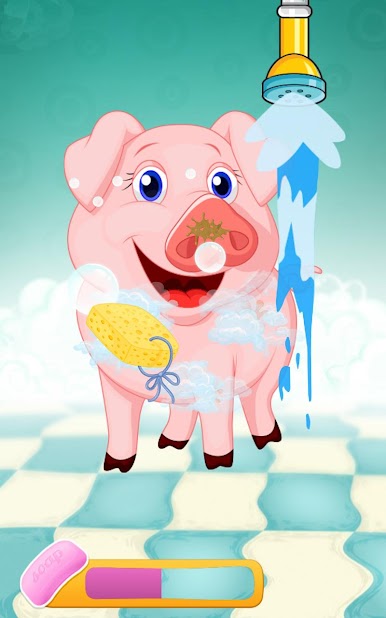
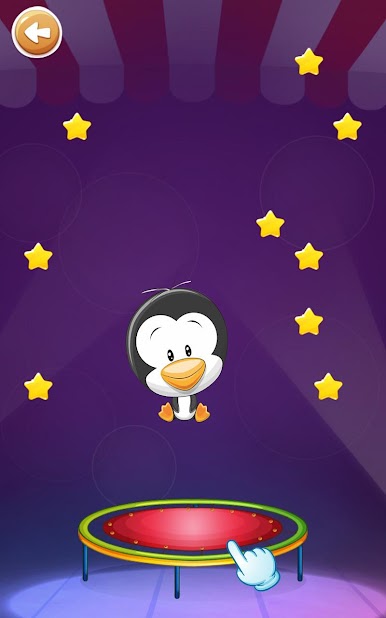
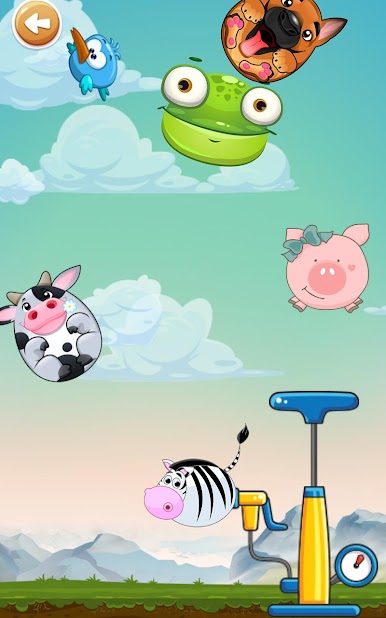
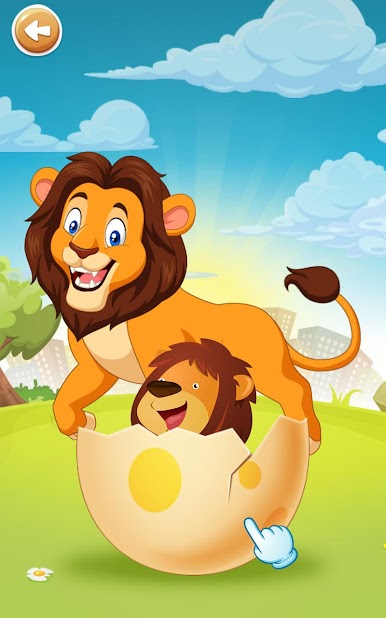
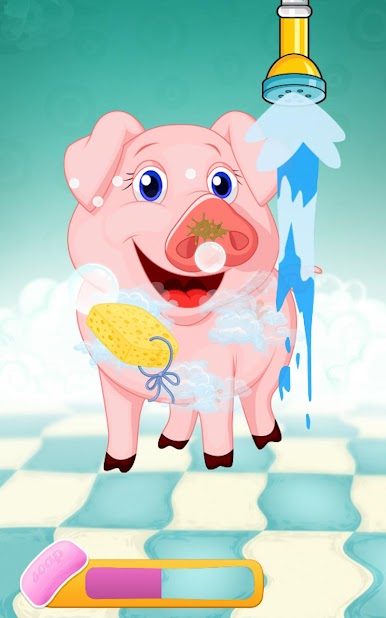
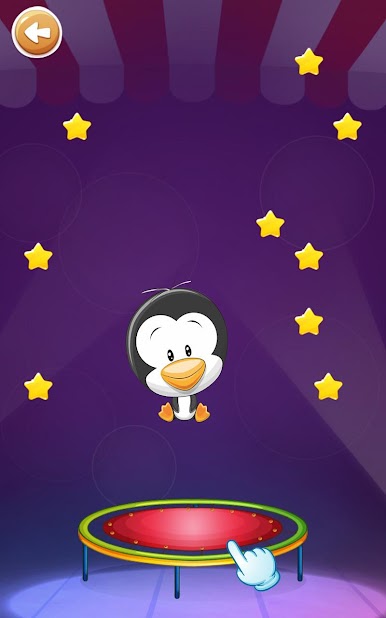
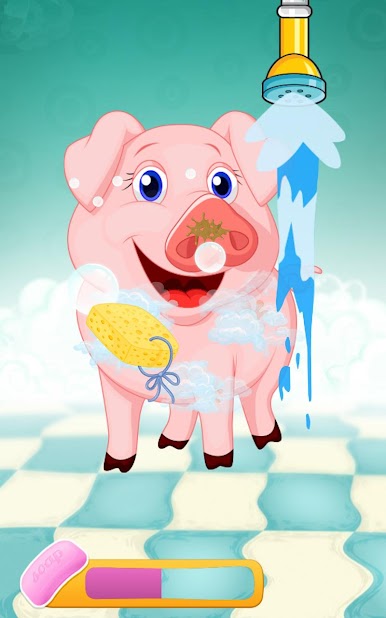
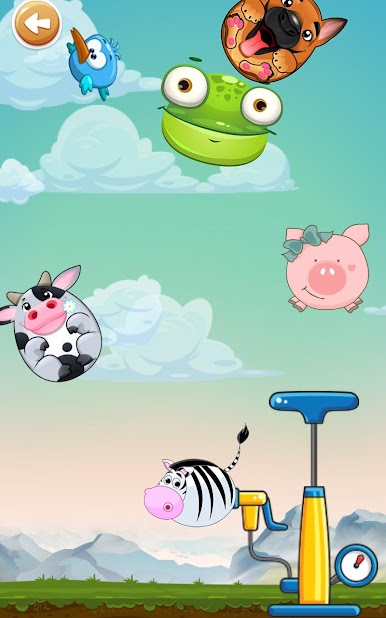
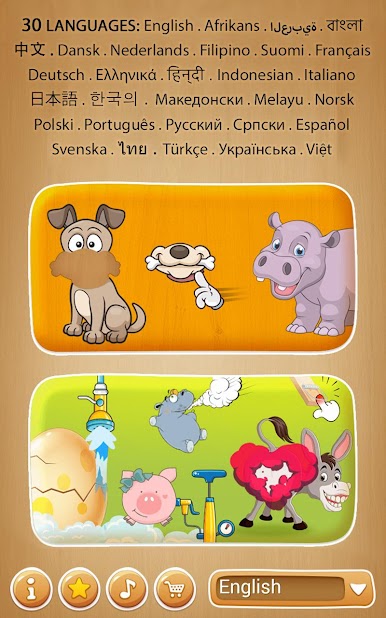
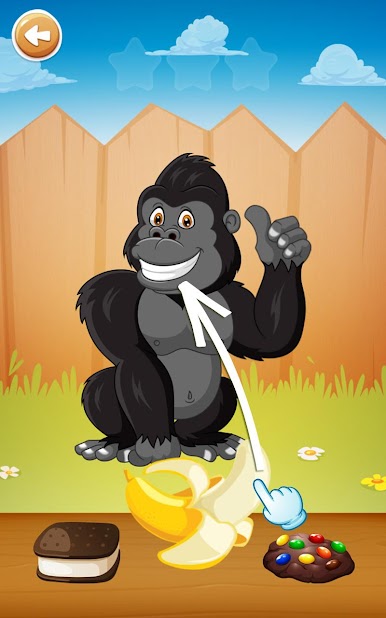
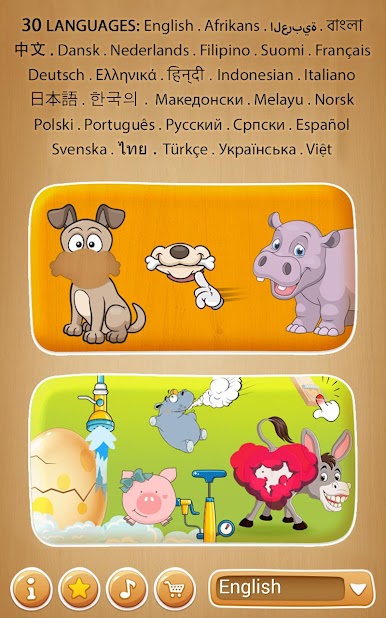
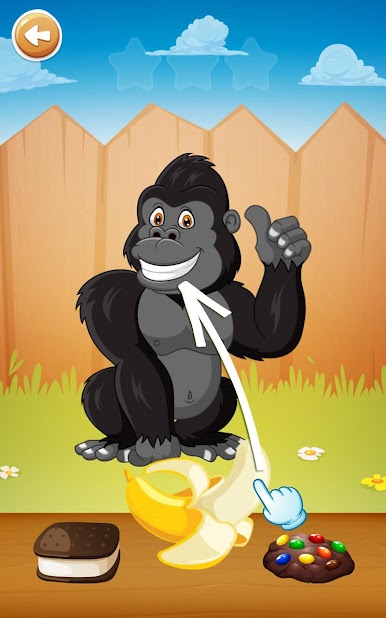
There are a bunch of mini games mixed in too, which keep things interesting. There’s one where animal-shaped balloons float around and you have to watch out for a bird that pops them, and another where you feed animals their favorite foods – so it’s a gentle way to learn what each animal eats. Some of the games are just silly, like making animals bounce, wash up, or even fart if you poke them (definitely gets giggles from kids). The controls are easy – just tapping and dragging – and it all works smoothly even when playing on PC through BlueStacks. Everything is big and clear, so it’s not frustrating for small hands or new players. There’s always some cute reward, like animals hatching from surprise eggs or funny animations after a round. The whole thing feels like it was made by someone who actually understands what little kids find funny or satisfying, not just flashy stuff. And if you’re looking for something that mixes learning with lots of colors and goofy animal antics, this pretty much nails it.
Get ready for a buttery smooth, high-performance gaming action only on BlueStacks.
Play Toddler puzzle games for kids on PC. It’s easy to get started.
-
Download and install BlueStacks on your PC
-
Complete Google sign-in to access the Play Store, or do it later
-
Look for Toddler puzzle games for kids in the search bar at the top right corner
-
Click to install Toddler puzzle games for kids from the search results
-
Complete Google sign-in (if you skipped step 2) to install Toddler puzzle games for kids
-
Click the Toddler puzzle games for kids icon on the home screen to start playing

