


Kids puzzle - Educational game
Play on PC with BlueStacks – the Android Gaming Platform, trusted by 500M+ gamers.

Page Modified on: Sep 17, 2024
Play Kids puzzle - Educational game on PC
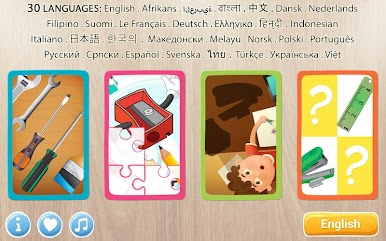
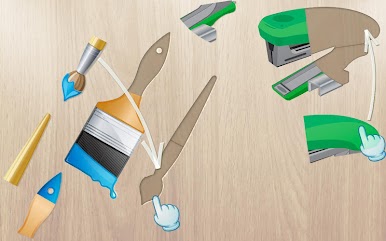
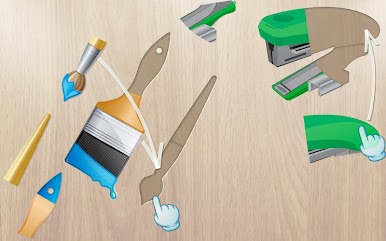
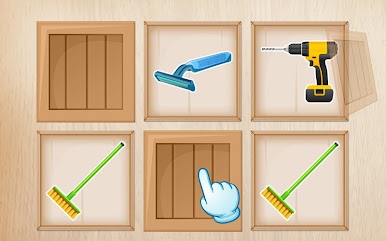
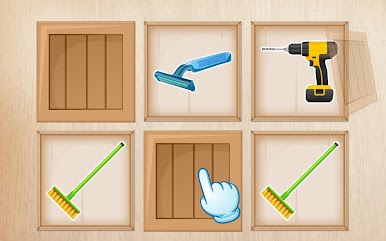
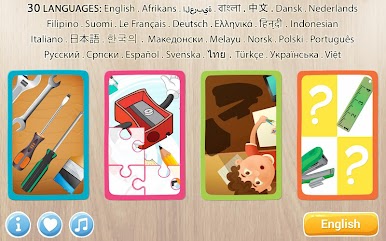
Watch them learn all the names of numerous fixing tools used in everyday life in the home, yard or garage - through fun and play. A pleasant voice will always encourage and praise your kids and toddlers and motivate them to continue to build their vocabulary, memory, and cognitive skills while playing.
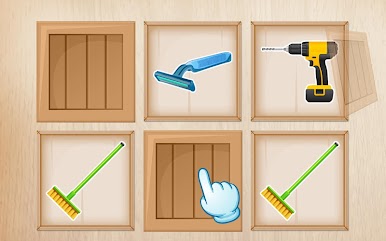
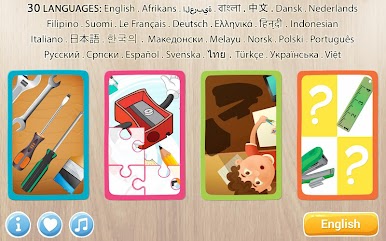
And now we have added 3 more new themes:
* Placing the objects in a scene
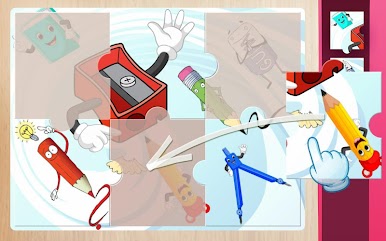
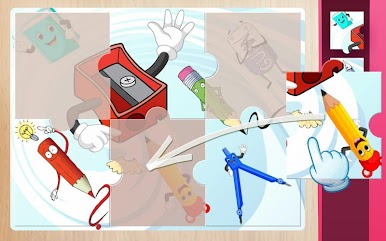
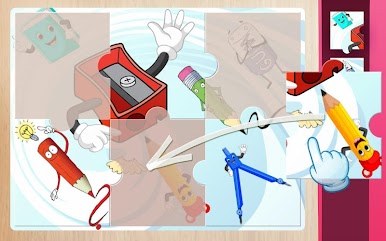
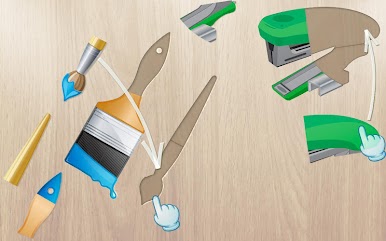
* Jigsaw puzzle
* Memory game
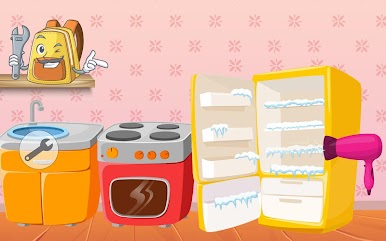
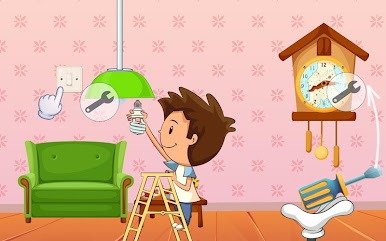
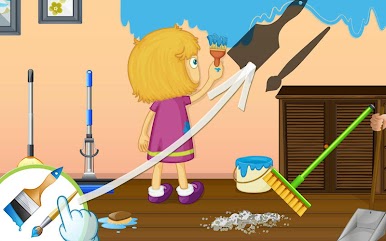
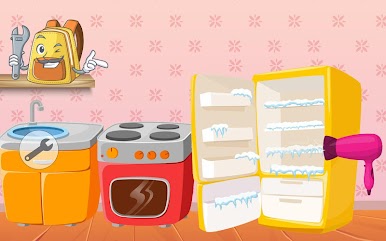
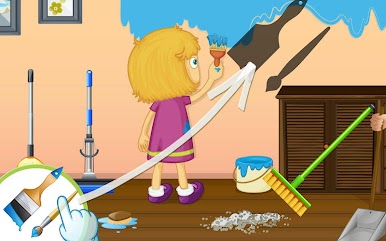
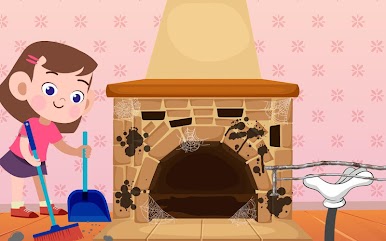
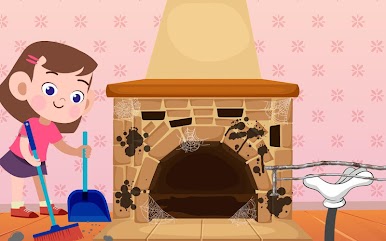
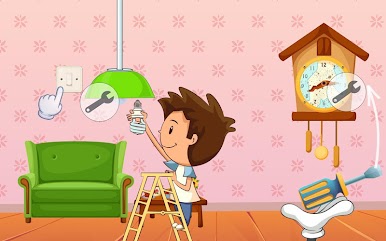
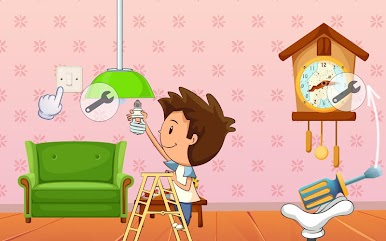
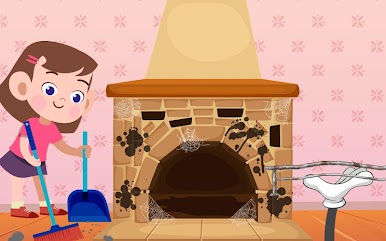
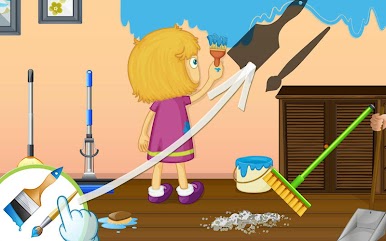
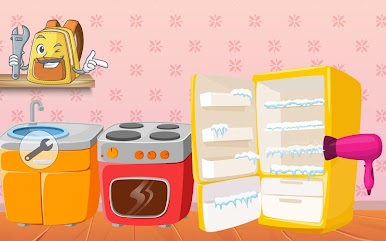
And we also added 4 mini games to use tools to fix things in the house and garden. Kids can roleplay as a builder and repair the broken windows, repair the broken furniture, paint the walls, and much more. The home repair games will introduce your child to interesting crafts and builder work.
Feedback:
If you have any feedback and suggestions on how we could further improve the design and interaction of our apps and games, please visit our website www.iabuzz.com or leave us a message at kids@iabuzz.com
Play Kids puzzle - Educational game on PC. It’s easy to get started.
-
Download and install BlueStacks on your PC
-
Complete Google sign-in to access the Play Store, or do it later
-
Look for Kids puzzle - Educational game in the search bar at the top right corner
-
Click to install Kids puzzle - Educational game from the search results
-
Complete Google sign-in (if you skipped step 2) to install Kids puzzle - Educational game
-
Click the Kids puzzle - Educational game icon on the home screen to start playing

