


Are You Psychic
Play on PC with BlueStacks – the Android Gaming Platform, trusted by 500M+ gamers.

Page Modified on: Nov 11, 2025
Run Are You Psychic on PC or Mac
Get freedom from your phone’s obvious limitations. Use Are You Psychic, made by IA Creative, a Entertainment app on your PC or Mac with BlueStacks, and level up your experience.
About the App
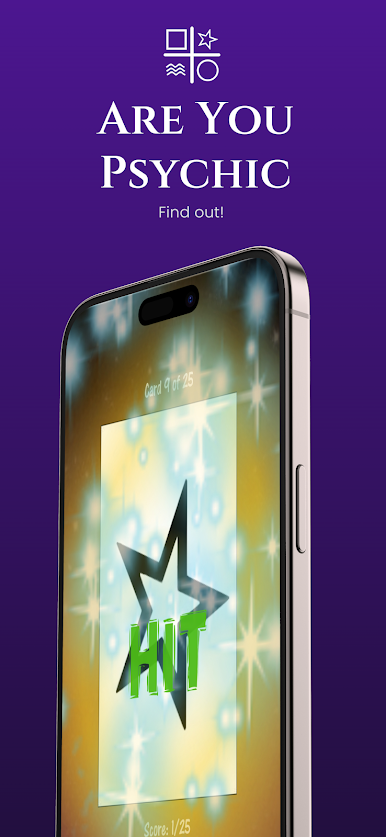
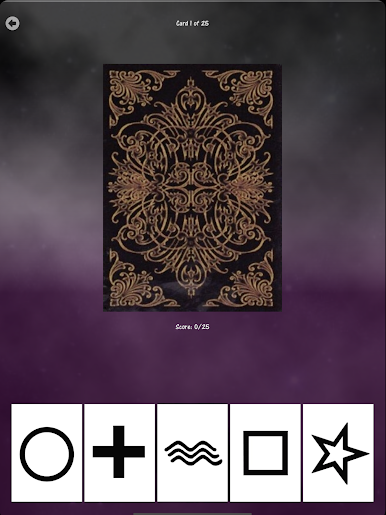
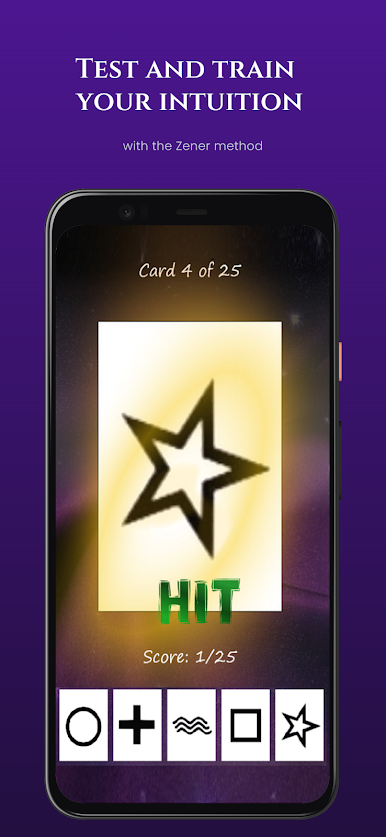
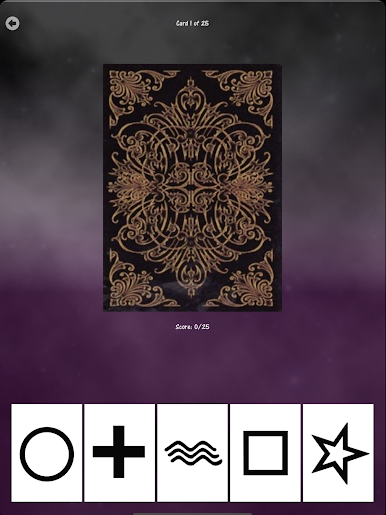
Ever wondered if you’ve got a hidden knack for predicting what’s about to happen? Are You Psychic from IA Creative turns that curiosity into a game, letting you explore your intuition in a fun, interactive way. You’ll find yourself picking up Zener cards, following your hunches, and learning a little more about yourself with each round—whether you’re killing time or getting deep into the experience, it’s a chill and engrossing ride.
App Features
-
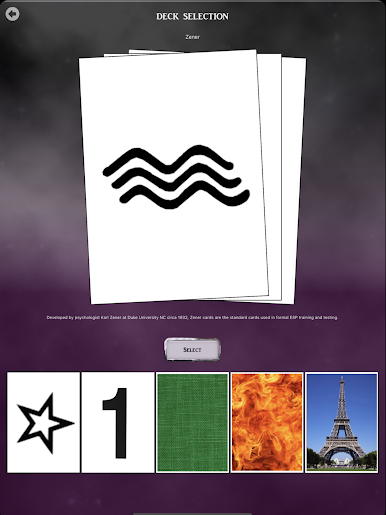
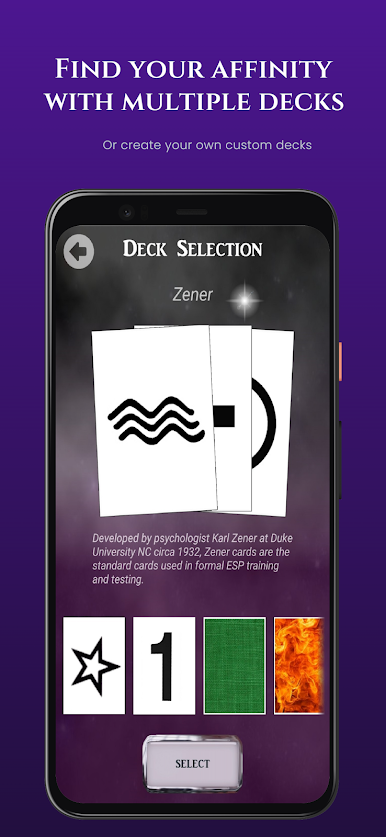
Multiple Deck Options
Try out five unique Zener decks, each giving you a different taste of psychic testing. Swap things up to see where your intuition really shines. -
Interactive Focus Exercises
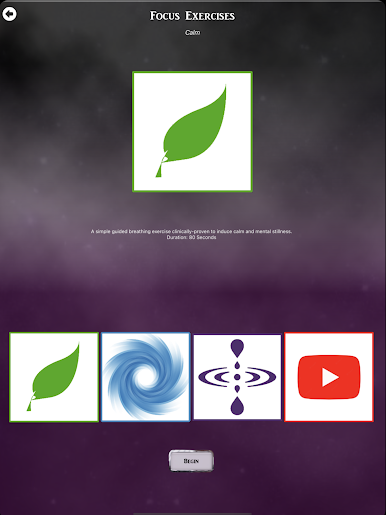
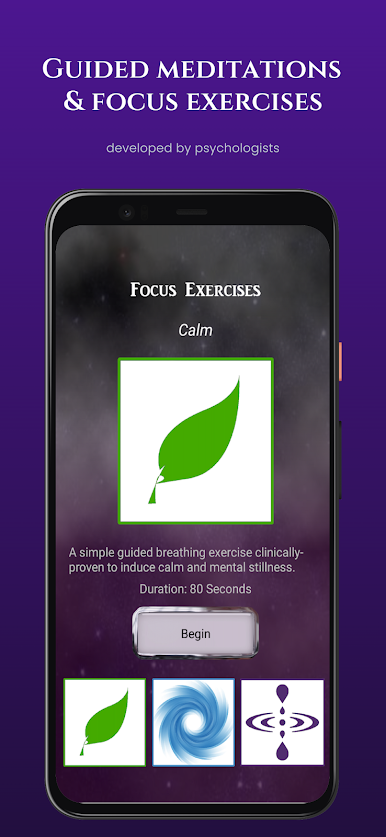
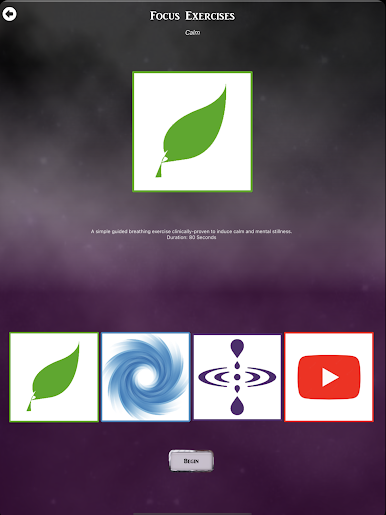
Get in the zone with focus activities inspired by psychological research. These aren’t just warm-ups—they actually help sharpen your attention before each test. -
Your Own Personal Guide
There’s a virtual guide to walk you through the experience, offering feedback and dropping little nuggets of advice as you play. -
Handy Analysis Tools
Want better results? Check out the built-in analytical tips. You’ll spot patterns in your guesses, which could just give you that edge next time. -
Compete Online (Beta)
Think you’re on a roll? Jump into the online multiplayer mode and see how your skills stack up against players worldwide. -
Global Leaderboard
Scroll through the global leaderboard to see where you stand and maybe spot your name climbing up the ranks. -
3D Visuals and Calming Music
Pleasant 3D graphics and soothing tunes set a mellow vibe, so you can truly focus without distractions. -
Feedback and Rewards
Whether it’s a satisfying sound or a quick visual cue, every correct guess gets acknowledged. It makes each round feel rewarding. -
Track Your Progress
Every session’s results get logged, so you can keep tabs on your improvement over time and maybe notice some trends in your predictions.
You can also try Are You Psychic through BlueStacks if you’re in the mood for a bigger screen or a different way to play.
BlueStacks gives you the much-needed freedom to experience your favorite apps on a bigger screen. Get it now.


Play Are You Psychic on PC. It’s easy to get started.
-
Download and install BlueStacks on your PC
-
Complete Google sign-in to access the Play Store, or do it later
-
Look for Are You Psychic in the search bar at the top right corner
-
Click to install Are You Psychic from the search results
-
Complete Google sign-in (if you skipped step 2) to install Are You Psychic
-
Click the Are You Psychic icon on the home screen to start playing

