

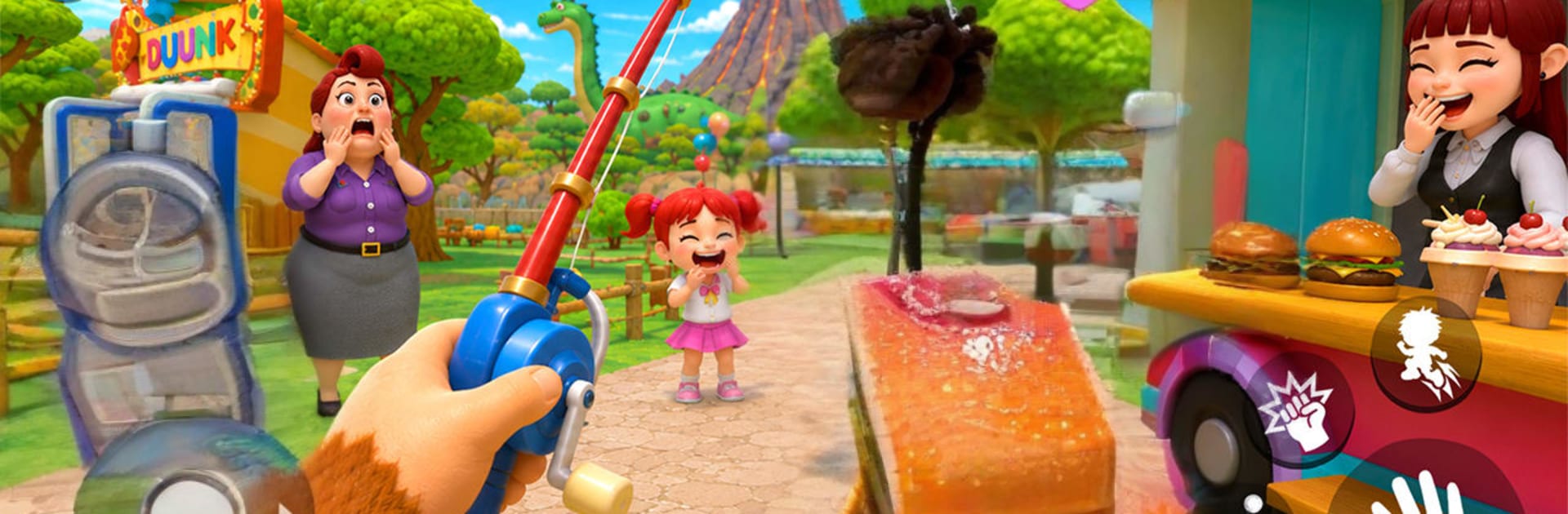
I Am Dino
Play on PC with BlueStacks – the Android Gaming Platform, trusted by 500M+ gamers.

Page Modified on: Jun 25, 2026
Play I Am Dino on PC or Mac
Explore a whole new adventure with I Am Dino, a Simulation game created by CozyTap Studio. Experience great gameplay with BlueStacks, the most popular gaming platform to play Android games on your PC or Mac.
About the Game
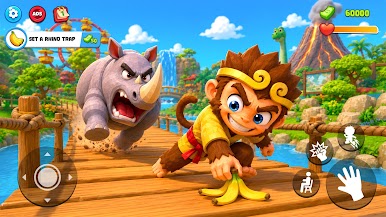
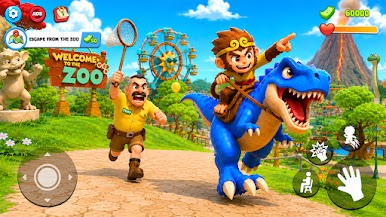
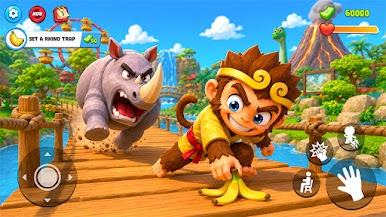
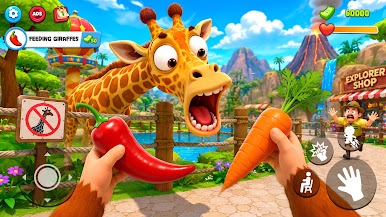
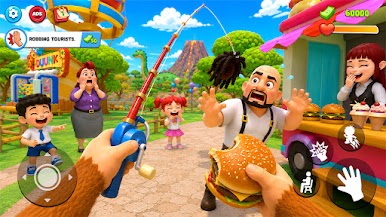
I Am Dino is a cheeky Simulation where you play a prank-loving dino set loose in a giant park. Think stealth meets physics sandbox: sneak past guards, flip switches, and set silly chain reactions that send the place buzzing. It’s all about clever setups, fast getaways, and the kind of chaos that makes you grin.
Game Features
- Playful Prankster Mode: Sprint, slide, and tail-swipe your way through exhibits while nudging, tossing, and toppling objects with satisfying physics.
- Bite-Size Missions: Each area hands you fresh objectives that push you to experiment—set traps, distract patrols, and pull off perfect escapes.
- Stealth That Feels Fair: Duck into bushes, cut line of sight, and use noise or movement to lure guards away from your path.
- Toys Everywhere: Rides, levers, alarms, fountains—flip and fiddle with them to spark big reactions and hilarious surprises.
- A Park That Rewards Curiosity: Hunt for hidden shortcuts, tucked-away items, and sneaky vantage points that open new prank routes.
- Smarter Security: Patrolling guards react to sound and sight, so timing and positioning matter when you’re plotting mischief.
- Smooth, Pick-Up-and-Play Controls: Simple movement and easy interactions make it fun to test ideas on the fly—great on mobile and comfy on PC with BlueStacks.
- Fail Fast, Try Again: Quick restarts encourage bold experiments, from small gags to elaborate multi-step trickery.
Get ready for a buttery smooth, high-performance gaming action only on BlueStacks.
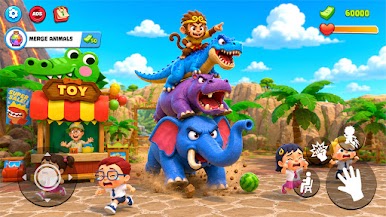
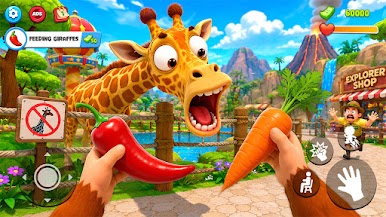
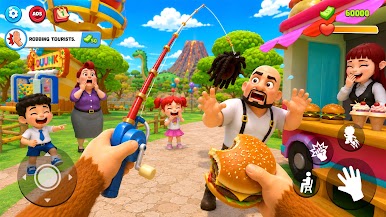
Play I Am Dino on PC. It’s easy to get started.
-
Download and install BlueStacks on your PC
-
Complete Google sign-in to access the Play Store, or do it later
-
Look for I Am Dino in the search bar at the top right corner
-
Click to install I Am Dino from the search results
-
Complete Google sign-in (if you skipped step 2) to install I Am Dino
-
Click the I Am Dino icon on the home screen to start playing

