


Icelandair
Play on PC with BlueStacks – the Android Gaming Platform, trusted by 500M+ gamers.

Page Modified on: Nov 27, 2025
Play Icelandair on PC
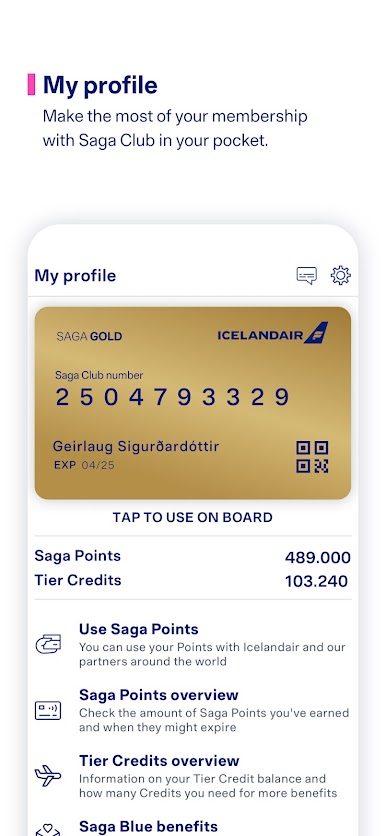
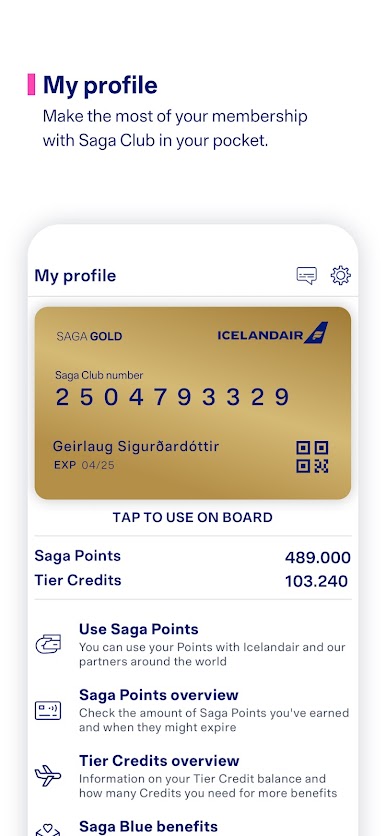
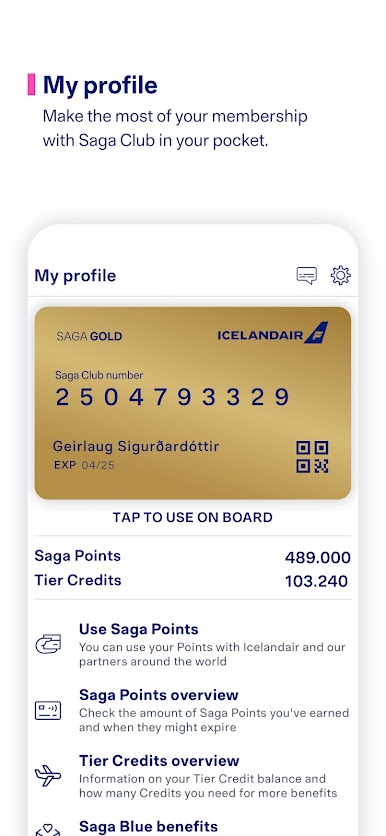
GET MORE OUT OF YOUR SAGA CLUB MEMBERSHIP
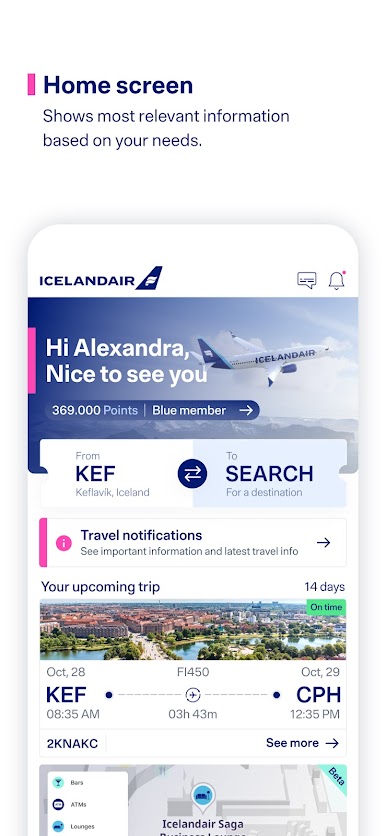
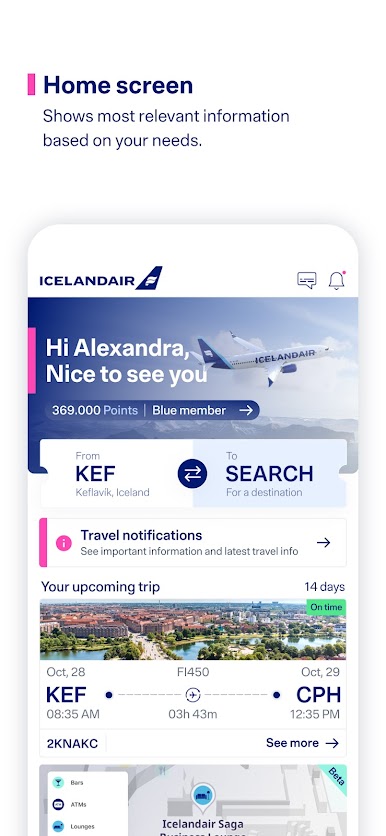
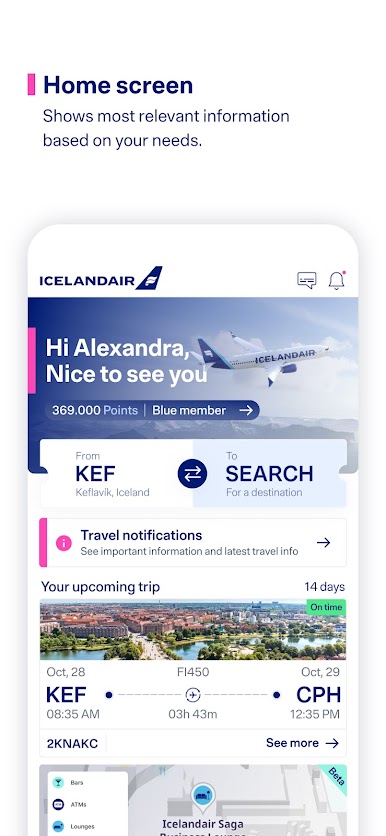
See your Saga Club and Tier Credit status, earn and use Saga Points, add Saga Club card to Wallet, or use your virtual Saga Club card in the app. You can also register Saga Points for past flights.
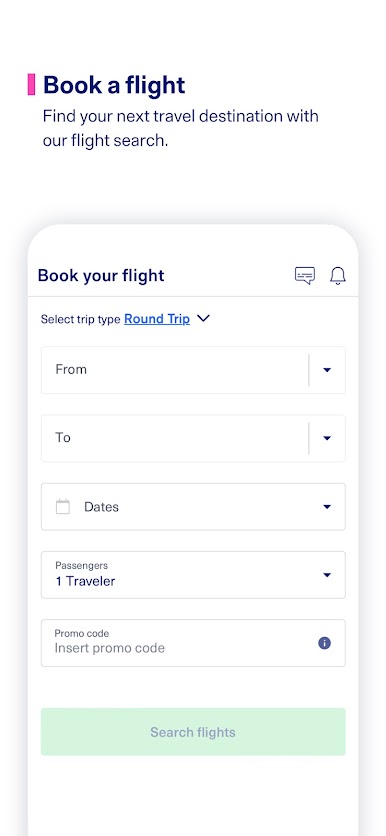
BOOK FLIGHTS
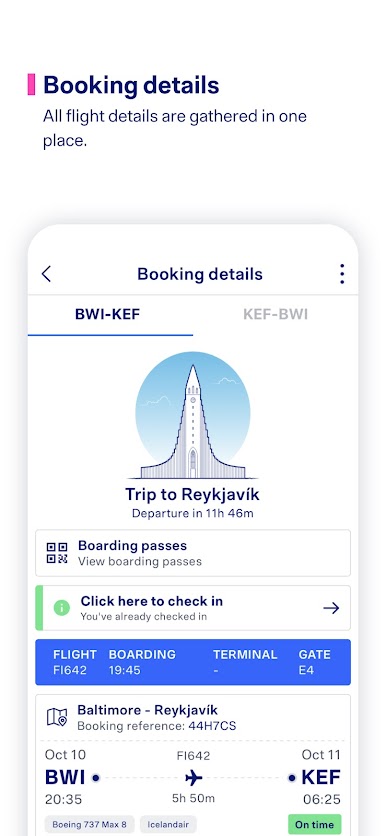
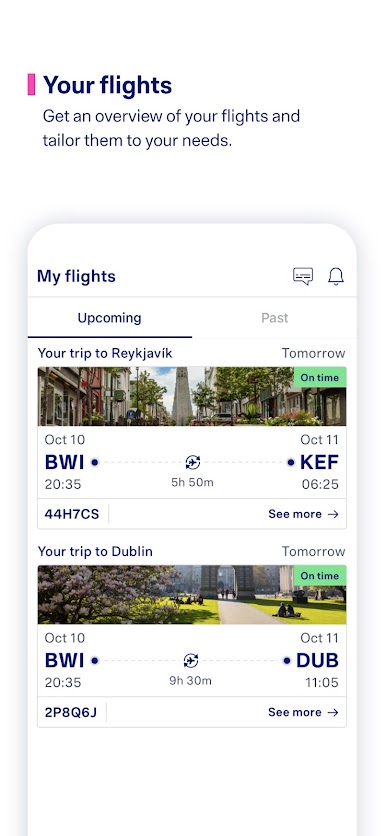
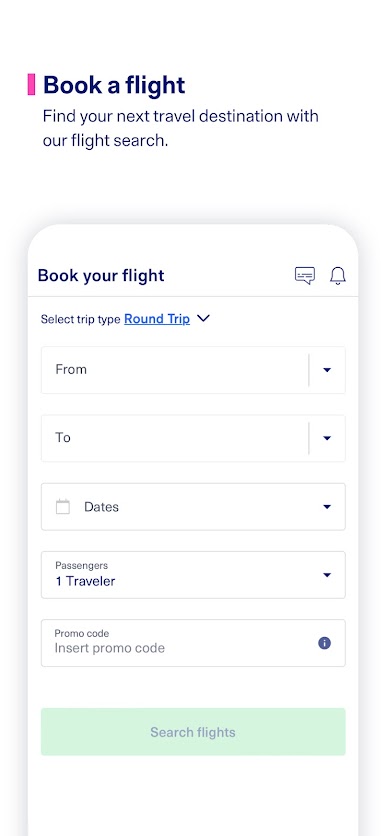
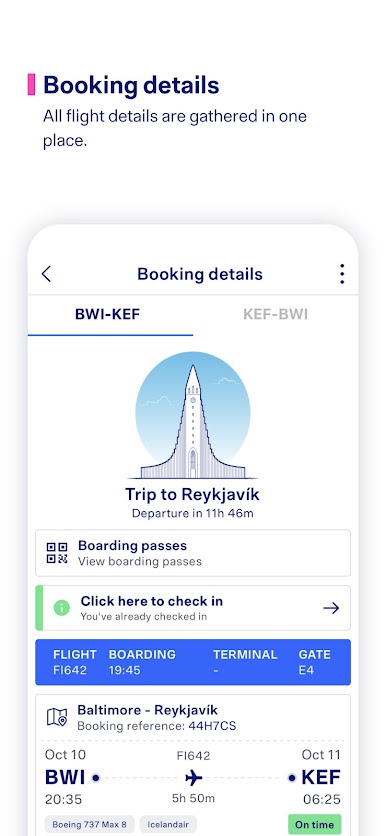
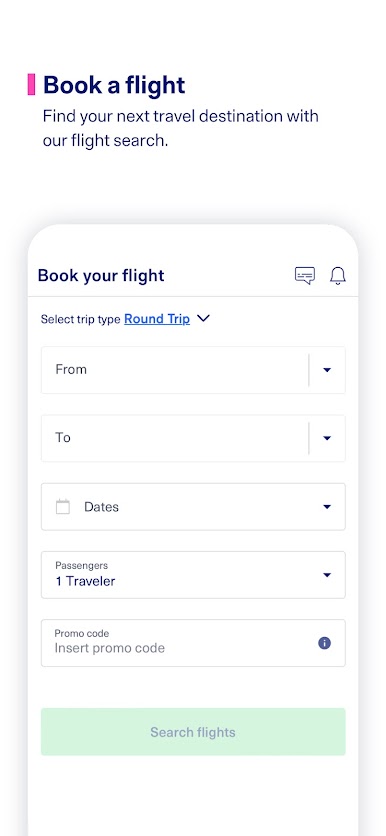
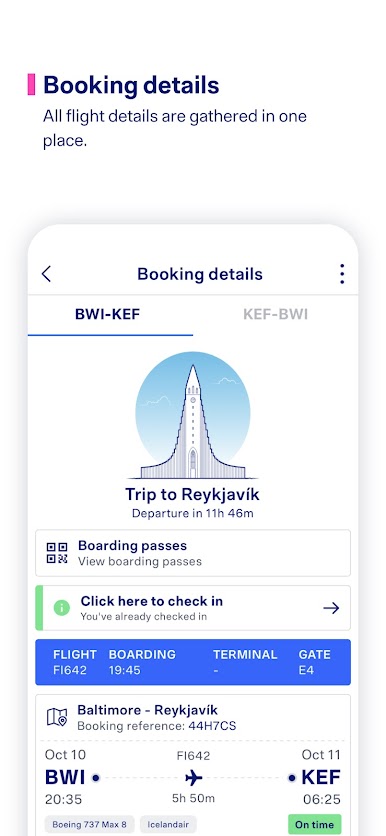
Search for your next travel destination, book your flight with auto-filled information, and access booking details in one place.
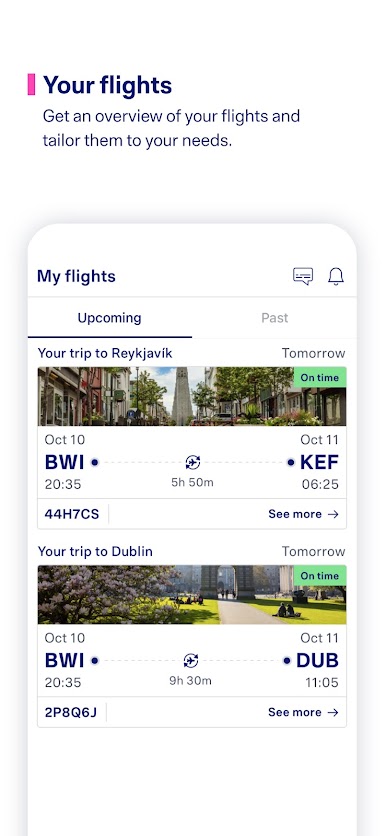
OVERVIEW OF YOUR ENTIRE JOURNEY
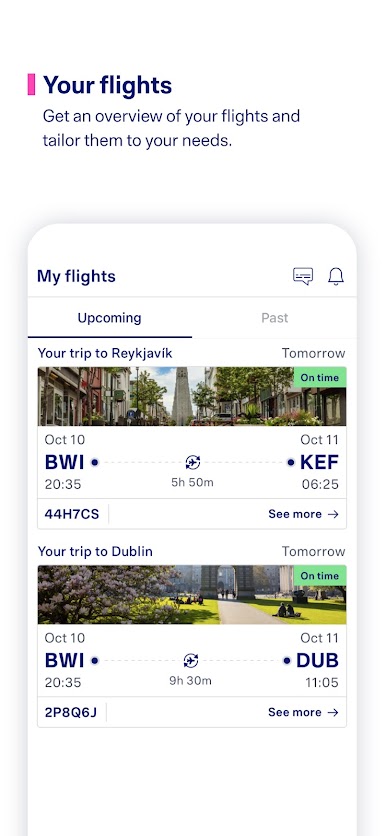
Manage your journey by preordering meals, choosing a seat, or adding baggage to your flight. Check-in online via the app and receive the boarding pass directly. Save your boarding pass in Wallet or share it with other travelers in your booking.
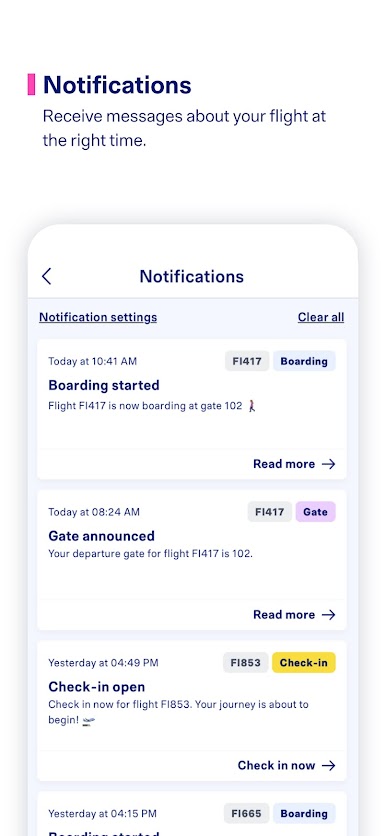
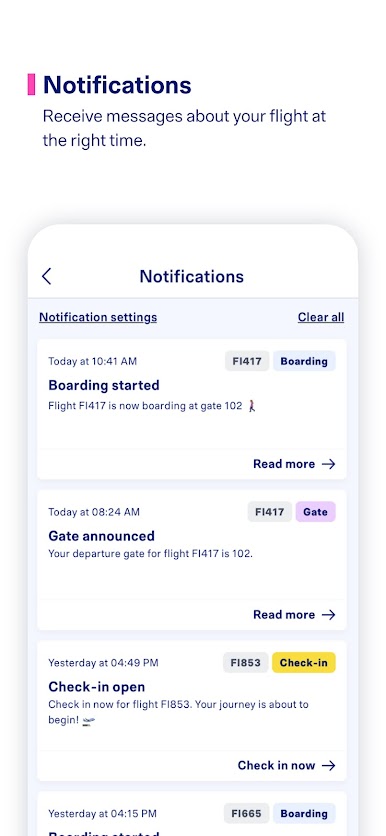
GET NOTIFIED ABOUT YOUR FLIGHT
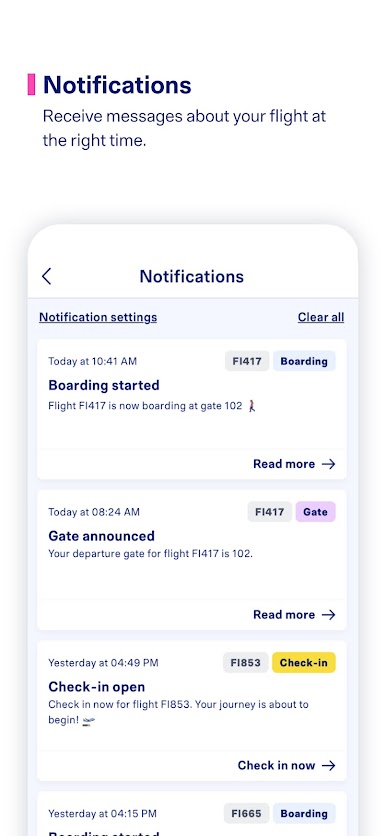
Receive notifications at the right time and stay informed at every stage of your journey.



Play Icelandair on PC. It’s easy to get started.
-
Download and install BlueStacks on your PC
-
Complete Google sign-in to access the Play Store, or do it later
-
Look for Icelandair in the search bar at the top right corner
-
Click to install Icelandair from the search results
-
Complete Google sign-in (if you skipped step 2) to install Icelandair
-
Click the Icelandair icon on the home screen to start playing

