


Screenshot & Screen Recorder
Play on PC with BlueStacks – the Android Gaming Platform, trusted by 500M+ gamers.

Page Modified on: Sep 1, 2025
Run Screenshot & Screen Recorder on PC or Mac
Upgrade your experience. Try Screenshot & Screen Recorder, the fantastic Tools app from MobileIdea Studio, from the comfort of your laptop, PC, or Mac, only on BlueStacks.
About the App
Ever wished snapping a screenshot on your phone could be, well, less of a hassle? Screenshot & Screen Recorder by MobileIdea Studio is here to help you grab screenshots or record your screen without jumping through hoops. Whether you want to capture that high score, share a funny chat, or make a quick video of what’s on your screen, you’ll find this Tools app surprisingly easy to use—and actually kind of fun.
App Features
-
Simple Screen Recording
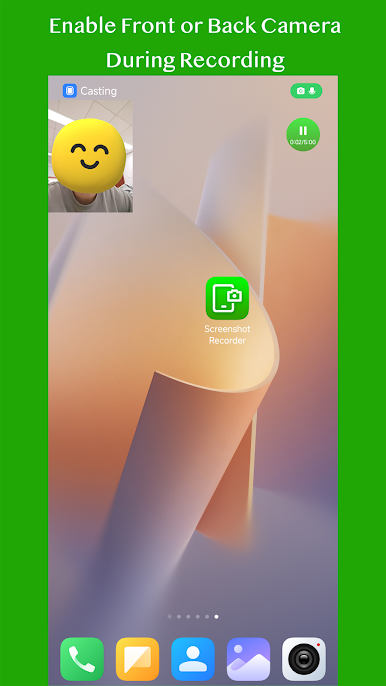
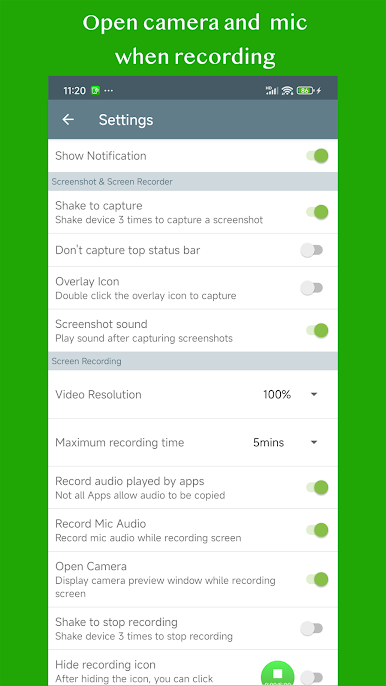
Hit record and create crisp screen videos in just a tap. Perfect for tutorials, gameplay, or capturing anything live on your device—with options to include your front camera preview if you need to show your reactions. -
Instant Screenshot Capture
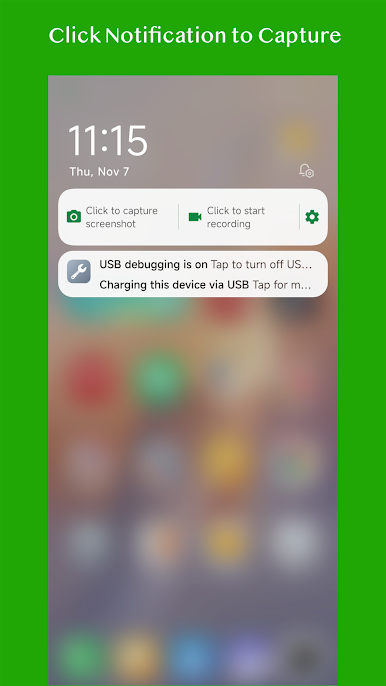
Take a screenshot your way: tap an overlay button, shake your phone, or even use the notification bar. Options galore, so you don’t have to fumble when something worth saving pops up. -
Built-In Screenshot Editor
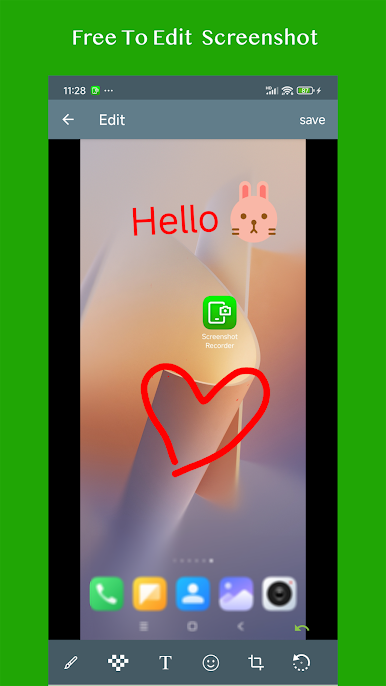
Editing is right at your fingertips—draw, add text, slap on some stickers, or even mosaic anything you’d rather keep private. Sharing memes and marking up ideas has never been simpler. -
Full Webpage Capture
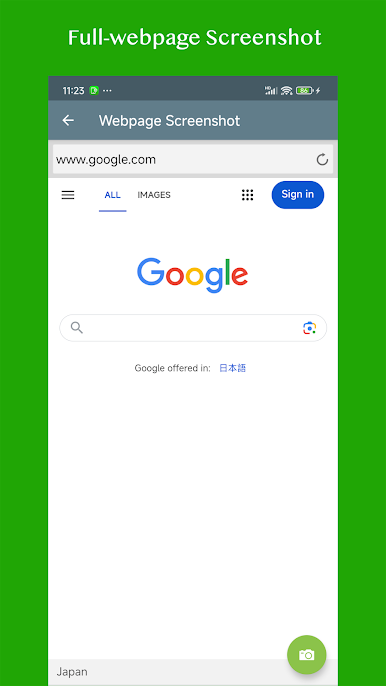
Don’t just save what’s visible—grab full webpage screenshots without endless scrolling and stitching. -
Quick Settings Shortcuts
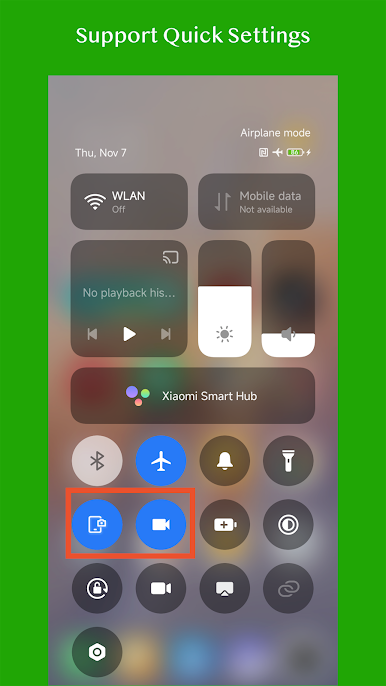
If your device is running Android Nougat or newer, the app lets you drop handy shortcuts right into quick settings, so you’re always just a swipe away. -
Easy Sharing
Once you’ve got the perfect shot or recording, share it straight from the app. Friends, coworkers, social media—done in seconds. -
Browse & Organize
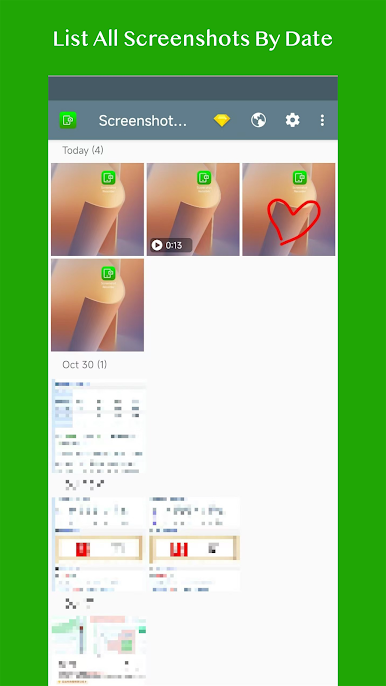
All your screenshots and videos land in one place, organized and easy to browse or edit whenever you want.
Some folks even like using Screenshot & Screen Recorder on their PC with BlueStacks for an extra bit of convenience. However you use it, capturing and editing your screen stuff should feel this easy.
Ready to experience Screenshot & Screen Recorder on a bigger screen, in all its glory? Download BlueStacks now.
Play Screenshot & Screen Recorder on PC. It’s easy to get started.
-
Download and install BlueStacks on your PC
-
Complete Google sign-in to access the Play Store, or do it later
-
Look for Screenshot & Screen Recorder in the search bar at the top right corner
-
Click to install Screenshot & Screen Recorder from the search results
-
Complete Google sign-in (if you skipped step 2) to install Screenshot & Screen Recorder
-
Click the Screenshot & Screen Recorder icon on the home screen to start playing

