


Court Six: Volleyball 3D
Play on PC with BlueStacks – the Android Gaming Platform, trusted by 500M+ gamers.

Page Modified on: Oct 21, 2026
Play Court Six: Volleyball 3D on PC
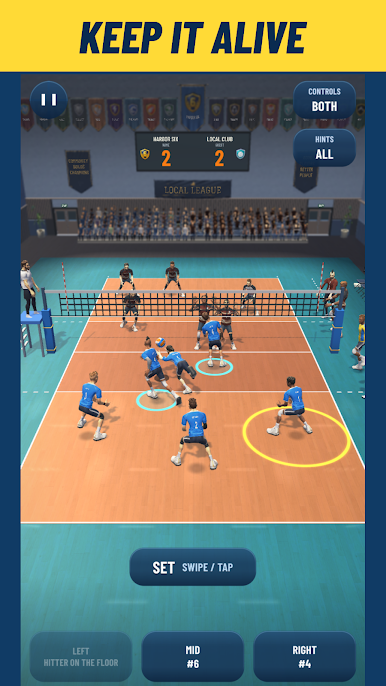
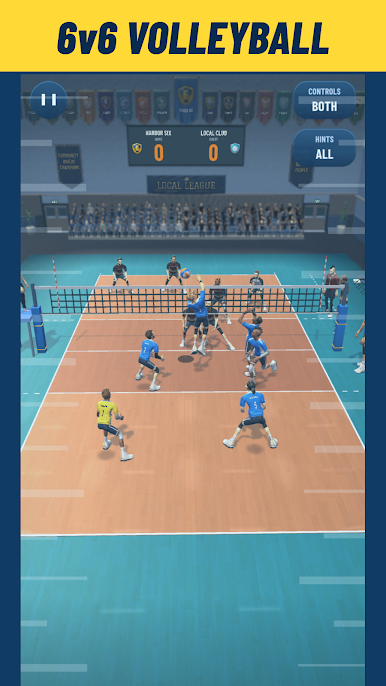
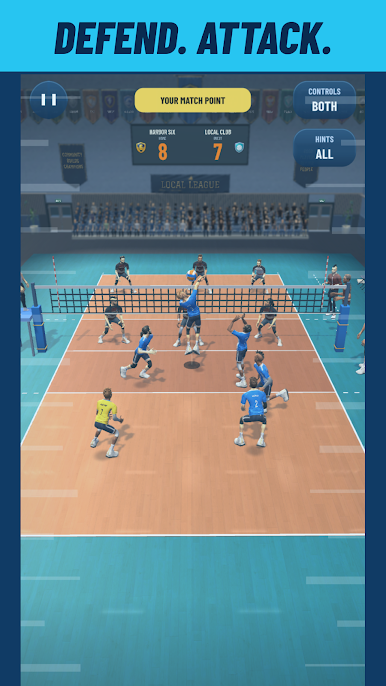
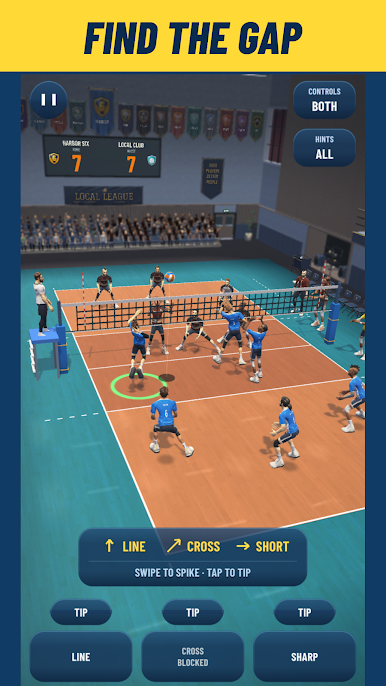
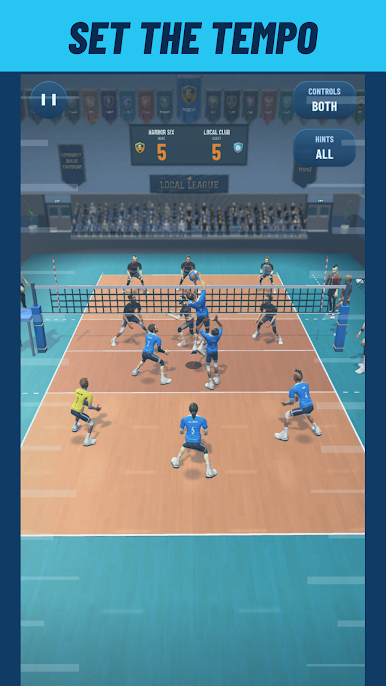
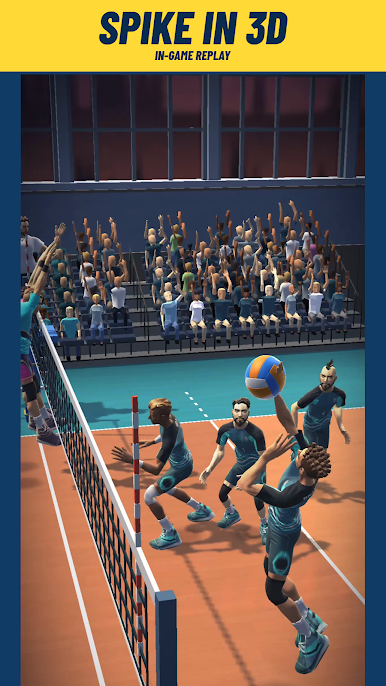
Court Six is a single-player 3D volleyball game with full 6v6 teams, tactical rallies and a club to build. Play indoor volleyball offline as you work through three leagues, sharpen your timing and turn a desperate dig into your next attack.
MAKE EVERY TOUCH COUNT
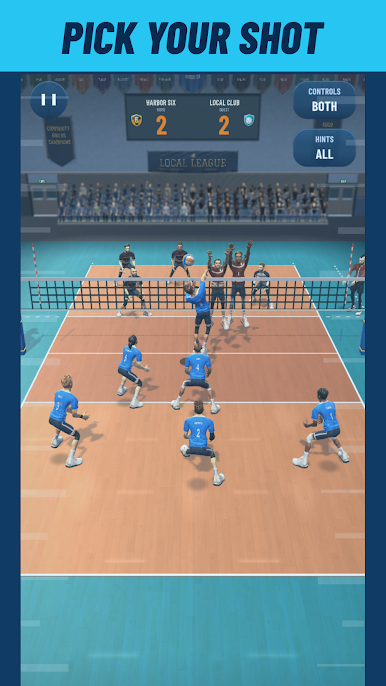
Your team handles movement and positioning while you make the decisions that shape each rally. Time your reception, choose your hitter and aim your attack. Spike down the line, hit cross-court or place a tip into open space. Run a fast middle attack or use a tempo decoy to draw the block before sending the ball outside.
BUILD YOUR VOLLEYBALL CLUB
Choose a men's or women's team and create your club's identity with a name and crest. Upgrade player and team-skill cards, then give your squad its own look with kits and shoes.
RISE THROUGH THREE LEAGUES
Take on 18 opponents across the Local, Regional and National leagues. Each league brings six fixtures, match goals and a trophy to work toward. Revisit opponents as your team improves and find new ways to win the rally.
QUICK MATCHES AND SKILL PRACTICE
Jump into Quick Match for a short session or use Warm-up to practice individual skills. Interactive lessons introduce serving, receiving, setting, attacking, blocking and digging. Learn the controls at your pace, then put your timing and court awareness to the test.
PLAY OFFLINE
Core volleyball gameplay works without an internet connection, and no player account is required. There are no advertisements.
OPTIONAL PURCHASES AND LOCAL SAVES
Optional in-app purchases offer gems, gold and a Starter Pack. Purchases require a store connection and use the prices shown in your local currency.
Career progress, club data, gems and gold are stored locally on this device. They are not linked to a player account or synced between devices. Deleting the app can erase this local data; consumed gem and gold purchases cannot be restored.
Firebase Analytics and Crashlytics collection starts after you agree on the in-game privacy screen. You can switch analytics and crash reporting off separately in Settings.

Play Court Six: Volleyball 3D on PC. It’s easy to get started.
-
Download and install BlueStacks on your PC
-
Complete Google sign-in to access the Play Store, or do it later
-
Look for Court Six: Volleyball 3D in the search bar at the top right corner
-
Click to install Court Six: Volleyball 3D from the search results
-
Complete Google sign-in (if you skipped step 2) to install Court Six: Volleyball 3D
-
Click the Court Six: Volleyball 3D icon on the home screen to start playing

