


Idle Miner: Ore Empire
Play on PC with BlueStacks – the Android Gaming Platform, trusted by 500M+ gamers.

Page Modified on: Jan 20, 2026
Main Idle Miner: Ore Empire on PC
Game Features
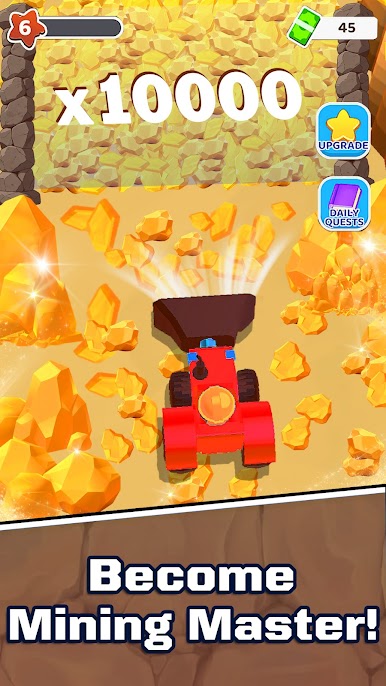
Automate your mines to generate idle income without constant tapping.
Upgrade mines, factories, and miners to increase output.
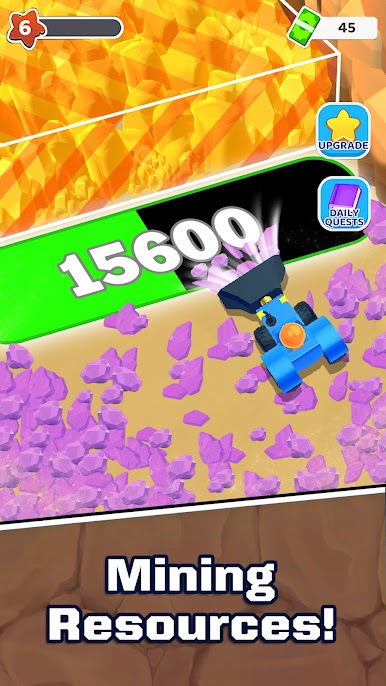
Manage multiple mines and unlock different resources.
Experience a relaxed idle simulation designed for steady progression.
Idle Miner focuses on long-term management and idle progression. Earn income from your mines, reinvest your earnings, and improve efficiency across your mining facilities.
Build your mining operation at your own pace, plan upgrades wisely, and explore the mechanics of mining management in this idle simulation game.
Start digging, manage your resources, and develop your mining business in Idle Miner.



Play Idle Miner: Ore Empire on PC. It’s easy to get started.
-
Download and install BlueStacks on your PC
-
Complete Google sign-in to access the Play Store, or do it later
-
Look for Idle Miner: Ore Empire in the search bar at the top right corner
-
Click to install Idle Miner: Ore Empire from the search results
-
Complete Google sign-in (if you skipped step 2) to install Idle Miner: Ore Empire
-
Click the Idle Miner: Ore Empire icon on the home screen to start playing

