


Lords Mobile: Kingdom Wars
Play on PC with BlueStacks – the Android Gaming Platform, trusted by 500M+ gamers.

Page Modified on: Oct 20, 2026
Play Lords Mobile: Kingdom Wars on PC or Mac
Lords Mobile: Kingdom Wars is a Strategy game developed by IGG.COM. BlueStacks app player is the best platform to play this Android game on your PC or Mac for an immersive gaming experience.
About the Game
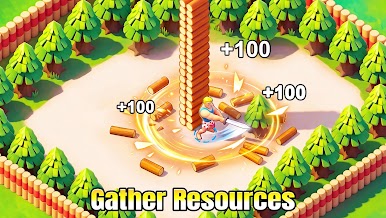
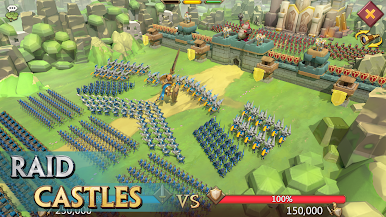
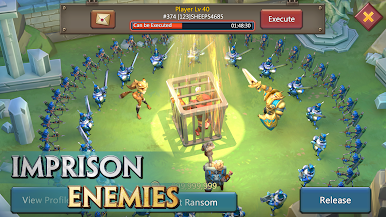
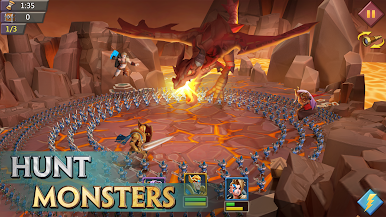
Lords Mobile: Kingdom Wars puts you in the real fight at a time when the true Emperor has fallen, and the people need a hero and unity among the Kingdoms. You have to step up and recruit heroes from different backgrounds, like dwarves, mermaids, dark elves, and even robots, to build a formidable army. Lead your army to defeat your enemies and conquer territories to expand your empire and become the ultimate emperor in this magical world.
Game Features
- Guild Expedition: Join a guild and team up with other players to engage in the epic Guild vs Guild battle. The game lets you unleash your full potential on this special battleground as troops do not perish.
- Unique Artifacts: Discover ancient artifacts in the Artifact hall as you explore the world. You can upgrade them to unlock their true power and unleash them on the enemies.
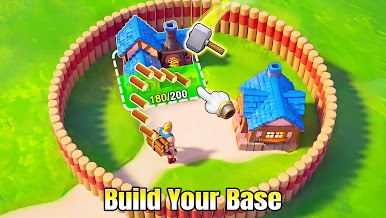
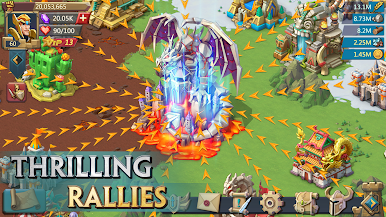
- Kingdom Development: You have the freedom to run your Kingdom at your pace. Renovate buildings, train your troops, and enhance your heroes to lead the Kingdom to glory.
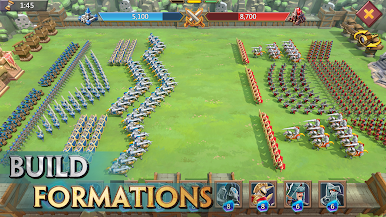
- Diverse Troop Formations: Choose between 6 different troop formations and up to 4 troop types to create a lethal lineup. You can even leverage the counter system and pair your troops with the right heroes.
How to Play?
Download Lords Mobile: Kingdom Wars for free from the Google Play Store using the BlueStacks app player.
What’s New?
When a Hero reaches Rank 8 and is fully equipped with Trophies, limits can be broken to awaken Battle Spirit and unlock the Heroic Saga feature. Completing Saga quests offers the opportunity to obtain precious items and further enhance Hero abilities.





Play Lords Mobile: Kingdom Wars on PC. It’s easy to get started.
-
Download and install BlueStacks on your PC
-
Complete Google sign-in to access the Play Store, or do it later
-
Look for Lords Mobile: Kingdom Wars in the search bar at the top right corner
-
Click to install Lords Mobile: Kingdom Wars from the search results
-
Complete Google sign-in (if you skipped step 2) to install Lords Mobile: Kingdom Wars
-
Click the Lords Mobile: Kingdom Wars icon on the home screen to start playing

