

Lords Mobile x Transformers
Play on PC with BlueStacks – the Android Gaming Platform, trusted by 500M+ gamers.

Page Modified on: Aug 31, 2026
Play Lords Mobile x Transformers on PC or Mac
Lords Mobile x Transformers is a Strategy game developed by IGG.COM. BlueStacks app player is the best platform to play this Android game on your PC or Mac for an immersive gaming experience.
About the Game
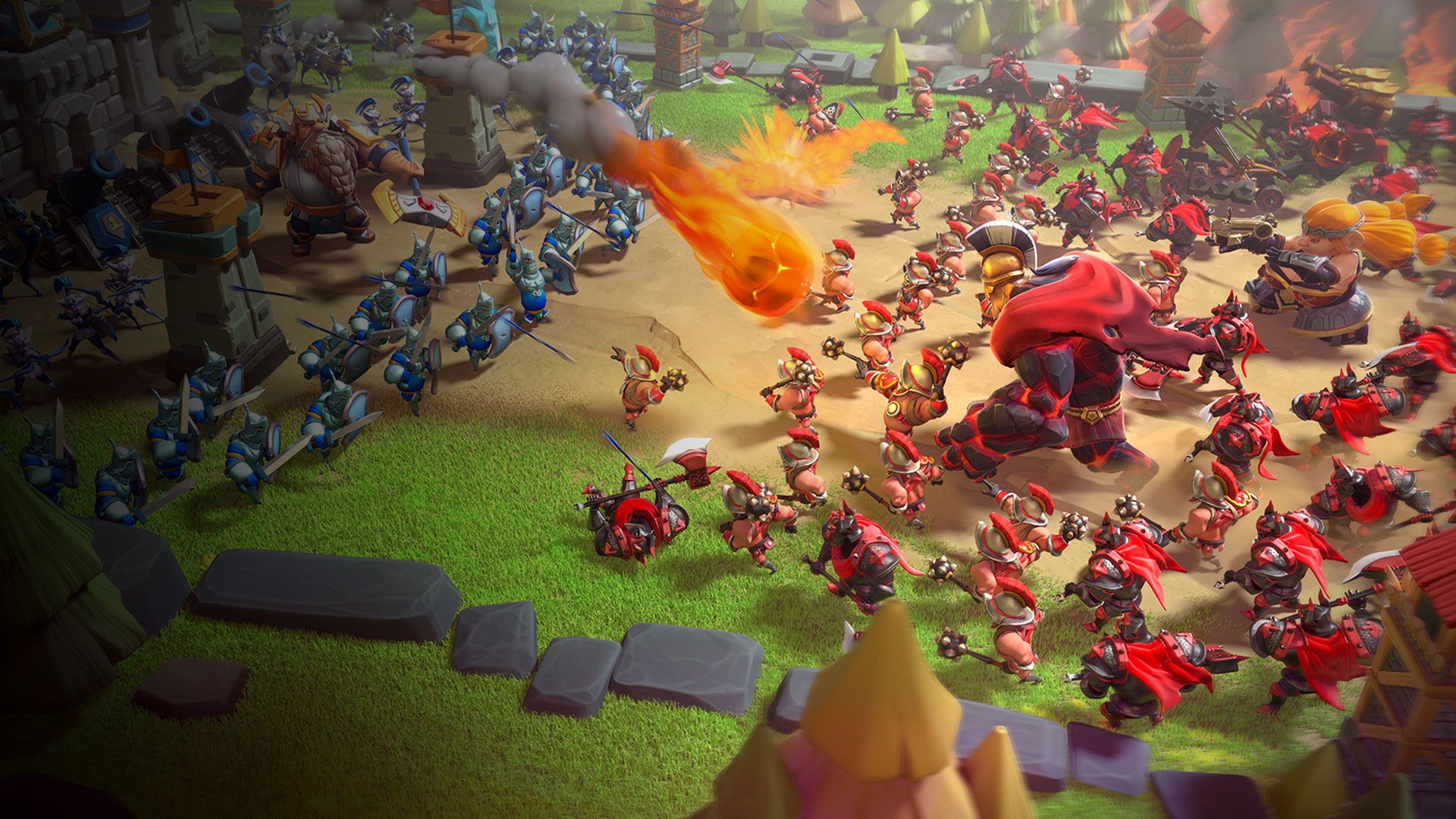
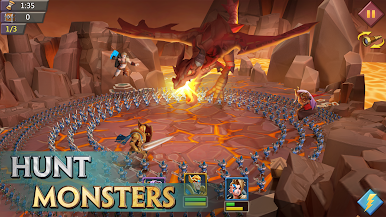
Lords Mobile x Transformers puts you in the real fight at a time when the true Emperor has fallen, and the people need a hero and unity among the Kingdoms. You have to step up and recruit heroes from different backgrounds, like dwarves, mermaids, dark elves, and even robots, to build a formidable army. Lead your army to defeat your enemies and conquer territories to expand your empire and become the ultimate emperor in this magical world.
Game Features
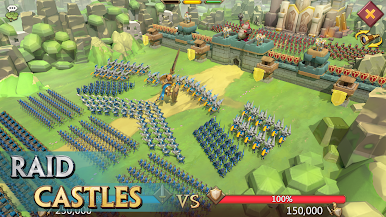
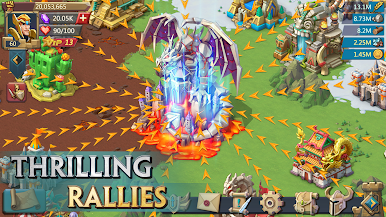
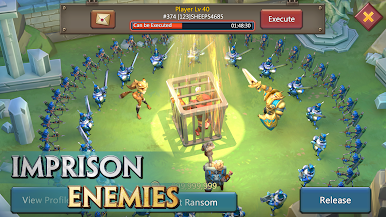
- Guild Expedition: Join a guild and team up with other players to engage in the epic Guild vs Guild battle. The game lets you unleash your full potential on this special battleground as troops do not perish.
- Unique Artifacts: Discover ancient artifacts in the Artifact hall as you explore the world. You can upgrade them to unlock their true power and unleash them on the enemies.
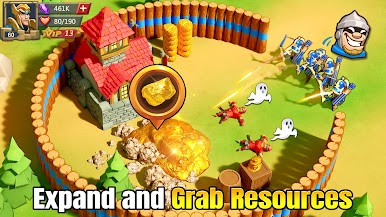
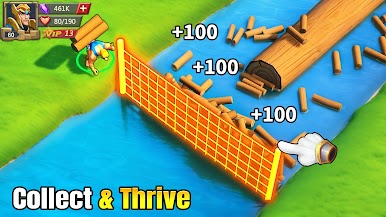
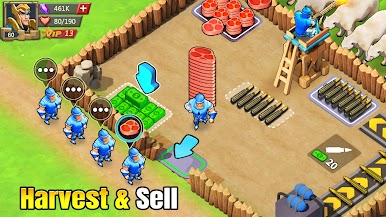
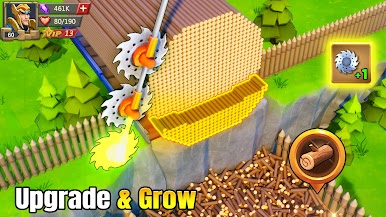
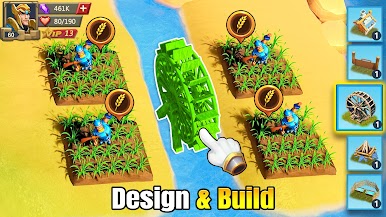
- Kingdom Development: You have the freedom to run your Kingdom at your pace. Renovate buildings, train your troops, and enhance your heroes to lead the Kingdom to glory.
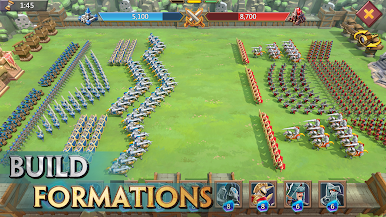
- Diverse Troop Formations: Choose between 6 different troop formations and up to 4 troop types to create a lethal lineup. You can even leverage the counter system and pair your troops with the right heroes.
How to Play?
Download Lords Mobile x Transformers for free from the Google Play Store using the BlueStacks app player.
What’s New?
Lords Mobile is collaborating with Transformers, bringing legendary robots such as Optimus Prime, Bumblebee, and Megatron to the Kingdoms of Athena. Players can engage in the new Transformers Collab Event: Cybertron Battlefield, where they will complete Protocol Quests, neutralize Insecticon Nests through solo attacks, and research event-exclusive technology. There’s a chance to obtain AllSpark Shards from the Furnace, which can be used to redeem exclusive rewards at the Cybertron Depot. Additionally, some skins have the ability to convert.




Play Lords Mobile x Transformers on PC. It’s easy to get started.
-
Download and install BlueStacks on your PC
-
Complete Google sign-in to access the Play Store, or do it later
-
Look for Lords Mobile x Transformers in the search bar at the top right corner
-
Click to install Lords Mobile x Transformers from the search results
-
Complete Google sign-in (if you skipped step 2) to install Lords Mobile x Transformers
-
Click the Lords Mobile x Transformers icon on the home screen to start playing

