


Texas HoldEm Poker Deluxe
Play on PC with BlueStacks – the Android Gaming Platform, trusted by 500M+ gamers.

Page Modified on: May 28, 2026
Main Texas HoldEm Poker Deluxe on PC
FASTEST growing Poker App on Android!
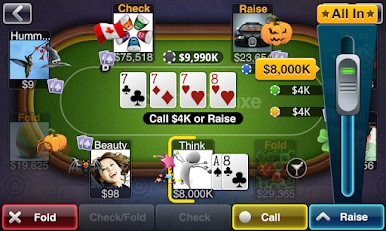
Texas Hold'Em Poker Deluxe offers classic gameplay, full Facebook compatibility and an active community. Compete against over 16 million other players on Facebook, iPad, iPhone, and Android. It's exciting Las Vegas style poker on the go!
Game Features:
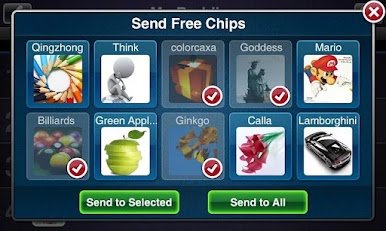
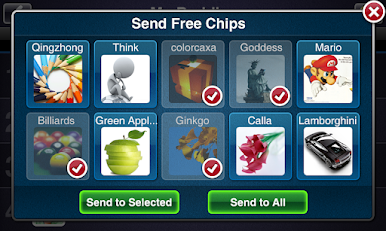
* FREE daily gifts and chip bonuses
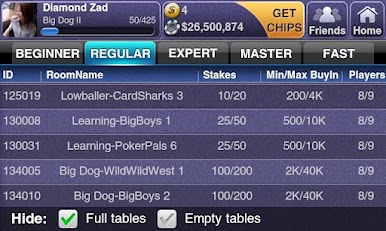
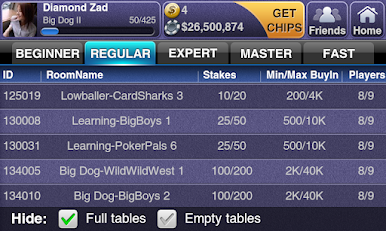
* 1-click access to 100's of tables
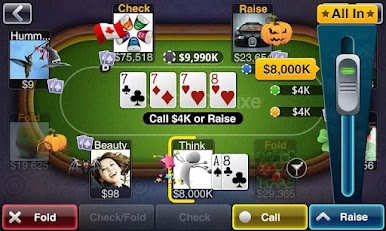
* 5 to 9 person Poker tables
* Sit-n-Go Tournaments
* Shootout Tournaments
* Beautiful graphics and luxurious casinos
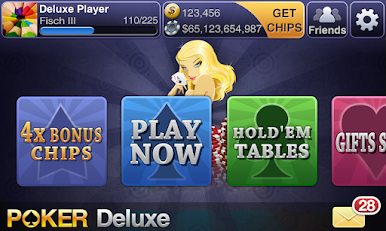
* Simple interface that's easy to navigate
* Personalized profile and buddy lists
* Fast registration via Facebook Connect (optional)
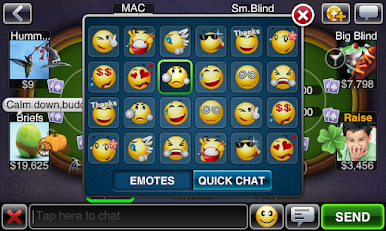
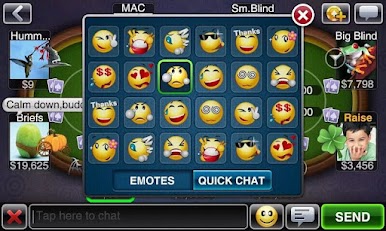
* Live in-game chat and animated emoticons
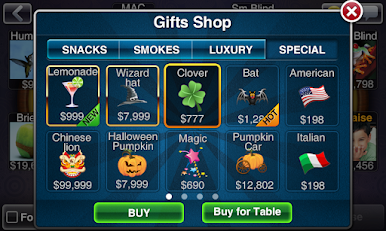
* Plenty of gifts, snacks, and drinks to share with others
* Unlock special prizes in the Facebook App (English, Turkish, Thai and Spanish only)
And more is coming soon....!
Texas Hold'Em Poker Deluxe is a great way to meet new Poker pals and connect with Facebook friends! And we're more global than ever now, offering our game in different languages: English, Français, Deutsch, Español, Português, ภาษาไทย, Türkçe, 日本语, 繁體中文!
For more information or to tell us what you think, visit our fanpage: https://www.facebook.com/bzbeepoker


Play Texas HoldEm Poker Deluxe on PC. It’s easy to get started.
-
Download and install BlueStacks on your PC
-
Complete Google sign-in to access the Play Store, or do it later
-
Look for Texas HoldEm Poker Deluxe in the search bar at the top right corner
-
Click to install Texas HoldEm Poker Deluxe from the search results
-
Complete Google sign-in (if you skipped step 2) to install Texas HoldEm Poker Deluxe
-
Click the Texas HoldEm Poker Deluxe icon on the home screen to start playing

