


Worde
Play on PC with BlueStacks – the Android Gaming Platform, trusted by 500M+ gamers.

Page Modified on: Jan 26, 2026
Play Worde on PC
Each guess must be a valid word. Hit the enter button to submit.
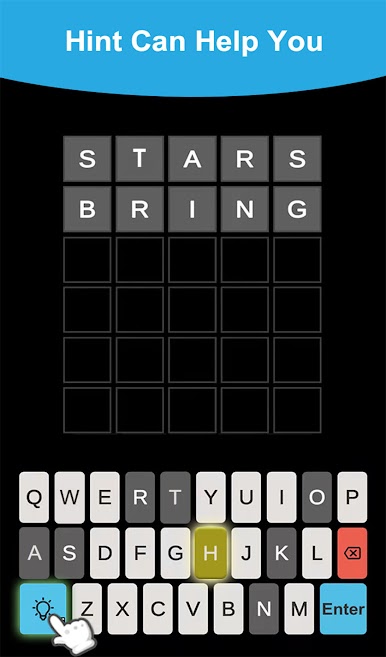
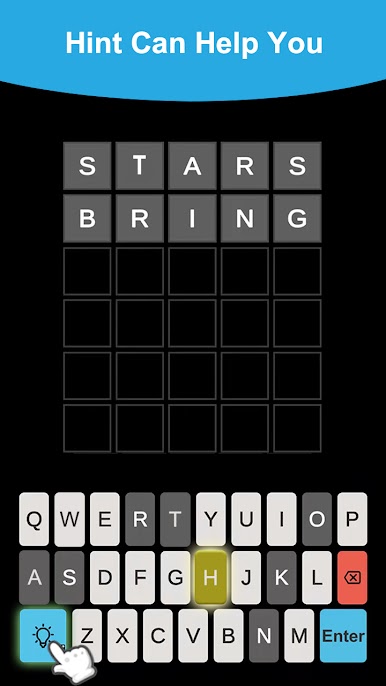
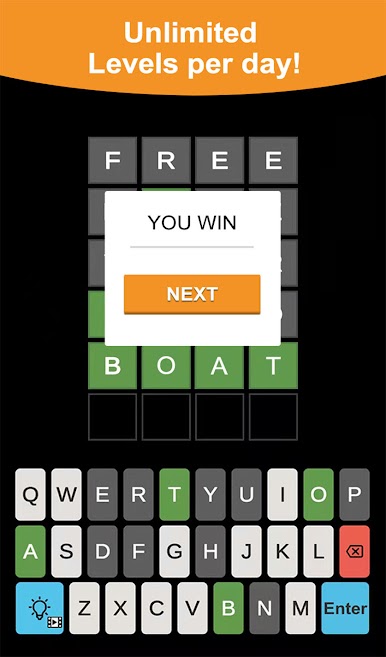
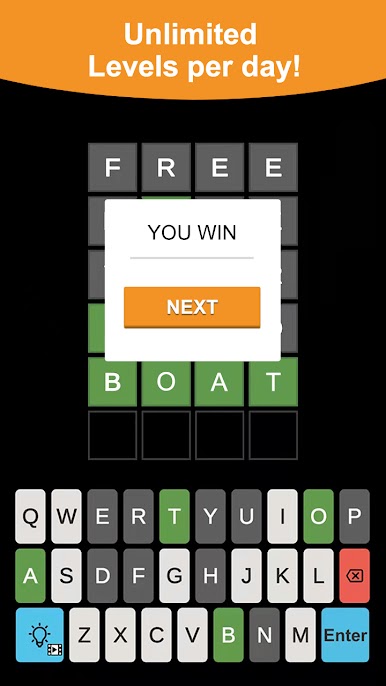
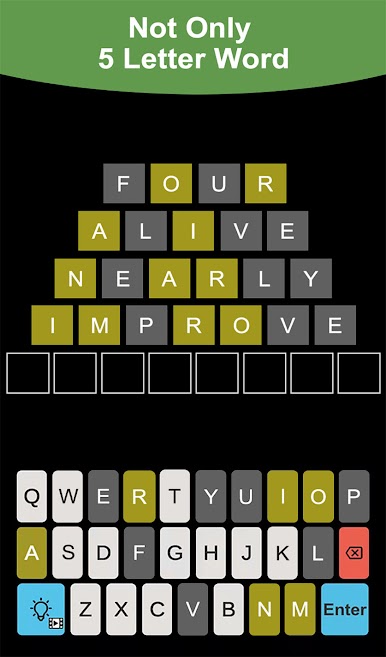
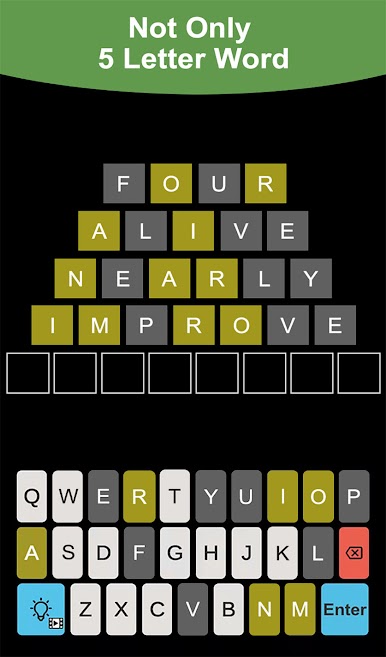
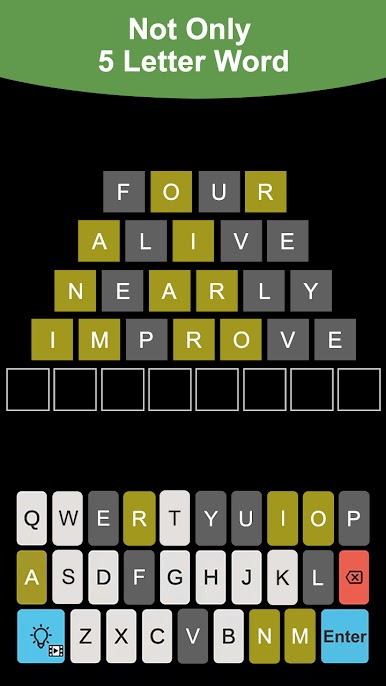
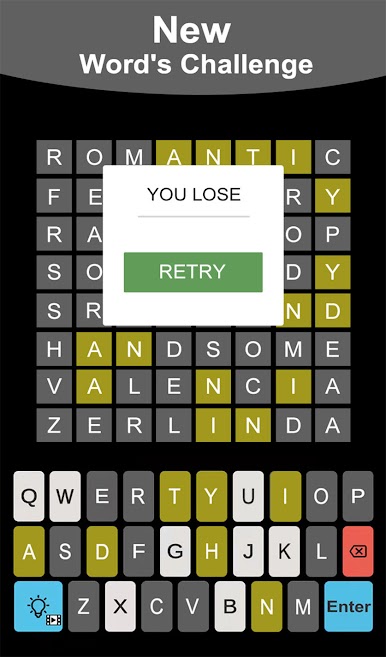
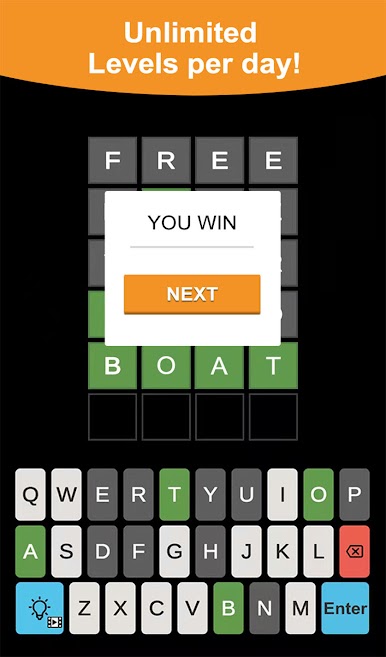
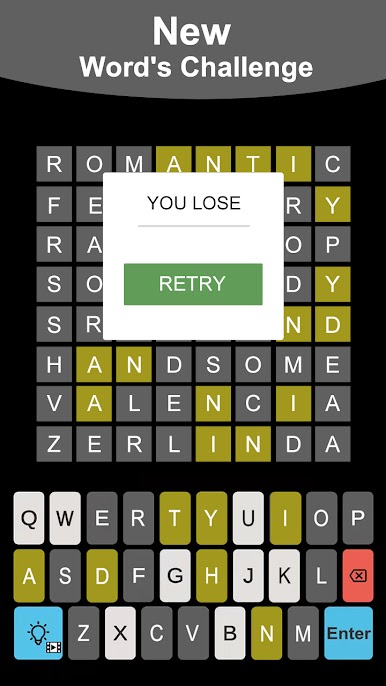
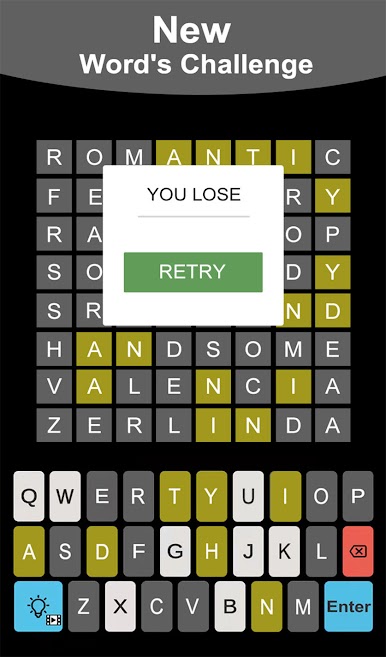
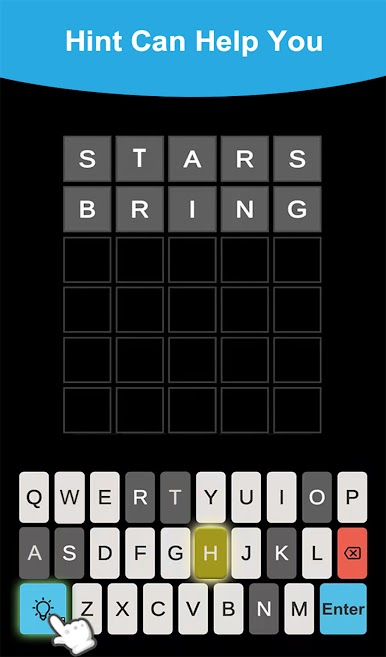
After each guess, the color of the tiles will change to show how close your guess was to the word:
• Green indicates the letter is in the word and in the correct spot.
• Yellow means the letter is in the word but in the wrong spot.
• While gray indicates the letter is not in the word in any spot.
• Multiple instances of the same letter in a guess, such as the "o"s in "robot", will be colored green or yellow only if the letter also appears multiple times in the answer; otherwise, excess repeating letters will be colored gray.
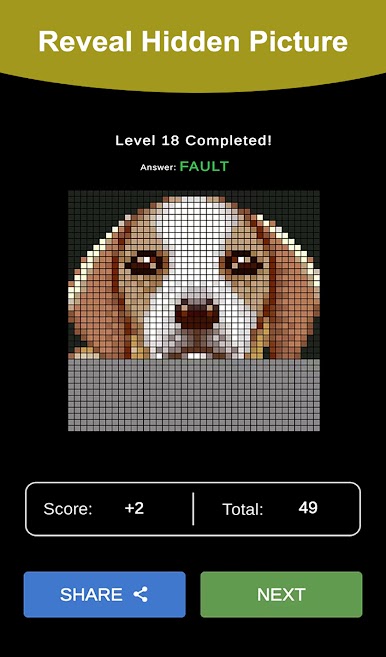
The guess result can be described in the emoji format and shared on social media.
Worde - Unlimited&Daily has two modes:
- Dailypuzzle : Each day, The same word is available which all players aim to guess.
- Unlimited: 2000 levels are available, players can play as much as they want.
Play Worde on PC. It’s easy to get started.
-
Download and install BlueStacks on your PC
-
Complete Google sign-in to access the Play Store, or do it later
-
Look for Worde in the search bar at the top right corner
-
Click to install Worde from the search results
-
Complete Google sign-in (if you skipped step 2) to install Worde
-
Click the Worde icon on the home screen to start playing

