


Five Nights at Freddy's AR
Play on PC with BlueStacks – the Android Gaming Platform, trusted by 500M+ gamers.

Page Modified on: Feb 2, 2022
Overview
Players must confront an endless stream of hostile animatronics that will follow them wherever they go. The question is, how long can players survive? And just what is happening at Fazbear Entertainment?
________________________________
FEATURES
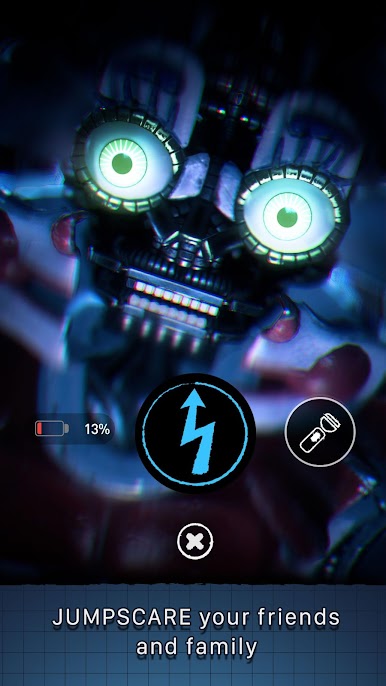
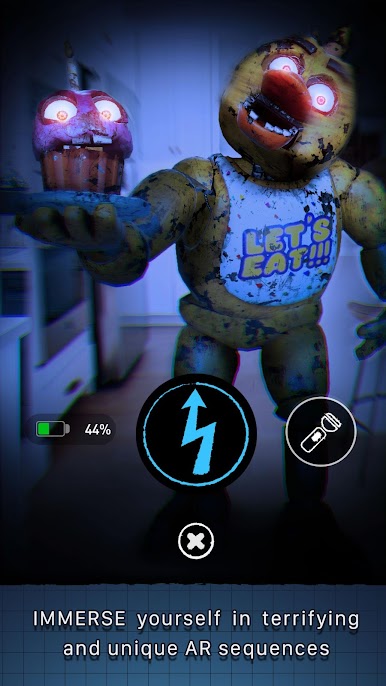
★IMMERSE YOURSELF in terrifying augmented reality audio-visual attack sequences exclusively designed for each animatronic
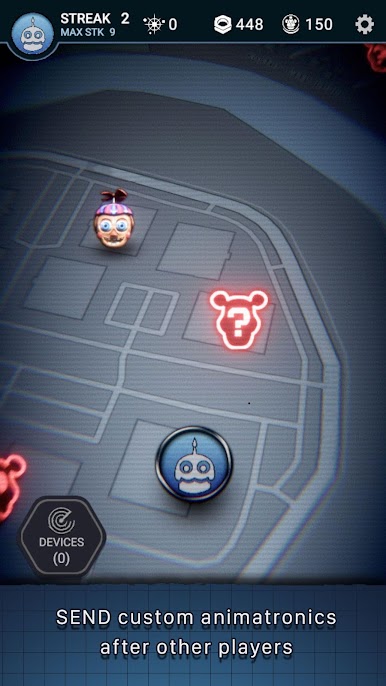
★EXPERIENCE real-time location based gameplay, where FNAF animatronics will pay you a visit wherever you are and wherever you go
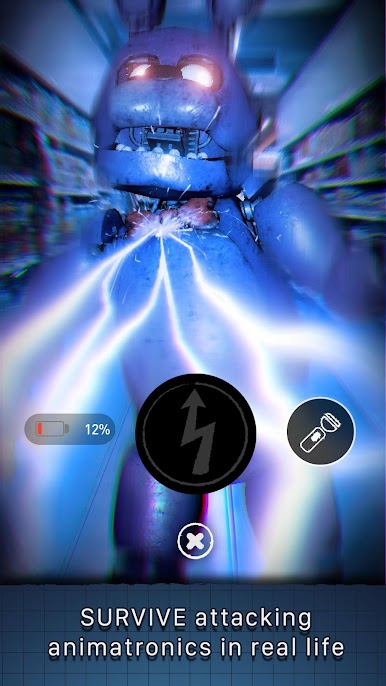
★SURVIVE animatronic attacks by using your limited resources wisely (including battery, flashlight, and shocker)
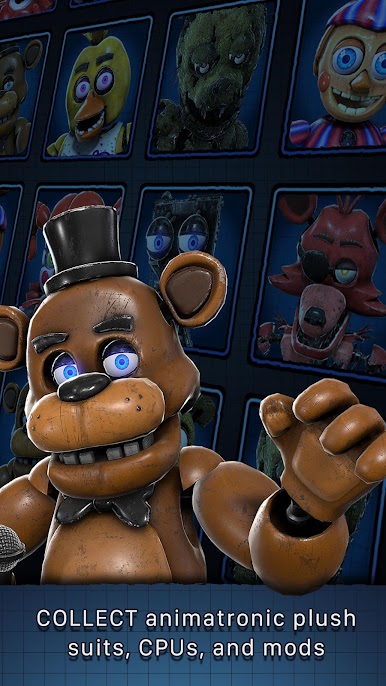
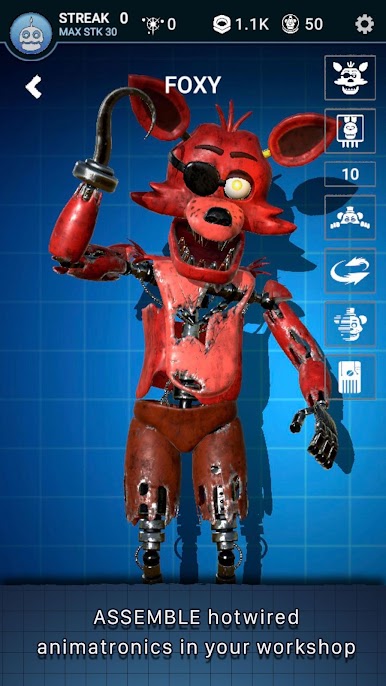
★COLLECT parts, CPUs, and plushsuits to ASSEMBLE, test, repair and deploy your own hotwired animatronics, and search & collect remnant in your environment
★SEND ANIMATRONICS against your friends and other players, and get the highest spot on the leaderboard
________________________________
Additional Notes:
Please note that FNAF AR: Special Delivery is free to download and play, but offers some game items for purchase with real money. If you don’t want to use this feature, please disable in-app purchases.
Play recommendations:
- Data connection required. (Mobile/WiFi)
- Best played with headphones!
Compatibility:
- Compatibility is not guaranteed for devices without GPS capabilities or devices that are connected only to Wi-Fi networks.
Privacy Policy:
https://illumix.com/privacy-policy/
Terms of Use:
https://illumix.com/tou/

Play Five Nights at Freddy's AR on PC. It’s easy to get started.
-
Download and install BlueStacks on your PC
-
Complete Google sign-in to access the Play Store, or do it later
-
Look for Five Nights at Freddy's AR in the search bar at the top right corner
-
Click to install Five Nights at Freddy's AR from the search results
-
Complete Google sign-in (if you skipped step 2) to install Five Nights at Freddy's AR
-
Click the Five Nights at Freddy's AR icon on the home screen to start playing

