


FL Studio Mobile
Play on PC with BlueStacks – the Android Gaming Platform, trusted by 500M+ gamers.

Page Modified on: Oct 26, 2026
Main FL Studio Mobile on PC
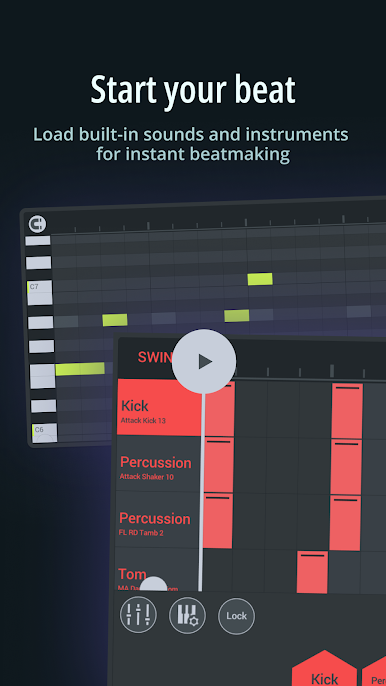
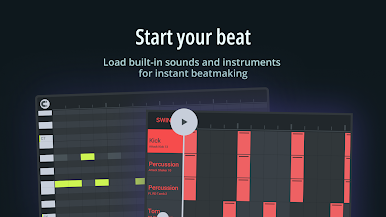
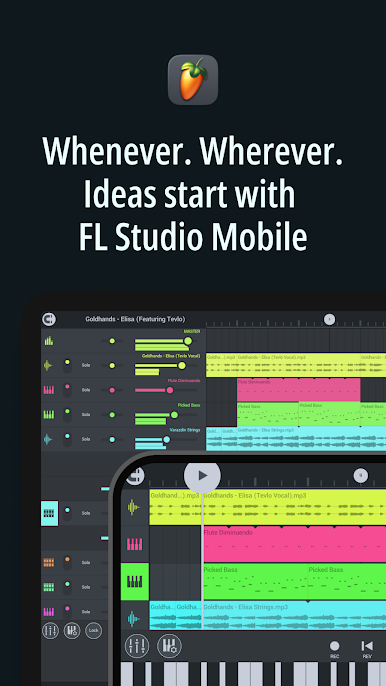
Start your beat with built-in sounds
- Dive into thousands of sounds inside FL Studio Mobile, and build the foundations of your beat.
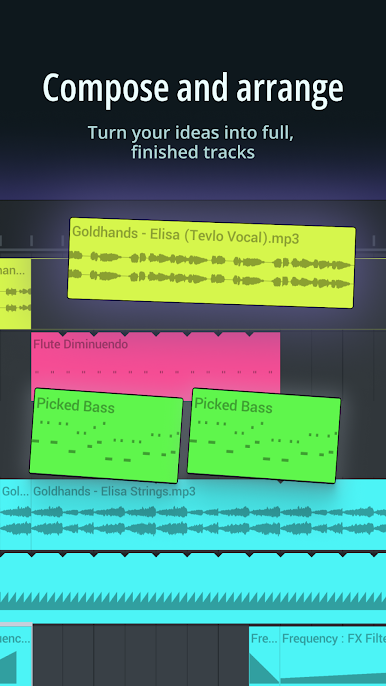
Compose your melody
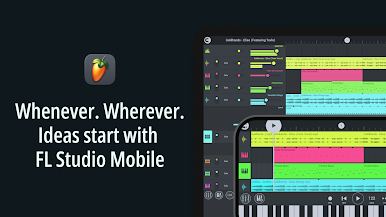
- Tap notes directly into the Piano Roll, with full control over note pitch, length, and velocity.
Shape your sound
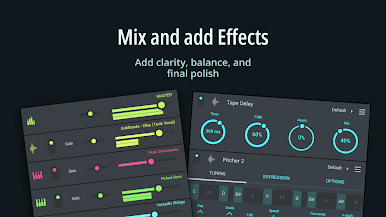
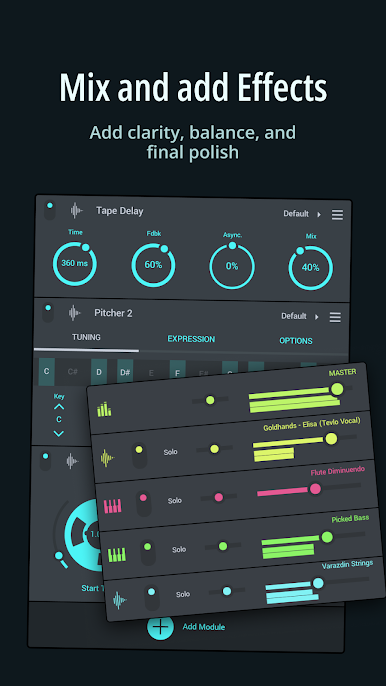
- Bring your music to life with creative effects like Tape Stop, Wow and Flutter, Waveshaper, and Stereo Spreader.
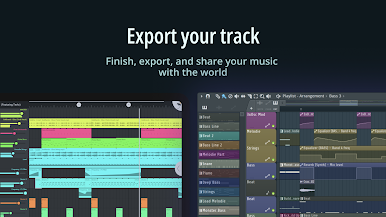
Finish your track
- The advanced mixer controls let you tweak and add the finishing touches to your track.
*KEY FEATURES*
- 8 instruments including: MiniSynth, DW Sampler, GMSynth, Transistor Bass, SuperSaw, Slicer, 3x Osc, Drums
- 1000+ sounds including: Basses, Bells, Keys, Plucks, Pads, Leads, and more
- 30+ effects including: Reverb, Tape Delay, Autoduck, Leveller, Compressor, Limiter, Distortion, Gate, Multiband Compressor, Filter, Param and Graphic EQ, Stereorizer, Spacer, Chorus, Flanger, Phaser, Tuner, Waveshaper, Tape Stop, Wow & Flutter, Tremolo, and more.
- Mixer tools including: per-track mute, solo, send level, pan, and volume adjustment
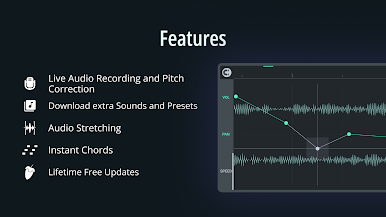
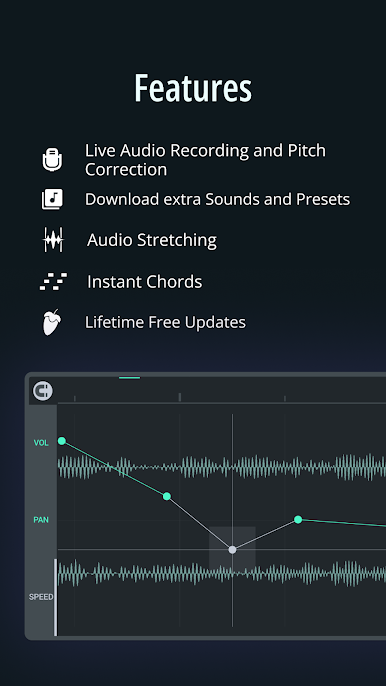
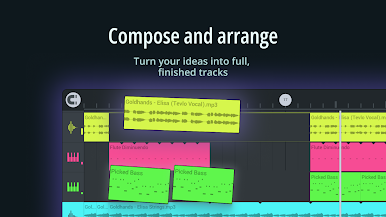
- Capture vocals or real-life instruments and arrange them in your track with audio recording. Record vocals and stay perfectly in tune or transform your voice in real time using Pitcher 2.
- Stretch and repitch audio with precision – adjust tempo and pitch independently while keeping everything perfectly in sync.
- Great chords without the guesswork. The Chords Keyboard helps you build harmonies and progressions instantly.
- Browse and add new sound packs and presets to expand your library with fresh sounds.
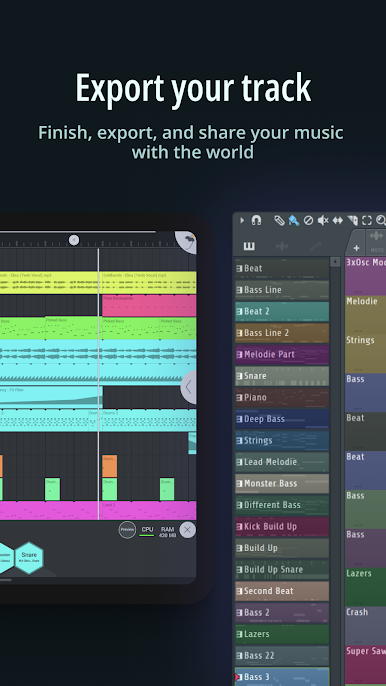
- Export mobile projects as .flp files to continue working in FL Studio Desktop. Or export to WAV, MP3, AAC, FLAC, or MIDI for use in any DAW.
- Add expression to your productions by recording automation for volume, panning, filters, and more. Or draw your automation in for even more precise control.
- Transfer projects between devices on the same network to keep producing anywhere.
- Connect your class compliant MIDI controller wirelessly or wired and stay in the flow wherever you are.
- Pick from a range of built-in themes and shape the interface to suit your style and the way you like to create.
- Analyze your audio in real time with Spectrum Analyzer, Oscilloscope, LUFS, and TruePeak for accurate, reliable mix control.
- Tune instruments or check sample pitch in seconds. The built-in Tuner keeps your workflow moving.
- Connect your USB audio interface to record vocals and instruments, with reliable playback and monitoring through your speakers or headphones.
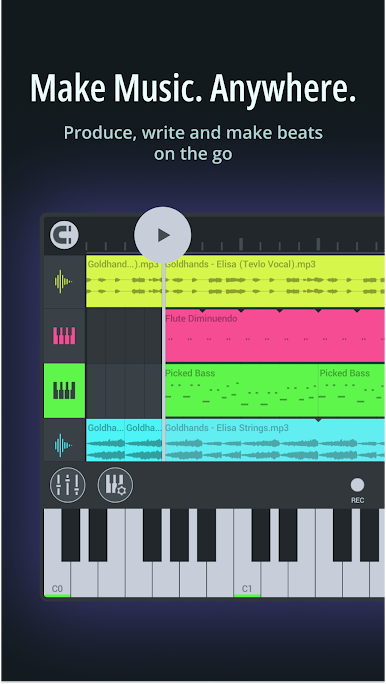
- Virtual piano-keyboard & Drumpads
- User interface configurable with all screen resolutions and sizes.
- IAA App support (In/Out), Audiobus support (In/Out)
- Included Drum Samples: Cymbals, Hats, Kicks, Snares, Toms, Percussion, Risers, SFX
- Included DirectWave Instruments: Guitars, Keyboards, Orchestral, Synth, Bass, Synth Keyboards, Synth Leads, Synth Pads, Sliced, Drums, Drum Kits and Effects.
- Included MiniSynth Presets: Bass, Keys, Leads, Pads, SFX, Synths
- Included SuperSaw Presets: Arps, Bass, Bells, SFX, Leads, Pads, Sequences, Synths
*LOVE FL STUDIO MOBILE?*
Follow us on Instagram: https://www.instagram.com/flstudio
Follow us on TikTok: https://www.tiktok.com/@flstudio_official
*SUPPORT*
Please help us to help you! In the App, tap 'Help > Users & Support Forums' to register FL Studio Mobile to your Image-Line account and gain access to the forum. You can then report bugs, make feature requests, and access free downloadable content: http://support.image-line.com/redirect/flmobile_forum
Follow the steps here for initial troubleshooting: http://support.image-line.com/redirect/flmobile_android_troubleshooting
Play FL Studio Mobile on PC. It’s easy to get started.
-
Download and install BlueStacks on your PC
-
Complete Google sign-in to access the Play Store, or do it later
-
Look for FL Studio Mobile in the search bar at the top right corner
-
Click to install FL Studio Mobile from the search results
-
Complete Google sign-in (if you skipped step 2) to install FL Studio Mobile
-
Click the FL Studio Mobile icon on the home screen to start playing

