


CocoCam
Play on PC with BlueStacks – the Android Gaming Platform, trusted by 500M+ gamers.

Page Modified on: Aug 25, 2023
Play CocoCam on PC
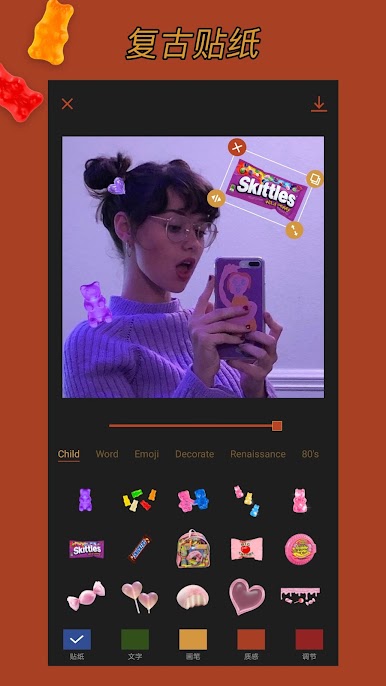
Add retro memories to your photos
[ Main Features ]
Retro Stickers: 1000+ awesome retro childlike stickers.
Special Frames:Own your delicate and special frames with one-click.
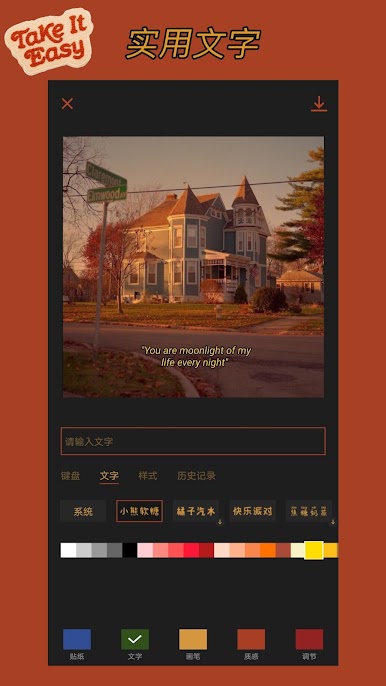
Useful Text: Customize your texts with kinds of styles.
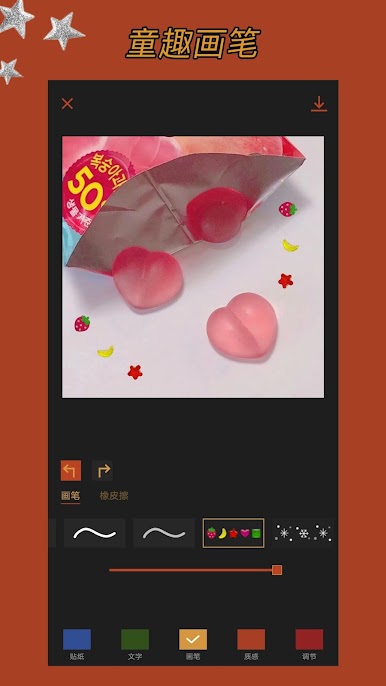
Interesting Brushes: Create popular graffiti style easily.
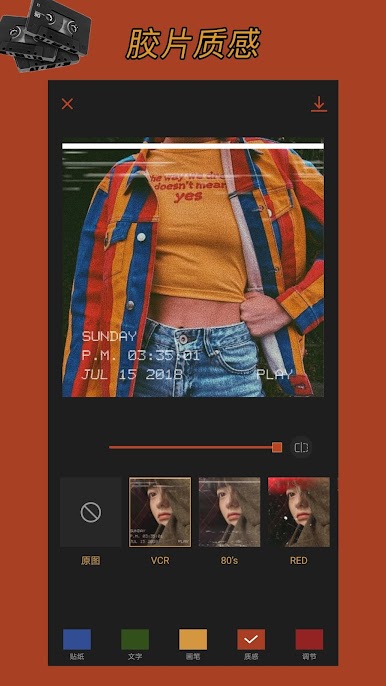
Texture Filters: Vintage filters make your photo more textured.
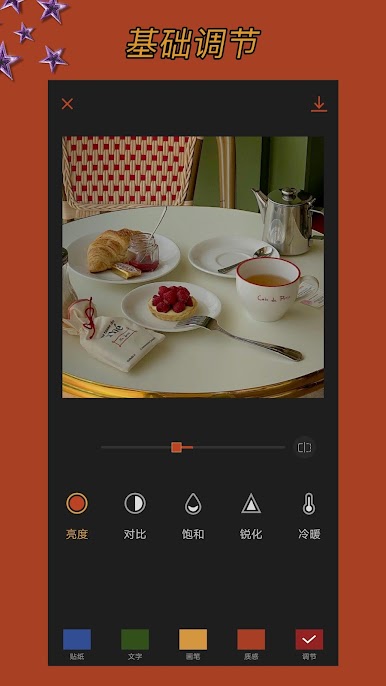
Basic Adjustment: Meet your needs for detail adjustment of photos.
Thanks for using COCO Camera.
If you have any comments or suggestions, please contact us by email: 2061531363@qq.com.
Play CocoCam on PC. It’s easy to get started.
-
Download and install BlueStacks on your PC
-
Complete Google sign-in to access the Play Store, or do it later
-
Look for CocoCam in the search bar at the top right corner
-
Click to install CocoCam from the search results
-
Complete Google sign-in (if you skipped step 2) to install CocoCam
-
Click the CocoCam icon on the home screen to start playing

