


Blink Home Monitor
Play on PC with BlueStacks – the Android Gaming Platform, trusted by 500M+ gamers.

Page Modified on: Feb 25, 2026
Run Blink Home Monitor on PC or Mac
Blink Home Monitor is a Tools app developed by Immedia Semiconductor. BlueStacks app player is the best platform (emulator) to run this Android app on your PC or Mac for an immersive user experience!
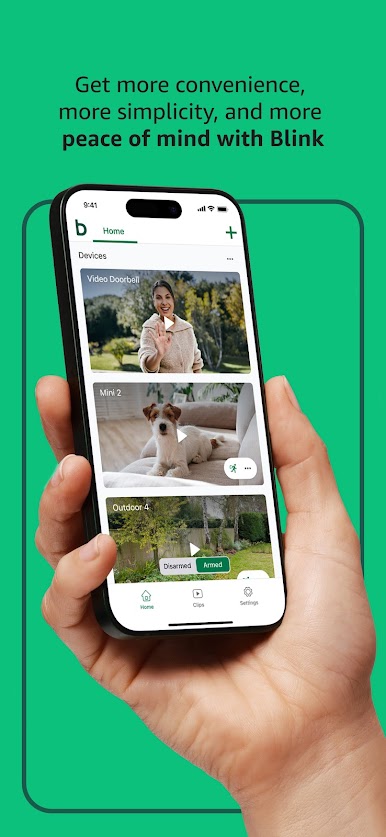
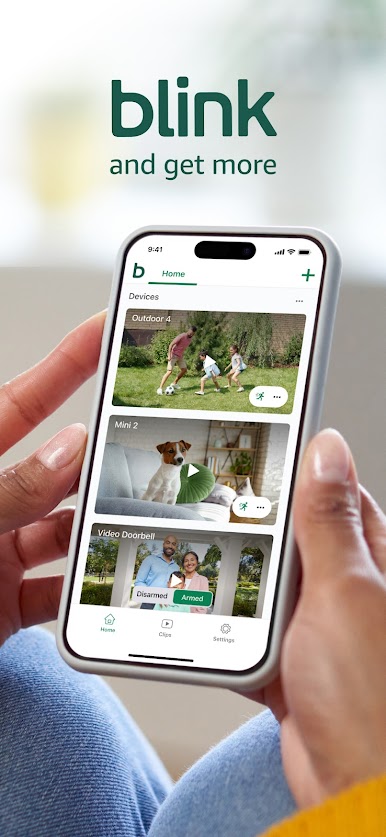
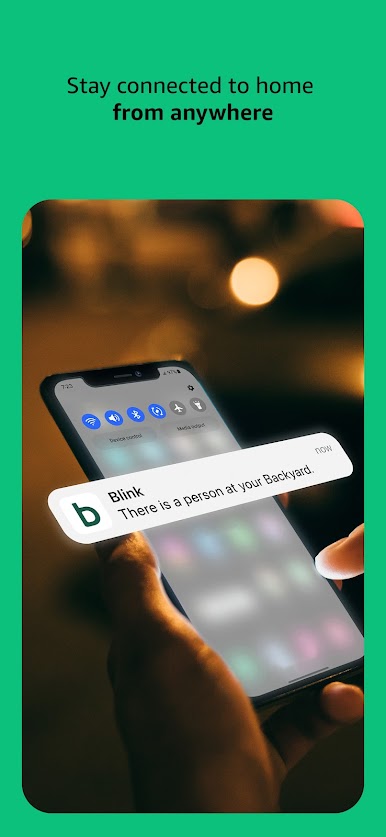
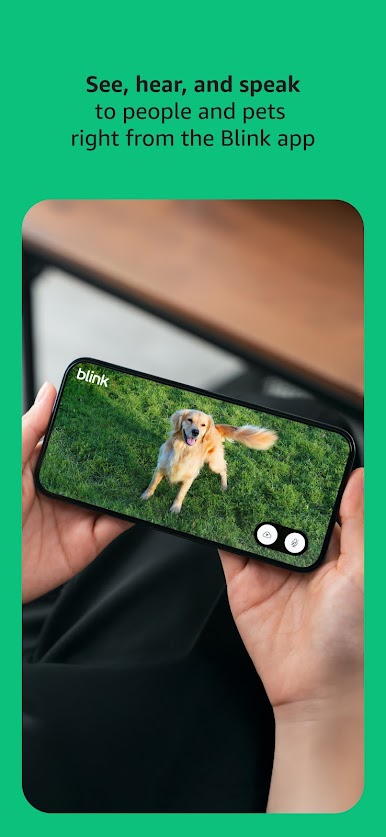
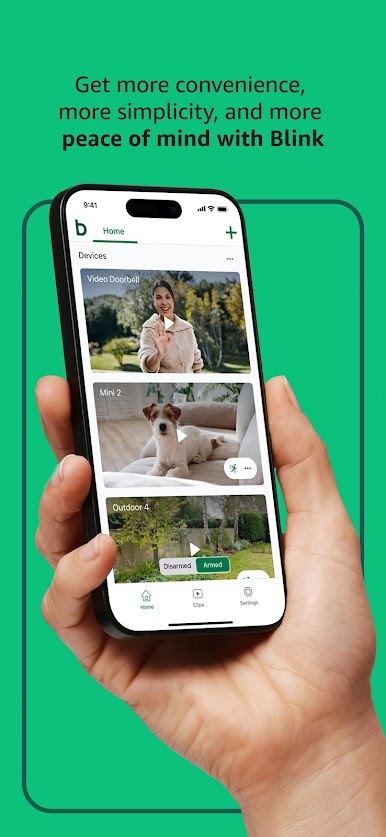
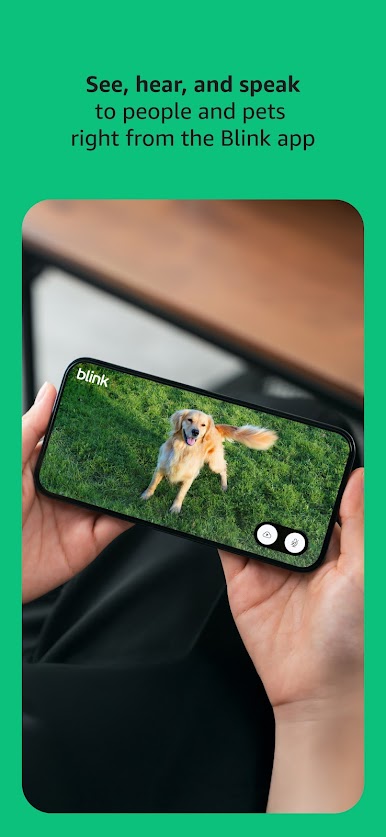
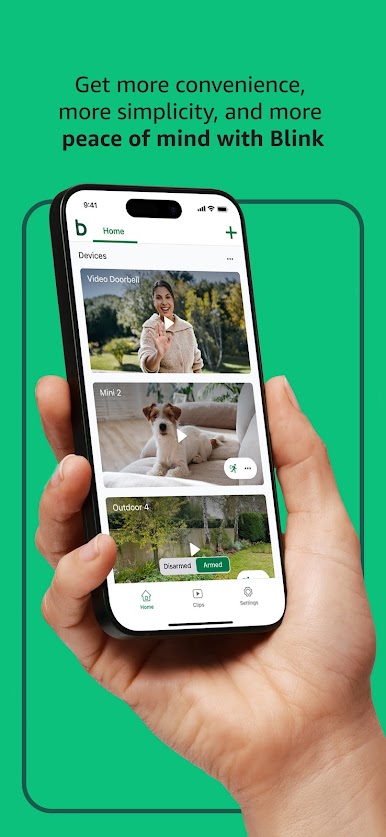
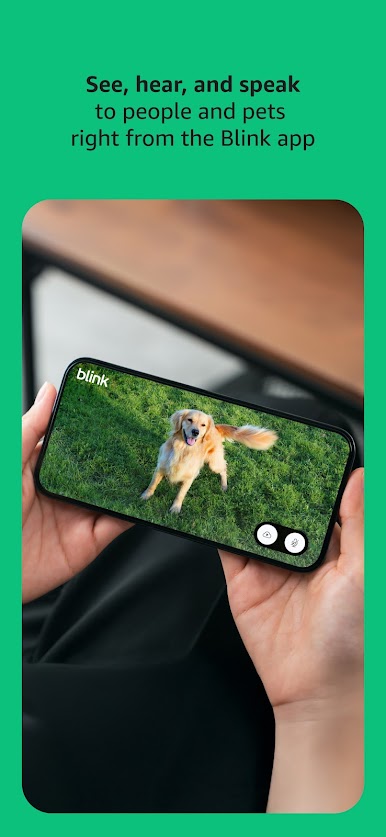
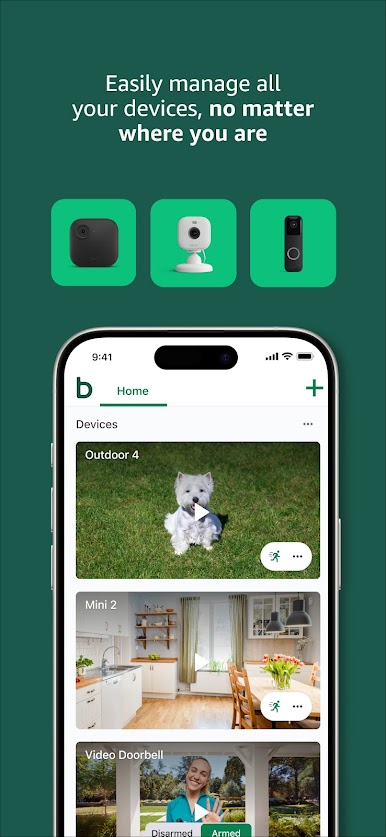
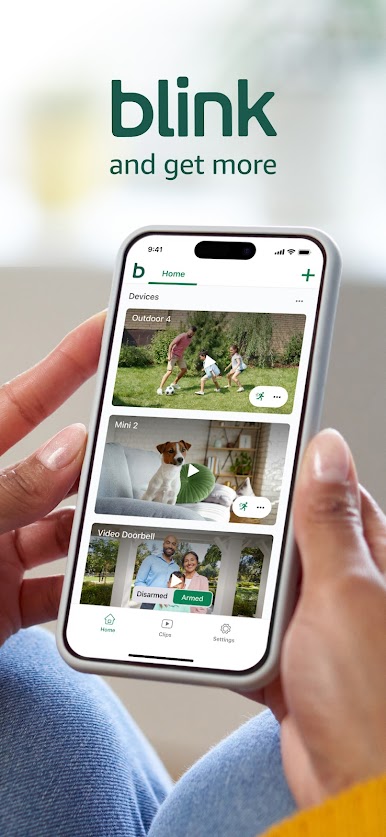
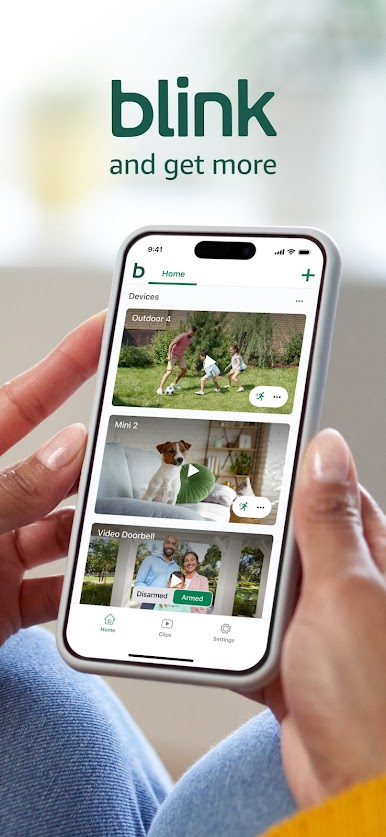
Add an extra layer of security to your home with the Blink Home Monitor. See and hear everything going on and around your home to determine who is nearby and possible threats before they become an issue. Speak to people and even pets right from the app.
About the App
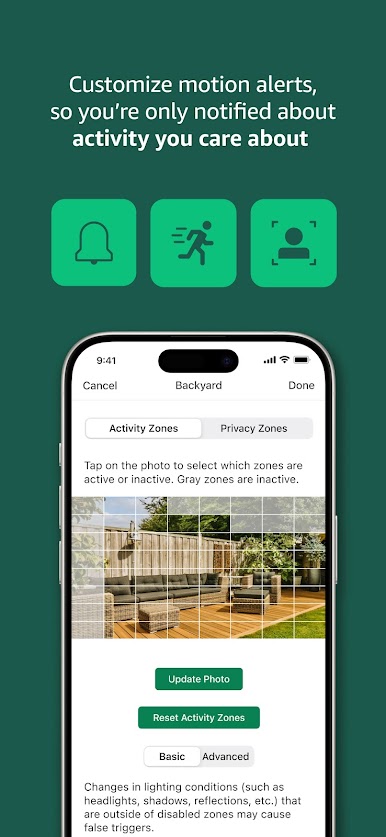
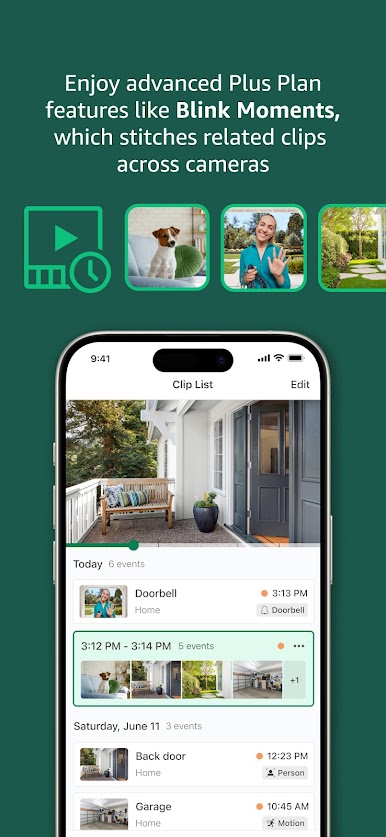
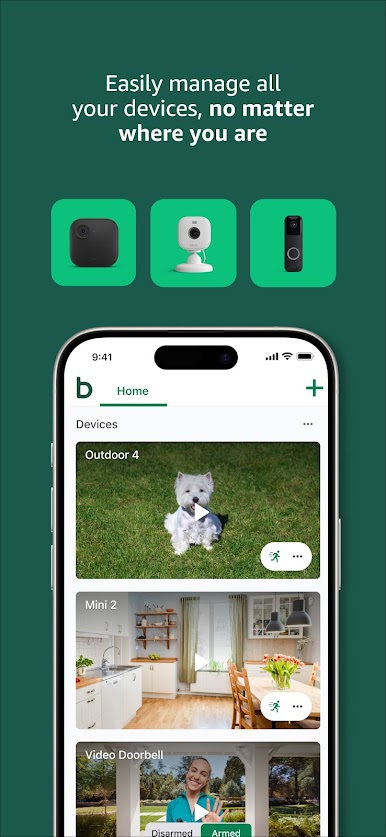
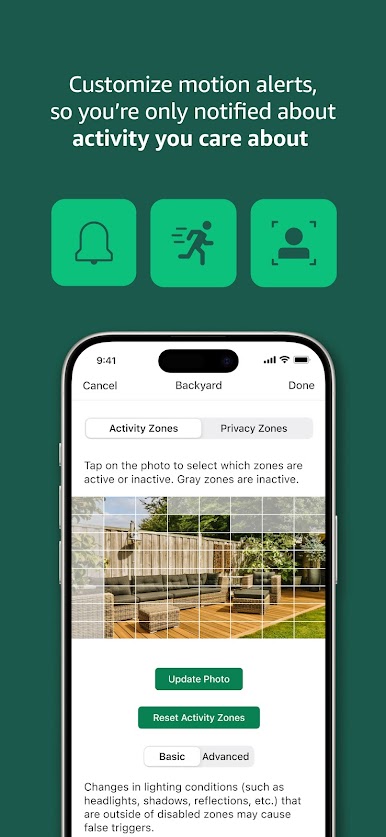
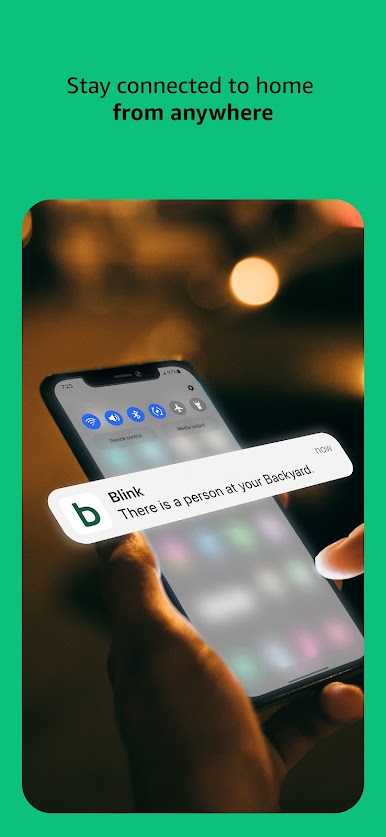
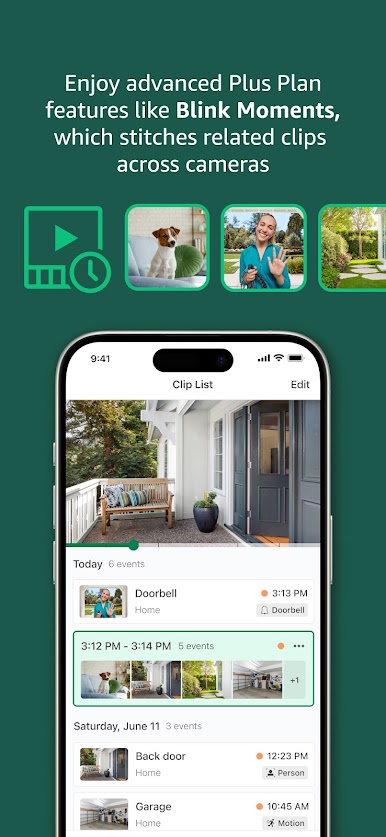
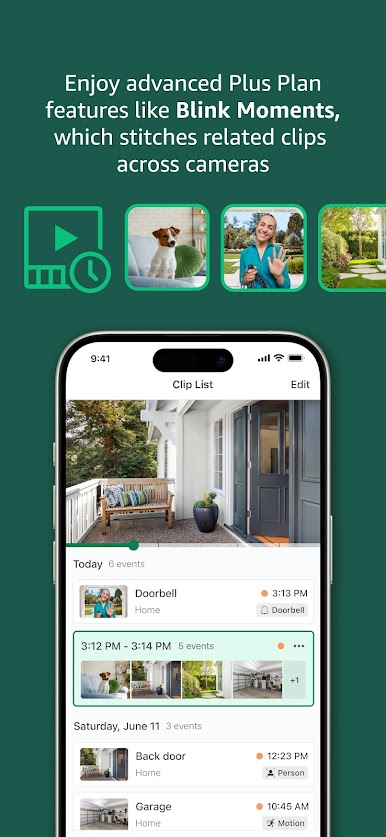
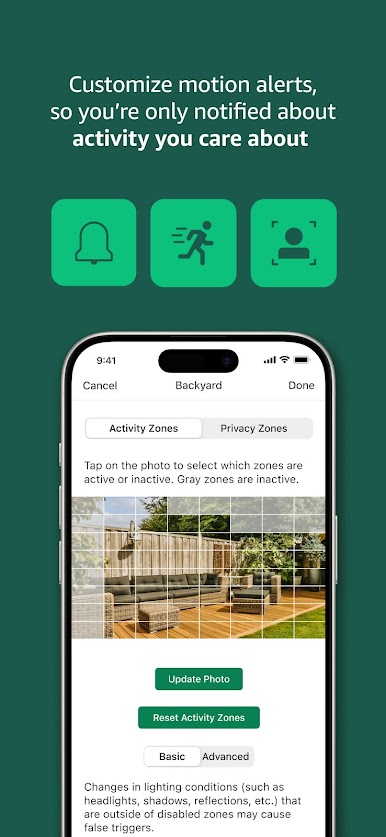
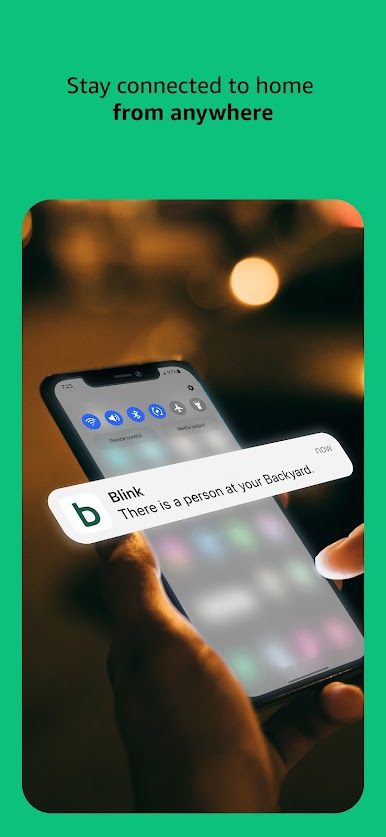
Blink Home Monitor gives you access to numerous security features that you can use to safeguard your home. The app lets you customize motion alerts and turn on activity notifications for only the things that interest you. You can sync the app with Alexa to handle basic tasks around the house.
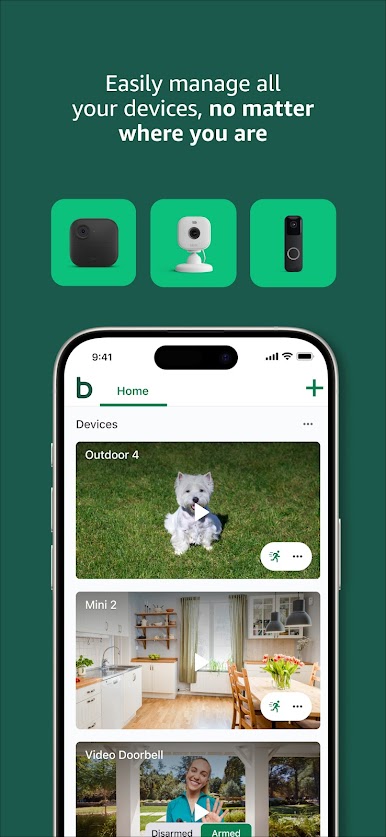
Blink Home Monitor offers several advanced cameras like the Blink Outdoor 4, Blink Mini, Blink Wired Floodlight, and many more. Anyone can set up these cameras, even without prior knowledge. And they all come with up to 2 years of battery life.
App Features
- HD live view
- Intuitive user interface
- Infrared night vision
How to Get?
Download Blink Home Monitor for free from the Google Play Store using the BlueStacks app player.
Play Blink Home Monitor on PC. It’s easy to get started.
-
Download and install BlueStacks on your PC
-
Complete Google sign-in to access the Play Store, or do it later
-
Look for Blink Home Monitor in the search bar at the top right corner
-
Click to install Blink Home Monitor from the search results
-
Complete Google sign-in (if you skipped step 2) to install Blink Home Monitor
-
Click the Blink Home Monitor icon on the home screen to start playing

