
Impostor Master
Play on PC with BlueStacks – the Android Gaming Platform, trusted by 500M+ gamers.

Page Modified on: February 28, 2021
Play Impostor Master on PC or Mac
Join millions to experience Impostor Master, an exciting Simulation game from OneSoft Global PTE. LTD.. With BlueStacks App Player, you are always a step ahead of your opponent, ready to outplay them with faster gameplay and better control with the mouse and keyboard on your PC or Mac.
About the Game
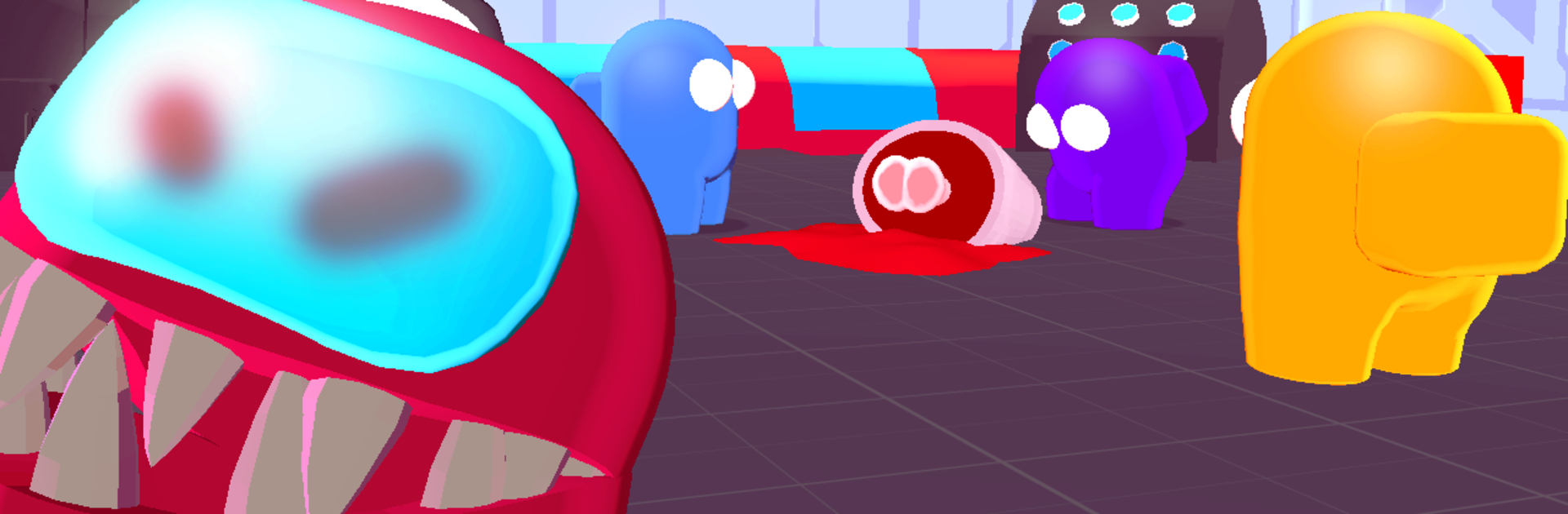
Impostor Master puts you right in the thick of a spaceship mystery, where sneaking around isn’t just encouraged—it’s the whole point. As the elusive impostor, it’s your job to quietly pick off crewmates, slip through vents, and pull off classic sabotages without blowing your cover. The crew’s busy fixing the ship, but they have no idea you’re blending in, always a step ahead and moving in for the next strike.
Game Features
-
Simple, Responsive Controls
Getting around the ship feels easy—just hold and drag to move. Whether you’re lurking in shadows or making your escape after a sneaky move, the controls stay smooth. -
Sabotage and Strategy
Don’t just go on a rampage; use sabotage to really mess with your crewmates. Shut down systems or create distractions to break up the group and set up the perfect moment. -
Bluff Your Way to Victory
Part of the fun is outsmarting everyone. Trick, frame, and outwit other players to keep your impostor identity a secret. -
Clean, Crisp Graphics
The game keeps things visually sharp without getting in the way. Animations are smooth, so you can focus on your next move. -
Play with Friends Online
It’s even more fun with friends—see if you can outsmart your own crew in unpredictable, hilarious rounds. -
Seamless Playing on BlueStacks
You can enjoy Impostor Master on a bigger screen with BlueStacks, giving you more room to plan your cover… and make your getaway a little smoother.
Start your journey now. Download the game on BlueStacks, invite your friends, and march on a new adventure.


Play Impostor Master on PC. It’s easy to get started.
-
Download and install BlueStacks on your PC
-
Complete Google sign-in to access the Play Store, or do it later
-
Look for Impostor Master in the search bar at the top right corner
-
Click to install Impostor Master from the search results
-
Complete Google sign-in (if you skipped step 2) to install Impostor Master
-
Click the Impostor Master icon on the home screen to start playing