


Flick Home Run 2
Play on PC with BlueStacks – the Android Gaming Platform, trusted by 500M+ gamers.

Page Modified on: Jun 10, 2026
Play Flick Home Run 2 on PC
Become the bat with your own fingers and blow off some stress with this casual baseball game.
Hitting home runs against balls flying in bizarre trajectories starts off easy, but as the difficulty rises, even making contact with the ball can become a challenge. Many players have given up and moved on, but for those who love a good challenge, this will be a fun endeavor. We welcome all players who enjoy testing their limits.
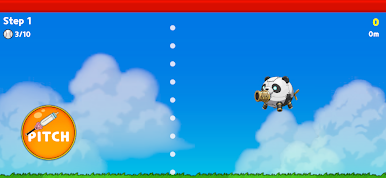
Every ball has its own unique pitching pattern. When you encounter a difficult pitch, figuring out its pattern will help you predict what's coming next—and that is the key to increasing your home run rate.
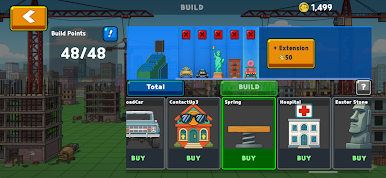
Focus on placing buildings with various characteristics right where the ball lands. You might just send the ball even further than its flight distance!
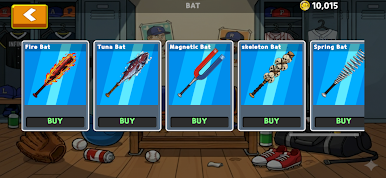
Bat: Various bats, each with special abilities (e.g., Saw blade, Laser, Magnet).
Building: Various buildings to place, each with unique special abilities.
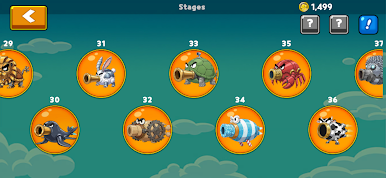
Pitcher: Conquer the "Pitcher Drones" that throw a variety of pitches.
Play Flick Home Run 2 on PC. It’s easy to get started.
-
Download and install BlueStacks on your PC
-
Complete Google sign-in to access the Play Store, or do it later
-
Look for Flick Home Run 2 in the search bar at the top right corner
-
Click to install Flick Home Run 2 from the search results
-
Complete Google sign-in (if you skipped step 2) to install Flick Home Run 2
-
Click the Flick Home Run 2 icon on the home screen to start playing

