



Play on PC with BlueStacks – the Android Gaming Platform, trusted by 500M+ gamers.

Page Modified on: Aug 17, 2026
Run Instagram on PC or Mac
Get freedom from your phone’s obvious limitations. Use Instagram, made by Instagram, a Social app on your PC or Mac with BlueStacks, and level up your experience.
About the App
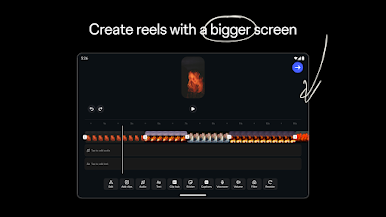
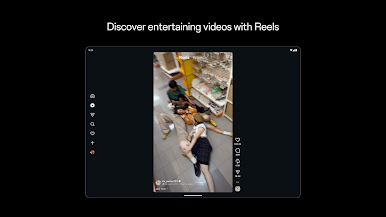
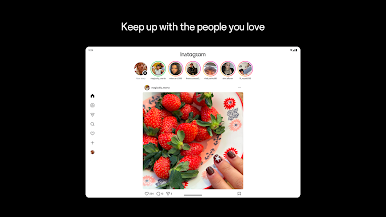
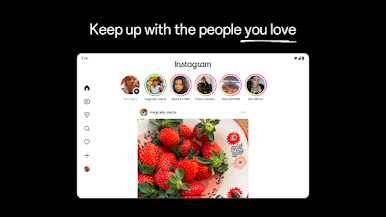
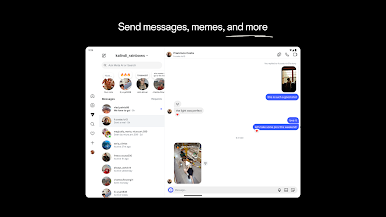
Instagram is where everyday moments meet the people who matter to you. Snap a quick pic, post a video, or jot a thought and instantly share it with friends, fans, and the communities you love. Prefer a bigger screen sometimes? You can check your feed and messages on your PC using BlueStacks without changing the way you use the app.
App Features
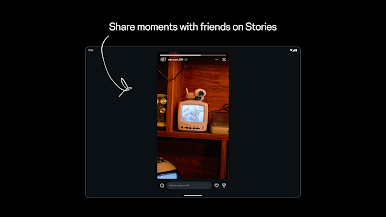
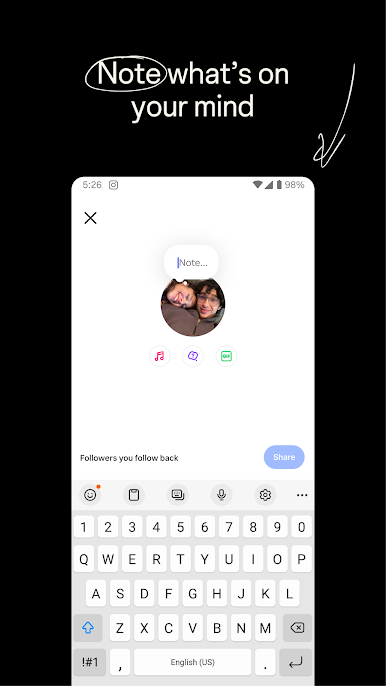
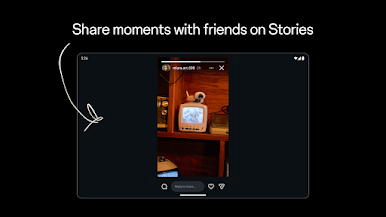
- Stories and Notes: Share quick updates that disappear after 24 hours—great for behind‑the‑scenes peeks, mini recaps, or a simple “hi.”
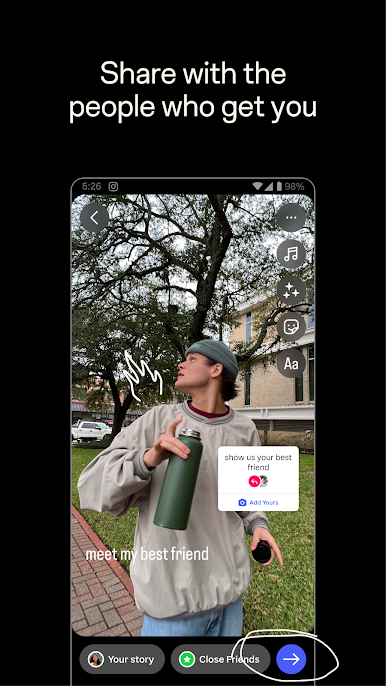
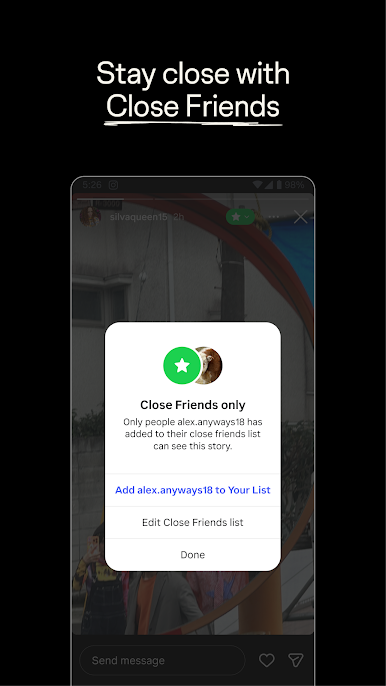
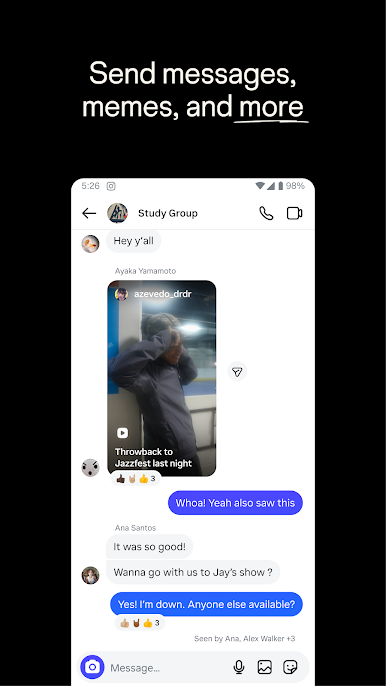
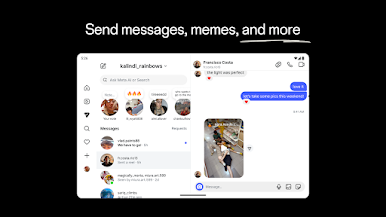
- Close Friends and Group Chats: Keep certain posts and spur-of-the-moment photos just for your inner circle, and chat it up in private groups.
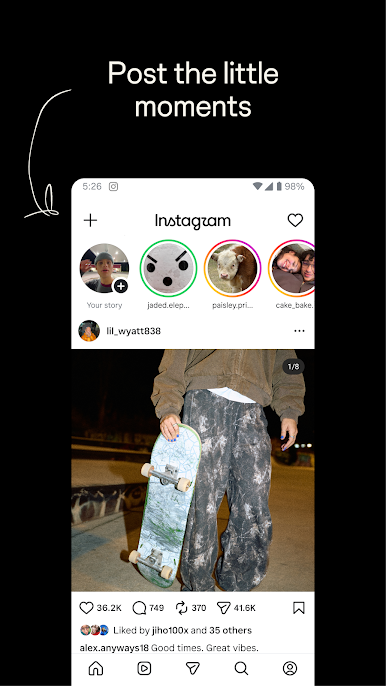
- Feed Posts: Save your best shots, trip highlights, and photo dumps to your profile so they’re easy to revisit and share.
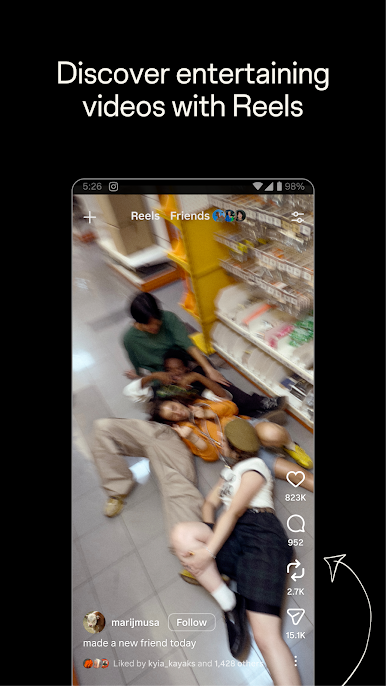
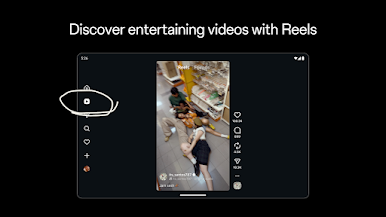
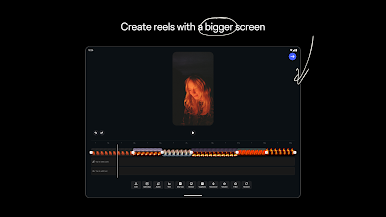
- Reels: Create and watch bite‑size videos. Trim clips, sync to music, remix trends, and show off your sense of humor or skills.
- Creative Tools: Dress up posts with templates, music, stickers, filters, and more to match your vibe—subtle or all-out.
- Explore Page: Find new accounts, topics, and styles tailored to what you like. The more you interact, the smarter it gets.
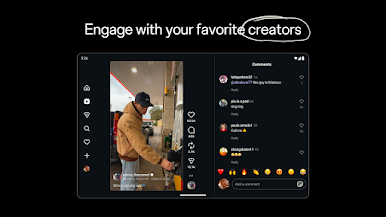
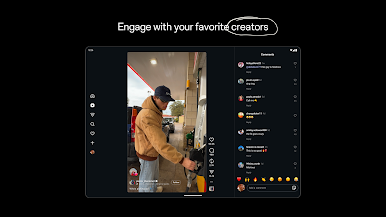
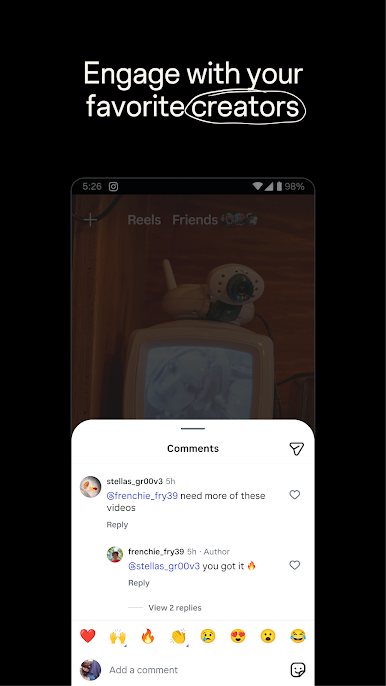
- Creator Content: Follow your favorite creators and discover fresh voices—comedy, beauty, sports, travel, and everything in between.
- Shop Your Style: Browse products from brands and small businesses that fit your taste, right from your feed.
- Local and Global: See what’s popping nearby or get inspired by people and trends from all over the world.
BlueStacks gives you the much-needed freedom to experience your favorite apps on a bigger screen. Get it now.

Play Instagram on PC. It’s easy to get started.
-
Download and install BlueStacks on your PC
-
Complete Google sign-in to access the Play Store, or do it later
-
Look for Instagram in the search bar at the top right corner
-
Click to install Instagram from the search results
-
Complete Google sign-in (if you skipped step 2) to install Instagram
-
Click the Instagram icon on the home screen to start playing

