



Edits: Video Editor
Play on PC with BlueStacks – the Android Gaming Platform, trusted by 500M+ gamers.

Page Modified on: Oct 5, 2026
Main Edits: Video Editor on PC
Simplify your creative process
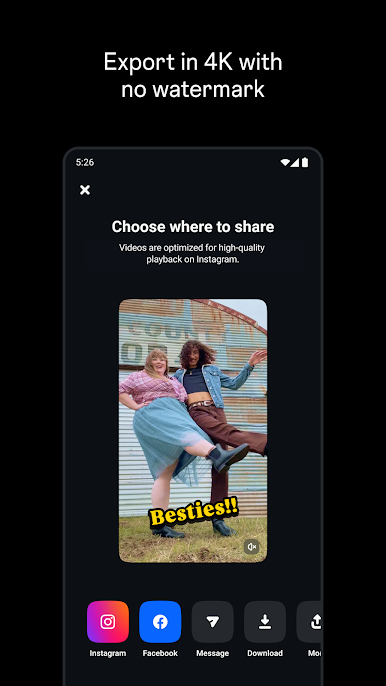
- Export your videos in 4K with no watermark and share to any platform.
- Keep track of all your drafts and videos in one place.
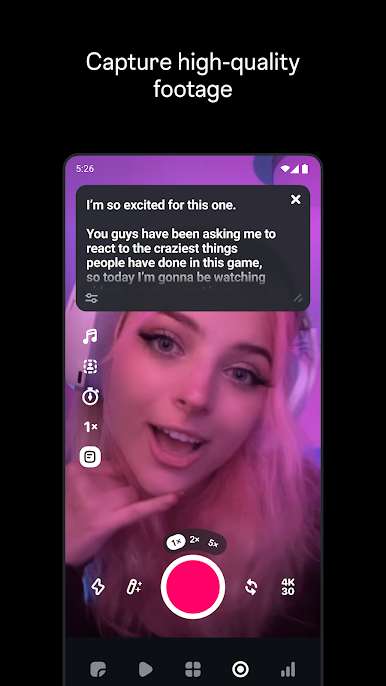
- Capture high-quality clips up to 10 minutes long and start editing right away.
- Easily share to Instagram with high-quality playback.
Create and edit with powerful tools
- Edit videos with single-frame precision.
- Get the look you want with camera settings for resolution, frame rate and dynamic range, plus upgraded flash and zoom controls.
- Bring images to life with AI animation.
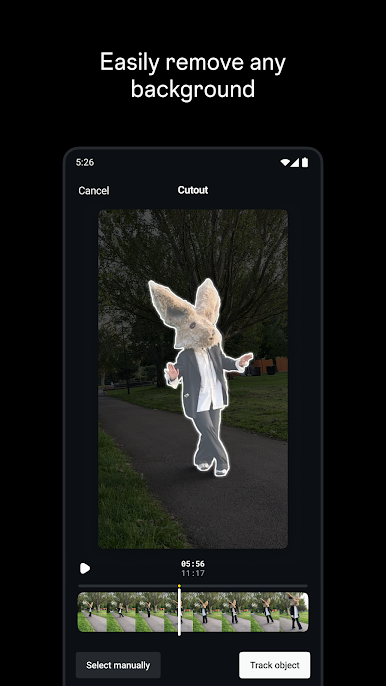
- Change up your background using green screen, cutout or add a video overlay.
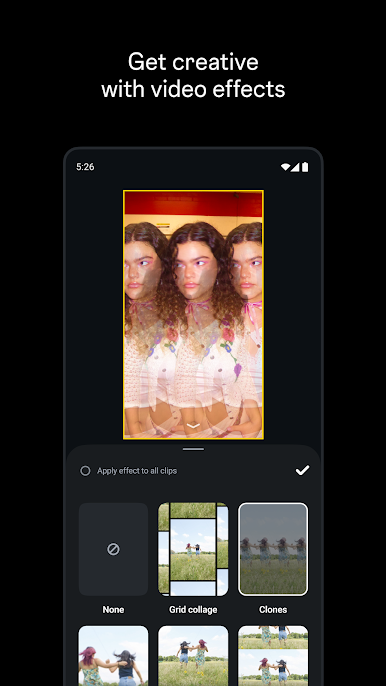
- Choose from a variety of fonts, sound and voice effects, video filters and effects, stickers and more.
- Enhance audio to make voices clearer and remove background noise.
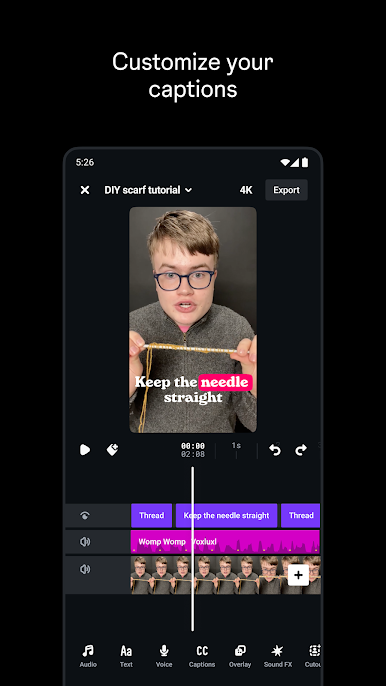
- Generate captions automatically and customize how they appear in your video.
Inform your next creative decisions
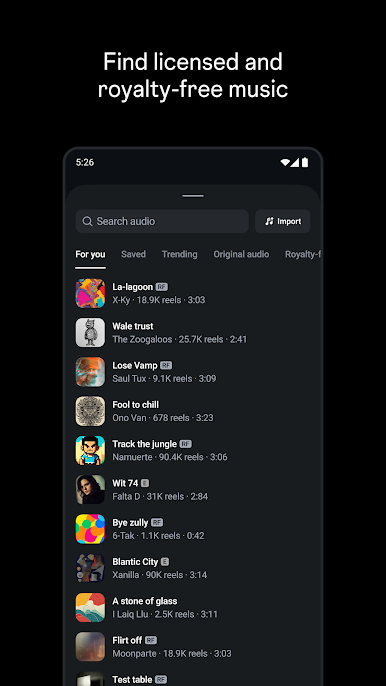
- Get inspired by browsing reels with trending audio.
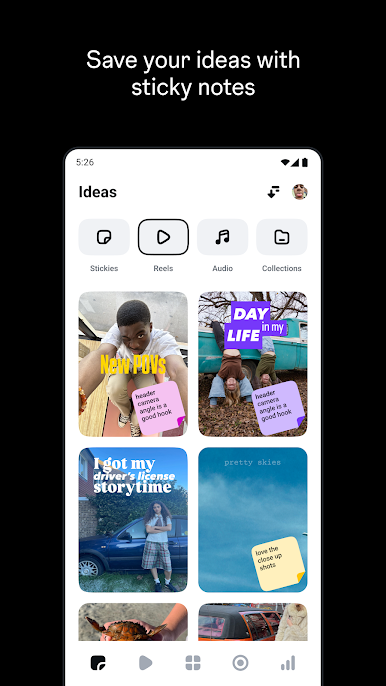
- Keep track of ideas and content you’re excited by until you're ready to create.
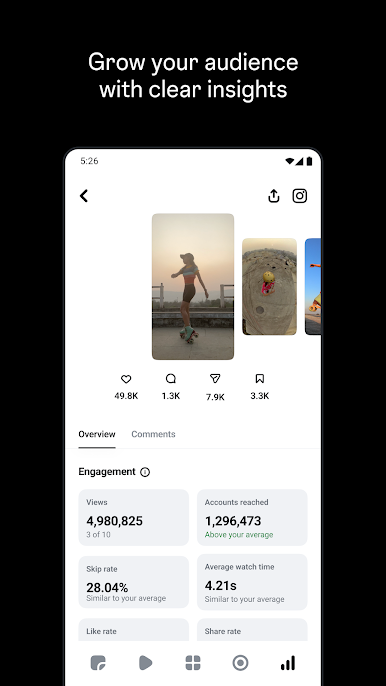
- Track how your reels are performing with a live insights dashboard.
- Understand what affects your reels engagement.

Play Edits: Video Editor on PC. It’s easy to get started.
-
Download and install BlueStacks on your PC
-
Complete Google sign-in to access the Play Store, or do it later
-
Look for Edits: Video Editor in the search bar at the top right corner
-
Click to install Edits: Video Editor from the search results
-
Complete Google sign-in (if you skipped step 2) to install Edits: Video Editor
-
Click the Edits: Video Editor icon on the home screen to start playing

