


Brain Test: Pose Puzzle
Play on PC with BlueStacks – the Android Gaming Platform, trusted by 500M+ gamers.

Page Modified on: Nov 23, 2025
Play Pose Master: Puzzle Hideaway on PC or Mac
Step into the World of Pose Master: Puzzle Hideaway, a thrilling Casual game from the house of Inwave Co Ltd. Play this Android game on BlueStacks App Player and experience immersive gaming on PC or Mac.
About the Game
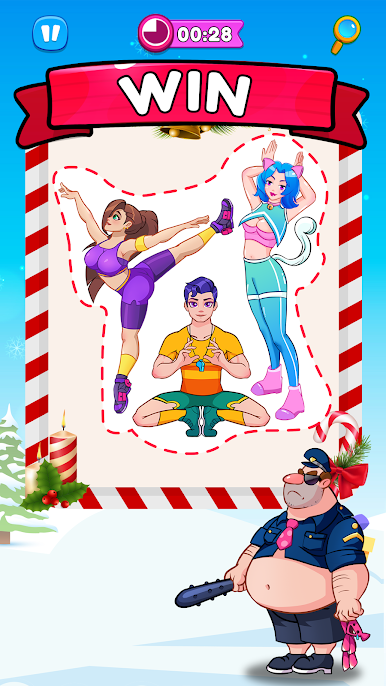
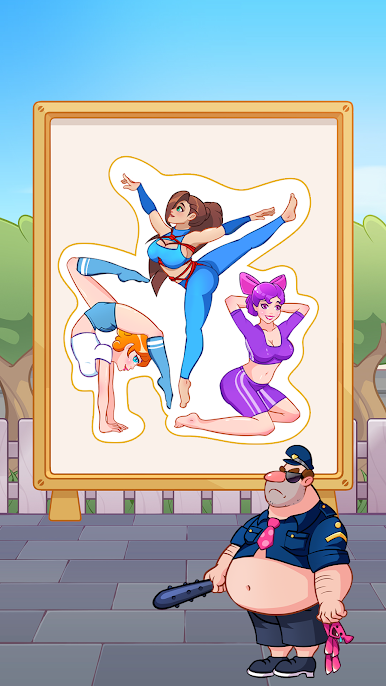
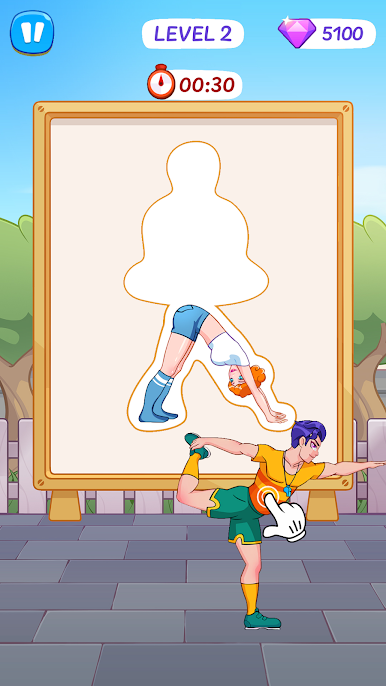
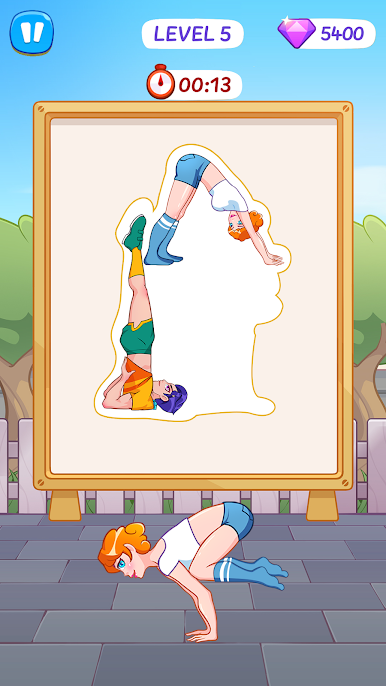
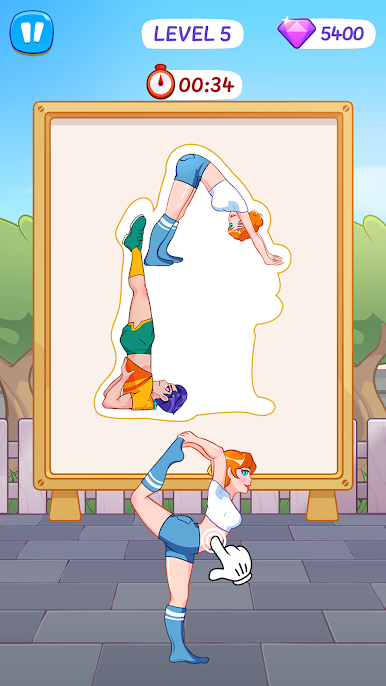
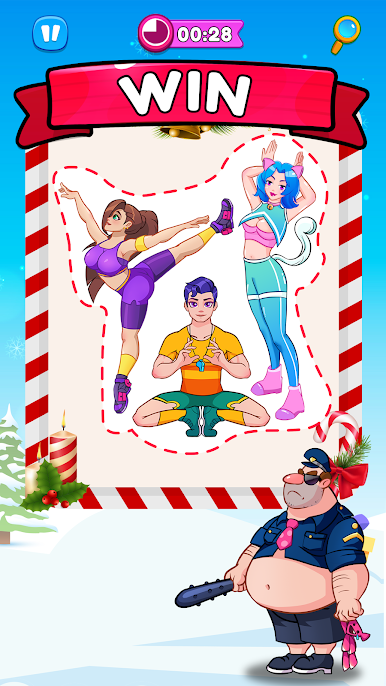
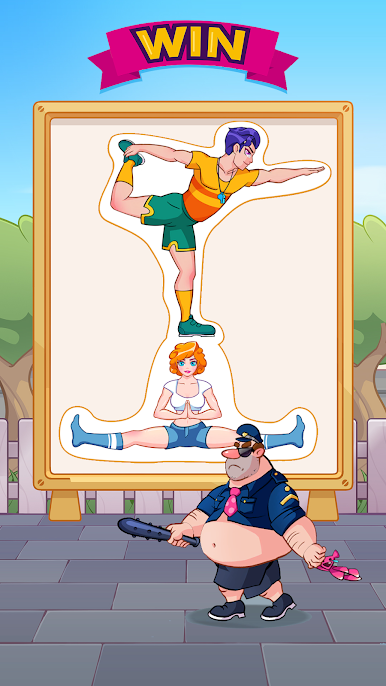
Think you’ve got the moves to outsmart a nosy cop? Pose Master: Puzzle Hideaway drops you straight into a lively city where the only way to stay out of trouble is to get creative with your hiding skills. This casual game from Inwave Co Ltd challenges you to blend in by twisting, turning, and striking the right pose—sometimes as a statue, sometimes behind a sign, sometimes as a total stranger. It’s all about thinking on your feet, finding the cleverest way to not get spotted, and yeah, maybe chuckling when your plan actually works.
Game Features
-
Endless Ways to Hide
You’re not stuck with just one pose—switch between loads of positions, and shuffle your character around until you find that perfect hiding spot. -
Brainy Puzzles
Don’t expect to coast through! Each level tosses new challenges and setups your way, making you stop and actually think about your next move. -
Ever-Changing City Levels
You’ll never know what’s around the corner. The game’s full of different streets, crowds, and quirky backgrounds to blend into. -
Intuitive Controls
Tap to pose, drag to move—a few simple actions, but endless ways to experiment (or mess up and laugh about it). -
Always On Your Toes
The patrol cop isn’t a pushover. Stay sharp, change up your strategy, and don’t get too comfortable, or you’ll get caught. -
A Fun, Casual Vibe
Play a quick level when you’ve got a minute or challenge yourself for a bit longer—it’s one of those casual games that’s easy to pick up, but tough to master. -
Great on Bigger Screens
While it feels awesome on mobile, the quirky characters and detailed city scenes really stand out if you try Pose Master: Puzzle Hideaway with BlueStacks.
Get ready for surprises, a bit of suspense, and lots of offbeat posing as you figure out how to vanish in plain sight.
Start your journey now. Download the game on BlueStacks, invite your friends, and march on a new adventure.












Play Brain Test: Pose Puzzle on PC. It’s easy to get started.
-
Download and install BlueStacks on your PC
-
Complete Google sign-in to access the Play Store, or do it later
-
Look for Brain Test: Pose Puzzle in the search bar at the top right corner
-
Click to install Brain Test: Pose Puzzle from the search results
-
Complete Google sign-in (if you skipped step 2) to install Brain Test: Pose Puzzle
-
Click the Brain Test: Pose Puzzle icon on the home screen to start playing

