


念佛助手
Play on PC with BlueStacks – the Android Gaming Platform, trusted by 500M+ gamers.

Page Modified on: Feb 12, 2026
Play 念佛助手 on PC
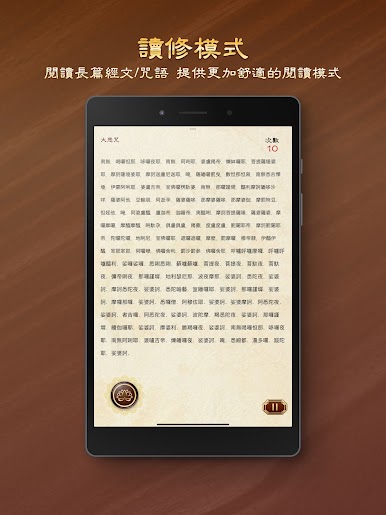
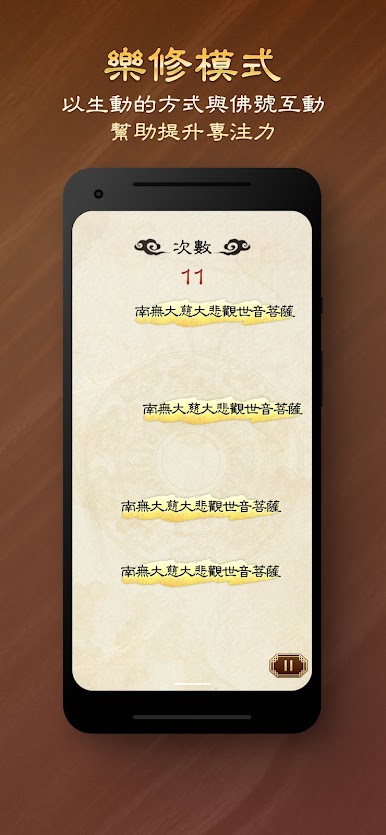
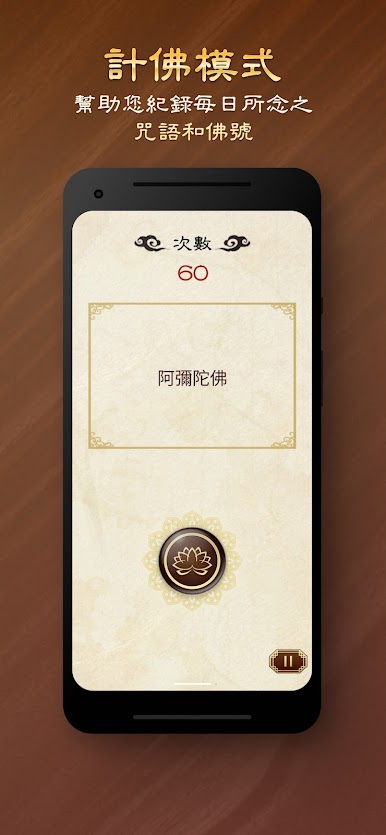
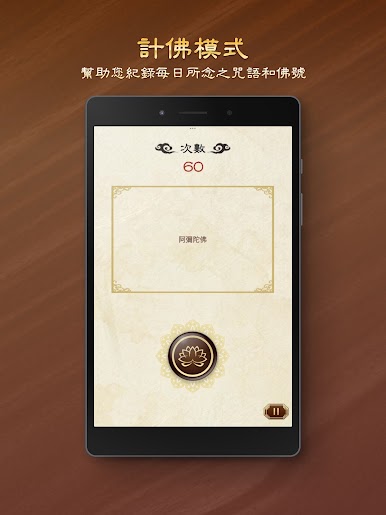
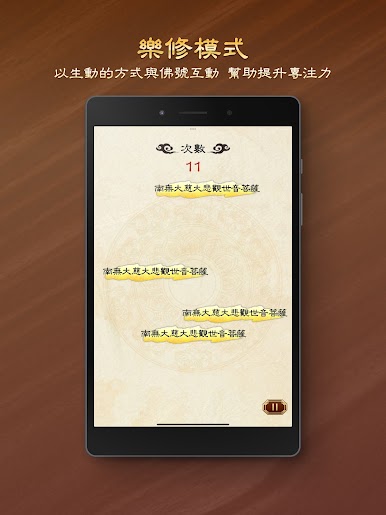
- Three chanting modes: Counting Chant, Joyful Practice, and Reading Practice, catering to various practitioners' chanting needs.
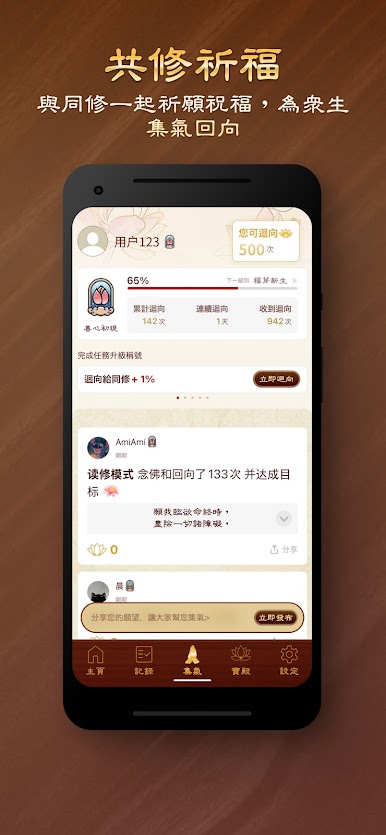
- Share and dedicate merit to friends and family via social media apps such as Facebook, Line, WhatsApp, and WeChat.
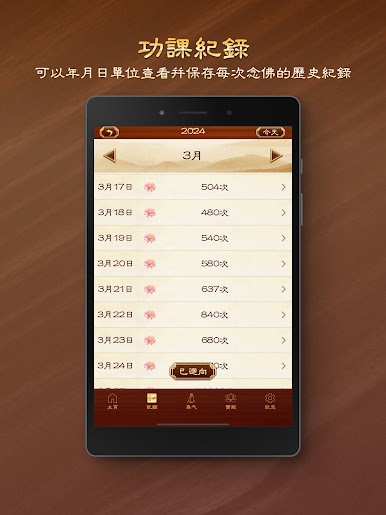
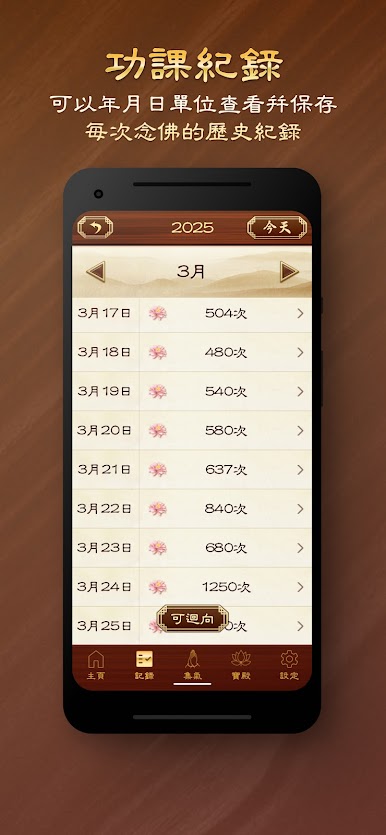
- Set daily goals and automatically record the number of chants performed each day.
- Post prayers for blessings and dedications for group practice, expanding your positive thoughts.
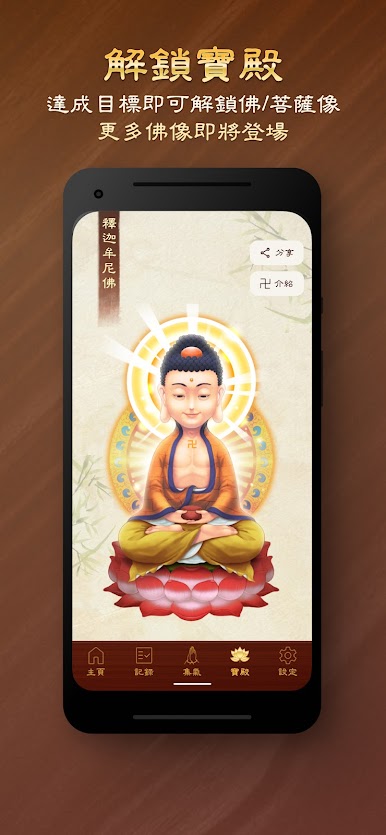
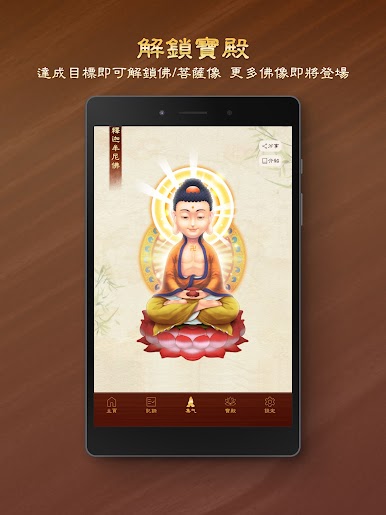
- Basic background information on Buddhas and Bodhisattvas.
Through this chanting assistant, we hope to make it easier and more focused for practitioners to achieve their daily goals. Amitabha!
For any questions, comments, or suggestions, please send them to our email address - iolotus058@gmail.com, or through the "Contact Us" function on our website (https://m.buddhaname.com) and in the app.


Play 念佛助手 on PC. It’s easy to get started.
-
Download and install BlueStacks on your PC
-
Complete Google sign-in to access the Play Store, or do it later
-
Look for 念佛助手 in the search bar at the top right corner
-
Click to install 念佛助手 from the search results
-
Complete Google sign-in (if you skipped step 2) to install 念佛助手
-
Click the 念佛助手 icon on the home screen to start playing

