


Flyover Country - Inflight GPS
Play on PC with BlueStacks – the Android Gaming Platform, trusted by 500M+ gamers.

Page Modified on: Dec 20, 2024
Play Flyover Country - Inflight GPS on PC
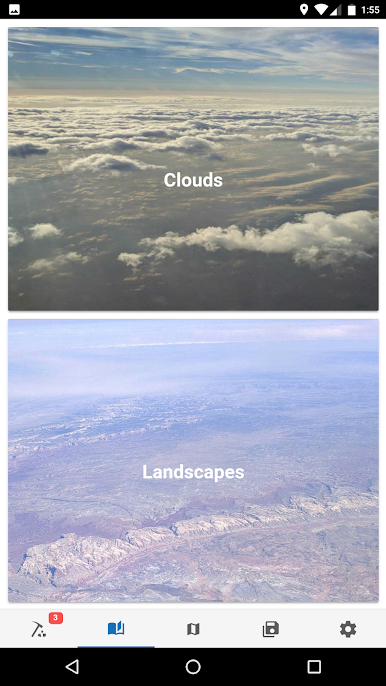
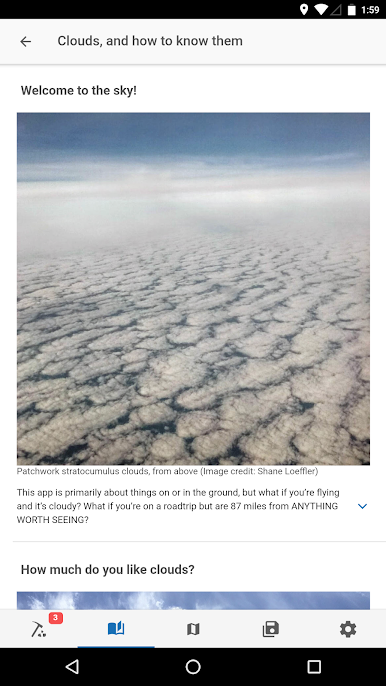
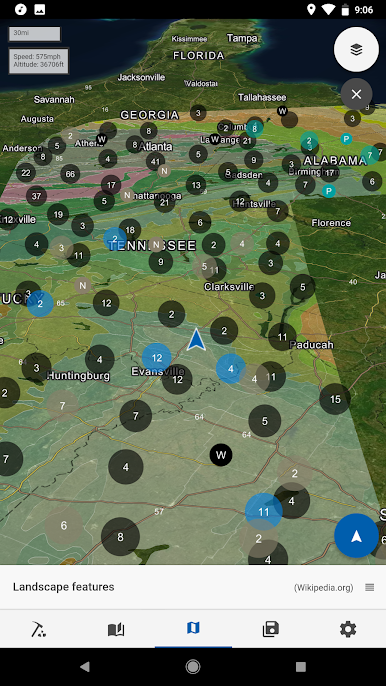
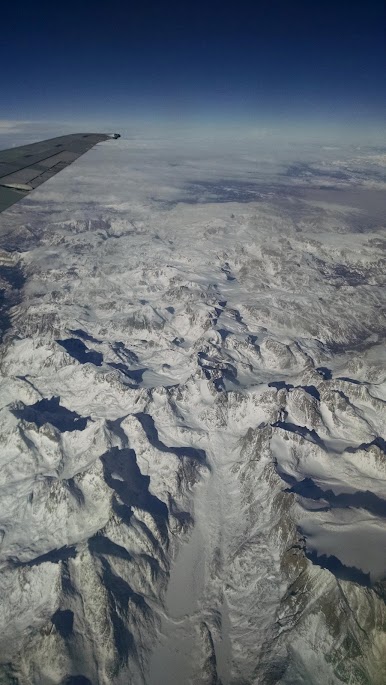
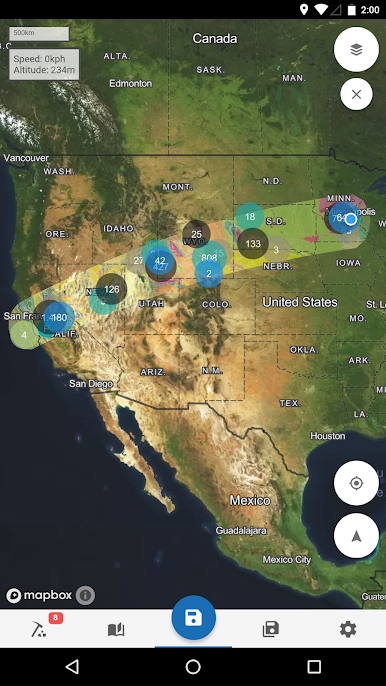
Learn about the world along the path of your flight, hike, or road trip with GPS tracking. Offline geologic maps and interactive points of interest reveal the locations of fossils and georeferenced Wikipedia articles visible from your airplane window seat, road trip, or hiking trail vista.
Follow Flyover Country for updates and photos from the sky!
https://www.facebook.com/flyovercountryapp/
https://twitter.com/flyovergeo
https://www.instagram.com/flyovergeo/
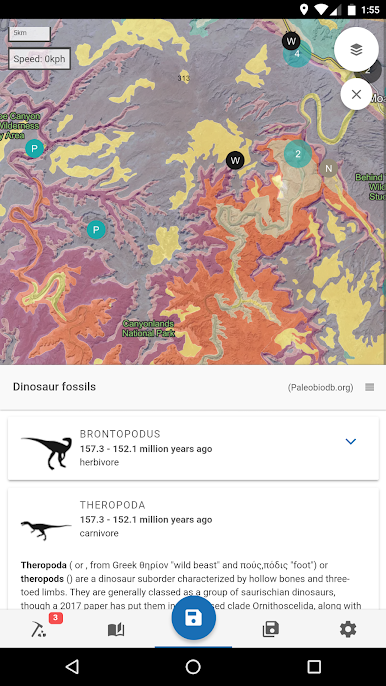
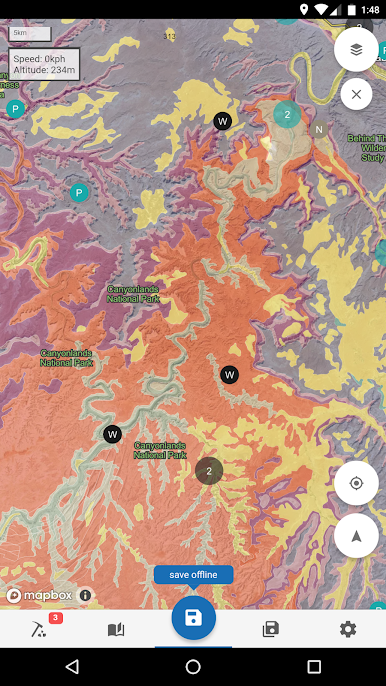
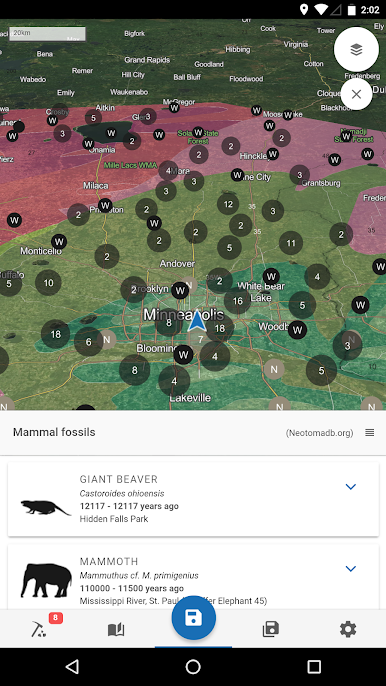
Flyover Country is a National Science Foundation-funded offline mobile app for geoscience outreach and data discovery. The app exposes interactive geologic maps from Macrostrat.org, fossil localities from Neotomadb.org and Paleobiodb.org, Wikipedia articles, offline base maps, and the user’s current GPS determined location, altitude, speed, and heading. The app analyzes a given flight path and caches relevant map data and points of interest (POI), and displays these data during the flight, without in-flight wifi. By downloading only the data relevant to a particular flight path, cache sizes remain reasonable, allowing for a robust experience without an internet connection.
Flyover Country is not limited to the window seat of airplanes. It is also ideal for road trips, hiking, and other outdoor activities such as field trips and geologic fieldwork.
**GPS functionality is only possible from the window seat and GPS reception quality varies by device/conditions**
Play Flyover Country - Inflight GPS on PC. It’s easy to get started.
-
Download and install BlueStacks on your PC
-
Complete Google sign-in to access the Play Store, or do it later
-
Look for Flyover Country - Inflight GPS in the search bar at the top right corner
-
Click to install Flyover Country - Inflight GPS from the search results
-
Complete Google sign-in (if you skipped step 2) to install Flyover Country - Inflight GPS
-
Click the Flyover Country - Inflight GPS icon on the home screen to start playing

