

Learn Arabic with the Quran
Play on PC with BlueStacks – the Android Gaming Platform, trusted by 500M+ gamers.

Page Modified on: Feb 27, 2026
Run Learn Arabic with the Quran - Quran Progress on PC or Mac
What’s better than using Learn Arabic with the Quran – Quran Progress by Quran Progress? Well, try it on a big screen, on your PC or Mac, with BlueStacks to see the difference.
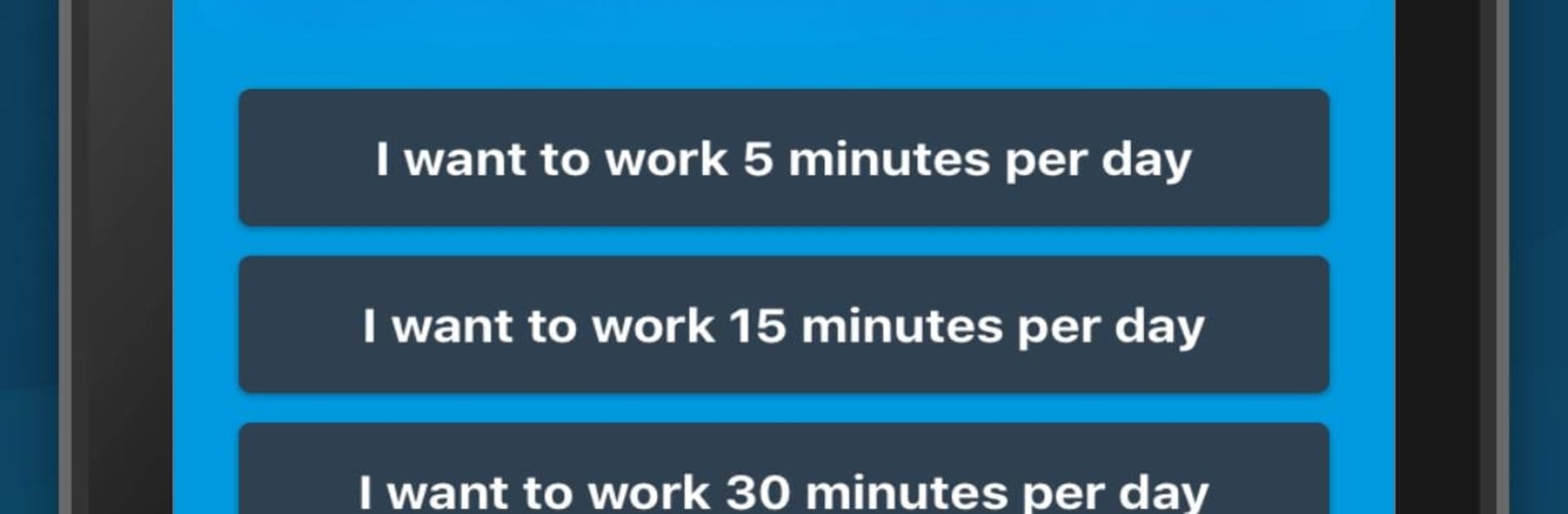
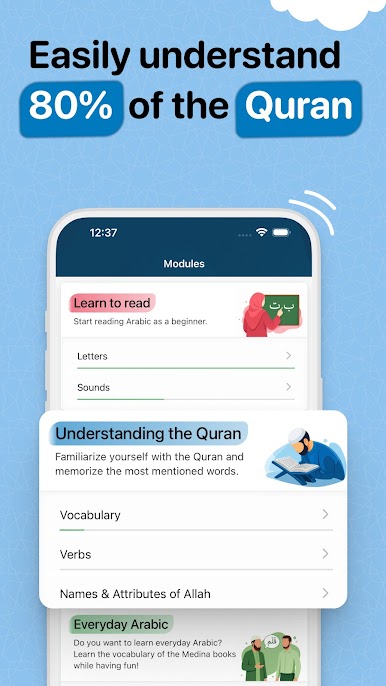
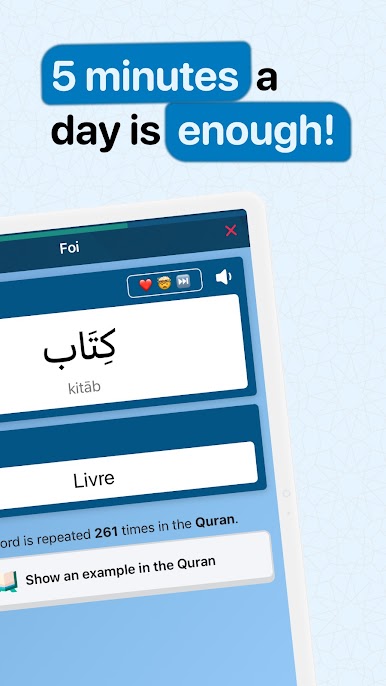
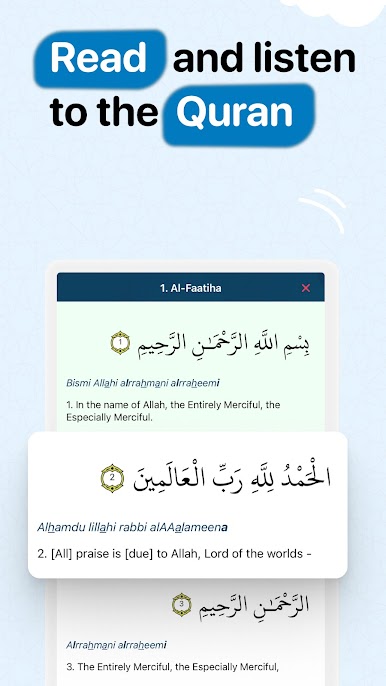
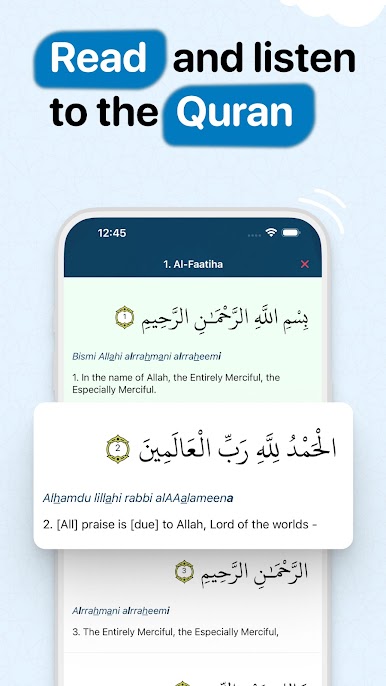
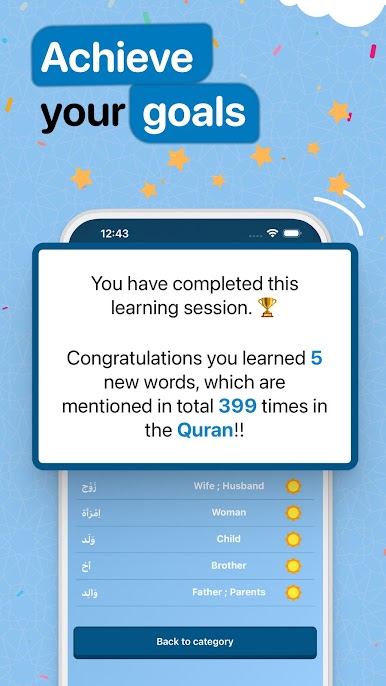
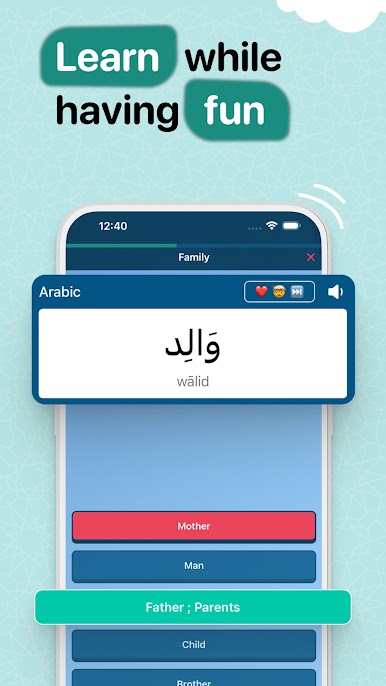
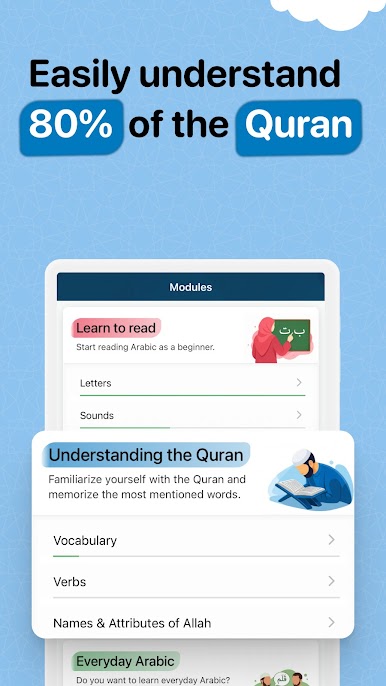
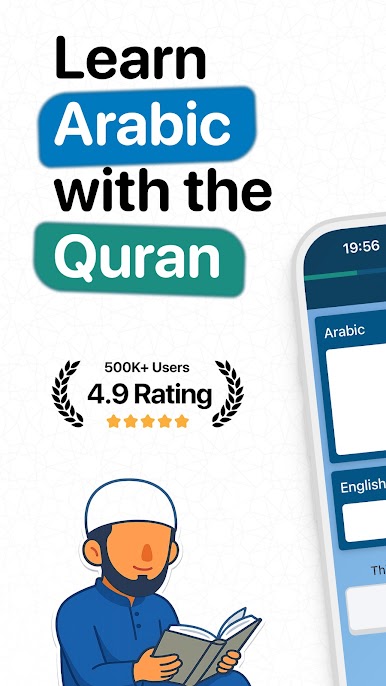
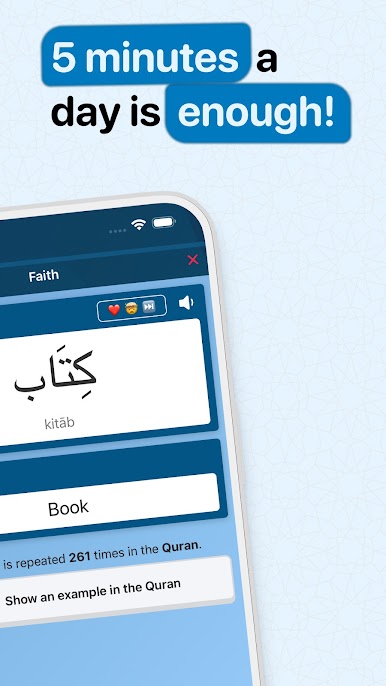
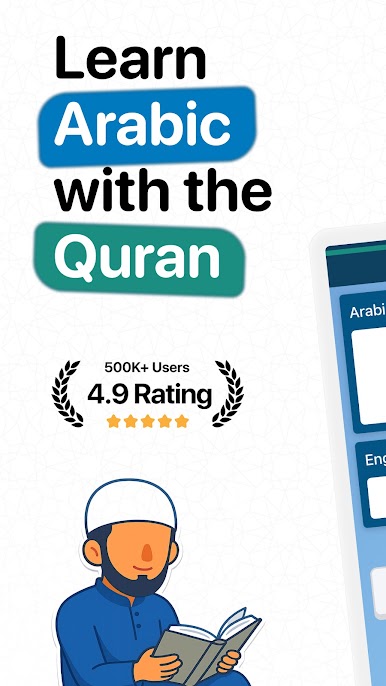
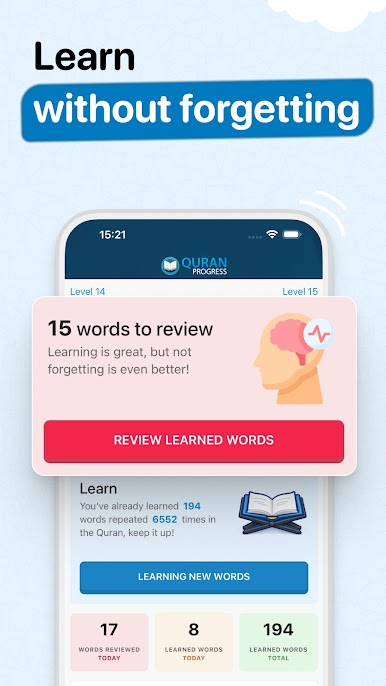
So Quran Progress is a language app that’s actually focused on the words and phrases right out of the Quran, which makes it feel super relevant if someone’s looking to really understand what they’re reading or reciting. It’s not just random vocab either – it gets right to the words that pop up again and again, so even a quick session feels like it’s adding up fast. The whole thing is built to be pretty low-pressure; it suggests just a few minutes a day, so it’s not overwhelming or intense, and the lessons don’t drag on.
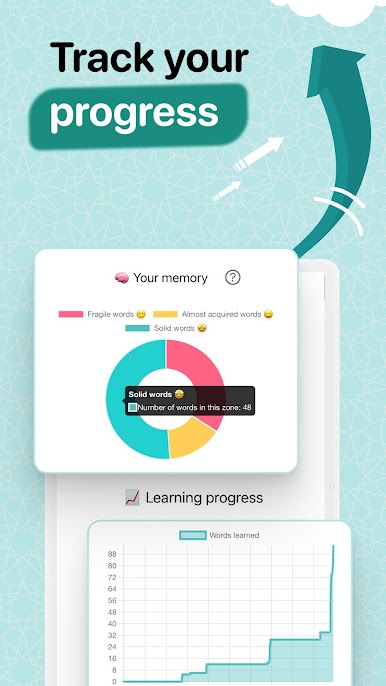
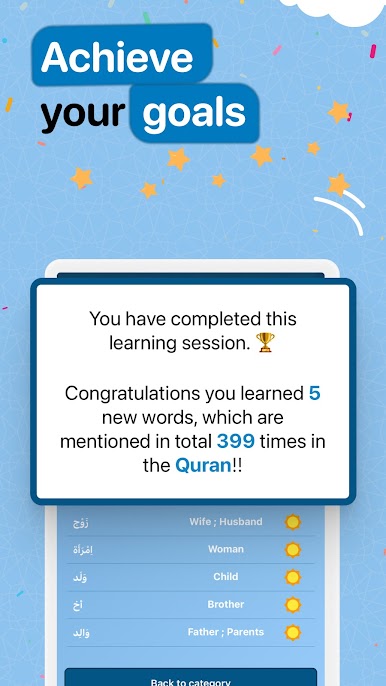
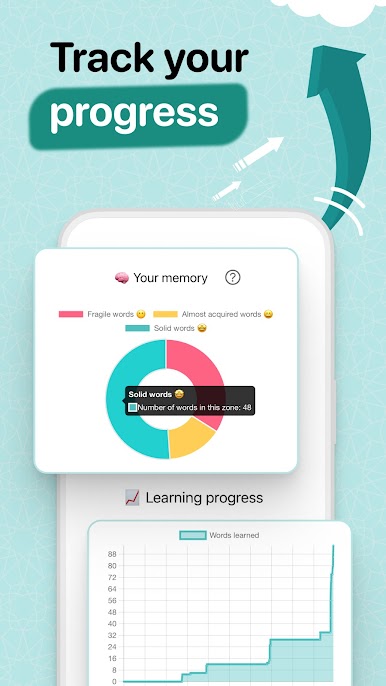
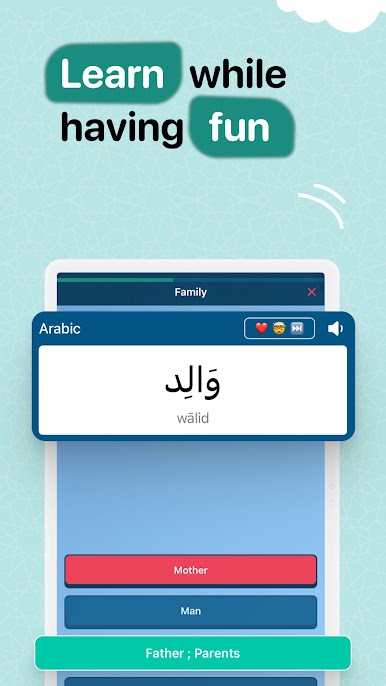
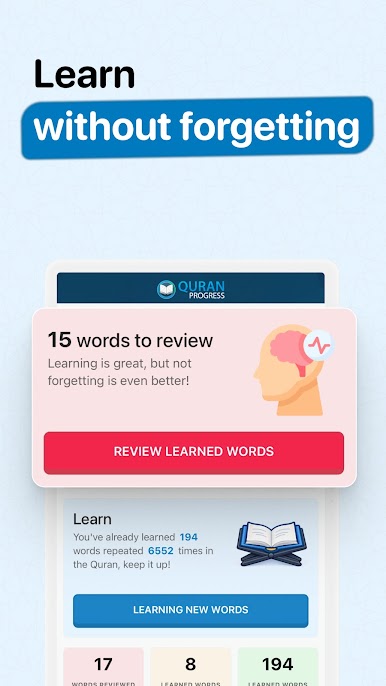
There’s this virtual coach that gently guides you, so you’re not just clicking through endless flashcards without direction. It mixes up activities—sometimes it’s matching, sometimes quizzes, sometimes there are guessing games—so it’s not monotonous. And spaced repetition is baked in, so words you’ve been struggling with come back at just the right moment. Everything’s geared toward memory and actual understanding, not just memorizing for a day. People who care about the Medina book series will notice those vocab lists are in there, which is a nice touch. Using it on something like BlueStacks on a bigger screen, it’s easier to move through the exercises and keep track of progress, but overall it just feels like a straightforward way to make Quranic Arabic less mysterious, especially for anyone who’s wanted that extra comprehension without sitting down for hours and hours.
BlueStacks gives you the much-needed freedom to experience your favorite apps on a bigger screen. Get it now.
Play Learn Arabic with the Quran on PC. It’s easy to get started.
-
Download and install BlueStacks on your PC
-
Complete Google sign-in to access the Play Store, or do it later
-
Look for Learn Arabic with the Quran in the search bar at the top right corner
-
Click to install Learn Arabic with the Quran from the search results
-
Complete Google sign-in (if you skipped step 2) to install Learn Arabic with the Quran
-
Click the Learn Arabic with the Quran icon on the home screen to start playing

