


ProxySet - HTTP Socks Proxy
Play on PC with BlueStacks – the Android Gaming Platform, trusted by 500M+ gamers.

Page Modified on: Oct 11, 2025
Play ProxySet - HTTP Socks Proxy on PC
------------------------------------------------------------
⚡ App Benefits
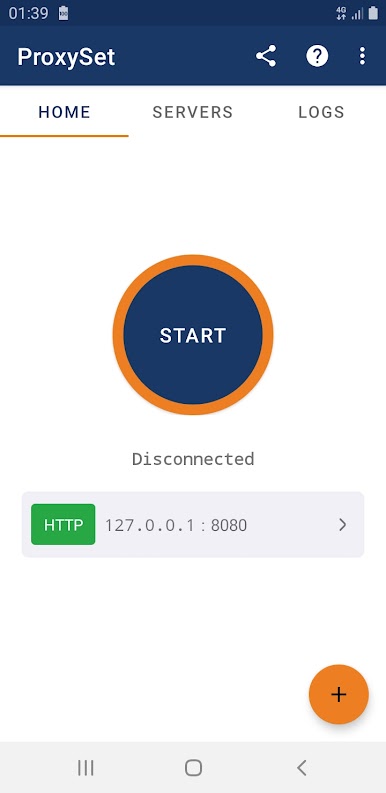
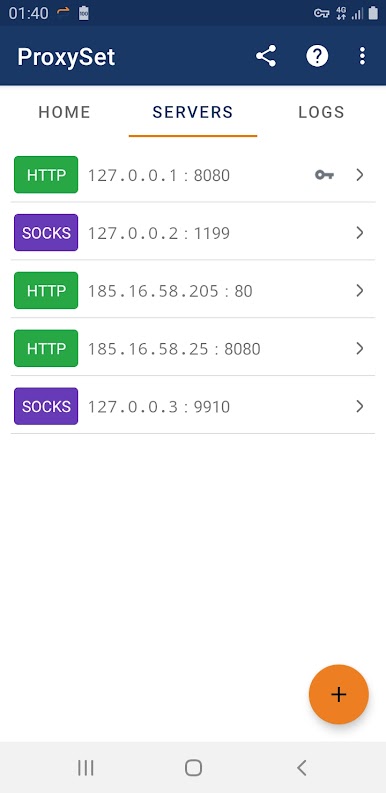
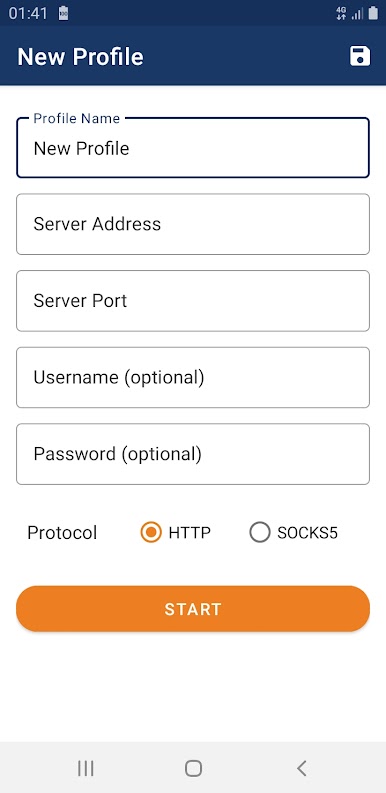
● Profile Management: Easily create and save multiple proxy profiles. Each profile stores your server's address, port, and protocol type (HTTP or SOCKS). No more typing in the same settings every time!
● Authentication Support: Got a proxy server that requires a username and password? ProxySet has you covered. Simply enter your credentials, and you're good to go.
● Clear Distinction from VPNs: It's important to know the difference: ProxySet changes your IP address, but it doesn't encrypt your data like a VPN. If you need full encryption, consider a dedicated VPN service (like our Bitunnel VPN, if you want to mention it).
● Free To Use: Enjoy the benefits of enhanced online privacy and unrestricted access without any cost.
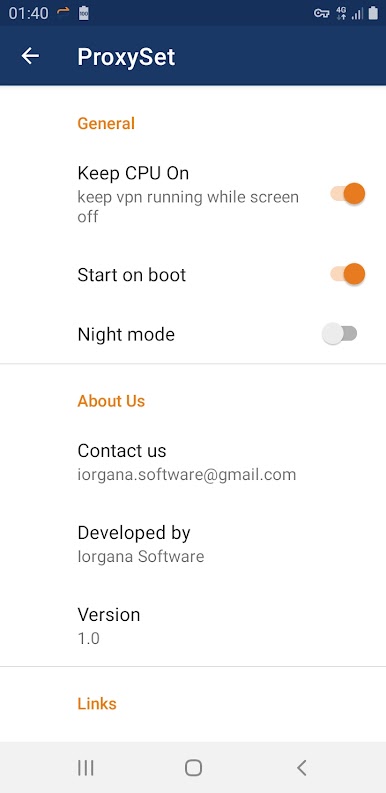
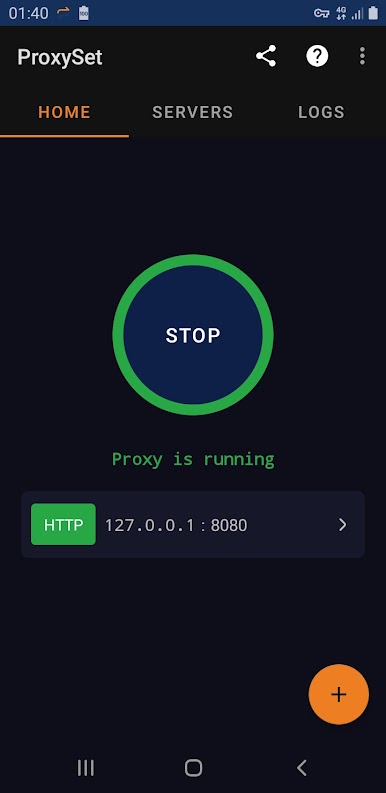
● Night Mode: Protects your eyes with a dark theme for comfortable usage.
------------------------------------------------------------
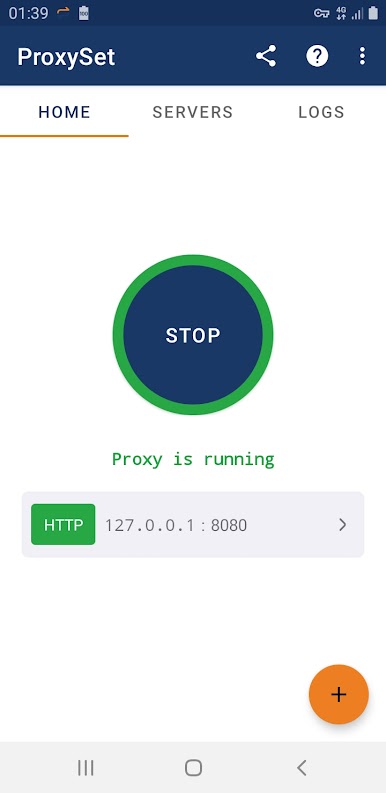
ProxySet is designed to be user-friendly and efficient. It's perfect for anyone who wants a simple way to use proxies on their Android device. Whether you're bypassing restrictions or just looking for a bit more anonymity, ProxySet makes it easy.
------------------------------------------------------------
⚡ About Ads
ProxySet contains ads. This helps us keep the app free for everyone, allows us to continuously improve it, and covers essential development costs. We believe this is a fair trade-off, ensuring you don't have to subscribe or purchase paid versions to enjoy ProxySet's benefits.
------------------------------------------------------------
Give ProxySet a try and experience a more open internet!
Play ProxySet - HTTP Socks Proxy on PC. It’s easy to get started.
-
Download and install BlueStacks on your PC
-
Complete Google sign-in to access the Play Store, or do it later
-
Look for ProxySet - HTTP Socks Proxy in the search bar at the top right corner
-
Click to install ProxySet - HTTP Socks Proxy from the search results
-
Complete Google sign-in (if you skipped step 2) to install ProxySet - HTTP Socks Proxy
-
Click the ProxySet - HTTP Socks Proxy icon on the home screen to start playing

