


UHD IPTV Player Lite
Play on PC with BlueStacks – the Android Gaming Platform, trusted by 500M+ gamers.

Page Modified on: Jul 22, 2025
Run UHD IPTV Player Lite on PC or Mac
Upgrade your experience. Try UHD IPTV Player Lite, the fantastic Video Players & Editors app from UHD Soft, from the comfort of your laptop, PC, or Mac, only on BlueStacks.
About the App
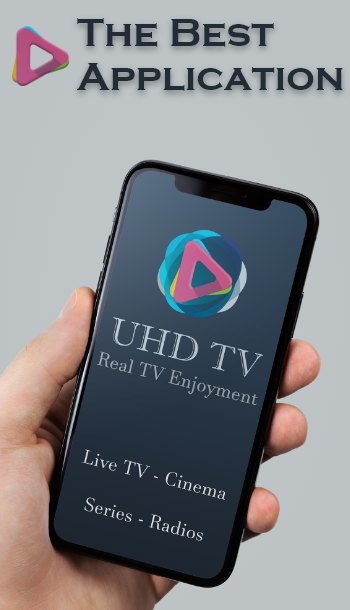
UHD IPTV Player Lite is a fast, lightweight way to play your own IPTV playlists on Android. Bring your Live TV, movies, series, and radio streams, and the app from UHD Soft handles the rest with a clean interface and a powerful built-in player. Want an even bigger screen? You can also run it on your PC with BlueStacks.
App Features
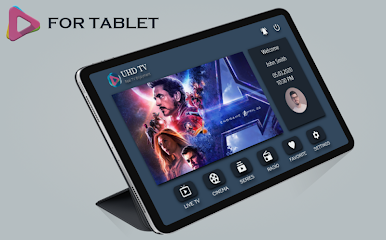
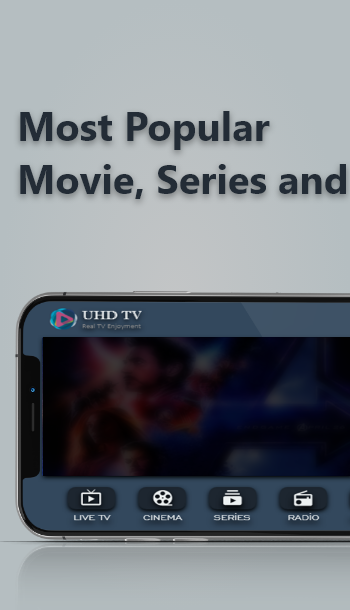
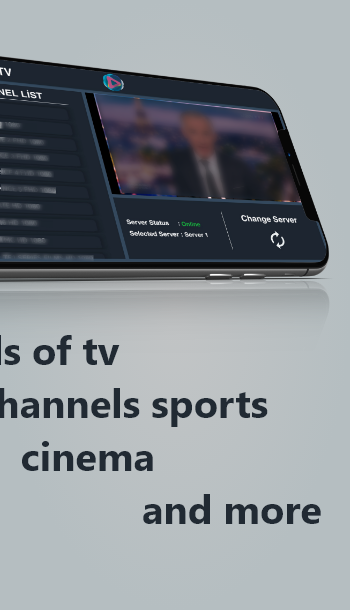
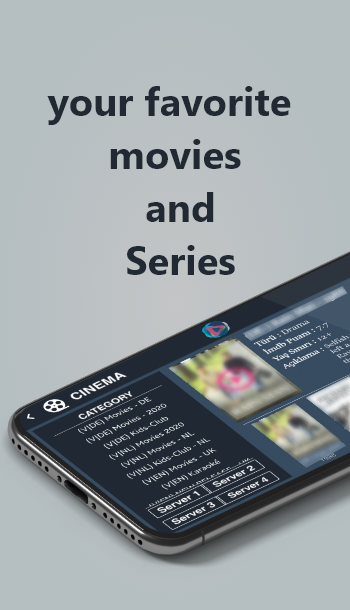
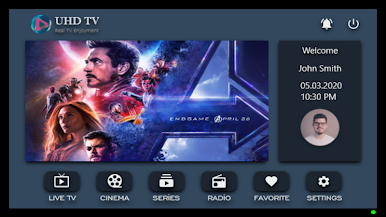
- Live, Movies, Series, Radio: Load your playlist and watch live channels, on-demand videos, series, or listen to radio in one place.
- Simple, speedy playback: A responsive, built-in IPTV player that starts quickly and feels smooth, even with large playlists.
- Easy organization: Sort by categories so big lists don’t get messy. Find what you want without digging around.
- Favorites at your fingertips: Pin channels or titles you watch often and get to them faster.
- Parental control: Lock down specific content or categories so the kids don’t wander into something they shouldn’t.
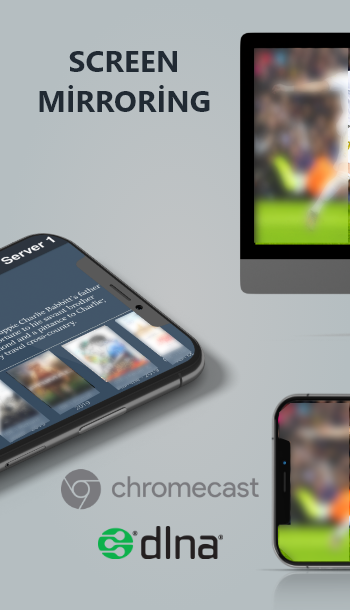
- Casting support: Send streams to Chromecast™, DLNA devices, Fire TV, and Roku TV with just a tap.
- Subtitles when casting: SRT and VTT subtitle support for cast devices, so dialog stays clear on the big screen.
- DLNA compatibility mode: A special mode designed to reduce connection or codec hiccups on a wide range of DLNA hardware.
- External player option: Prefer a different player for certain formats? Switch to an external player when you need to.
- Works across your devices: Great on Android phones, Android TV, Android boxes, Fire TV Stick, and Mi Box.
- Bring your own content: UHD IPTV Player Lite doesn’t include channels or media and isn’t affiliated with any provider. You add your playlist and are responsible for what you stream—don’t use copyrighted material without permission.
A Video Players & Editors app by UHD Soft, built for people who want control, speed, and a clean viewing experience.
Big screen. Bigger performance. Use BlueStacks on your PC or Mac to run your favorite apps.
Play UHD IPTV Player Lite on PC. It’s easy to get started.
-
Download and install BlueStacks on your PC
-
Complete Google sign-in to access the Play Store, or do it later
-
Look for UHD IPTV Player Lite in the search bar at the top right corner
-
Click to install UHD IPTV Player Lite from the search results
-
Complete Google sign-in (if you skipped step 2) to install UHD IPTV Player Lite
-
Click the UHD IPTV Player Lite icon on the home screen to start playing

