

Paint Hide and Seek: Online
Play on PC with BlueStacks – the Android Gaming Platform, trusted by 500M+ gamers.

Page Modified on: Aug 21, 2026
Play Paint Hide and Seek: Online on PC or Mac
Explore a whole new adventure with Paint Hide and Seek: Online, a Simulation game created by ISAAC STUDIOS. Experience great gameplay with BlueStacks, the most popular gaming platform to play Android games on your PC or Mac.
About the Game
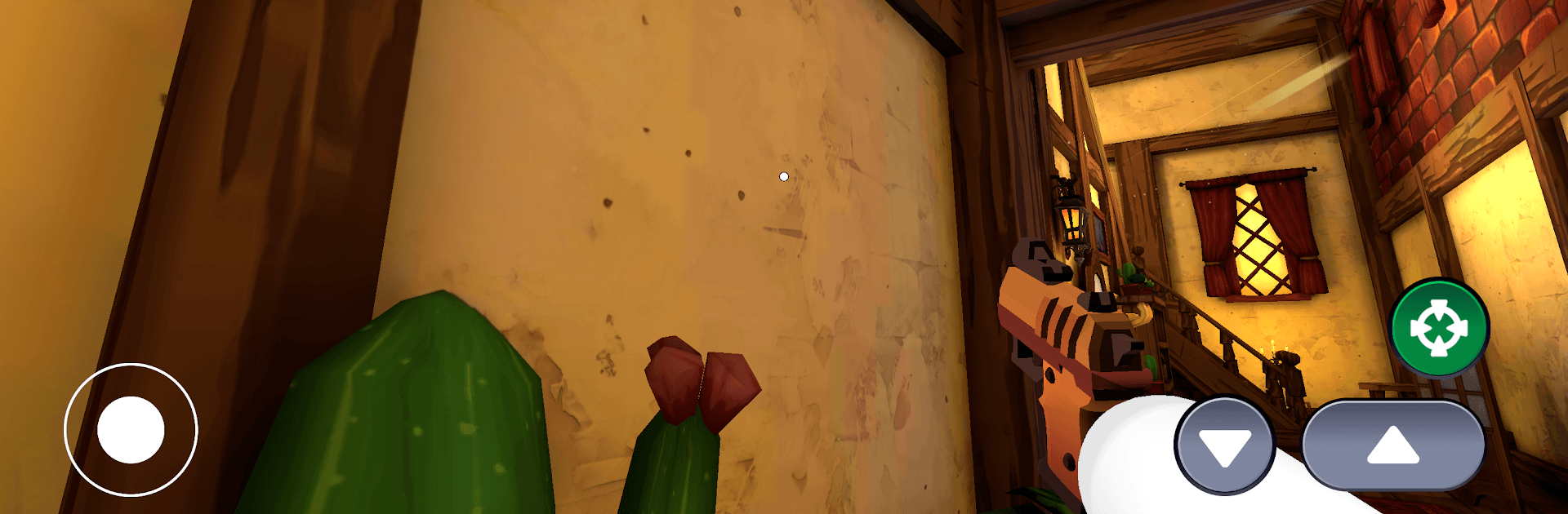
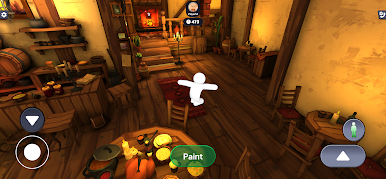
Paint Hide and Seek: Online is a social Simulation where your best weapon is a paint bucket and a good eye for color. You’ll sprint around quirky maps, match your character to walls, floors, or odd little objects, then hold your breath while everyone scans for the tiniest mismatch. It’s quick, messy, and ridiculously tense in the funniest way.
Game Features
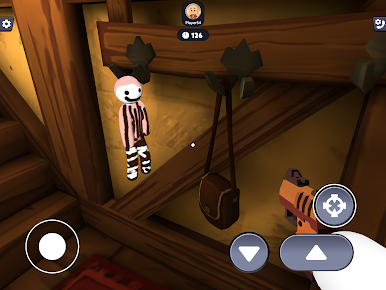
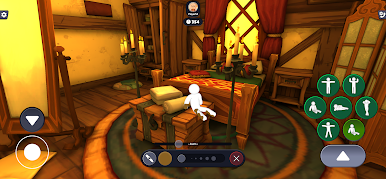
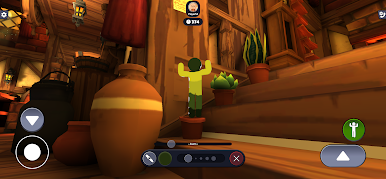
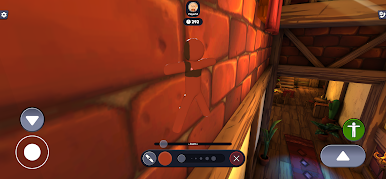
- Paint-to-Camouflage — Grab a color from the scene and coat your character to blend with walls, floors, props, and corners. If your shade is spot on, you’re practically invisible.
- 180-Second Setup — You get three minutes to scout, pick a hiding spot, and perfect your paint job before the chaos begins.
- Synchronized Seeking — When the timer ends, the hunt kicks off for everyone at once. Trust your instincts, stare down suspicious patches, and catch those who thought they nailed the match.
- Last One Unspotted Wins — Stay unnoticed longer than anyone else to take the round. Simple idea, high-stakes nerves.
- Up to 8 Players — Host private rooms with a shareable code for friends, or hop into fast matchmaking to meet new players.
- Built-In Voice Chat — Call out weird colors, throw blame, fake your spot, or laugh when someone strolls right past you. Social, loud, and full of “no way” moments.
- Colorful Maps & Smart Hiding Spots — From clean walls to odd angles, each arena offers sneaky places to disappear if your paint work is precise.
- Easy to Learn, Tricky to Master — Anyone can hide; the art is in shade matching, choosing angles, and reading tiny visual tells.
- Plays Great Anywhere — Snappy rounds on mobile and a comfy setup on PC with BlueStacks if you prefer a keyboard and a bigger screen.
Ready to top the leaderboard? We bet you do. Let precise controls and sharp visuals optimized on BlueStacks lead you to victory.

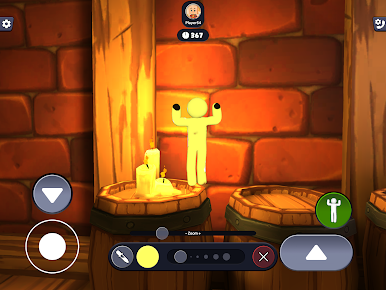
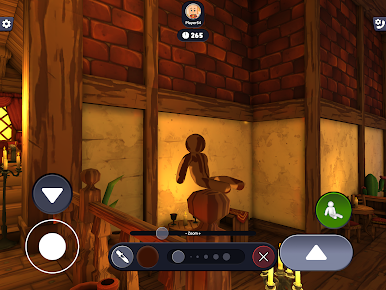
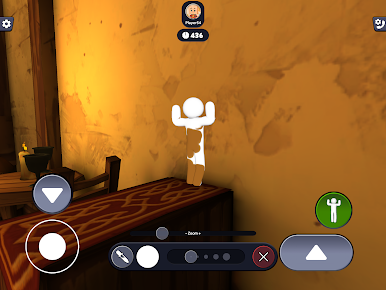
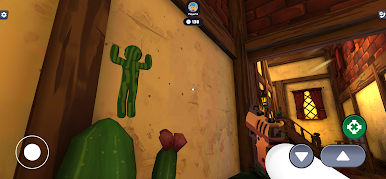
Play Paint Hide and Seek: Online on PC. It’s easy to get started.
-
Download and install BlueStacks on your PC
-
Complete Google sign-in to access the Play Store, or do it later
-
Look for Paint Hide and Seek: Online in the search bar at the top right corner
-
Click to install Paint Hide and Seek: Online from the search results
-
Complete Google sign-in (if you skipped step 2) to install Paint Hide and Seek: Online
-
Click the Paint Hide and Seek: Online icon on the home screen to start playing

