


Quotes Creator - Quote Maker
Play on PC with BlueStacks – the Android Gaming Platform, trusted by 500M+ gamers.

Page Modified on: Sep 18, 2025
Run Quotes Creator - Quote Maker on PC or Mac
Multitask effortlessly on your PC or Mac as you try out Quotes Creator – Quote Maker, a Photography app by Appexel App Maker on BlueStacks.
About the App
Ever get a phrase stuck in your head and just wish you could share it beautifully—with a personalized touch? With Quotes Creator – Quote Maker from Appexel App Maker, turning your thoughts, poems, or favorite quotes into eye-catching images is easier than ever. Whether you’re adding a splash of inspiration to your Instagram feed or want to create custom photo captions, this app delivers a simple yet creative space to express yourself. It’s made for anyone who loves mixing words with images, from expressive poets to social media enthusiasts. You can even try it on BlueStacks for a comfy desktop experience.
App Features
-
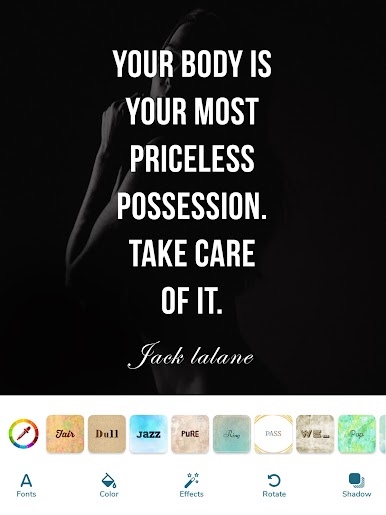
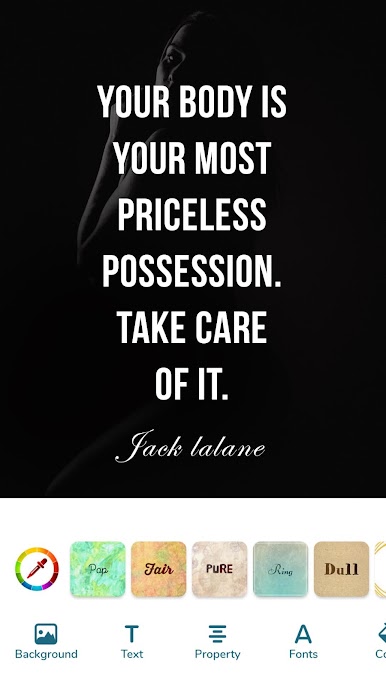
Endless Background Options
Pick from hundreds of gorgeous HD backgrounds ranging from artistic and dreamy to geometric and floral, or use your own photos for that really personal vibe. -
Full Text Customization
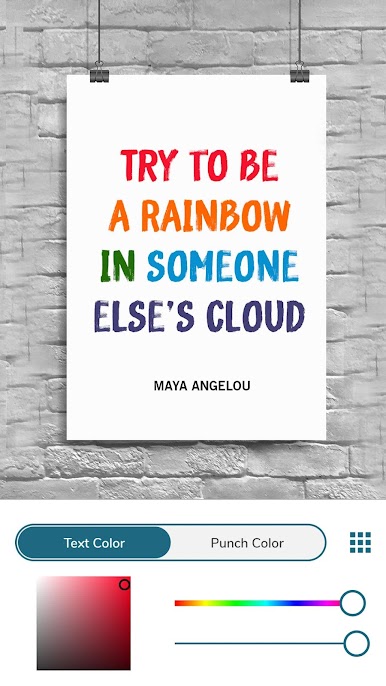
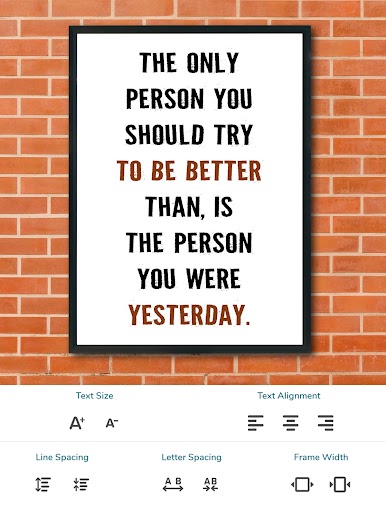
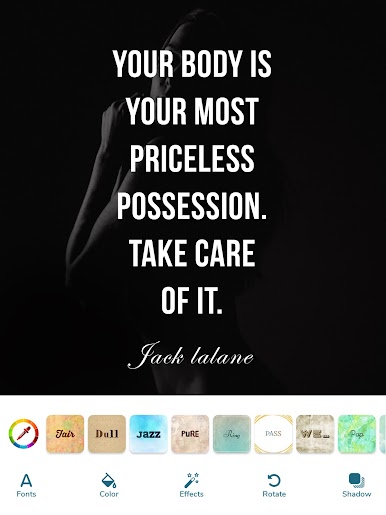
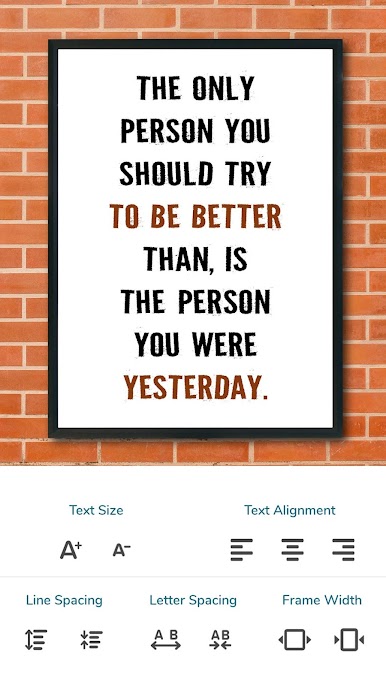
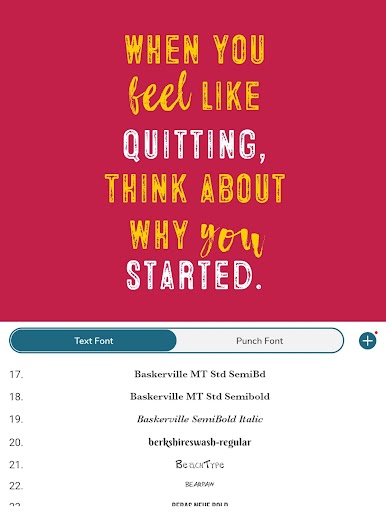
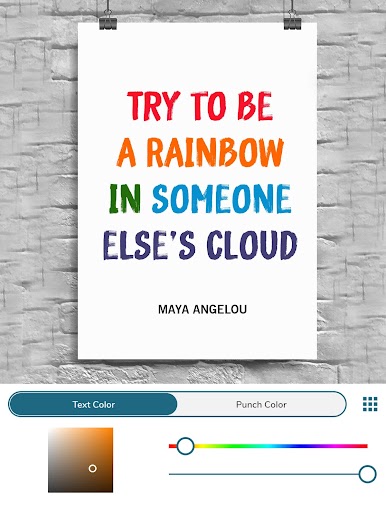
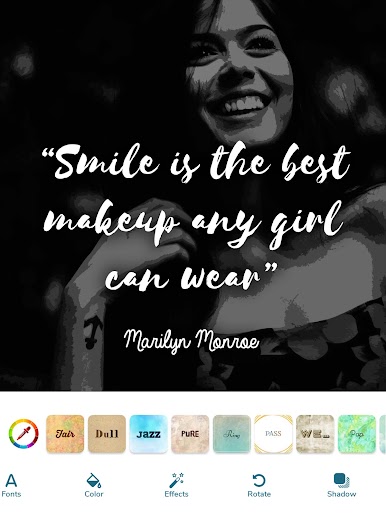
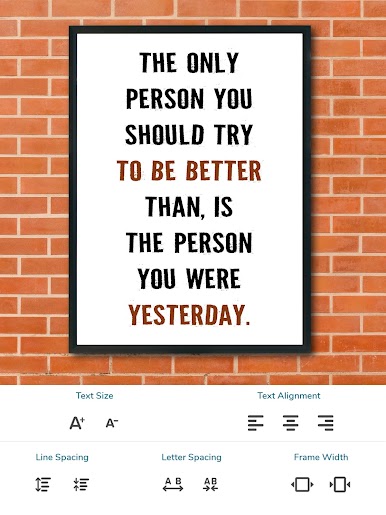
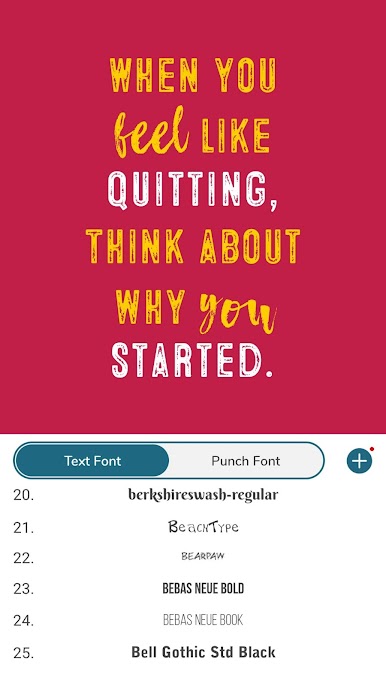
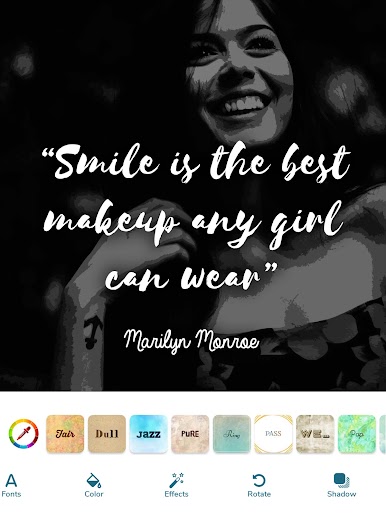
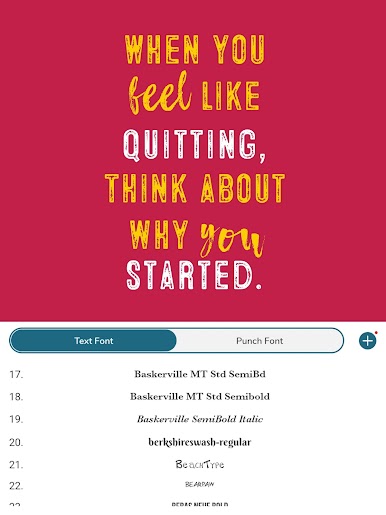
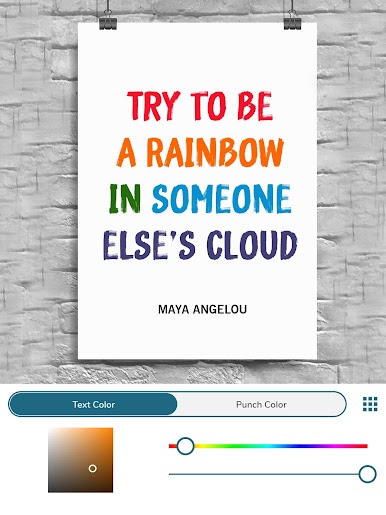
Tweak text size, fonts (over 100 to choose from), colors, and even add shadows. If you love variety, this one’s for you. -
Creative Effects for Photos
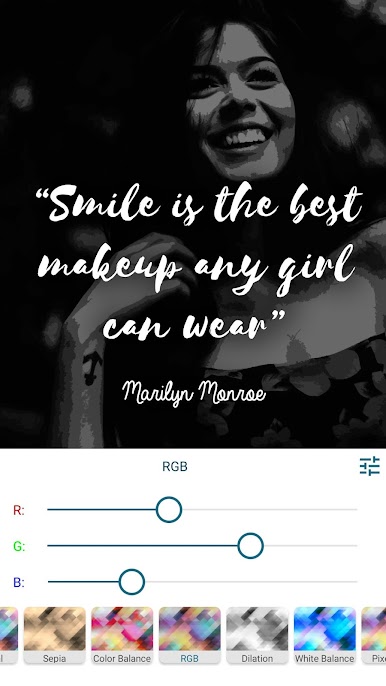
Play around with photo effects like blur, brightness, saturation, contrast, and colors so your quote really pops. -
Ready-to-Use Quotes Library
Not in the mood to write? Browse through a large collection of motivational, love, life, and success quotes from authors and personalities that you can quickly drop onto your background of choice. -
Easy Import & Sharing
Add logos, watermarks, or even a QR code—then share your creations directly to Instagram, Facebook, Twitter, WhatsApp, and more with just a tap. -
Flexible Templates & Management
Save your favorite templates, rearrange them for faster access, or create project templates for upcoming quote series. -
Solid & Gradient Background Choices
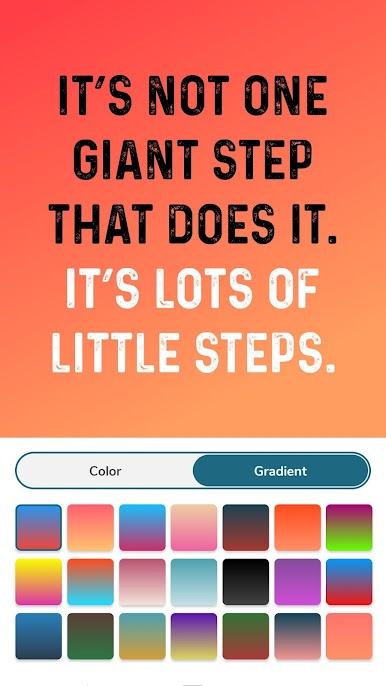
Don’t want a photo? Go minimal with solid or gradient backgrounds, matching your mood or message. -
Multiple Uses
Make banners for social media sites, write captions on pictures, create wallpapers with your favorite words, or even jazz up your profile covers—all within one app. -
Designed for a Smooth Experience
Simple, clean design makes the app easy to navigate and enjoyable to use—even if it’s your first quote post ever.
BlueStacks brings your apps to life on a bigger screen—seamless and straightforward.
Play Quotes Creator - Quote Maker on PC. It’s easy to get started.
-
Download and install BlueStacks on your PC
-
Complete Google sign-in to access the Play Store, or do it later
-
Look for Quotes Creator - Quote Maker in the search bar at the top right corner
-
Click to install Quotes Creator - Quote Maker from the search results
-
Complete Google sign-in (if you skipped step 2) to install Quotes Creator - Quote Maker
-
Click the Quotes Creator - Quote Maker icon on the home screen to start playing

