


Protrack GPS
Play on PC with BlueStacks – the Android Gaming Platform, trusted by 500M+ gamers.

Page Modified on: Feb 27, 2026
Run Protrack GPS on PC or Mac
Multitask effortlessly on your PC or Mac as you try out Protrack GPS, a Tools app by ITRYBRAND TECHNOLOGY (HONGKONG) CO.,LIMITED on BlueStacks.
About the App
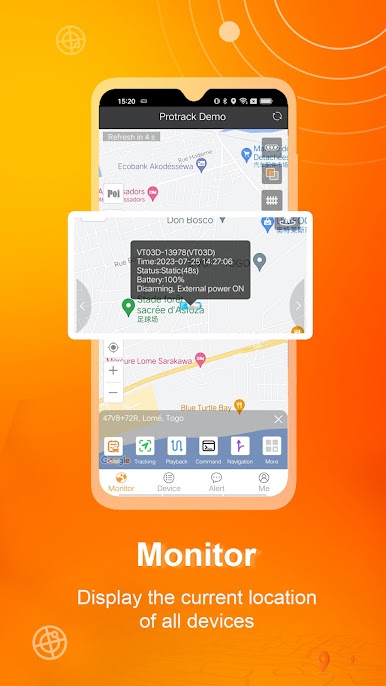
Need a simple way to keep tabs on your vehicles or equipment? Protrack GPS lets you check in on what matters most, right from your phone. Whether you’re keeping an eye on a family car or tracking fleet vehicles for work, this Tools app by ITRYBRAND TECHNOLOGY (HONGKONG) CO.,LIMITED puts live info at your fingertips, wherever you are. Just log in and see exactly where your tracked items are, no guessing.
App Features
-
Easy Login Options
Sign in with your account info or just use the IMEI—it’s straightforward, so you can get tracking fast without a bunch of hoops to jump through. -
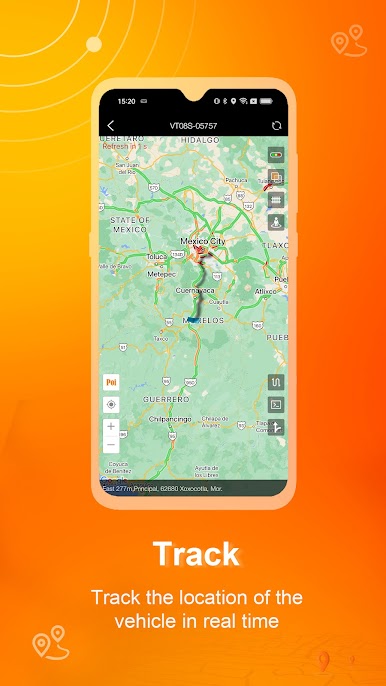
Live Location Updates
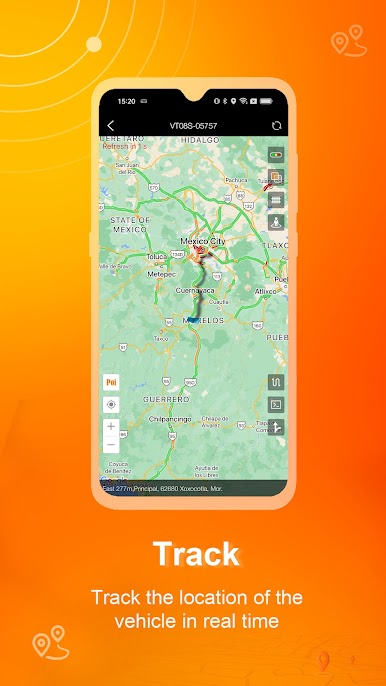
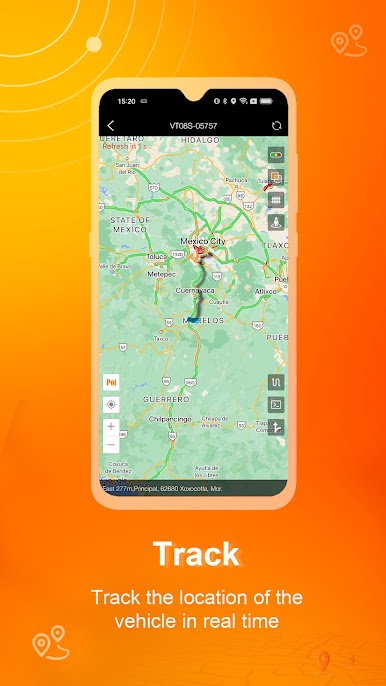
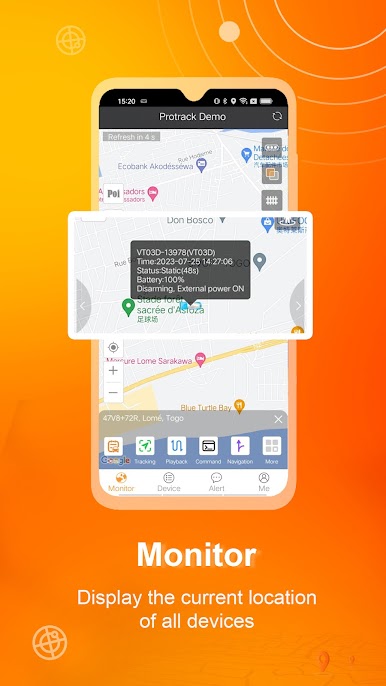
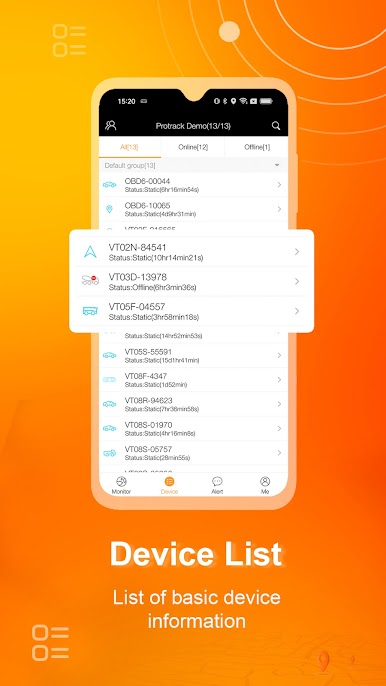
See exactly where your vehicles or tracked items are in real time. If you’re worried about where your car’s parked or checking on a delivery van, the current location is always just a tap away. -
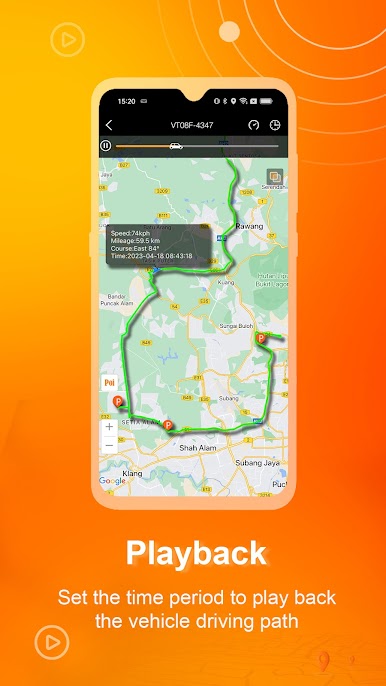
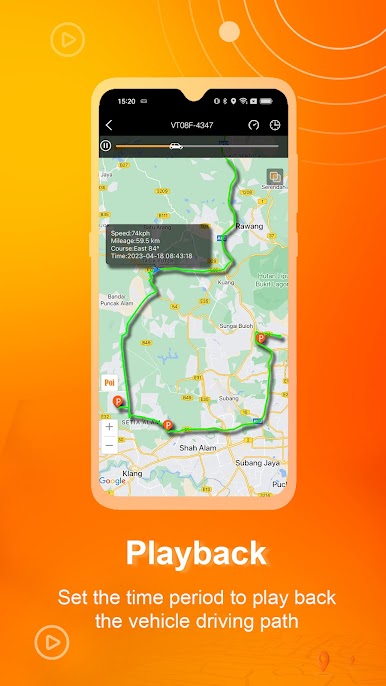
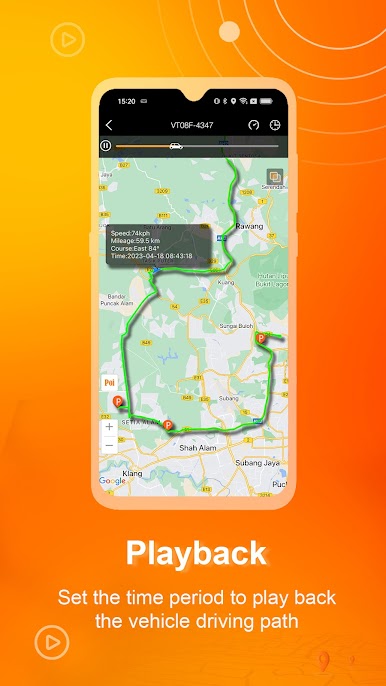
Location History Playback
Ever wonder where something’s been? You can check out previous routes and whereabouts with a simple playback feature. Go back through the day (or yesterday) and see every move. -
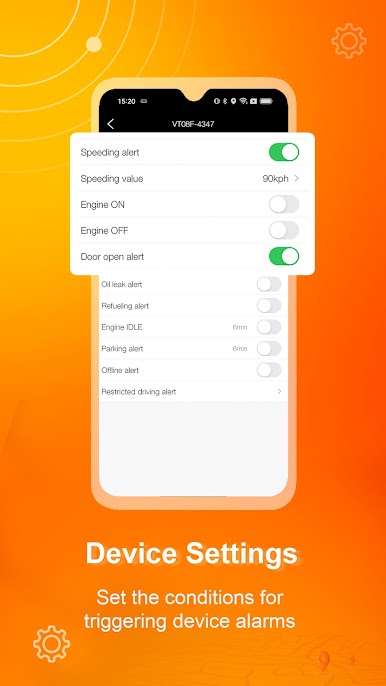
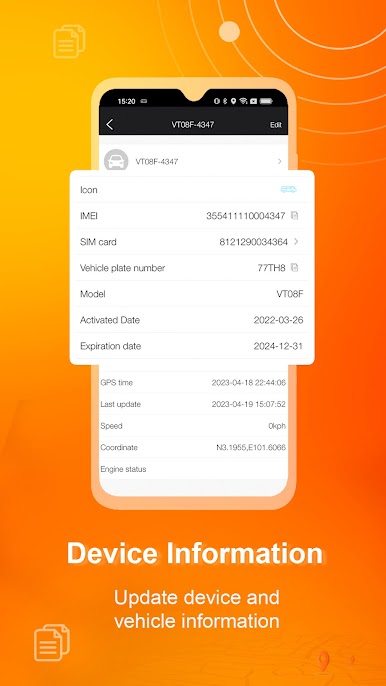
Target Info Management
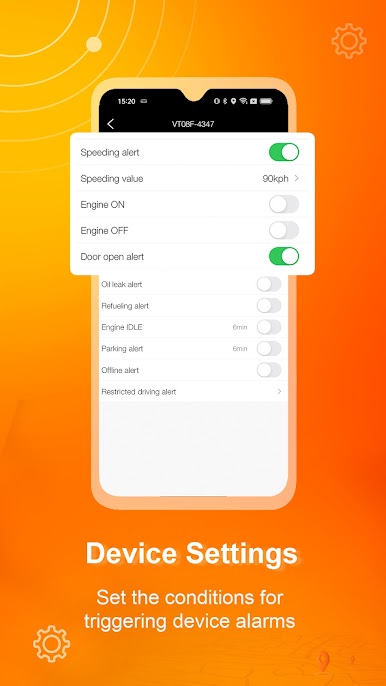
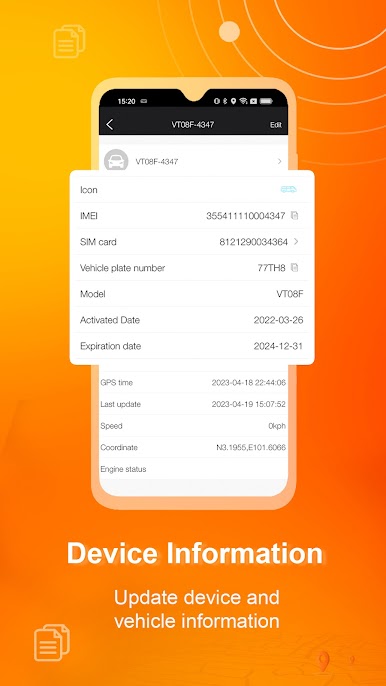
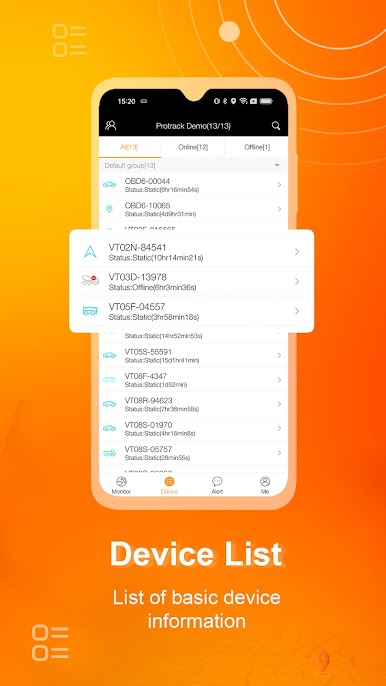
Change up the details about your tracked items, update the info, or check things like device settings. It’s all customizable so you can keep everything organized your way. -
Works Great on PC with BlueStacks
If you prefer checking in from a bigger screen, you can use Protrack GPS on your PC through BlueStacks for that extra convenience.
Protrack GPS packs straightforward tracking and sensible features into a tool that fits any routine—whether that’s the daily drive or a business that needs to watch a whole fleet.
Switch to BlueStacks and make the most of your apps on your PC or Mac.
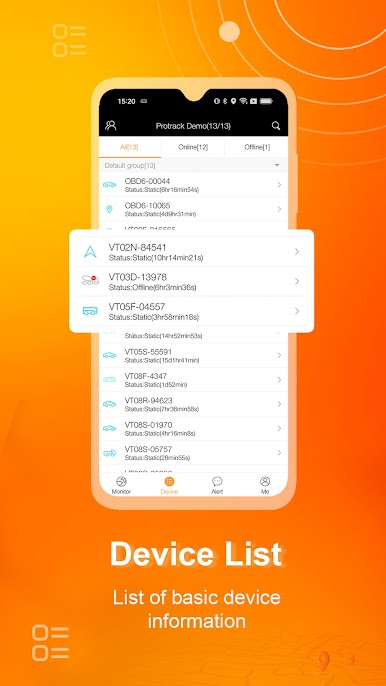

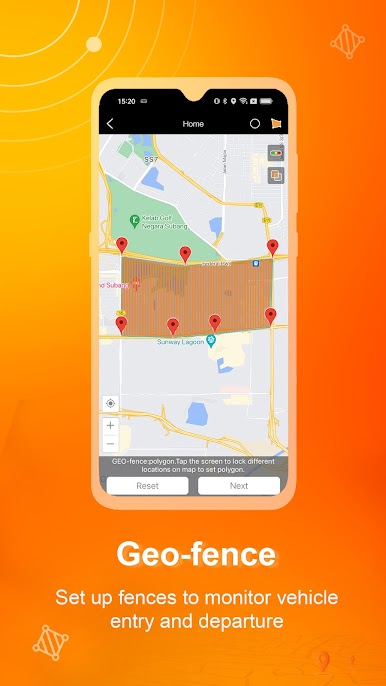




Play Protrack GPS on PC. It’s easy to get started.
-
Download and install BlueStacks on your PC
-
Complete Google sign-in to access the Play Store, or do it later
-
Look for Protrack GPS in the search bar at the top right corner
-
Click to install Protrack GPS from the search results
-
Complete Google sign-in (if you skipped step 2) to install Protrack GPS
-
Click the Protrack GPS icon on the home screen to start playing

