


BUSTED: Interrogation
Play on PC with BlueStacks – the Android Gaming Platform, trusted by 500M+ gamers.

Page Modified on: Oct 29, 2026
Play BUSTED: Interrogation on PC
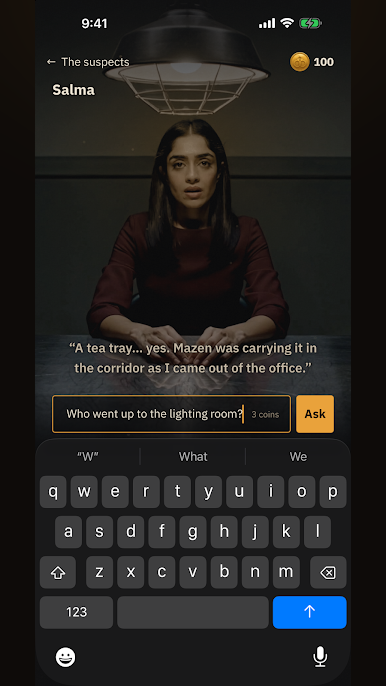
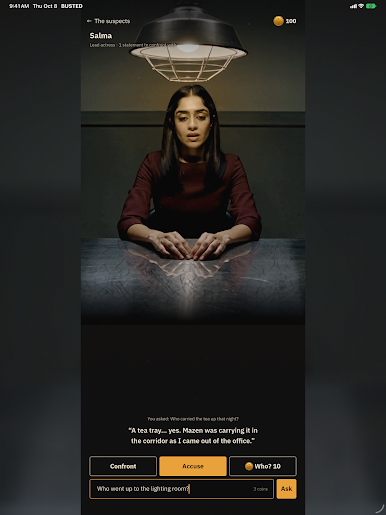
BUSTED has no question menus. You type what you want to ask, in your own words, and the character answers in their own voice. What catches your eye, you write down in your own notes.
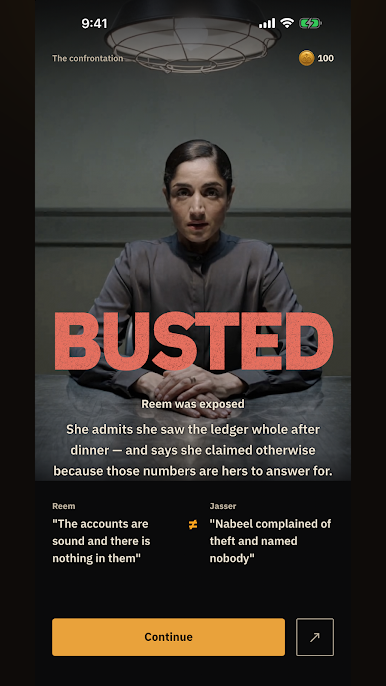
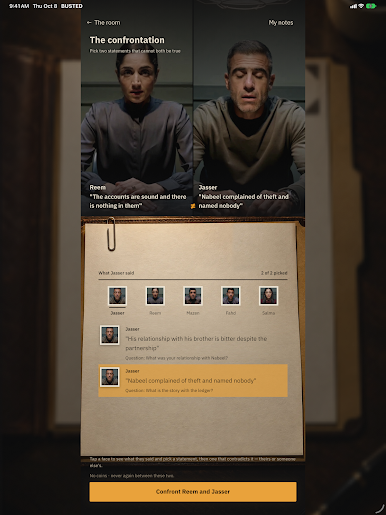
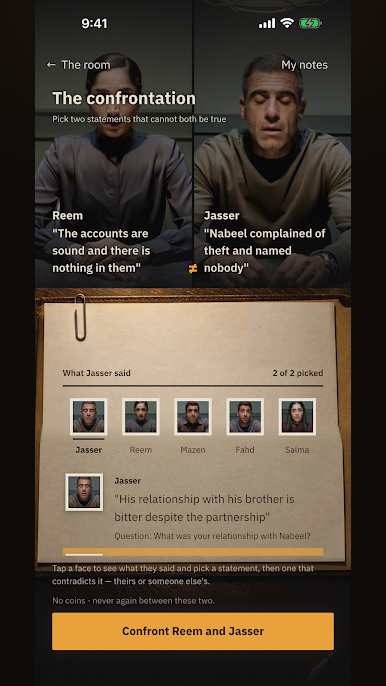
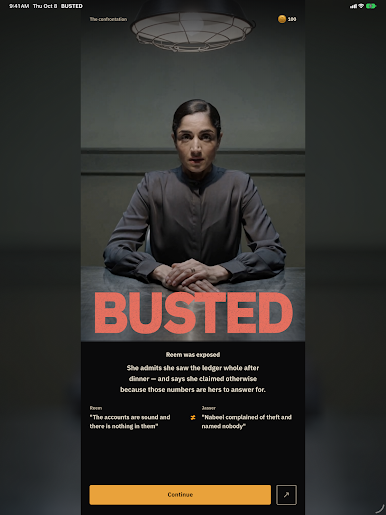
Then the moment comes: two statements you heard that cannot both be true. Put them face to face, and watch the person behind them get exposed.
• Free-text interrogation — ask in your own words, and no timer chases you.
• Your own notes for each case — keep what catches your eye, and you catch the contradiction.
• Accuse them to their face — and they will not confess unless you have enough on them.
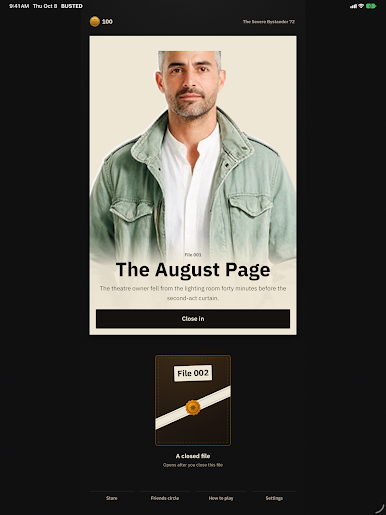
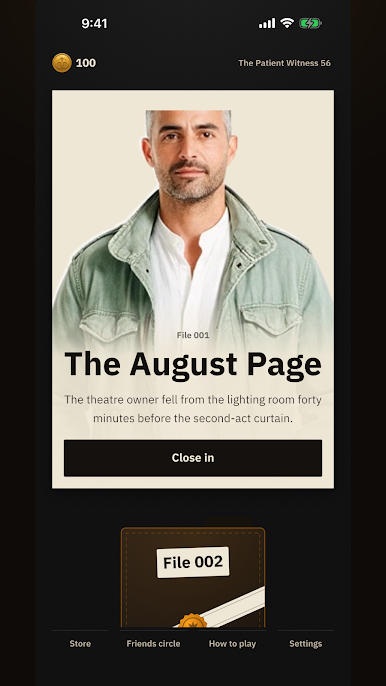
• A new case file opens every six hours, and the case of the week is free.
• Full Arabic and English.
One rule the game never tells you: four of the five are hiding something that is not the crime. Nervousness is not evidence.
— Your privacy —
No name, no email, no location, no account. Your device generates a random number for your saved case and your purchases; it carries no name and is never shared with advertisers. We measure with Google Firebase which cases are opened and which ads are shown — no name, nothing you type. Every reply has a Report button that removes it at once and sends it to us.
All characters, events and places are fictional.
Play BUSTED: Interrogation on PC. It’s easy to get started.
-
Download and install BlueStacks on your PC
-
Complete Google sign-in to access the Play Store, or do it later
-
Look for BUSTED: Interrogation in the search bar at the top right corner
-
Click to install BUSTED: Interrogation from the search results
-
Complete Google sign-in (if you skipped step 2) to install BUSTED: Interrogation
-
Click the BUSTED: Interrogation icon on the home screen to start playing

