


iWebTV - Cast Web Videos to TV
Play on PC with BlueStacks – the Android Gaming Platform, trusted by 500M+ gamers.

Page Modified on: Aug 30, 2023
Overview
Best Casting App! Cast any online video to your TV.
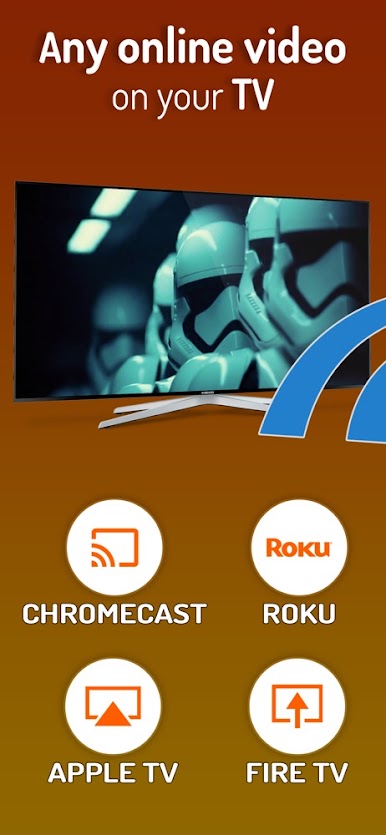
iWebTV™ works with Chromecast® + Roku® + Fire TV® + Apple TV® (4th Gen) , as well as smart TVs powered by Roku, Fire TV or Chromecast.
*** Feature Highlights ***
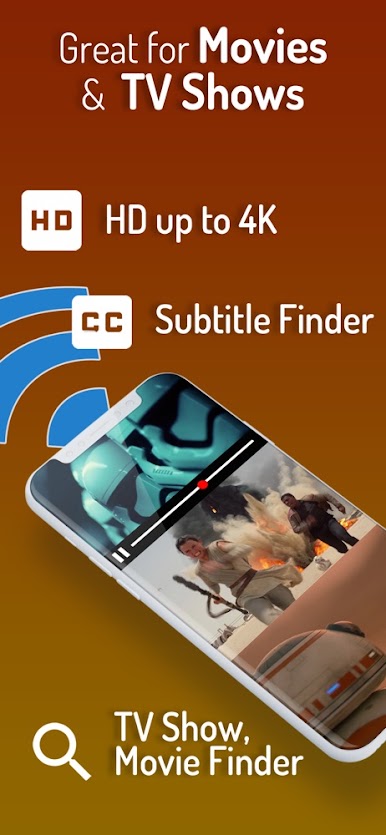
• HD resolution supported (1080p and up to 4K depending on the device)
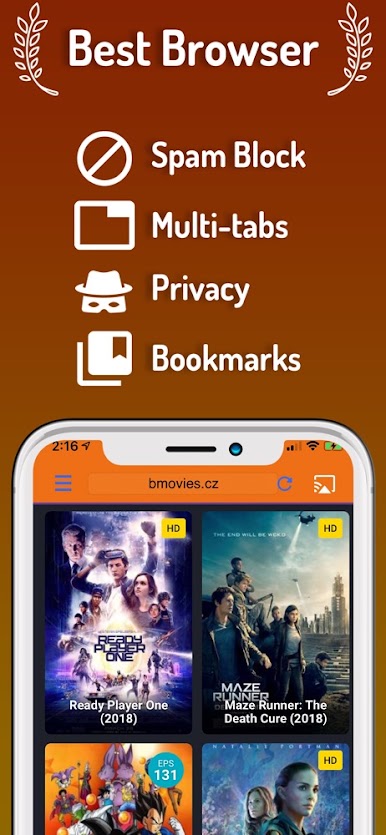
• Advanced browser, supports multiple browser tabs, blocks or hides spammy popups, search from the URL bar, ad blocker, browsing history etc...
• Subtitle auto-detect + Movie/TV Subtitle library
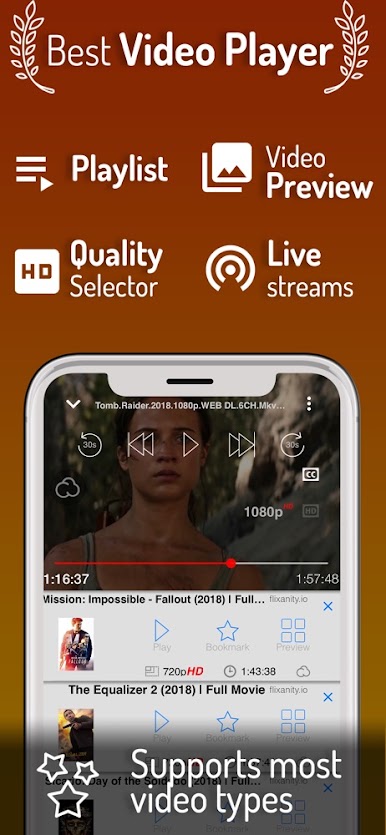
• Live streams support
• Video preview: up to 72 snapshots to instantly locate your favorite scenes.
• Binge-ready: queue up several videos, and enjoy.
• Set your own home page, bookmark web page or videos.
• Full playback controls, from the app or from the lock screen after exiting the app.
• Privacy modes: anonymous & private
Play iWebTV - Cast Web Videos to TV on PC. It’s easy to get started.
-
Download and install BlueStacks on your PC
-
Complete Google sign-in to access the Play Store, or do it later
-
Look for iWebTV - Cast Web Videos to TV in the search bar at the top right corner
-
Click to install iWebTV - Cast Web Videos to TV from the search results
-
Complete Google sign-in (if you skipped step 2) to install iWebTV - Cast Web Videos to TV
-
Click the iWebTV - Cast Web Videos to TV icon on the home screen to start playing

