


Wild Water World
Play on PC with BlueStacks – the Android Gaming Platform, trusted by 500M+ gamers.

Page Modified on: Aug 28, 2026
Main Wild Water World on PC
【Diving. Salvage. Survive. Build!】
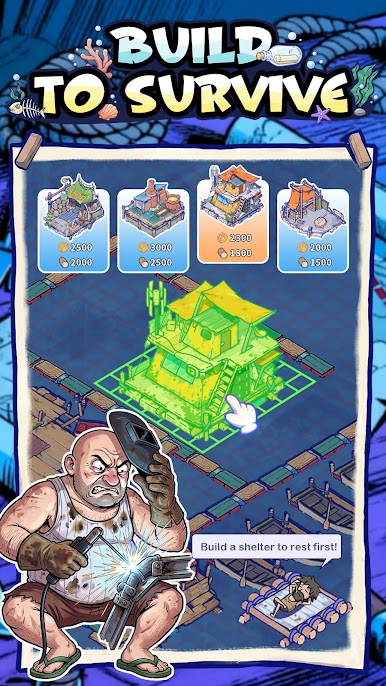
🌊 - Fortify Your Raft:
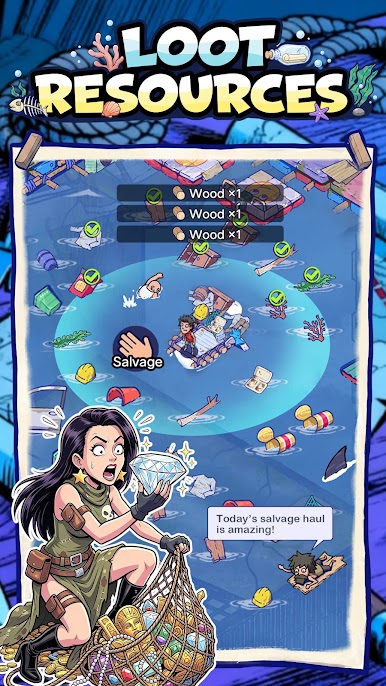
Gather every drifting resource you can find to strengthen your only sanctuary.
🦈- Conquer the Perilous Seas:
Fight off frenzied sharks and defeat ruthless pirates lurking in the deep.
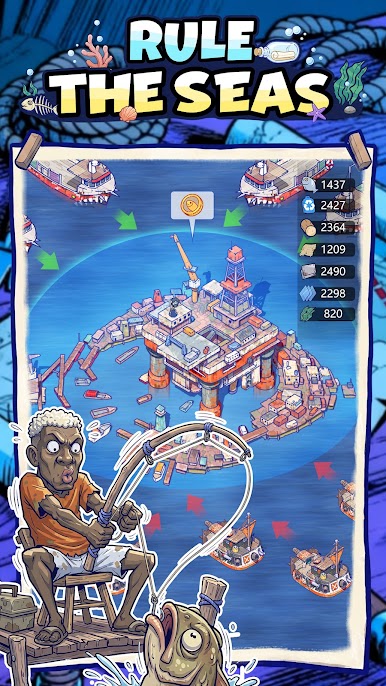
🔨- Rebuild Civilization:
Survive the apocalypse and reignite the light of human society against all odds!
---------------------------------------------
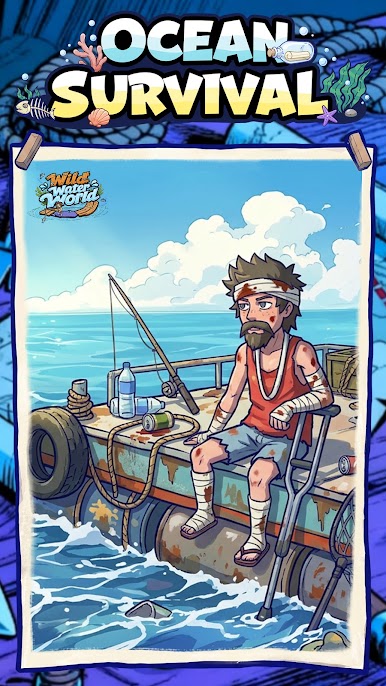
The tides are rising, and predators are circling. Will you sink, or will you rule the ocean?
It’s time to stand up!

Play Wild Water World on PC. It’s easy to get started.
-
Download and install BlueStacks on your PC
-
Complete Google sign-in to access the Play Store, or do it later
-
Look for Wild Water World in the search bar at the top right corner
-
Click to install Wild Water World from the search results
-
Complete Google sign-in (if you skipped step 2) to install Wild Water World
-
Click the Wild Water World icon on the home screen to start playing

