


Seafood Paradise
Play on PC with BlueStacks – the Android Gaming Platform, trusted by 500M+ gamers.

Page Modified on: Aug 26, 2026
Play Seafood Paradise on PC
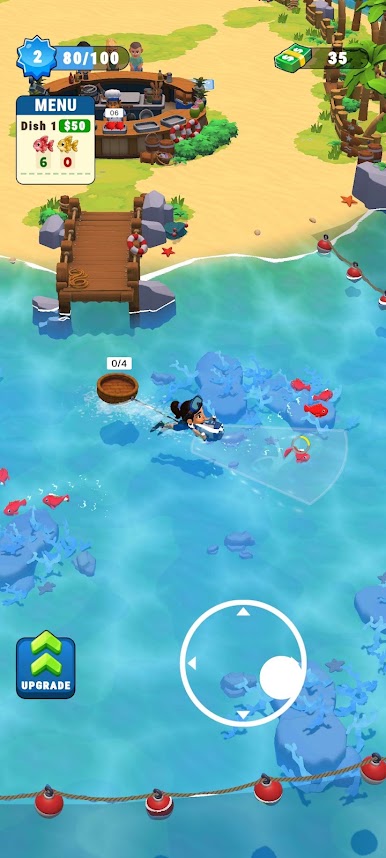
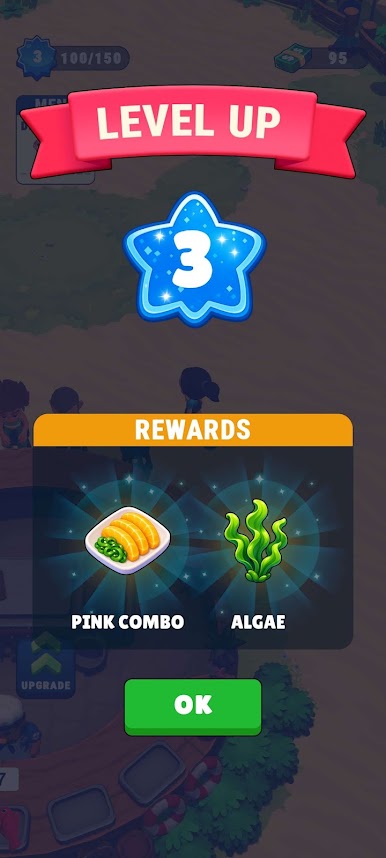
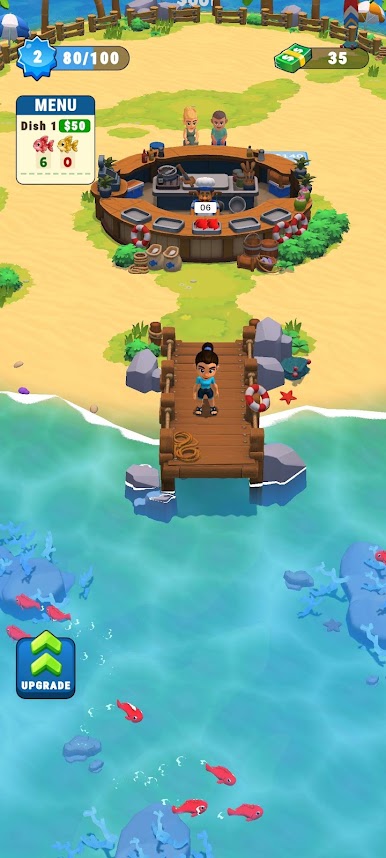
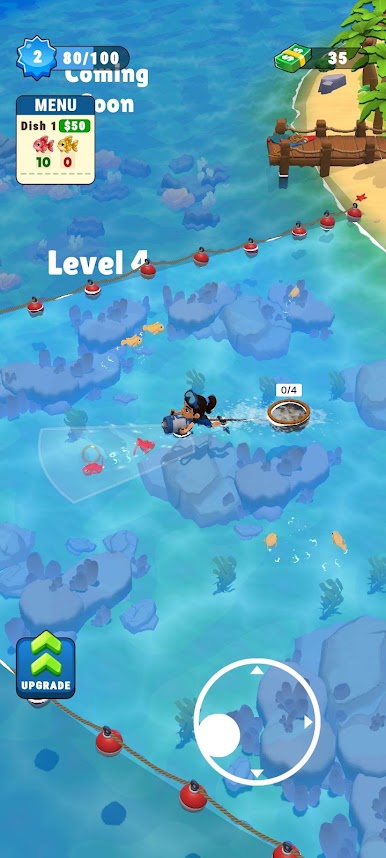
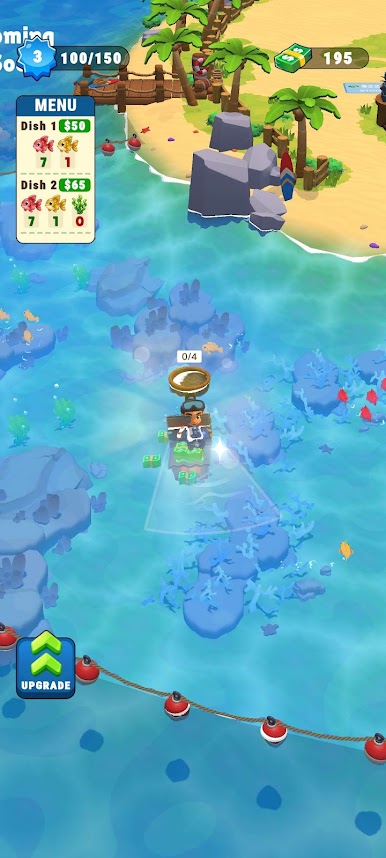
Dive into the ocean to catch fresh fish, prepare mouth-watering seafood dishes, and serve hungry customers relaxing by the shore. Upgrade your beach venue, hire helpful staff, and expand your island empire into a world-class dining destination!
Game Features:
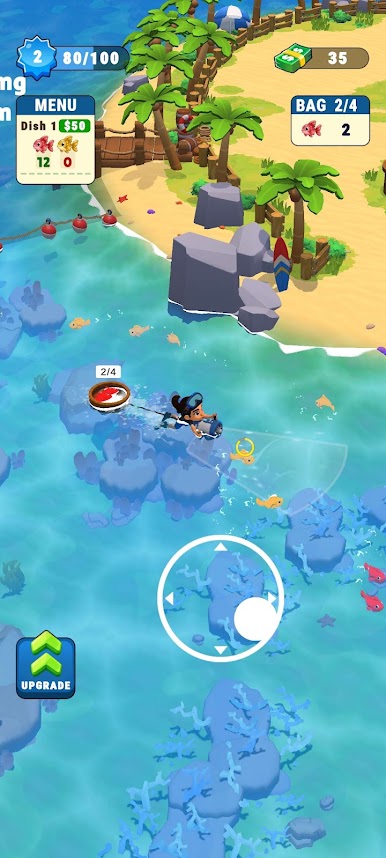
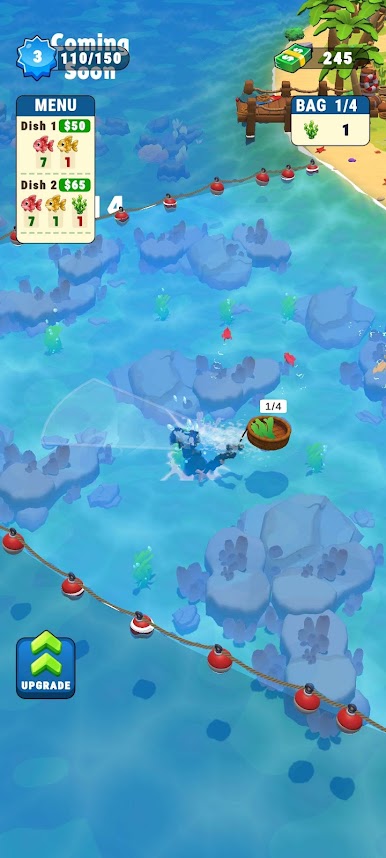
Catch & Cook: Swim out into crystal-clear waters using your fishing net to scoop up fresh fish, then bring them back to the kitchen to prepare fresh meals.
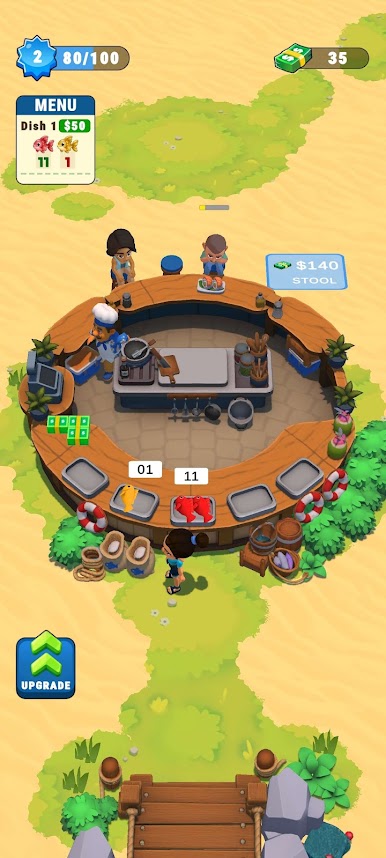
Serve Hungry Guests: Deliver delicious seafood plates to outdoor beach tables and keep your customers happy.
Relaxing Gameplay: Enjoy smooth controls, vibrant tropical visuals, and satisfying idle arcade management gameplay.
Download Seafood Paradise today and start building the oceanfront restaurant of your dreams!

Play Seafood Paradise on PC. It’s easy to get started.
-
Download and install BlueStacks on your PC
-
Complete Google sign-in to access the Play Store, or do it later
-
Look for Seafood Paradise in the search bar at the top right corner
-
Click to install Seafood Paradise from the search results
-
Complete Google sign-in (if you skipped step 2) to install Seafood Paradise
-
Click the Seafood Paradise icon on the home screen to start playing

