


Bucket Jam: Basketball Shots
Play on PC with BlueStacks – the Android Gaming Platform, trusted by 500M+ gamers.

Page Modified on: Sep 16, 2026
Play Bucket Jam: Basketball Shots on PC
FOUR QUARTERS, 24 SECONDS EACH
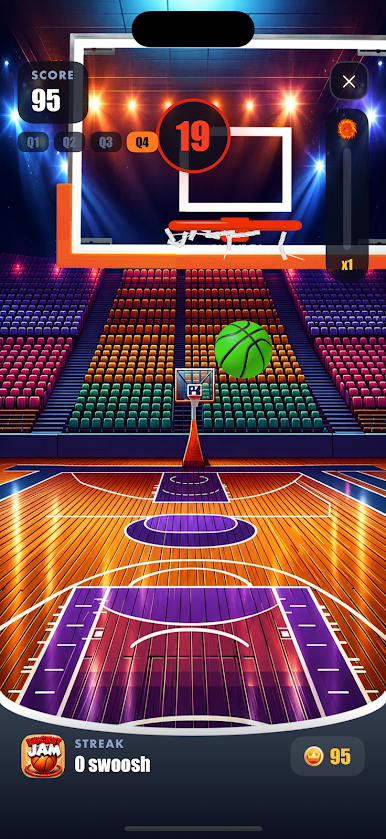
The shot clock starts on your first shot and it never waits. Q1 puts the hoop straight in front of you. Q2 sets it moving. Q3 throws three balls at you at once. Q4 brings the moving hoop back, with a bonus on every point you land.
SWOOSH OR NOTHING
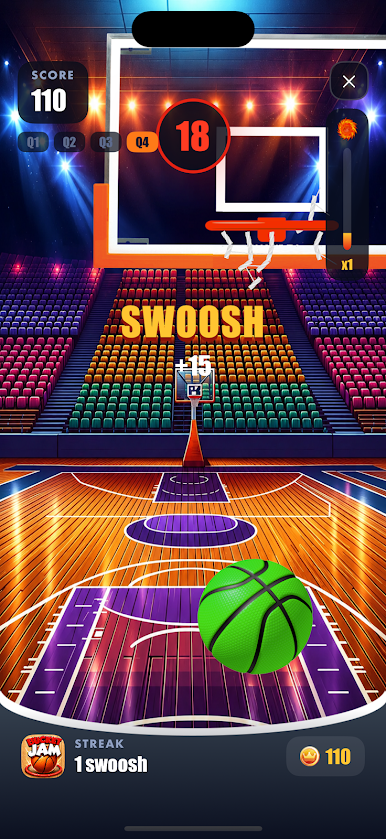
Clean through the net: +3. Off the rim and in: +1. Rim and out: nothing. Airball: -1.
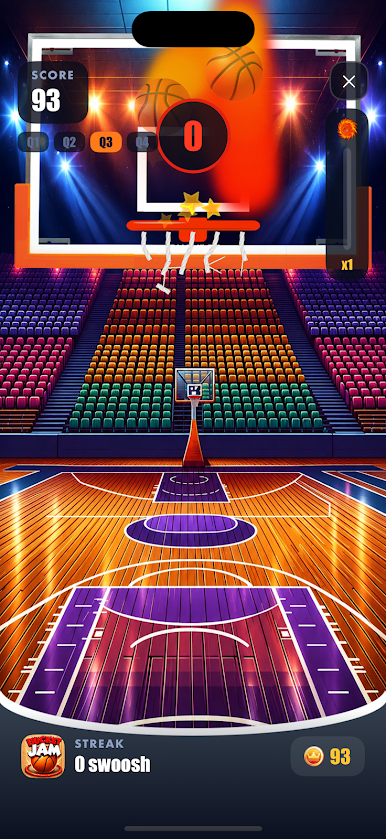
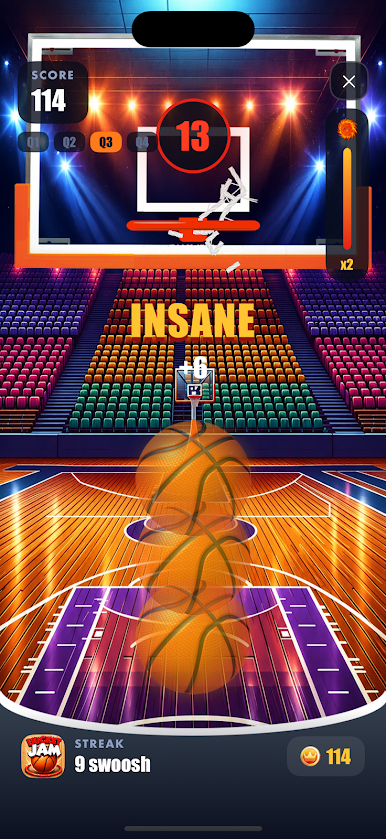
Chain your swooshes and the streak gauge fills, your points double, and the ball catches fire. A fireball tears straight through the net and cuts it loose, strand by strand.
A REAL COURT
Stadium crowd, organ riffs, referee whistles, and a commentator who reacts to your run: GOOD, EXCELLENT, STOP THAT, HARDCORE, INSANE.
PLAY THE FRIEND SITTING NEXT TO YOU
Local 1v1 duel. Two phones on the same Wi-Fi find each other, and you shoot the same four quarters side by side, with both scores live on both screens.
COINS AND COURTS
Every point you score is a coin. Spend them on the Venice Beach outdoor court, with its own atmosphere and its chain net. Come back every day for the daily challenge: five swooshes in a row.
BEAT YOUR OWN RECORD
Your best score, your day streak and your rank are on the home screen. Every game ends with the full breakdown: swooshes, baskets, misses, airballs, coins earned.
PLAYS OFFLINE
No account, no sign-in, no connection needed. Available in English, French, German, Spanish, Italian, Russian, Hindi and Arabic.
Simple to pick up, hard to keep clean. Can you hold a streak for four quarters?

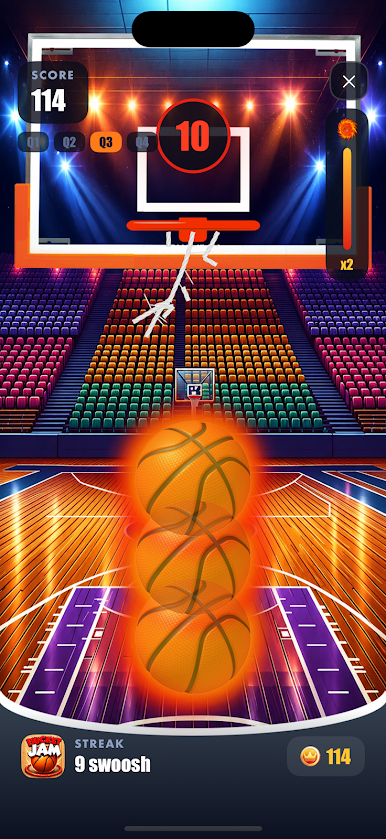
Play Bucket Jam: Basketball Shots on PC. It’s easy to get started.
-
Download and install BlueStacks on your PC
-
Complete Google sign-in to access the Play Store, or do it later
-
Look for Bucket Jam: Basketball Shots in the search bar at the top right corner
-
Click to install Bucket Jam: Basketball Shots from the search results
-
Complete Google sign-in (if you skipped step 2) to install Bucket Jam: Basketball Shots
-
Click the Bucket Jam: Basketball Shots icon on the home screen to start playing

