


Word Search
Play on PC with BlueStacks – the Android Gaming Platform, trusted by 500M+ gamers.

Page Modified on: Oct 21, 2025
Main Word Search on PC
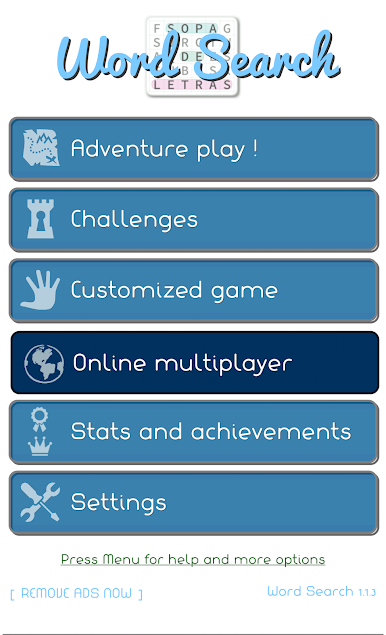
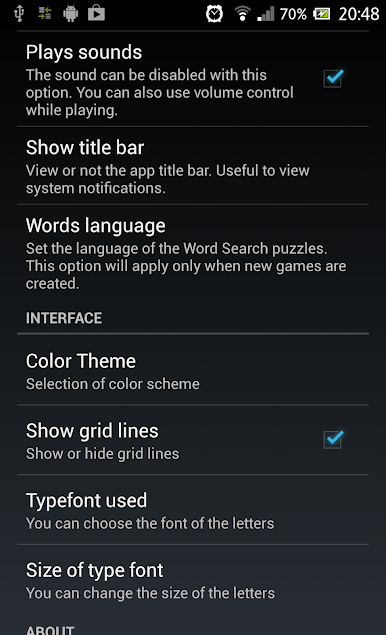
Available in 4 languages: English, Spanish, Portuguese and Turkish!
【 HIGHLIGHTS 】
✔ Full game is free, with very few ads
✔ Original Game Modes: Image Search, questions, sayings, etc..
✔ Custom words puzzles
✔ Play via Bluetooth with your friends
✔ Compatible with all devices including tablets
✔ Learn new vocabulary in english or spanish.
✔ No intrusive permissions and very few space needed (3.5 Mb)
✔ Share your wordsearch with friends.
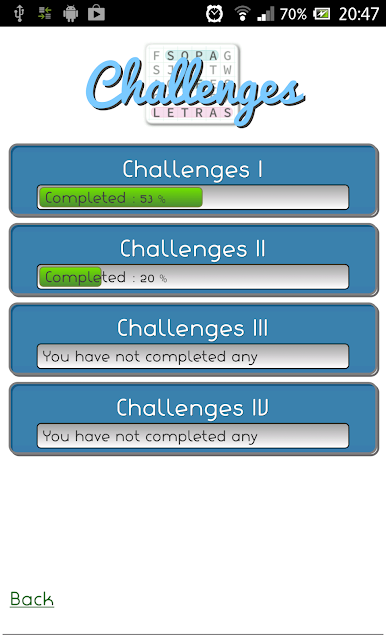
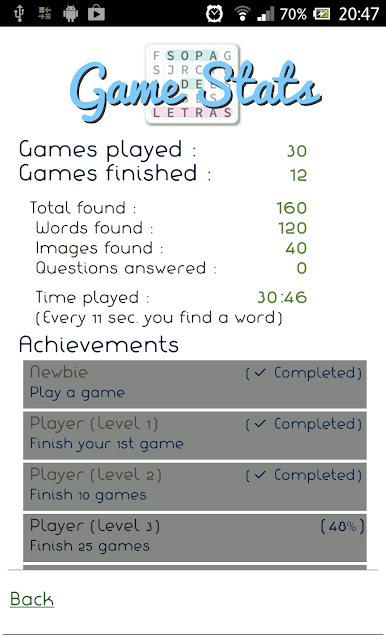
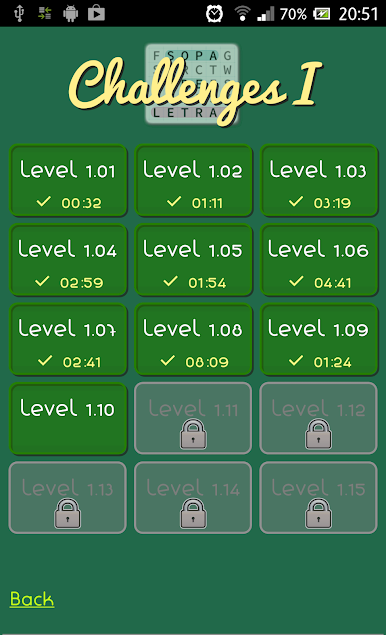
✔ Challenges, achievements and statistics.
✔ Hints: Don't get stuck!
✔ Thousands of words
【 Original Game modes 】
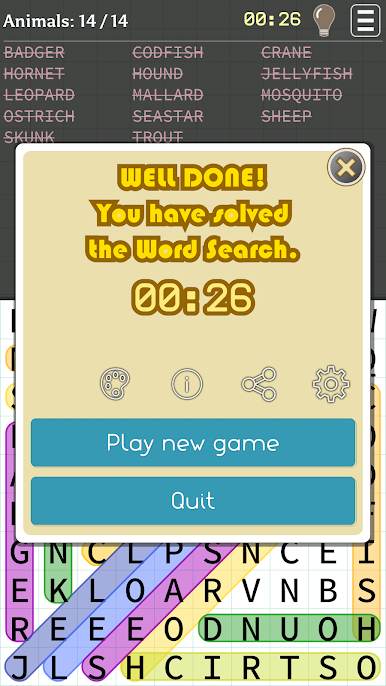
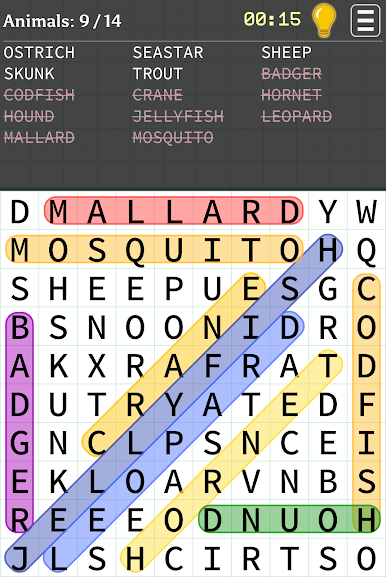
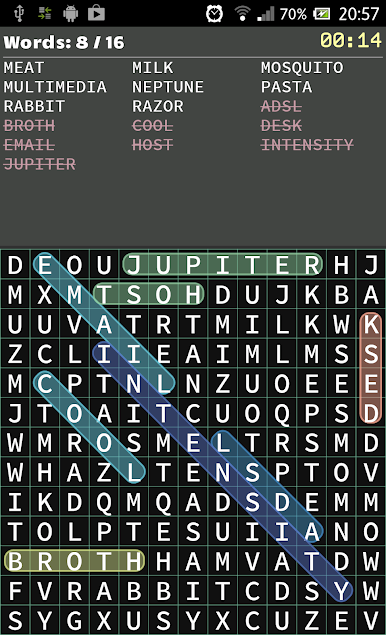
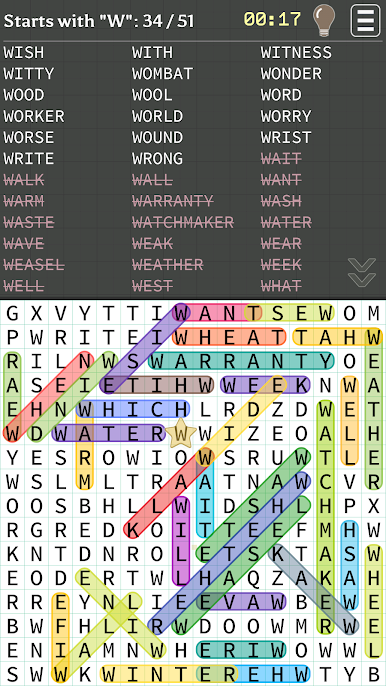
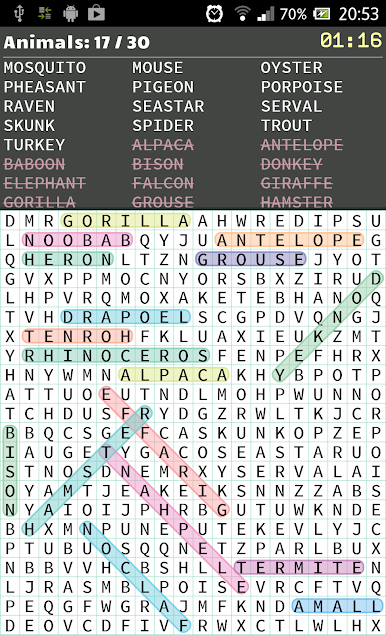
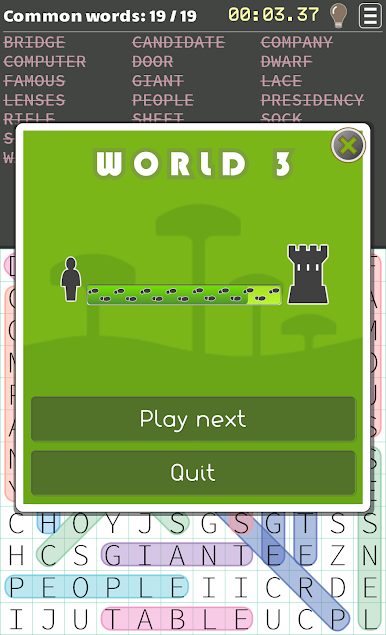
◉ Words: The traditional word find playmode. Just find all the words from the list in the shortest time possible.
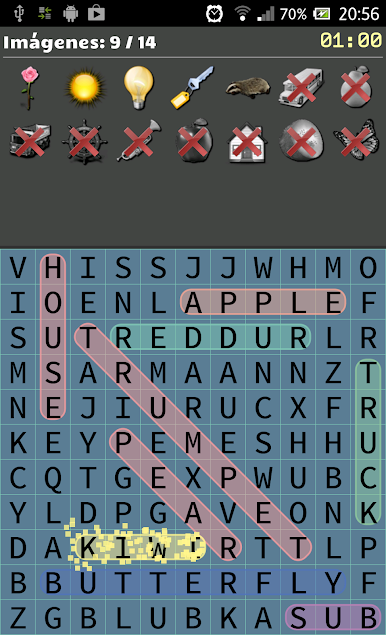
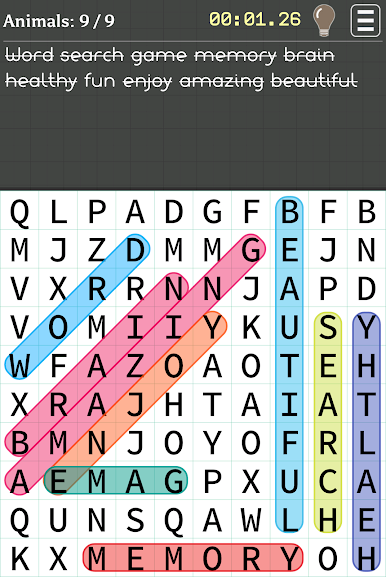
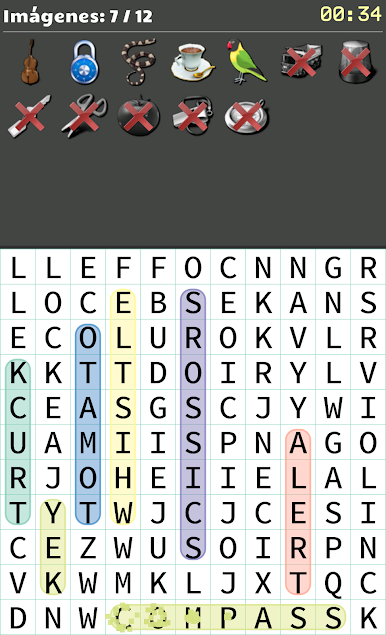
◉ Images: You have to find the words from the images given.
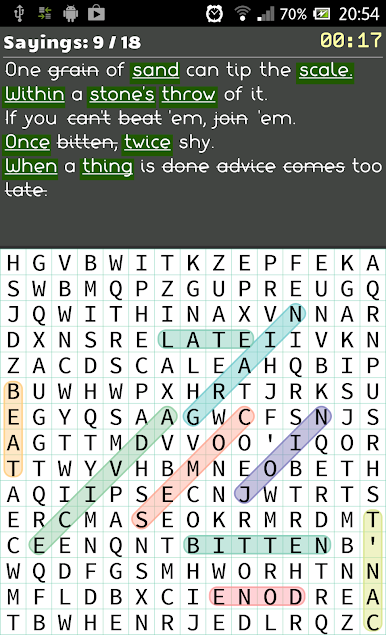
◉ Phrases: A series of phrases are shown, with some highlighted words, which have to be found.
◉ Questions: The hardest mode, because from a given definition you must figure out the answer and find it. It's a challenge.
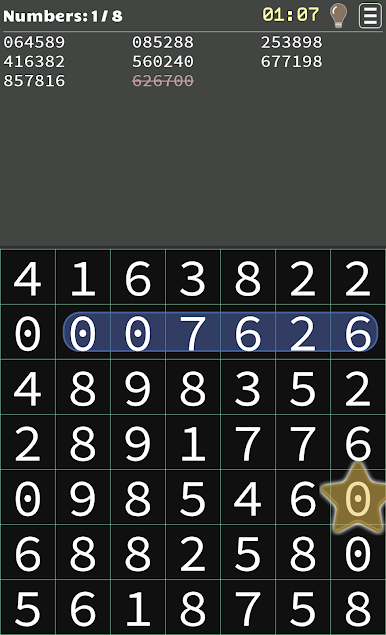
◉ Numbers: Find sequences of numbers
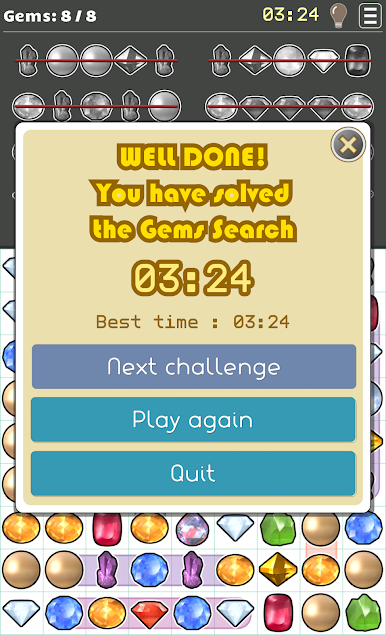
◉ Gems search: Find the gems and diamonds in the same bunch.
Just one more thing...
ENJOY !!!


Play Word Search on PC. It’s easy to get started.
-
Download and install BlueStacks on your PC
-
Complete Google sign-in to access the Play Store, or do it later
-
Look for Word Search in the search bar at the top right corner
-
Click to install Word Search from the search results
-
Complete Google sign-in (if you skipped step 2) to install Word Search
-
Click the Word Search icon on the home screen to start playing

