


Super Sus
Play on PC with BlueStacks – the Android Gaming Platform, trusted by 500M+ gamers.

Page Modified on: Mar 26, 2026
Main Super Sus on PC
EXPERIENCE INTRIGUE AND STRATEGY
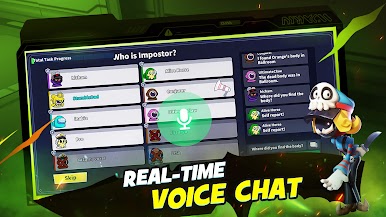
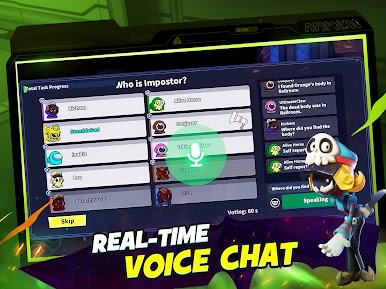
- Play as a Spacecrew: Achieve victory by completing all tasks or smartly identifying and voting out the impostors.
- Play as an Impostor: Execute covert eliminations and deploy strategic sabotages to create discord among the Spacecrew.
- Play as a Neutral: Each neutral role comes with unique objectives. Excel in these roles to claim your victory.
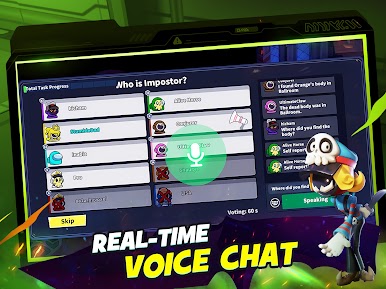
- Teamwork is Key: Work closely with teammates to complete critical tasks and ensure the safety of your spaceship. Will you maintain trust, or will betrayal lead to chaos?
PARTY FOR FUN
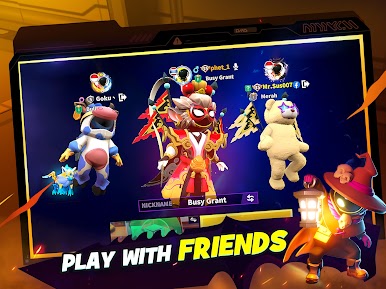
- Duo and Squad Modes: Perfect for playing alongside friends and family. Team up, strategize, deduce, and enjoy the game together.
- Private Rooms with Custom Rules: Take control by setting your own game rules and inviting friends and family to join.
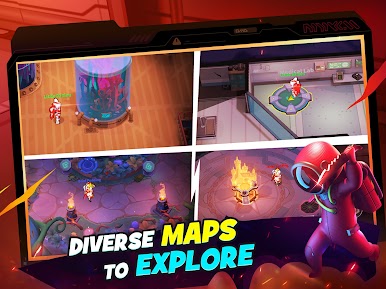
DIVERSE MODES:
- Colosseum: Fight to be the last one standing in this ultimate survival challenge.
- Hide & Seek: Complete tasks and dodge the hunters in this thrilling evasion showdown.
- Lover Mode:Stay alive with your lover and navigate challenges together to secure victory.
- More: More modes are waiting for you to explore.
CUSTOMIZE YOUR GAMEPLAY:
- Upgrade Your Role: Enhance your roles with exclusive Emotes, Action Effects, Fashion outfits, and more. Stand out with your unique style!
STAY CONNECTED WITH US
- Join our vibrant community: Follow us on Facebook, Twitter, YouTube, TikTok, Discord, and Instagram under "Super Sus."
- Explore Further: Visit our official website at https://www.supersus.io for more information, updates, and events!


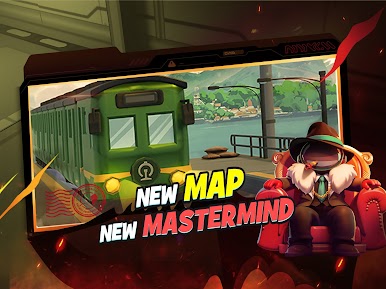
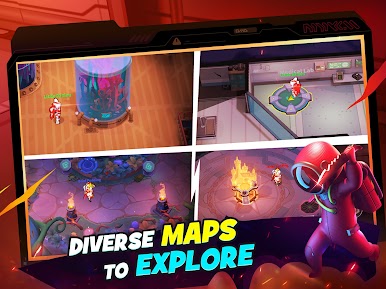

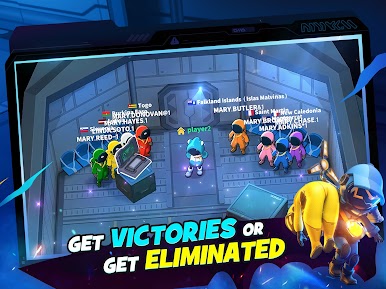


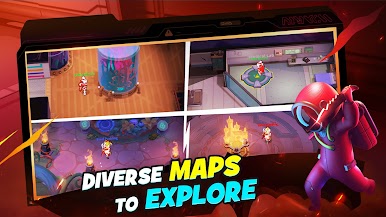
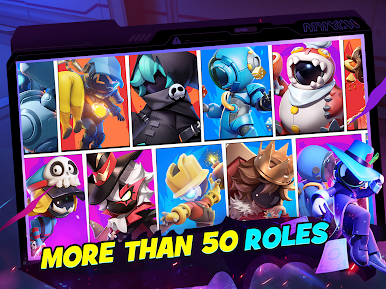
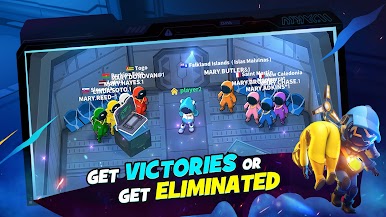


Play Super Sus on PC. It’s easy to get started.
-
Download and install BlueStacks on your PC
-
Complete Google sign-in to access the Play Store, or do it later
-
Look for Super Sus in the search bar at the top right corner
-
Click to install Super Sus from the search results
-
Complete Google sign-in (if you skipped step 2) to install Super Sus
-
Click the Super Sus icon on the home screen to start playing

